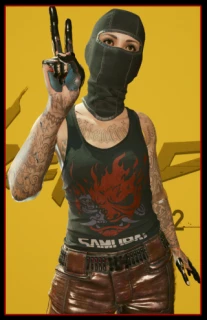
Cropped Off-Shoulder Sweater v1.0



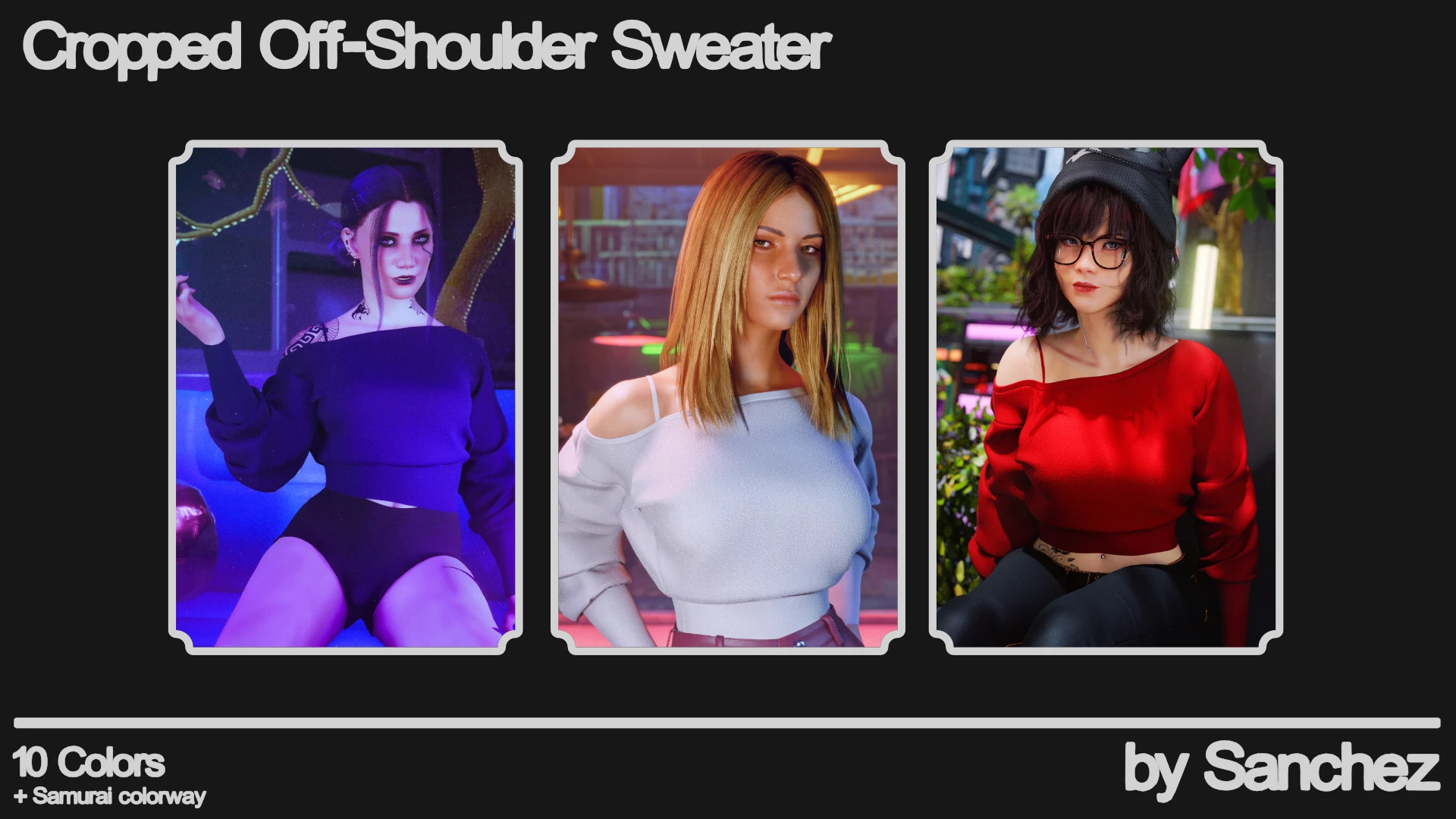

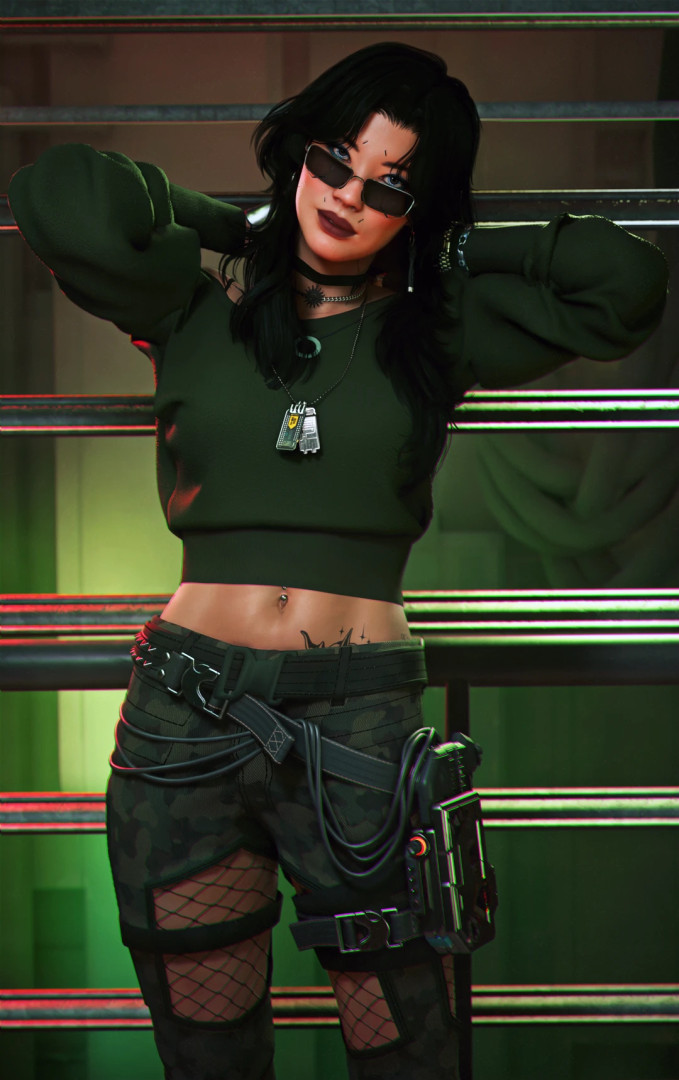


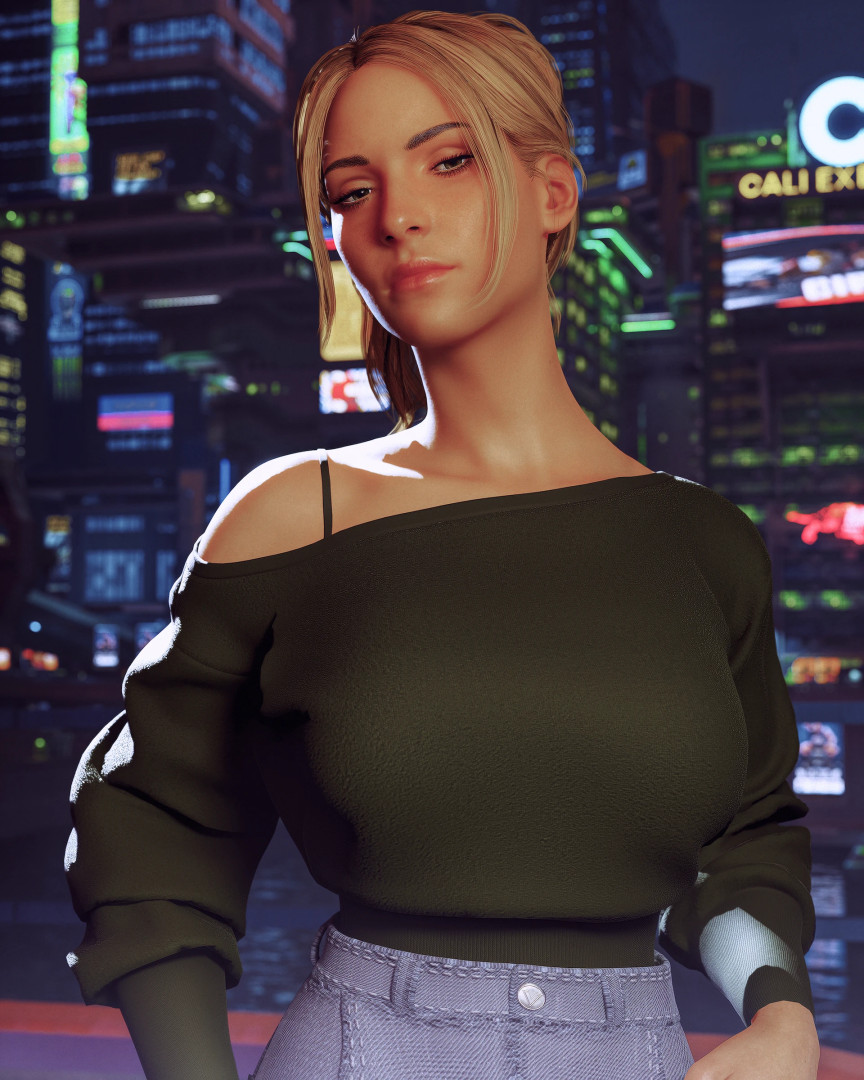
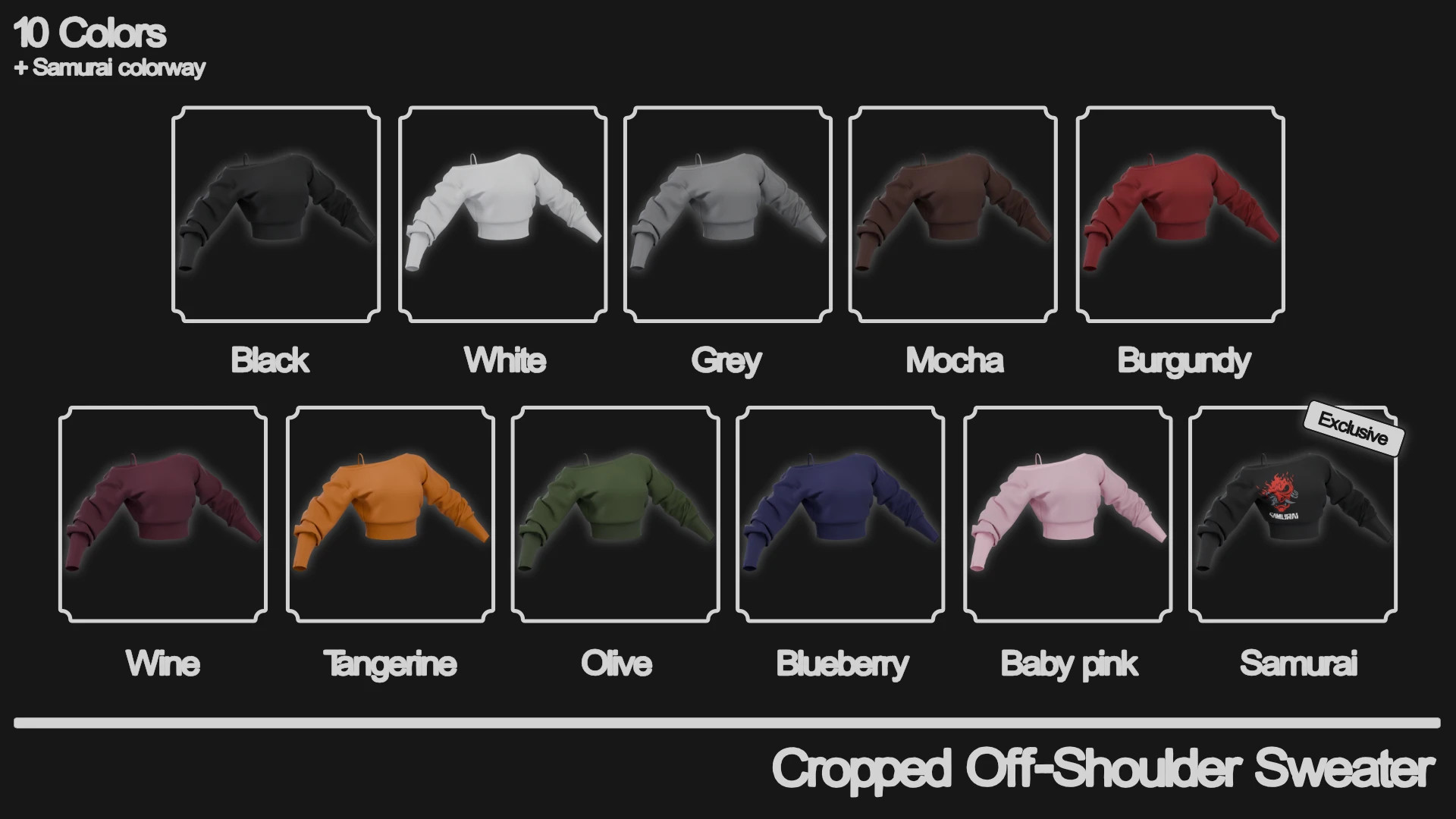
Cropped Off-Shoulder Sweater
Installation
– Download and install all required mods from the Requirements tab.
– Manual installation:
Download the ZIP file, extract it, and move the "archive", "bin", and "r6" folders into your main game directory.
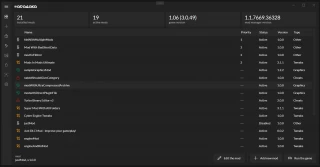
– Vortex installation (recommended):
Click the Mod Manager Download option, and Vortex will handle the installation automatically.
How to Get the Item
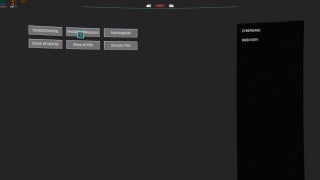
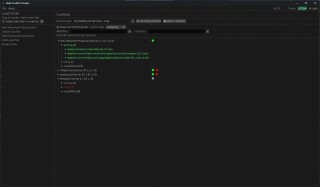
– Open the CyberEngineTweaks overlay by pressing the Home key
– Go to the console
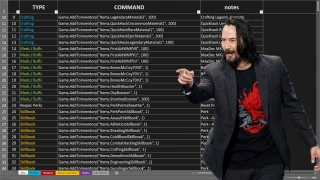
– Paste one of the following codes depending on the color variant you want
CET Codes
– Game.AddToInventory("Items.off_shoulder_sweater_black", 1)
– Game.AddToInventory("Items.off_shoulder_sweater_white", 1)
– Game.AddToInventory("Items.off_shoulder_sweater_grey", 1)
– Game.AddToInventory("Items.off_shoulder_sweater_burgundy", 1)
– Game.AddToInventory("Items.off_shoulder_sweater_wine", 1)
– Game.AddToInventory("Items.off_shoulder_sweater_olive", 1)
– Game.AddToInventory("Items.off_shoulder_sweater_blueberry", 1)
– Game.AddToInventory("Items.off_shoulder_sweater_babypink", 1)
– Game.AddToInventory("Items.off_shoulder_sweater_mocha", 1)
– Game.AddToInventory("Items.off_shoulder_sweater_tangerine", 1)
– Game.AddToInventory("Items.off_shoulder_sweater_samurai", 1)
Uninstall
– Manual:
Remove "sanchez_off_shoulder_sweater.archive.xl" and "off_shoulder_sweater.archive" from the archive\pc\mod folder.
Remove "sanchez_off_shoulder_sweater.yaml" from the r6\tweaks folder.
– Vortex:
Disable the mod or remove it through Vortex.
External Download Links:
About Mod
| Latest Version | v1.0 |
| Game | Cyberpunk 2077 |
| Category | Armour and Clothing |
| Game Version | 1.11 |
| Downloads | 8 |
| Created | 4 months ago |