Satsu Iron man addon v2.12

![Timeless and Classics Zero (TaCZ) [Minecraft 1.20.1, 1.19.2, 1.18.2]](https://i2.modland.net/i/669683678b42d/description_0ac47139-8e79-4b76-8a0c-d79bcb9039df_modland.webp)
Timeless and Classics Zero (TaCZ) [Minecraft 1.20.1, 1.19.2, 1.18.2]
44363
916
6
2 years ago
by
Rol_nd
![NeoForge Installer [Minecraft 1.21.1, 1.20.6 - 1.20.1]](https://i2.modland.net/i/66c5cbeb7e5ee/neoforge_modland.webp)
![Armor Durability HUD [Minecraft 1.21.4, 1.21.3, 1.21.2, 1.21.1, 1.21]](https://i2.modland.net/i/674bc2c2c404b/190618141923060623_modland.webp)
Armor Durability HUD [Minecraft 1.21.4, 1.21.3, 1.21.2, 1.21.1, 1.21]
24494
342
8
1 year ago
by
Rol_nd
![[1.5] THE DROPPER](https://li1.modland.net/minecraft/maps/thumbnail/th_ModLandNet_1.jpg)

0/5,
0
votes
Description
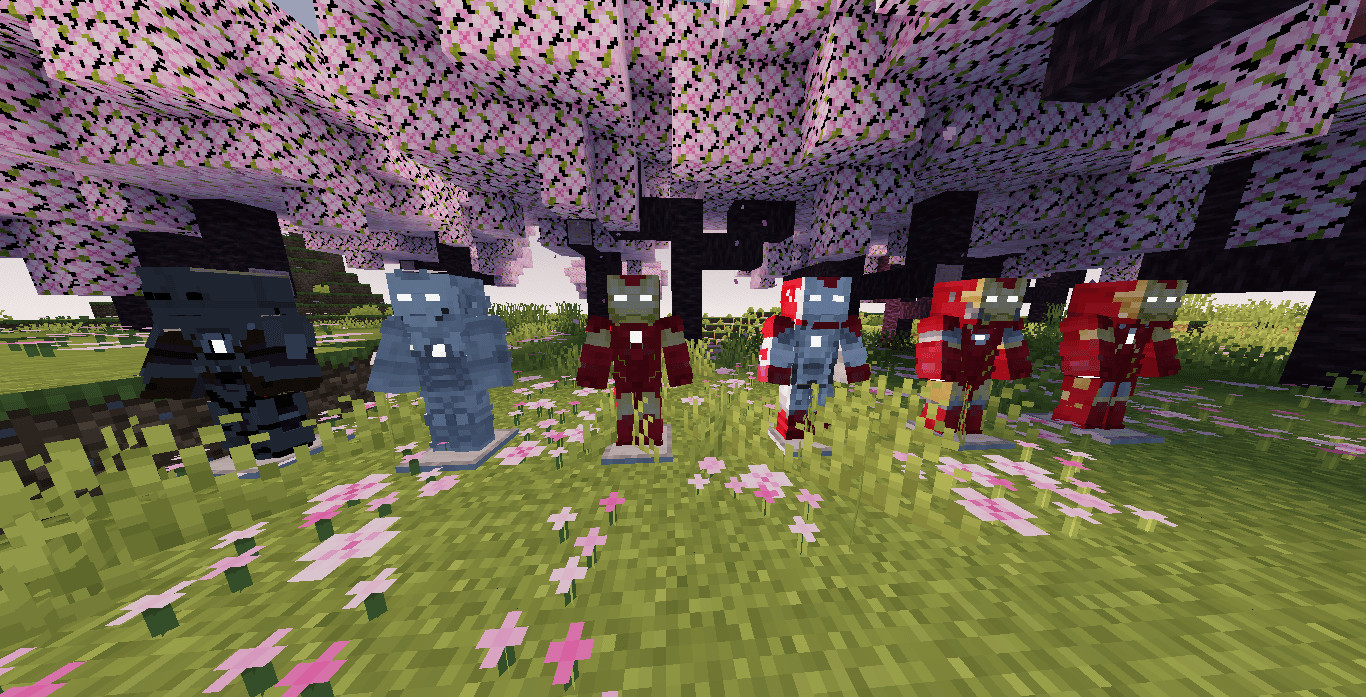
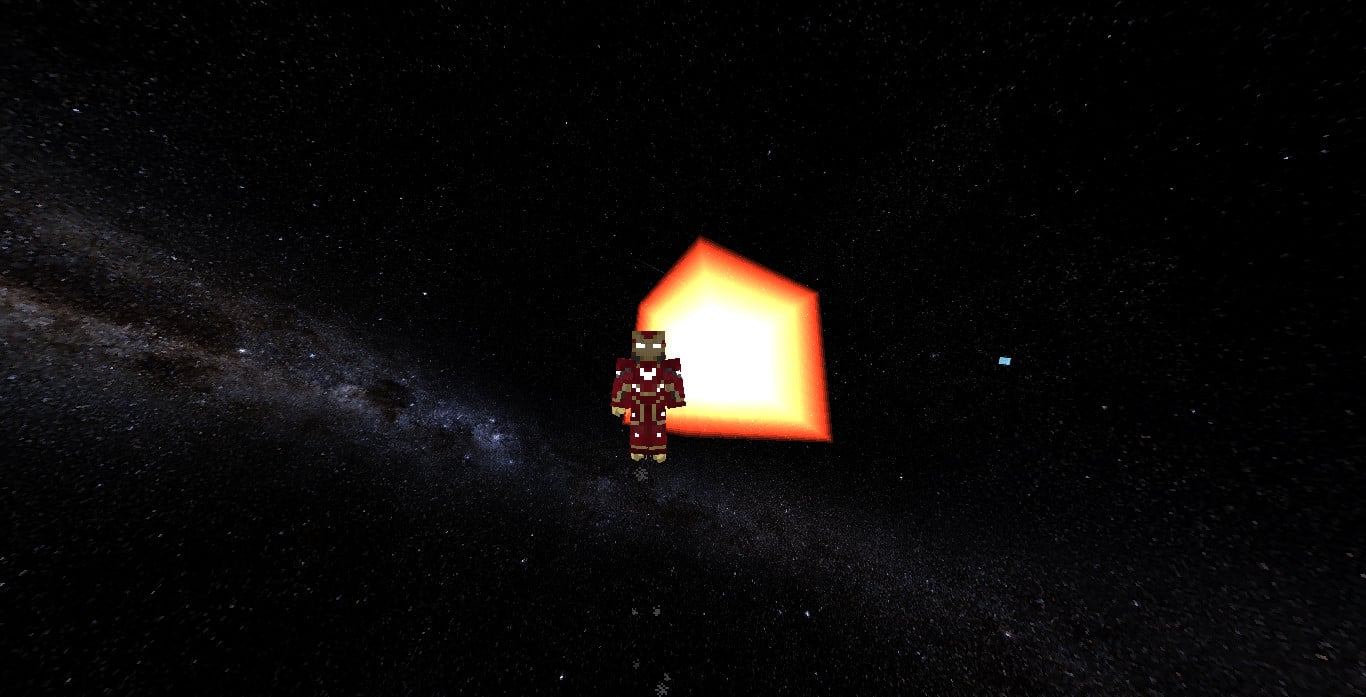
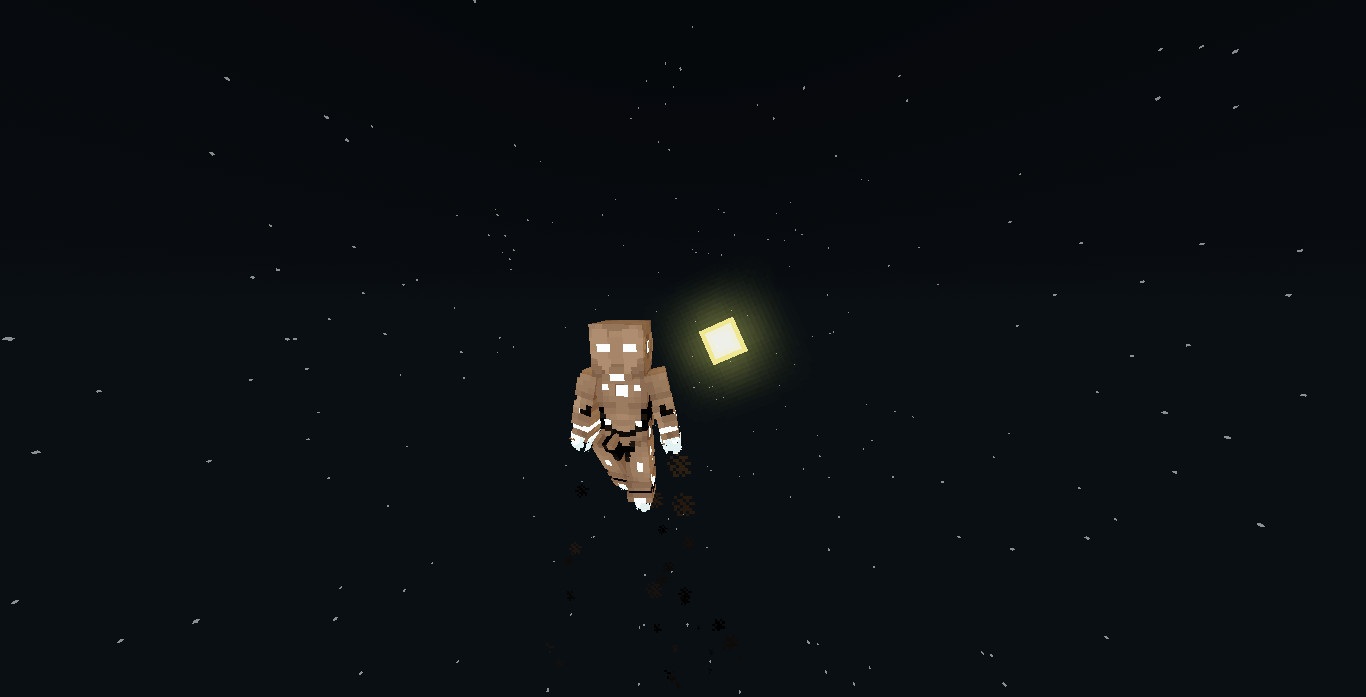
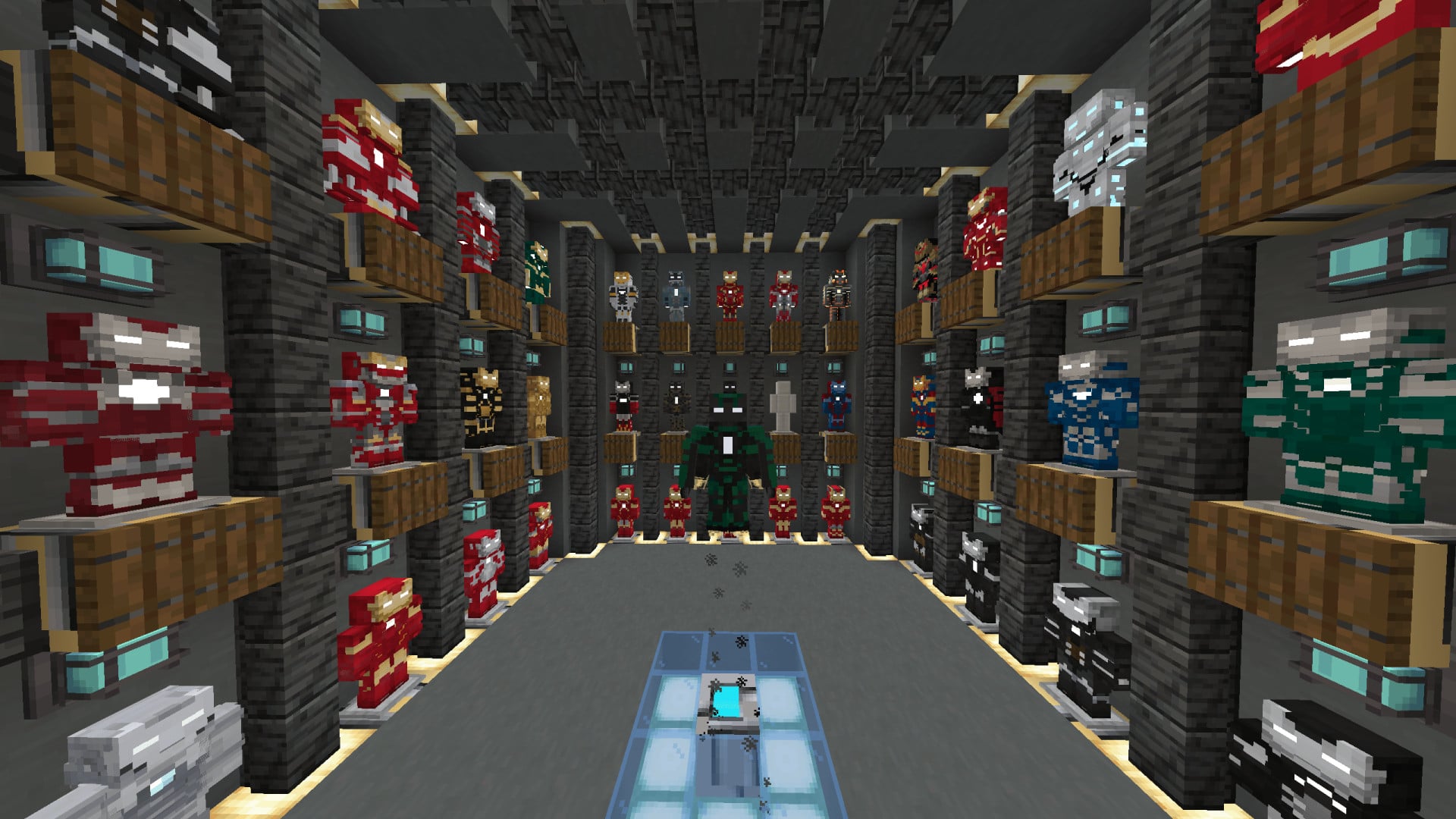
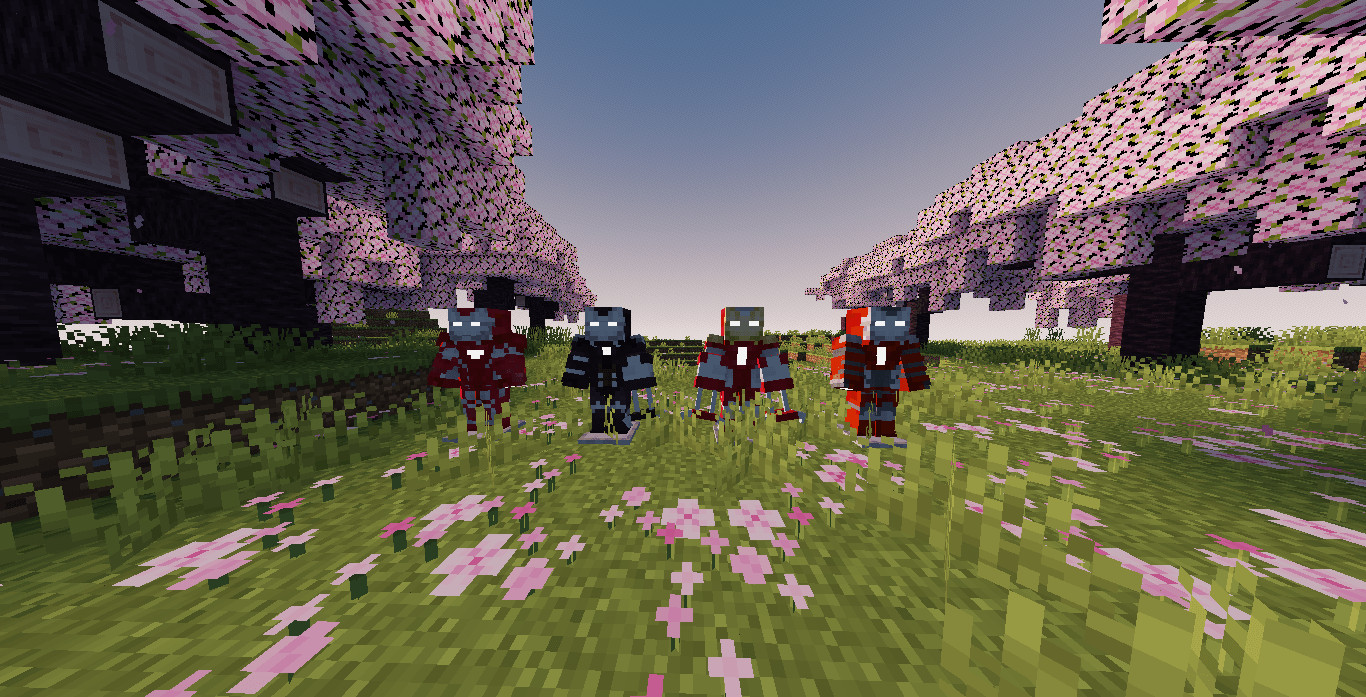
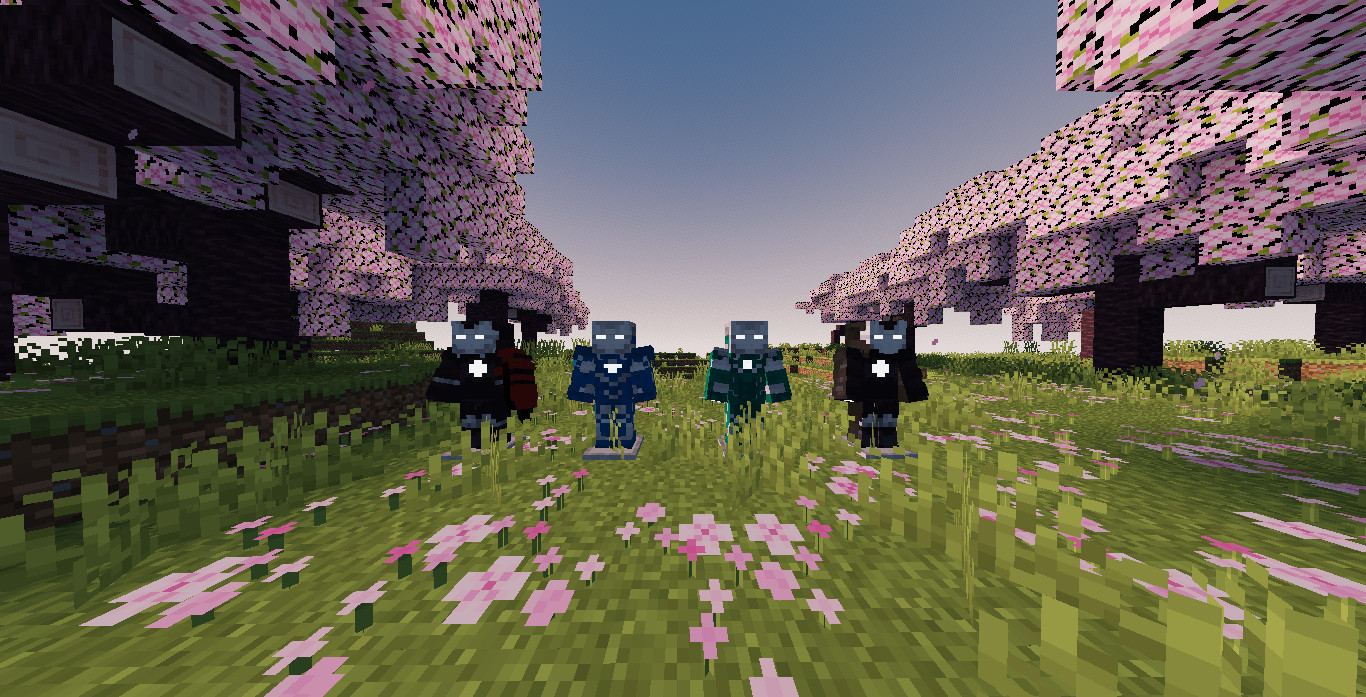
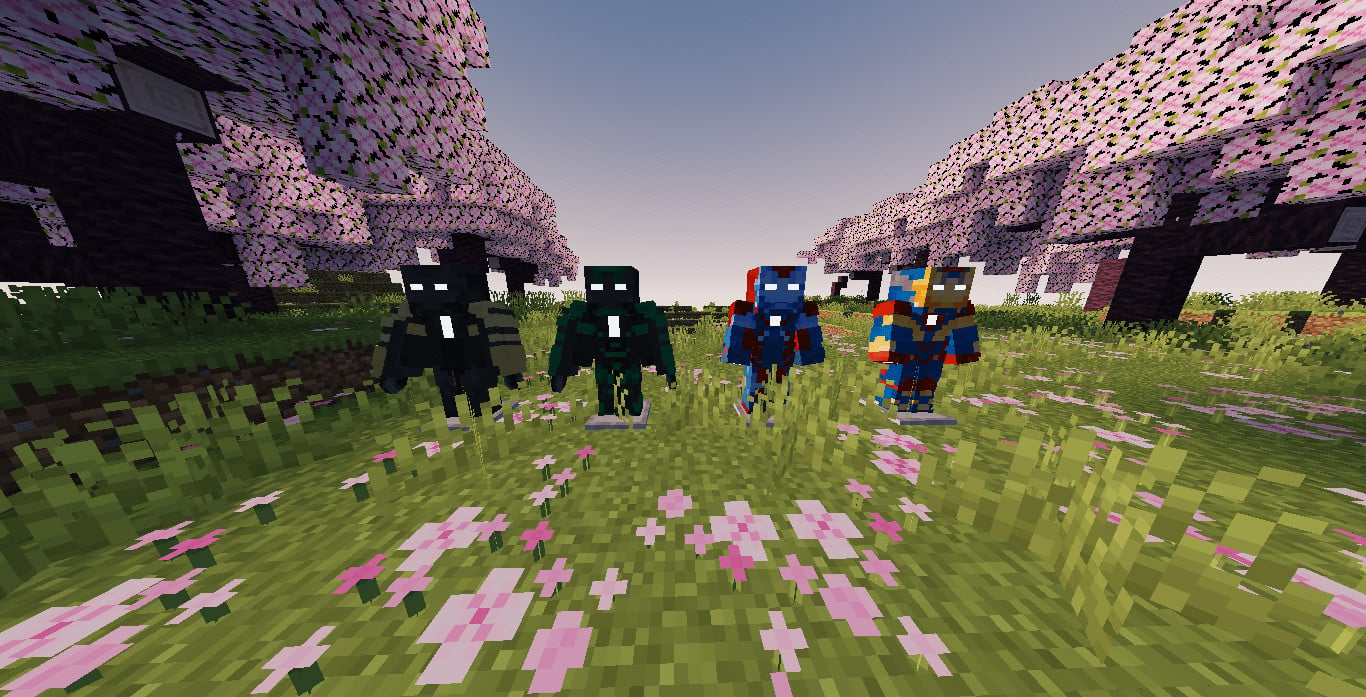
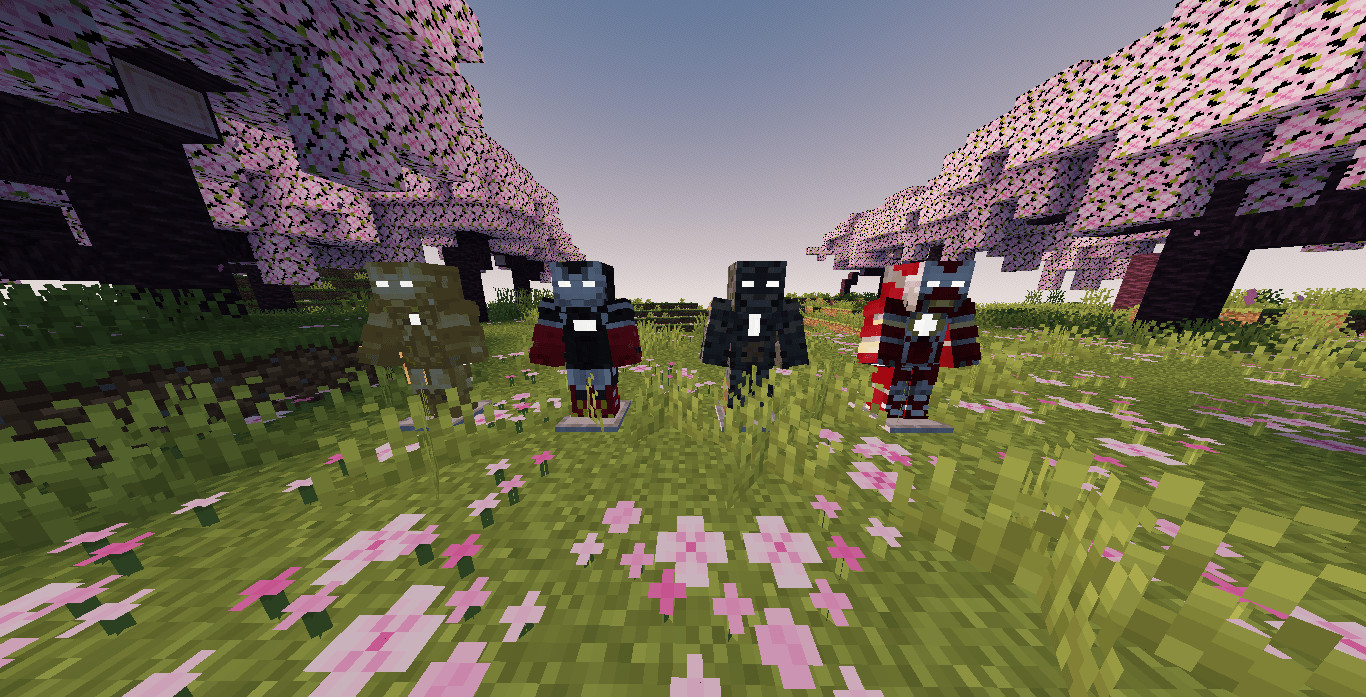
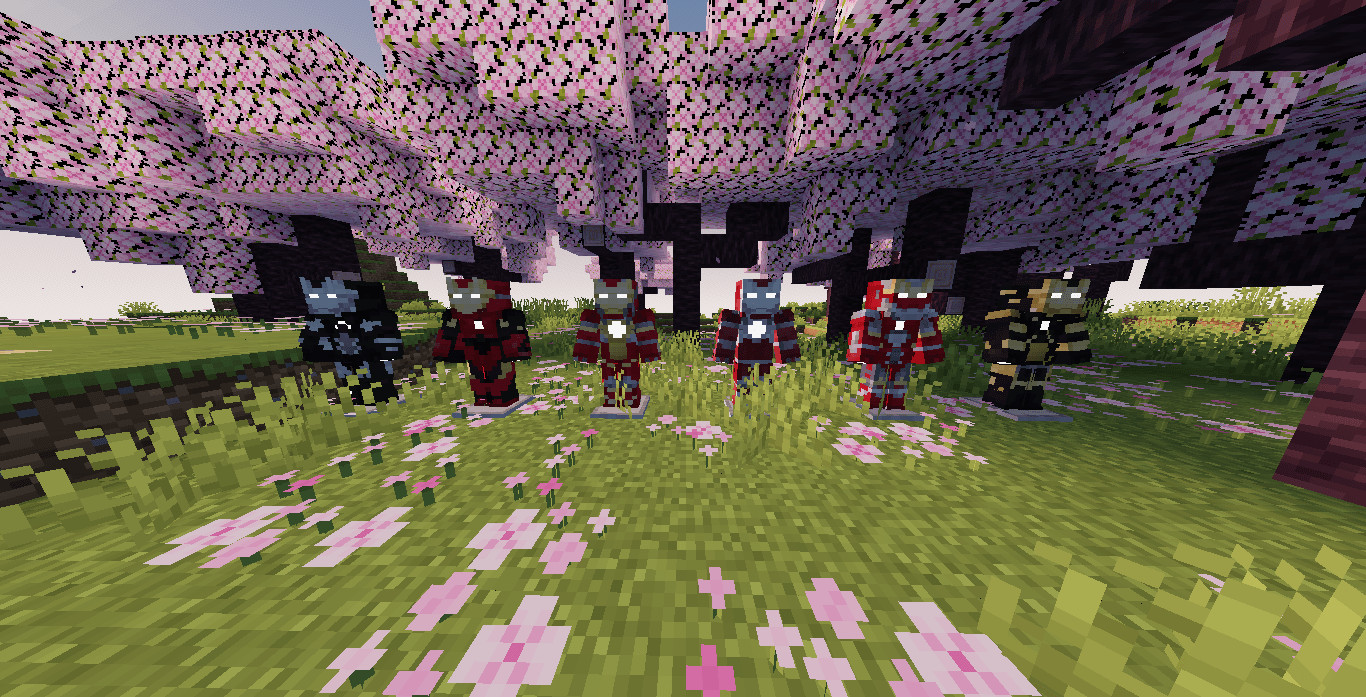
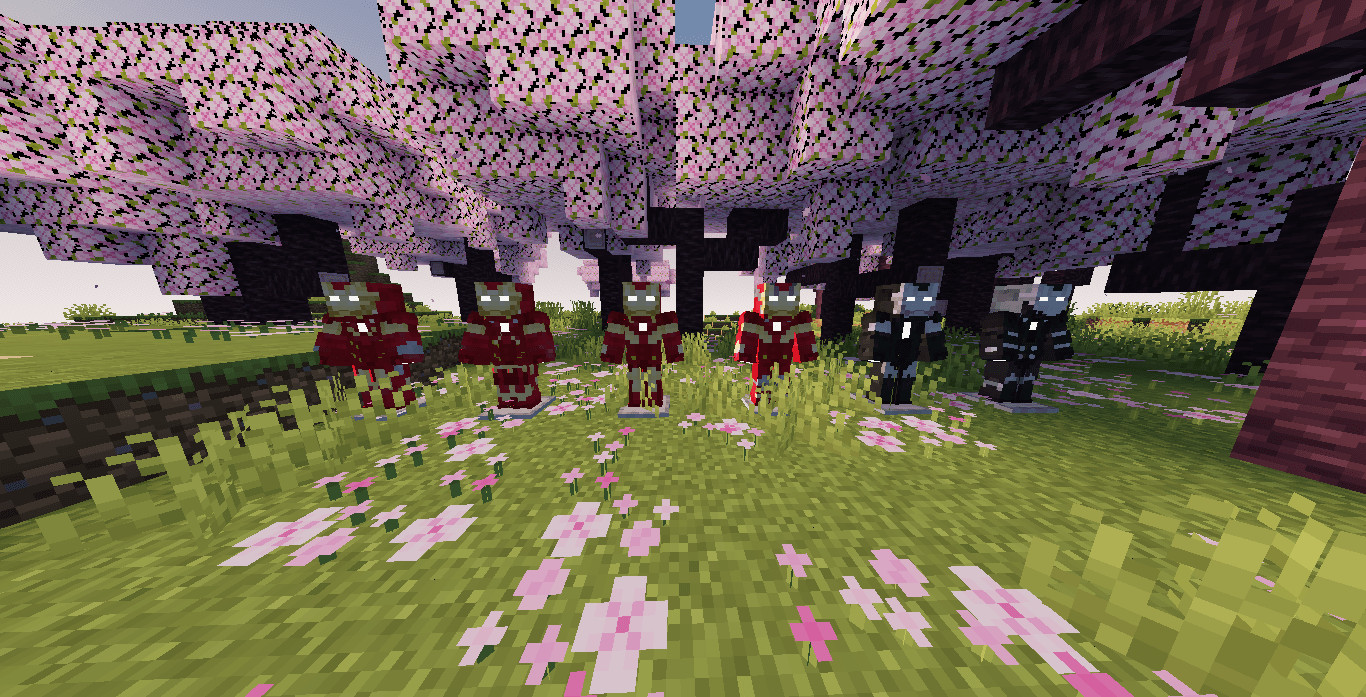
Satsu Iron Man Addon is an addon for Palladium fully focused on Iron Man content. It takes inspiration from LEGO Marvel Avengers, where each armor has a dedicated "suit-up" animation or uses a shared animation. Most armors in this addon include a unique animation when being equipped.
Features
- Unique suit-up animations for most armors
- Arc Reactor system with automatic recharging and upgrade levels to increase energy capacity
- Blueprint Holder to unlock armor recipes using experience points
- Diverse armor sets with varying stats affecting Strength, Resistance, Durability, and Flight capacity
- Different armor delivery methods including full suits, bracelets, or nanotech cards
- Custom AI system with customizable names that change the interface color and style
Installation Instructions
- Craft the Arc Reactor to gain access to the armors
- Craft the Blueprint Holder to unlock and view armor recipes
- Use the workstation block (made with wood, scissors, and fabric) to craft armor pieces
- To activate Mark 1, craft and place the specific activation block and stand on it
- To activate Mark 2 to Mark 4, craft and place the corresponding activation block and stand on it
- Use the recharge block (by standing on or holding it) to restore armor energy
Satsu Iron Man Addon is an addon for Palladium fully focused on Iron Man content. It takes inspiration from LEGO Marvel Avengers, where each armor has a dedicated "suit-up" animation or uses a shared animation. Most armors in this addon include a unique animation when being equipped.
Features
- Unique suit-up animations for most armors
- Arc Reactor system with automatic recharging and upgrade levels to increase energy capacity
- Blueprint Holder to unlock armor recipes using experience points
- Diverse armor sets with varying stats affecting Strength, Resistance, Durability, and Flight capacity
- Different armor delivery methods including full suits, bracelets, or nanotech cards
- Custom AI system with customizable names that change the interface color and style
Installation Instructions
- Craft the Arc Reactor to gain access to the armors
- Craft the Blueprint Holder to unlock and view armor recipes
- Use the workstation block (made with wood, scissors, and fabric) to craft armor pieces
- To activate Mark 1, craft and place the specific activation block and stand on it
- To activate Mark 2 to Mark 4, craft and place the corresponding activation block and stand on it
- Use the recharge block (by standing on or holding it) to restore armor energy
External Download Links:
Direct Download Links
You Might Also Like »
_modland.webp)
_modland.webp)

![Mod Menu [Minecraft 1.21.1 - 1.14]](https://i2.modland.net/i/670844d8dfaa0/220113162237010137 (1)_modland.webp)
0 Comments
There are no comments. Be first to comment!