Sophisticated Storage v1.4

![Timeless and Classics Zero (TaCZ) [Minecraft 1.20.1, 1.19.2, 1.18.2]](https://i2.modland.net/i/669683678b42d/description_0ac47139-8e79-4b76-8a0c-d79bcb9039df_modland.webp)
Timeless and Classics Zero (TaCZ) [Minecraft 1.20.1, 1.19.2, 1.18.2]
![NeoForge Installer [Minecraft 1.21.1, 1.20.6 - 1.20.1]](https://i2.modland.net/i/66c5cbeb7e5ee/neoforge_modland.webp)
![Armor Durability HUD [Minecraft 1.21.4, 1.21.3, 1.21.2, 1.21.1, 1.21]](https://i2.modland.net/i/674bc2c2c404b/190618141923060623_modland.webp)
Armor Durability HUD [Minecraft 1.21.4, 1.21.3, 1.21.2, 1.21.1, 1.21]
![[1.5] THE DROPPER](https://li1.modland.net/minecraft/maps/thumbnail/th_ModLandNet_1.jpg)

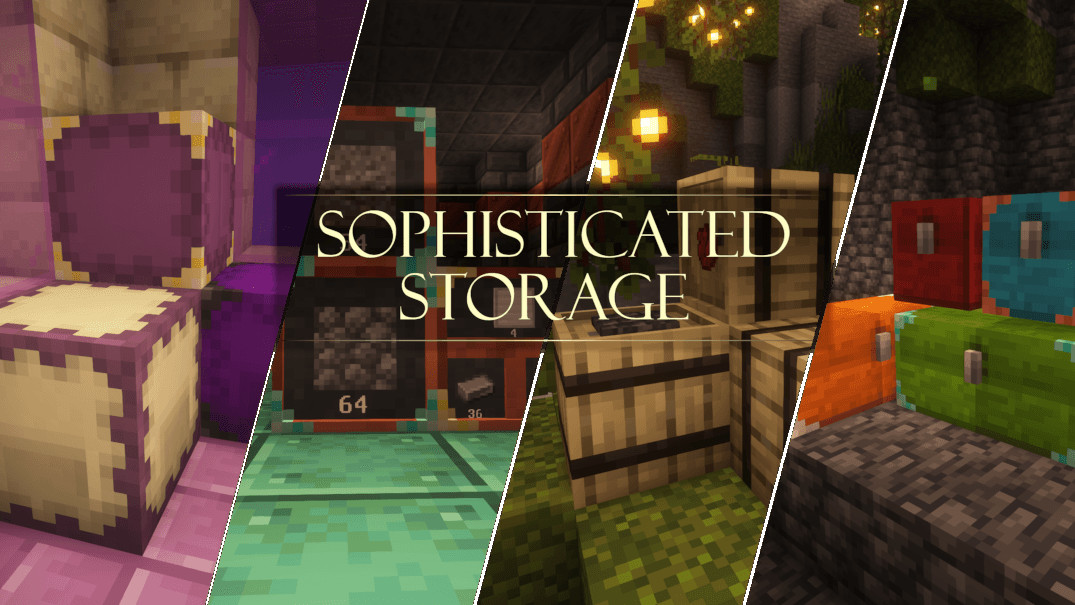
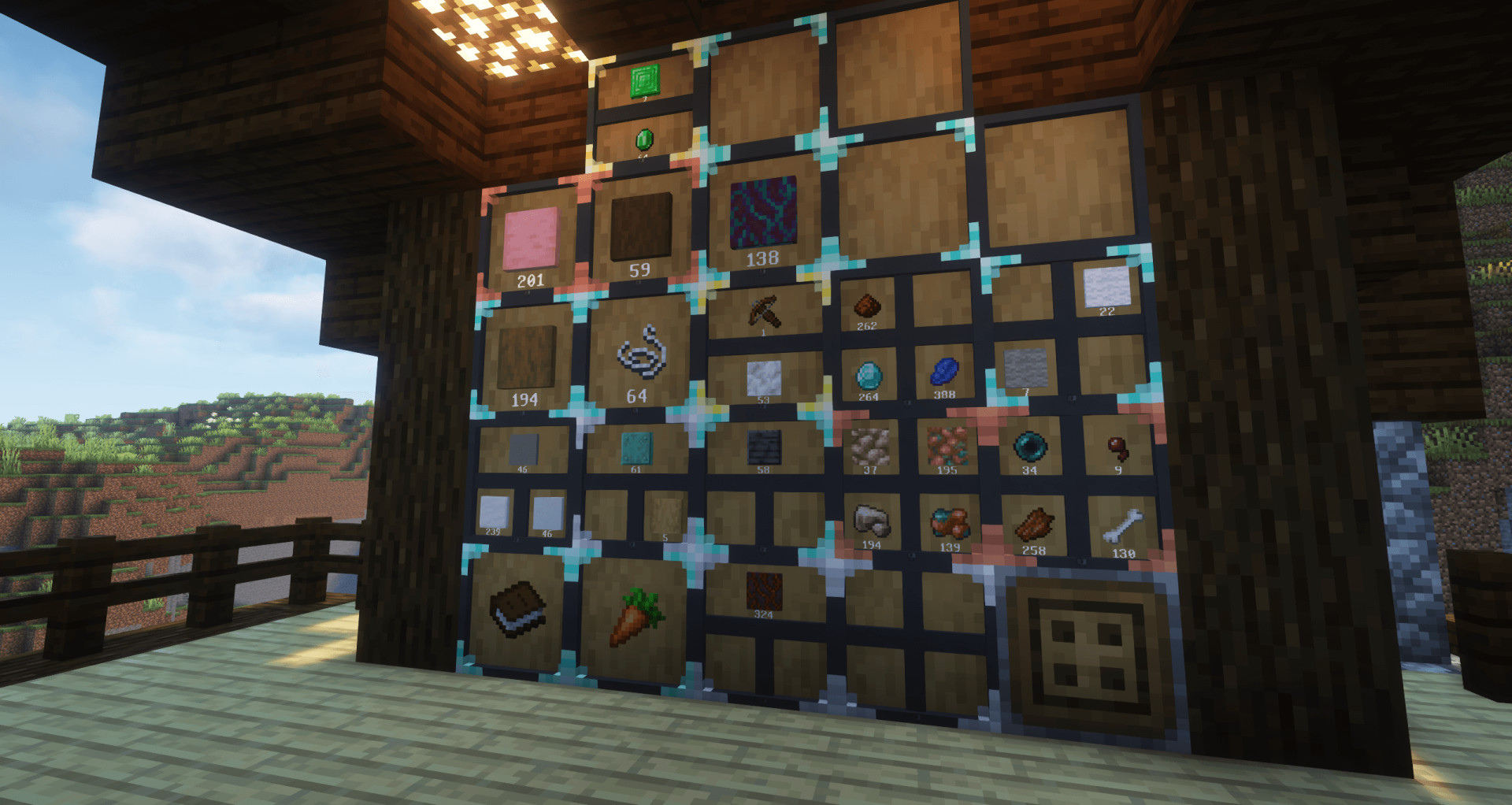
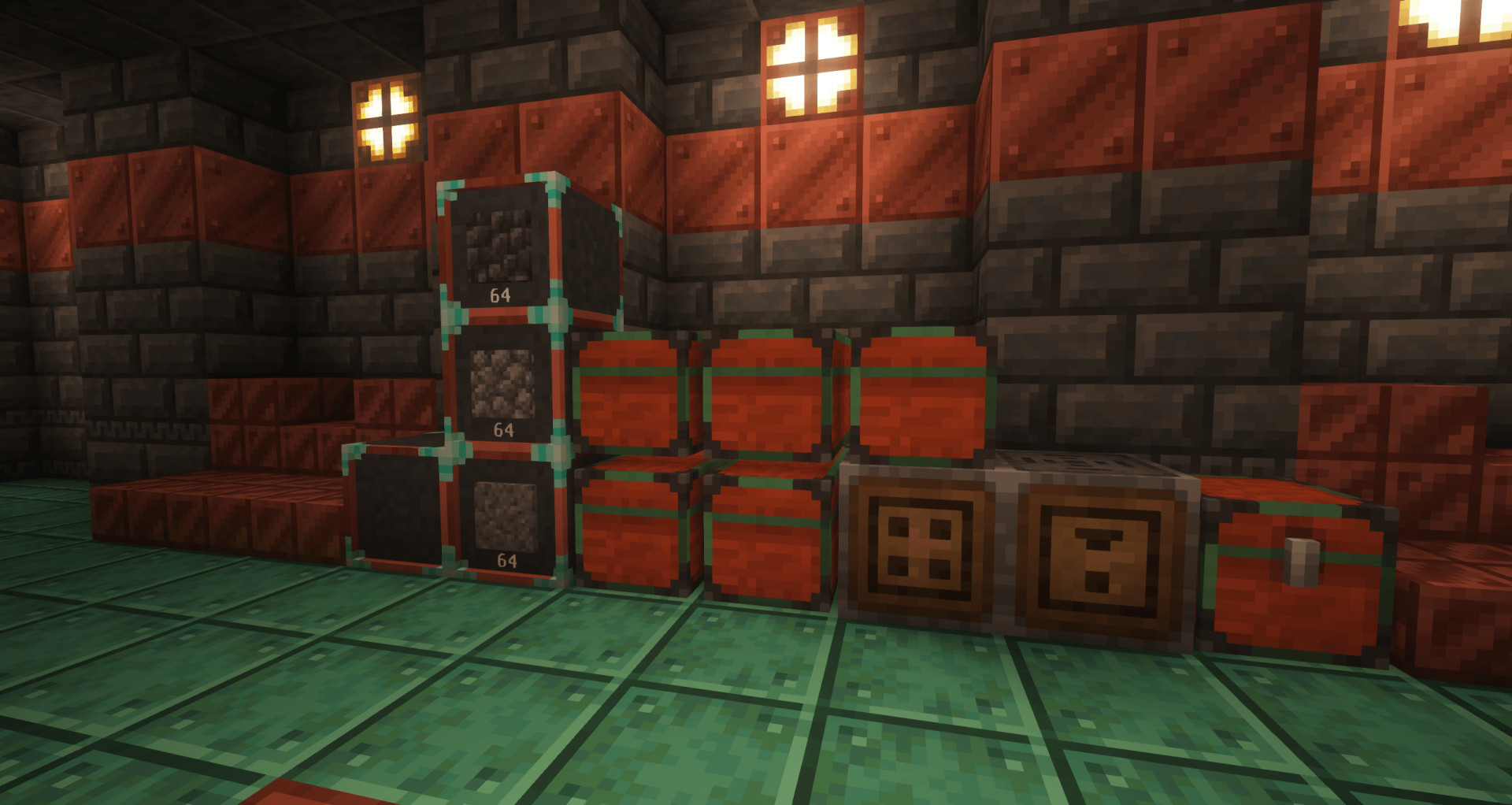
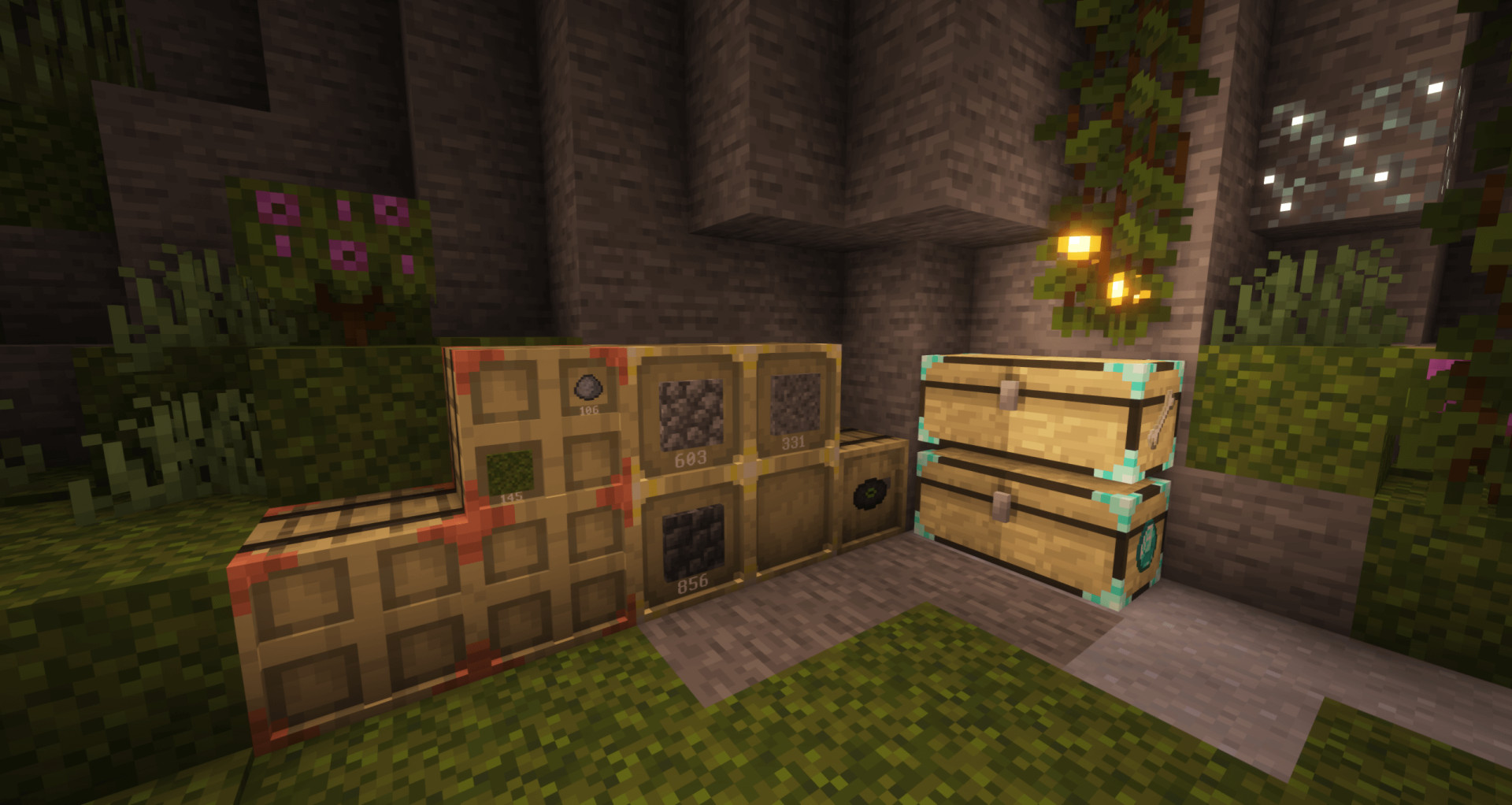
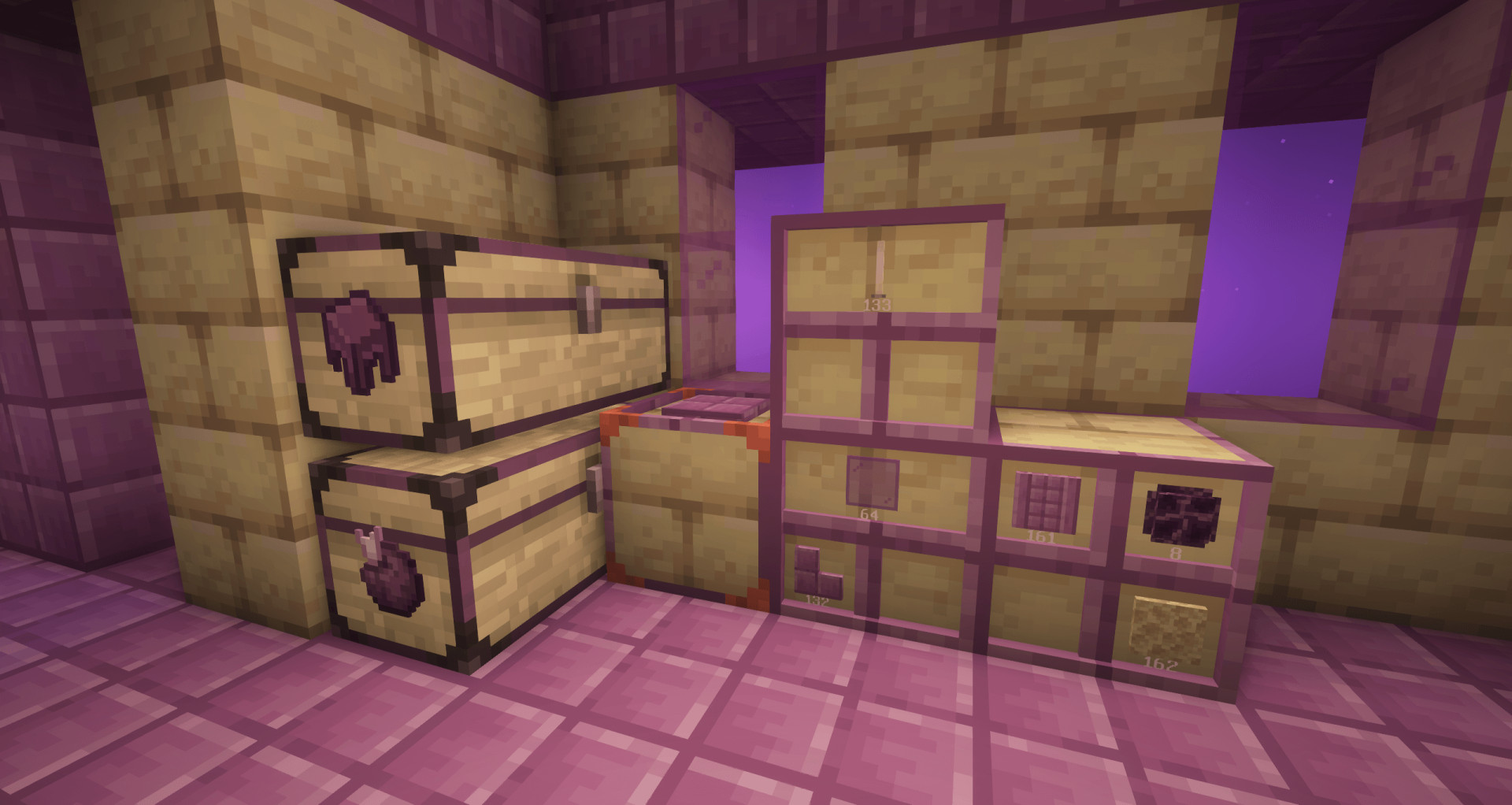
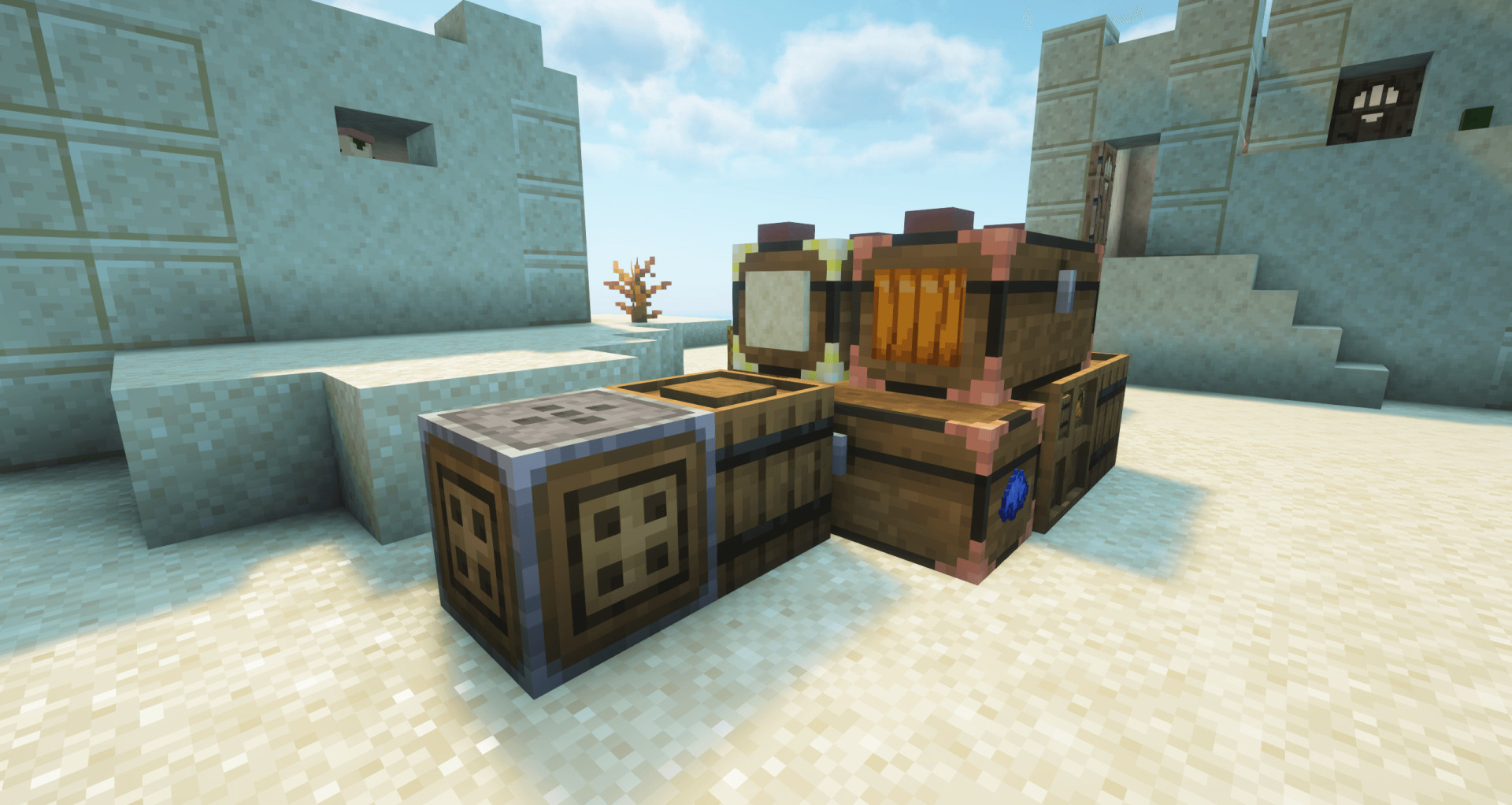
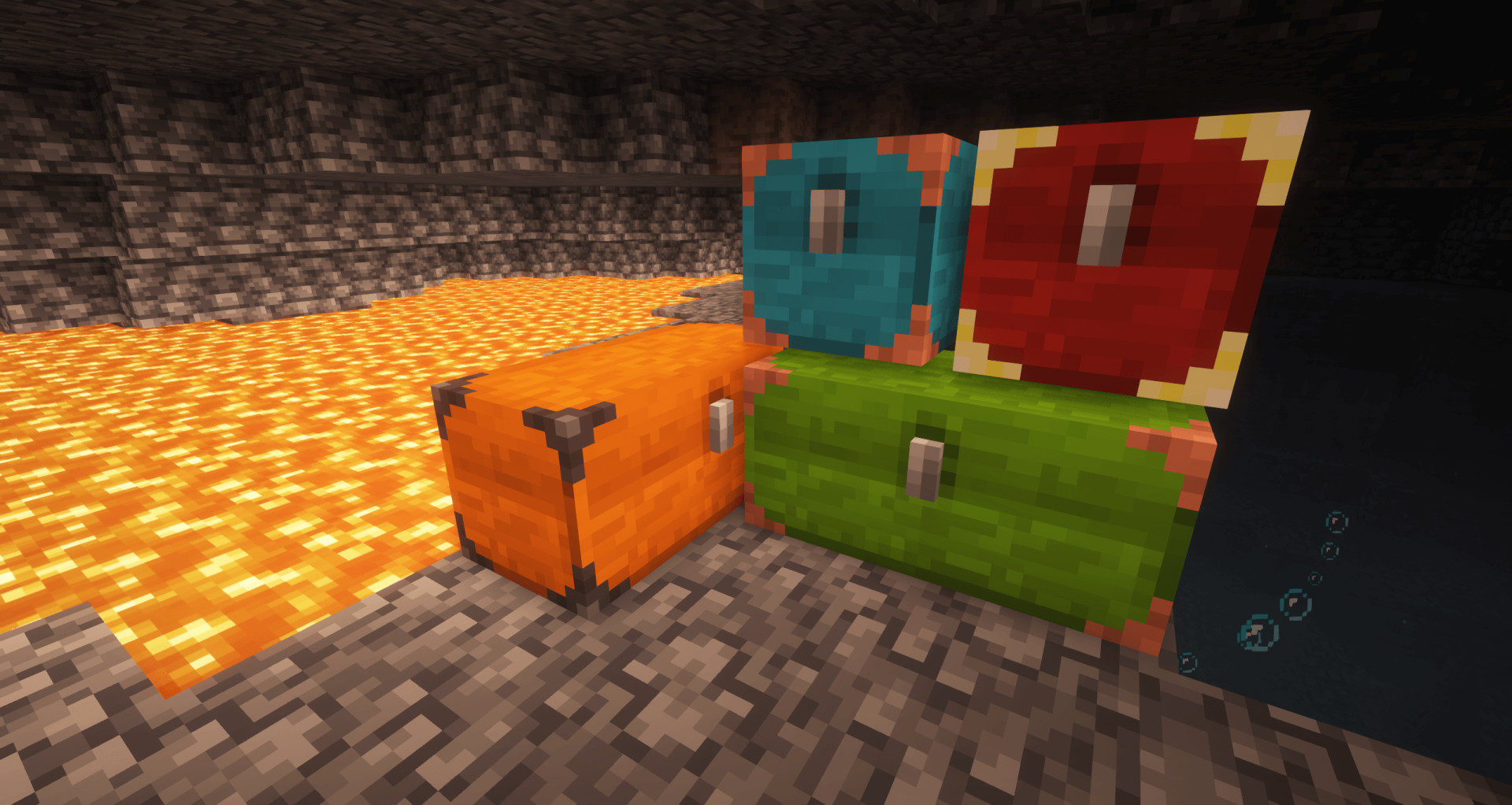
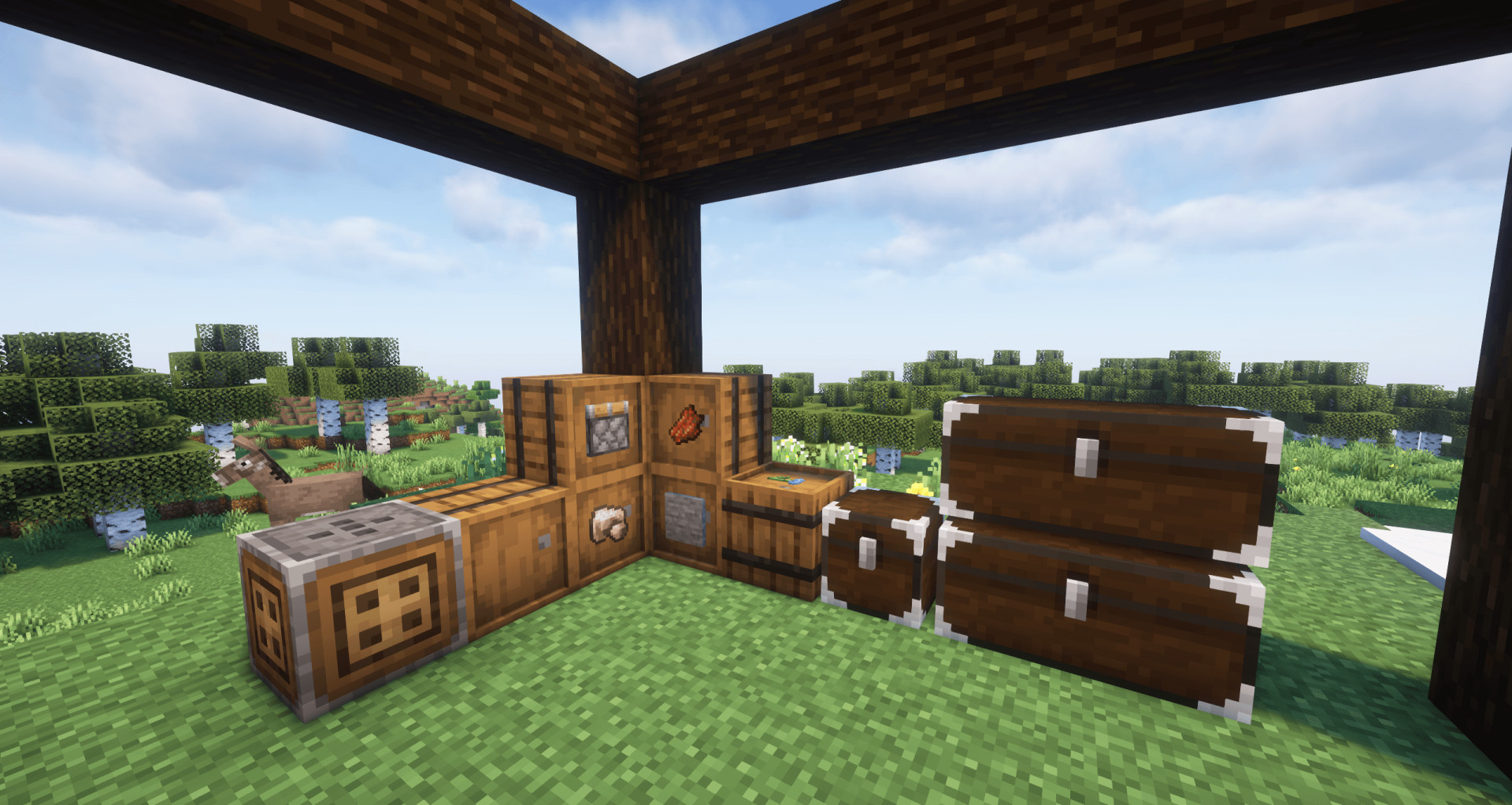
Sophisticated Storage expands your storage system with tiered Barrels, Chests, and Shulker Boxes. You get more control, better capacity, and flexible customization.
– Barrels and chests come in all vanilla wood types
– Apply two colors to any storage block
– Barrels support extra visual customization using materials from other blocks
– Multiple upgrades improve functionality
– Limited Barrels focus on compact mass storage with high stack limits
Storage Types
– Barrels
Available in all vanilla wood variants
Upgradeable through tiers: copper, iron, gold, diamond, netherite
Each tier increases capacity and upgrade slots
– Limited Barrels
Provide 1 to 4 slots
Higher tiers increase stack size instead of adding slots
Interact directly from the front to insert or extract items
Sneak to move full stacks
– Chests
Upgradeable through the same tier system
Each upgrade increases slots and upgrade capacity
– Shulker Boxes
Upgradeable through tiers
Higher tiers increase storage and upgrade slots
Right-click items directly into the box from your inventory
Customization
– Apply main and accent colors to all storage blocks
– Barrels support material customization for top, bottom, and sides
– Higher-tier Limited Barrels allow separate inner top accents
Decoration Tools
– Decoration Table
Used to apply colors and materials
Includes color picker and preview
Consumes fewer resources than crafting
– Paintbrush
Applies colors and materials directly in the world
Can affect connected storage blocks
Uses resources from inventory or containers
Crafting Customization
– Dye placement defines main and accent colors
– Combine dyes to adjust colors further
– Materials can be applied to specific barrel parts depending on slot position
Controller System
– Controller
Links multiple storage blocks into one system
Works within a 15-block range
Quick deposit options for matching items
– Storage Link
Connects distant storage blocks
Extends connections through adjacent blocks
– Storage Tool
Handles linking, locking, and display settings
Supports multiple modes via sneak + scroll
Shows hidden info when held
I/O Blocks
– Storage Input
Insert only, improves performance
– Storage Output
Extract only
– Storage I/O
Supports both input and output
– Do not connect to adjacent storage automatically
– Useful for controlled setups like drop-off systems
Upgrades
– Tier Upgrades
Upgrade blocks directly in the world
– General Upgrades
Install via GUI or right-click
– Pickup Upgrade
Collects nearby items based on filters
– Magnet Upgrade
Pulls items into storage instantly
– Filter Upgrade
Controls item input and output
– Void Upgrade
Deletes filtered items
– Compacting Upgrade
Compresses items using crafting recipes
– Feeding Upgrade
Feeds the player automatically
– Smelting / Smoking / Blasting
Adds furnace functionality with automation options
– Crafting Upgrade
Adds crafting grid with improved performance
– Stonecutter Upgrade
Faster repeated processing with saved recipes
– Stack Upgrade
Increases max stack size up to 16x or more with stacking
– Jukebox Upgrade
Plays music discs
– Compression Upgrade
Auto compresses and decompresses items across slots
– Hopper Upgrade
Automates item transfer
Advanced version supports side configuration
Configuration
– Adjust inventory and upgrade slot counts
– Change upgrade behavior, speed, and range
– Enable or disable specific features to fit your modpack
External Download Links:
About Mod
| Latest Version | v1.4 |
| Game | Minecraft |
| Category | Game Mechanics |
| Game Version | 1.21.1 |
| Downloads | 1 |
| Created | 5 months ago |
![Timeless and Classics Zero (TaCZ) [Minecraft 1.20.1, 1.19.2, 1.18.2]](https://i2.modland.net/i/669683678b42d/description_0ac47139-8e79-4b76-8a0c-d79bcb9039df_modland.jpg)
![NeoForge Installer [Minecraft 1.21.1, 1.20.6 - 1.20.1]](https://i2.modland.net/i/66c5cbeb7e5ee/neoforge_modland.jpg)
![Armor Durability HUD [Minecraft 1.21.4, 1.21.3, 1.21.2, 1.21.1, 1.21]](https://i2.modland.net/i/674bc2c2c404b/190618141923060623_modland.jpg)
_modland.jpg)
_modland.jpg)
![Mod Menu [Minecraft 1.21.1 - 1.14]](https://i2.modland.net/i/670844d8dfaa0/220113162237010137 (1)_modland.jpg)