Endless Inventory v1.1

![Timeless and Classics Zero (TaCZ) [Minecraft 1.20.1, 1.19.2, 1.18.2]](https://i2.modland.net/i/669683678b42d/description_0ac47139-8e79-4b76-8a0c-d79bcb9039df_modland.jpg)
Timeless and Classics Zero (TaCZ) [Minecraft 1.20.1, 1.19.2, 1.18.2]
![NeoForge Installer [Minecraft 1.21.1, 1.20.6 - 1.20.1]](https://i2.modland.net/i/66c5cbeb7e5ee/neoforge_modland.jpg)
![Armor Durability HUD [Minecraft 1.21.4, 1.21.3, 1.21.2, 1.21.1, 1.21]](https://i2.modland.net/i/674bc2c2c404b/190618141923060623_modland.jpg)
Armor Durability HUD [Minecraft 1.21.4, 1.21.3, 1.21.2, 1.21.1, 1.21]
![[1.5] THE DROPPER](https://li1.modland.net/minecraft/maps/thumbnail/th_ModLandNet_1.jpg)
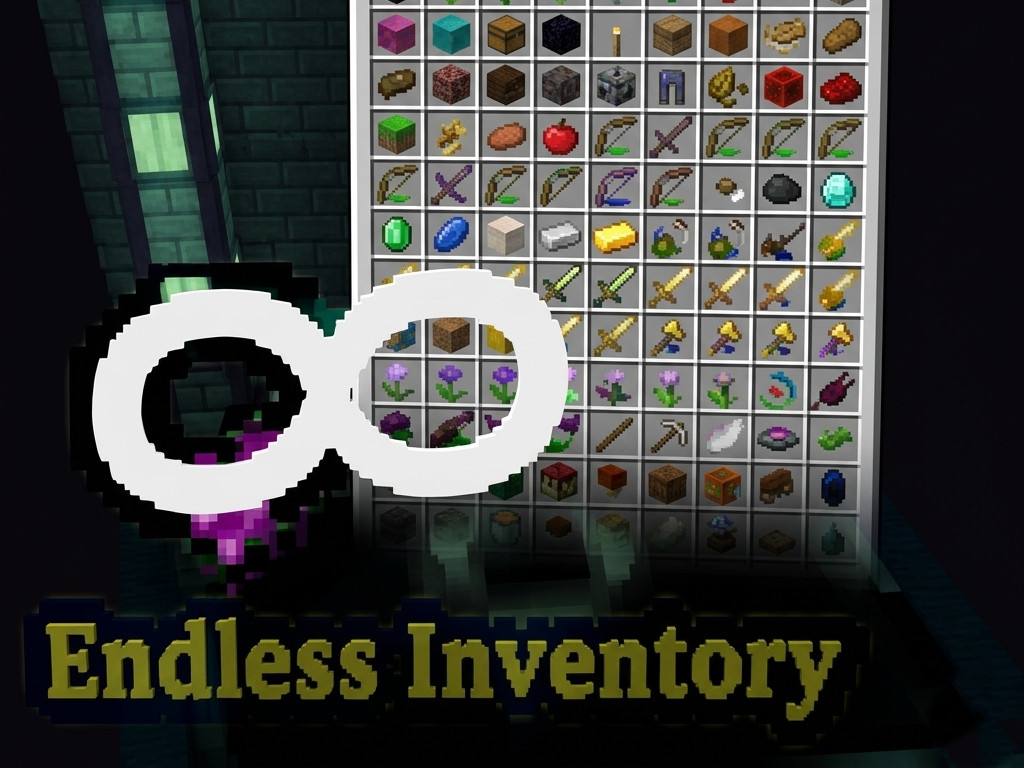
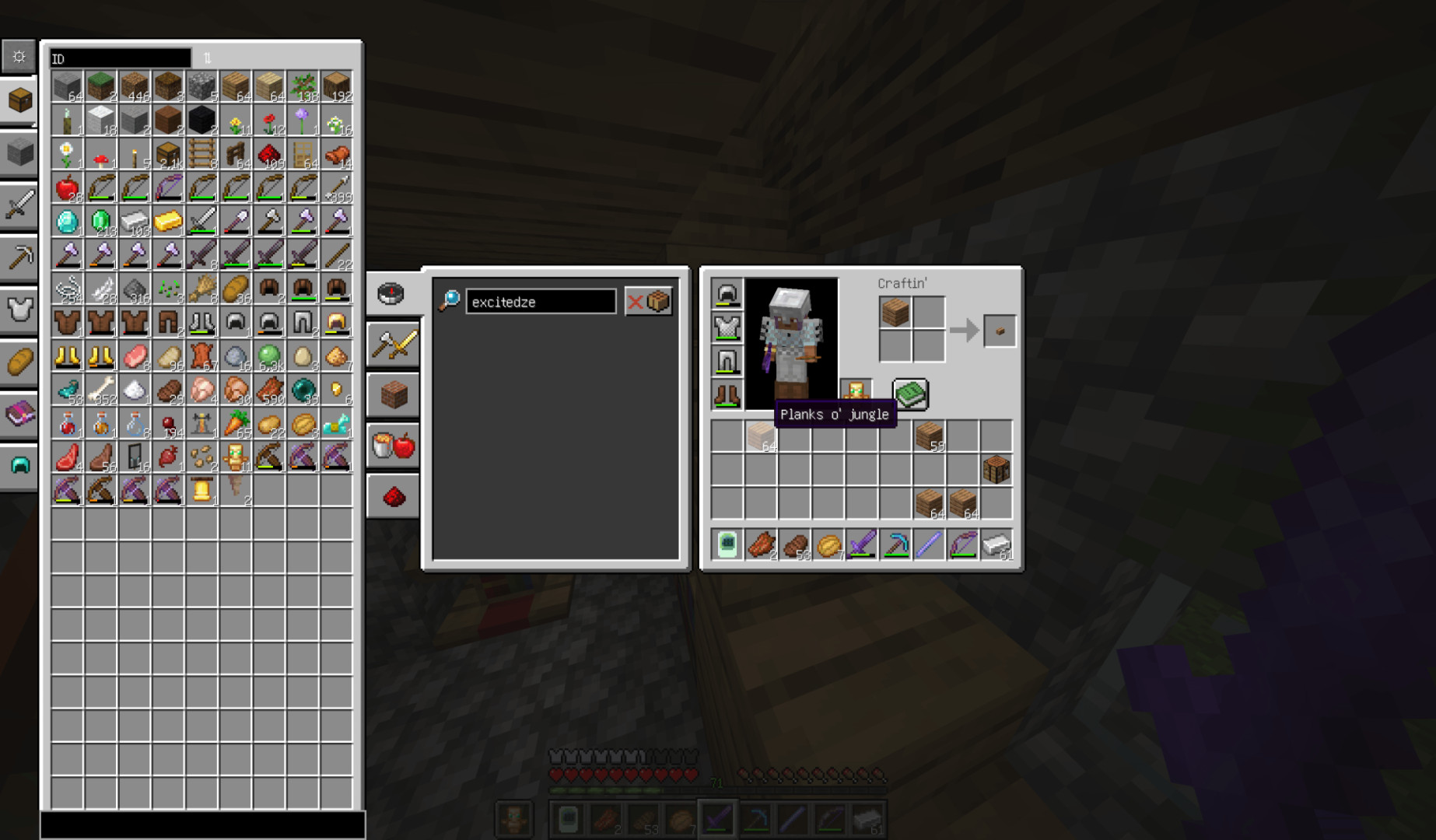
Endless Inventory adds an expandable, paginated inventory system for Minecraft with customizable menus, crafting, and item management.
Versions
– Forge 1.20.1: 1.1.0-Pre1
– Fabric 1.20.1: 1.1.0-SNAPSHOT2
– Neoforge 1.21.1: 1.0.4 (project started with Neoforge 1.21)
Features
– Dedicated Menu: Open your Endless Inventory using the EndInv Accessor item or press key I
– Togglable inner crafting menu with JEI recipe transfer support
– Click priority:
– Shift-click: Crafter → Inventory → Page
– Ctrl-click: Page → Inventory → Crafter
– Attached Item Page: Paginated GUI with category filters, advanced sorting, and searching; Ctrl-click for quick item movement
Operations
– I in GUI: open EndlessInventoryMenu
– Ctrl + Left Click: move item from menu to EndInv
– A in page area: add item to bookmarks
– A in bookmark page area: remove item from bookmarks
Configuration
– Client config: UI layout, sorting, texture mode, menu attachment, rows/columns, debug info, page bars
– Server config: autoPickUtility, TransferMode (ALL or PART), creationMode (CREATE_PER_PLAYER, USE_GLOBAL_SHARED, NONE), convert_empty_tag, itemCapacity (experimental)
Commands
– /endinv backup: backup endless_inventories.dat
– /endinv new [public/restricted/private]: create a new EndInv
– /endinv ofIndex: manage EndInv by index
– open, setDefault, setOwner, addWhiteList, removeWhiteList, setAccessibility, remove [-forceRemove]
Installation
– Ensure NeoForge is installed and compatible
– Download the mod jar and place it in the mods folder
– Launch the game
DEDICATED_LOCATION
– Supports custom textures via resource packs in assets/endless_inventory/textures/gui/
– Includes:
– item_grid.png for pages
– tabs.png for page switch tabs
– item_entry.png for item entry display (enchantment book pages)
This mod provides an advanced inventory system with full customization, crafting integration, and multiple operational options for client and server.
_modland.jpg)
_modland.jpg)


![Mod Menu [Minecraft 1.21.1 - 1.14]](https://i2.modland.net/i/670844d8dfaa0/220113162237010137 (1)_modland.jpg)