Block Clover (Black Clover) v1.0



Timeless and Classics Zero (TaCZ) [Minecraft 1.20.1, 1.19.2, 1.18.2]
45306
920
6
2 years ago
by
Rol_nd

5/5,
1
votes
Description
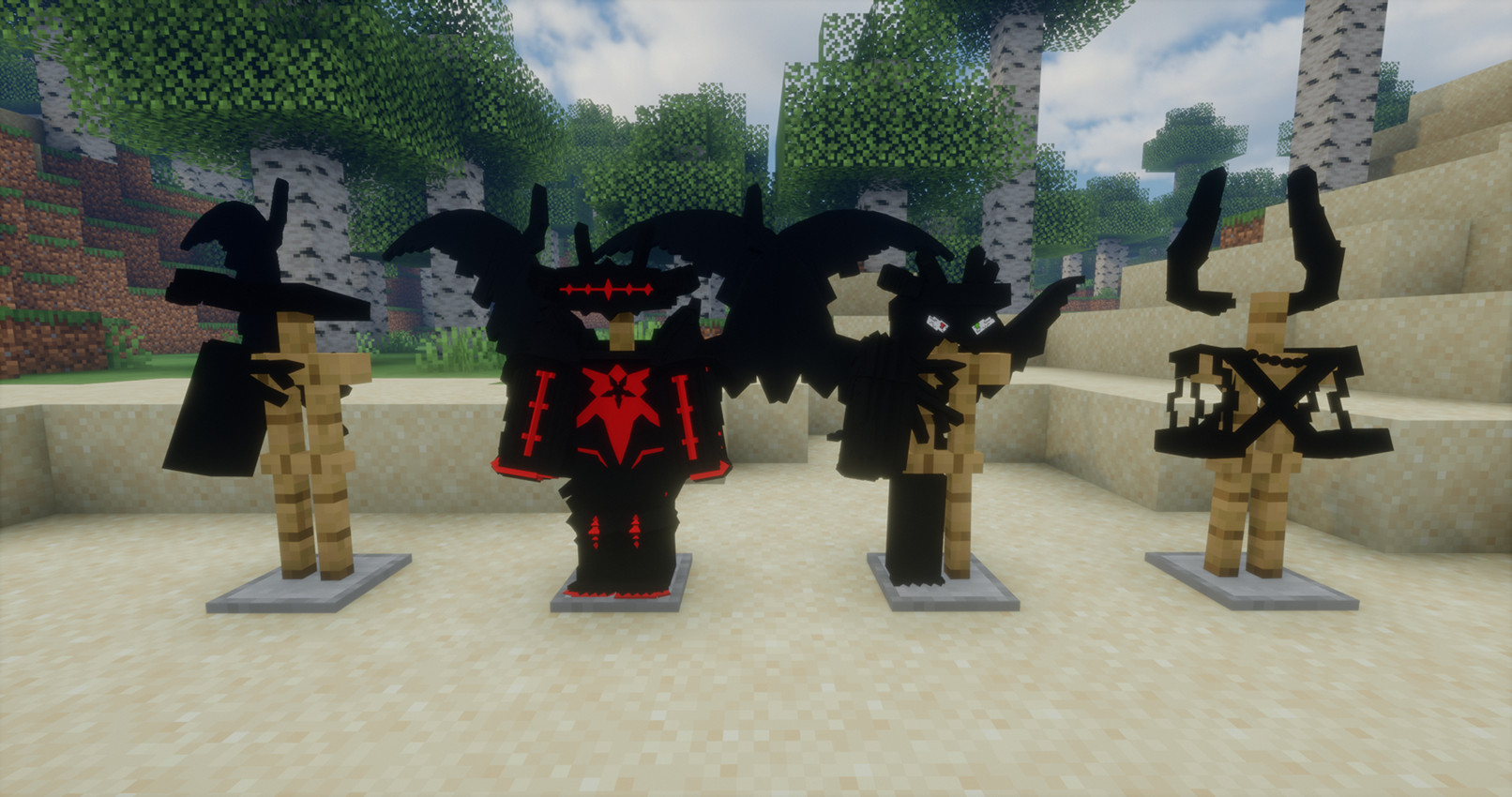
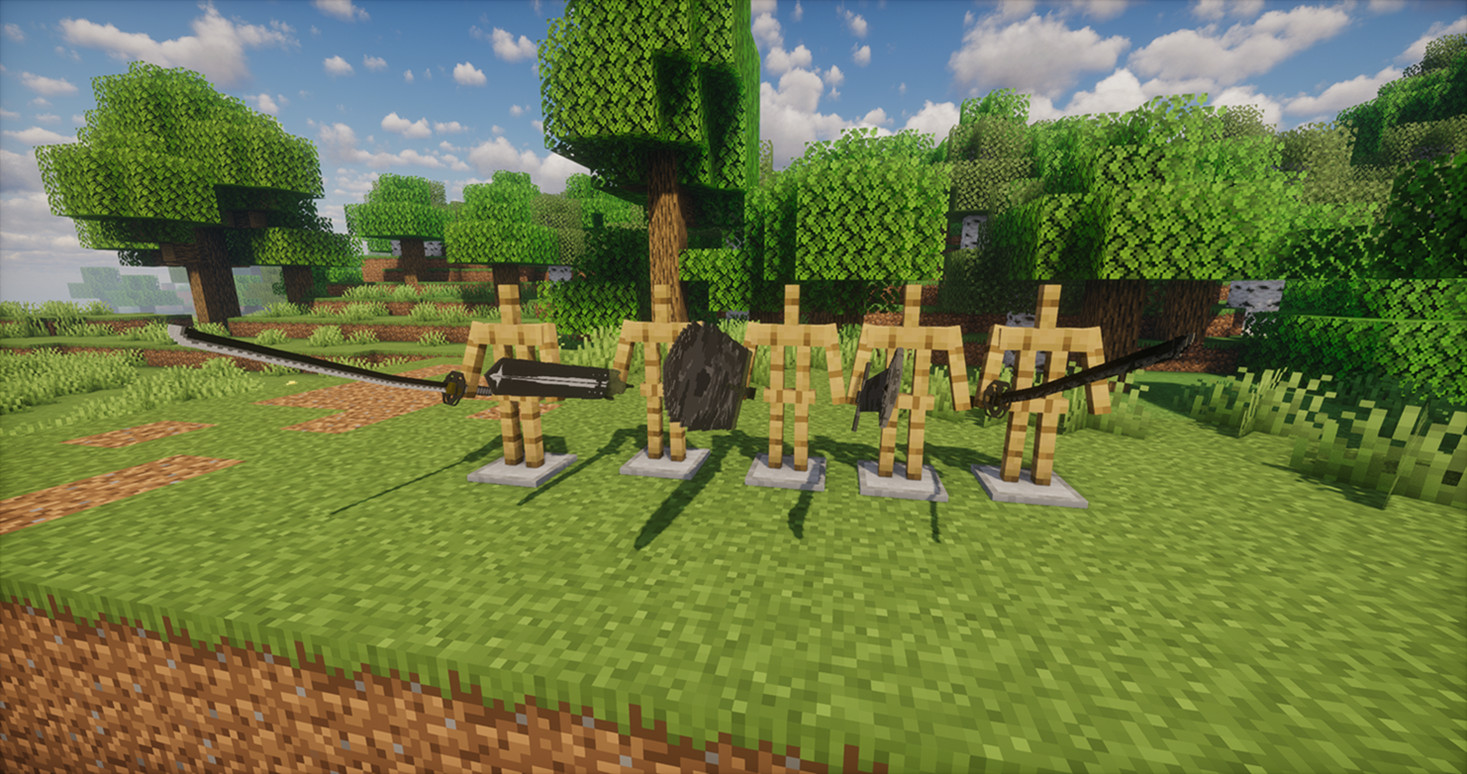
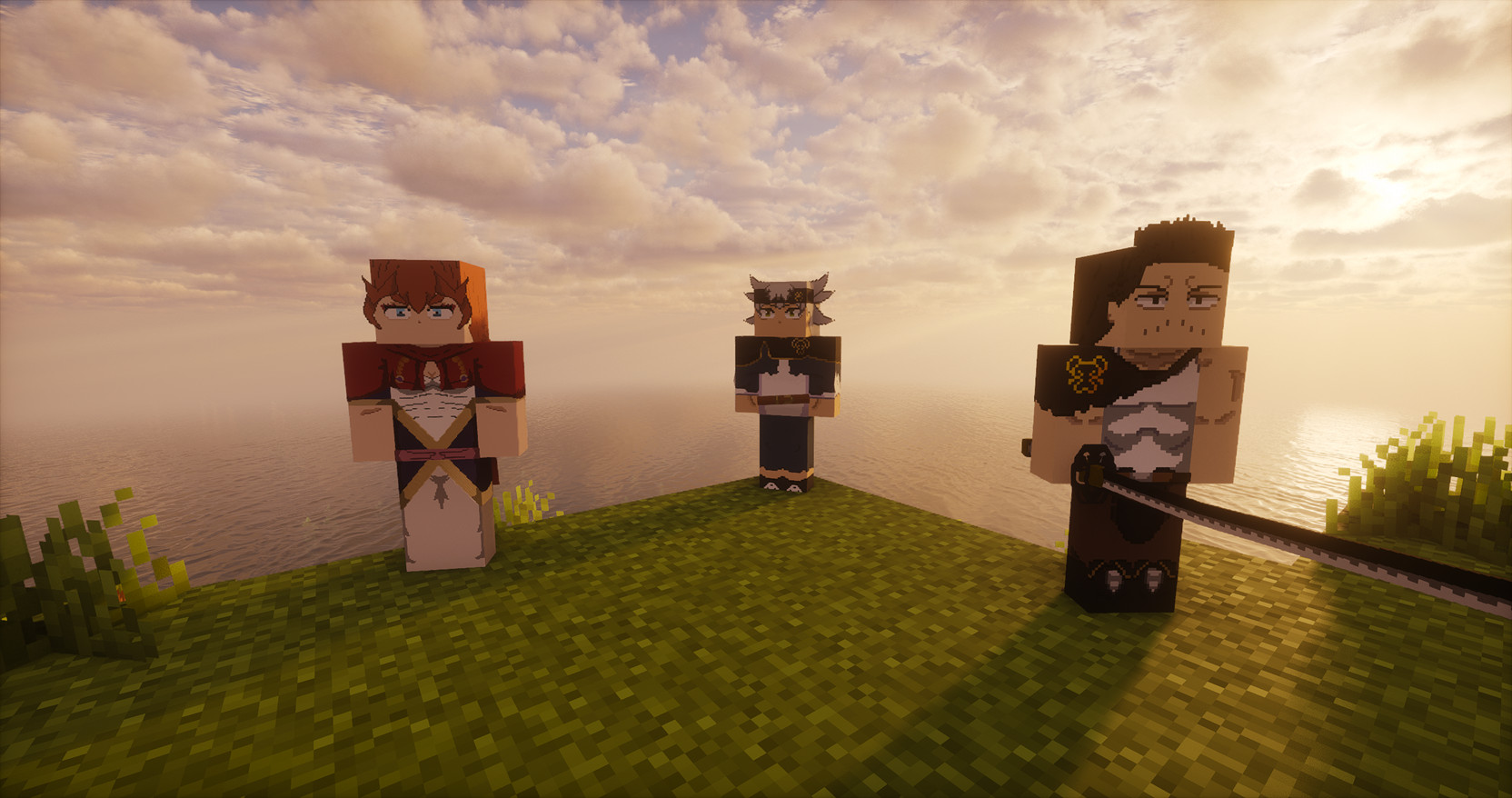
Block Clover brings the world of Black Clover into Minecraft with magic abilities, grimoires, combat, missions, dungeons and the Magic Knights system.
Start with a randomly assigned race and magic attribute, discover new spells through battle, improve your abilities and work toward becoming a powerful Magic Knight.
The mod is still under active development.
Features
- Supported Versions: NeoForge 1.21.1 (Current) and Forge 1.20.1 (Older port).
- Magic System: Numerous attributes including Anti-Magic, Dark, Wind, Fire, Water, Lightning, Light, Time, Star, Shadow, Slash, and Mineral Magic.
- Combat Mechanics: Access offensive spells, movement abilities, defensive barriers, restraints, healing, and powerful area attacks.
- Advanced Techniques: Mana Output charging, Mana Skin, Mana Zone, Ki, and special transformations.
- Dungeons: Cooperative exploration with elemental traps, rival explorers, and rare loot like Spirit Scrolls and the Demon Dweller.
- Progression: Earn XP, Yul, Reputation, and Merit; allocate Stat, Skill, and Mastery Points via the Grimoire Menu.
- Magic Knight Squads: Join or create squads to participate in missions, stars, and the Star Festival.
- Dynamic Spell Discovery: Unlock new spells through combat, low-health fights, and Spell Insight.
- Races and Skill Trees: Starting races (including Hybrids) influence base statistics and available skill trees.
- Characters: Encounter figures such as Yami, Mereoleona, Yuno, Mars and Jack the Ripper.
Getting Started
When you create a new world, your race and magic attribute are randomly selected. Your first objective is to visit the Grimoire Tower. Follow the coordinates in the mission tracker and speak with Drouot to receive your grimoire.
Controls
All keybinds can be customized in the Minecraft Controls menu:
- R – Switch spells; hold to open the spell wheel
- Z – Cast selected spell; hold to charge Mana Output
- C – Hold to select a skill
- V – Activate the selected skill
- G – Open the Grimoire Menu
- H – Hold to select a transformation
- X – Switch modes; hold to change magic attributes
- B – Dash
Credits
Developer: Samuelchr
Block Clover brings the world of Black Clover into Minecraft with magic abilities, grimoires, combat, missions, dungeons and the Magic Knights system.
Start with a randomly assigned race and magic attribute, discover new spells through battle, improve your abilities and work toward becoming a powerful Magic Knight.
The mod is still under active development.
Features
- Supported Versions: NeoForge 1.21.1 (Current) and Forge 1.20.1 (Older port).
- Magic System: Numerous attributes including Anti-Magic, Dark, Wind, Fire, Water, Lightning, Light, Time, Star, Shadow, Slash, and Mineral Magic.
- Combat Mechanics: Access offensive spells, movement abilities, defensive barriers, restraints, healing, and powerful area attacks.
- Advanced Techniques: Mana Output charging, Mana Skin, Mana Zone, Ki, and special transformations.
- Dungeons: Cooperative exploration with elemental traps, rival explorers, and rare loot like Spirit Scrolls and the Demon Dweller.
- Progression: Earn XP, Yul, Reputation, and Merit; allocate Stat, Skill, and Mastery Points via the Grimoire Menu.
- Magic Knight Squads: Join or create squads to participate in missions, stars, and the Star Festival.
- Dynamic Spell Discovery: Unlock new spells through combat, low-health fights, and Spell Insight.
- Races and Skill Trees: Starting races (including Hybrids) influence base statistics and available skill trees.
- Characters: Encounter figures such as Yami, Mereoleona, Yuno, Mars and Jack the Ripper.
Getting Started
When you create a new world, your race and magic attribute are randomly selected. Your first objective is to visit the Grimoire Tower. Follow the coordinates in the mission tracker and speak with Drouot to receive your grimoire.
Controls
All keybinds can be customized in the Minecraft Controls menu:
- R – Switch spells; hold to open the spell wheel
- Z – Cast selected spell; hold to charge Mana Output
- C – Hold to select a skill
- V – Activate the selected skill
- G – Open the Grimoire Menu
- H – Hold to select a transformation
- X – Switch modes; hold to change magic attributes
- B – Dash
Credits
Developer: Samuelchr


Minecraft ?
@drift_magician_0612 hi