Fishing Frenzy [Minecraft 1.21.1, 1.21 - Fabric] v1.0.0

![Timeless and Classics Zero (TaCZ) [Minecraft 1.20.1, 1.19.2, 1.18.2]](https://i2.modland.net/i/669683678b42d/description_0ac47139-8e79-4b76-8a0c-d79bcb9039df_modland.jpg)
Timeless and Classics Zero (TaCZ) [Minecraft 1.20.1, 1.19.2, 1.18.2]
![NeoForge Installer [Minecraft 1.21.1, 1.20.6 - 1.20.1]](https://i2.modland.net/i/66c5cbeb7e5ee/neoforge_modland.jpg)
![Armor Durability HUD [Minecraft 1.21.4, 1.21.3, 1.21.2, 1.21.1, 1.21]](https://i2.modland.net/i/674bc2c2c404b/190618141923060623_modland.jpg)
Armor Durability HUD [Minecraft 1.21.4, 1.21.3, 1.21.2, 1.21.1, 1.21]
![[1.5] THE DROPPER](https://li1.modland.net/minecraft/maps/thumbnail/th_ModLandNet_1.jpg)

![Fishing Frenzy [Minecraft 1.21.1, 1.21 - Fabric]](https://i2.modland.net/i/66ad24715cf47/fishings_frenzy_minecraft_1-lg_modland.jpg)
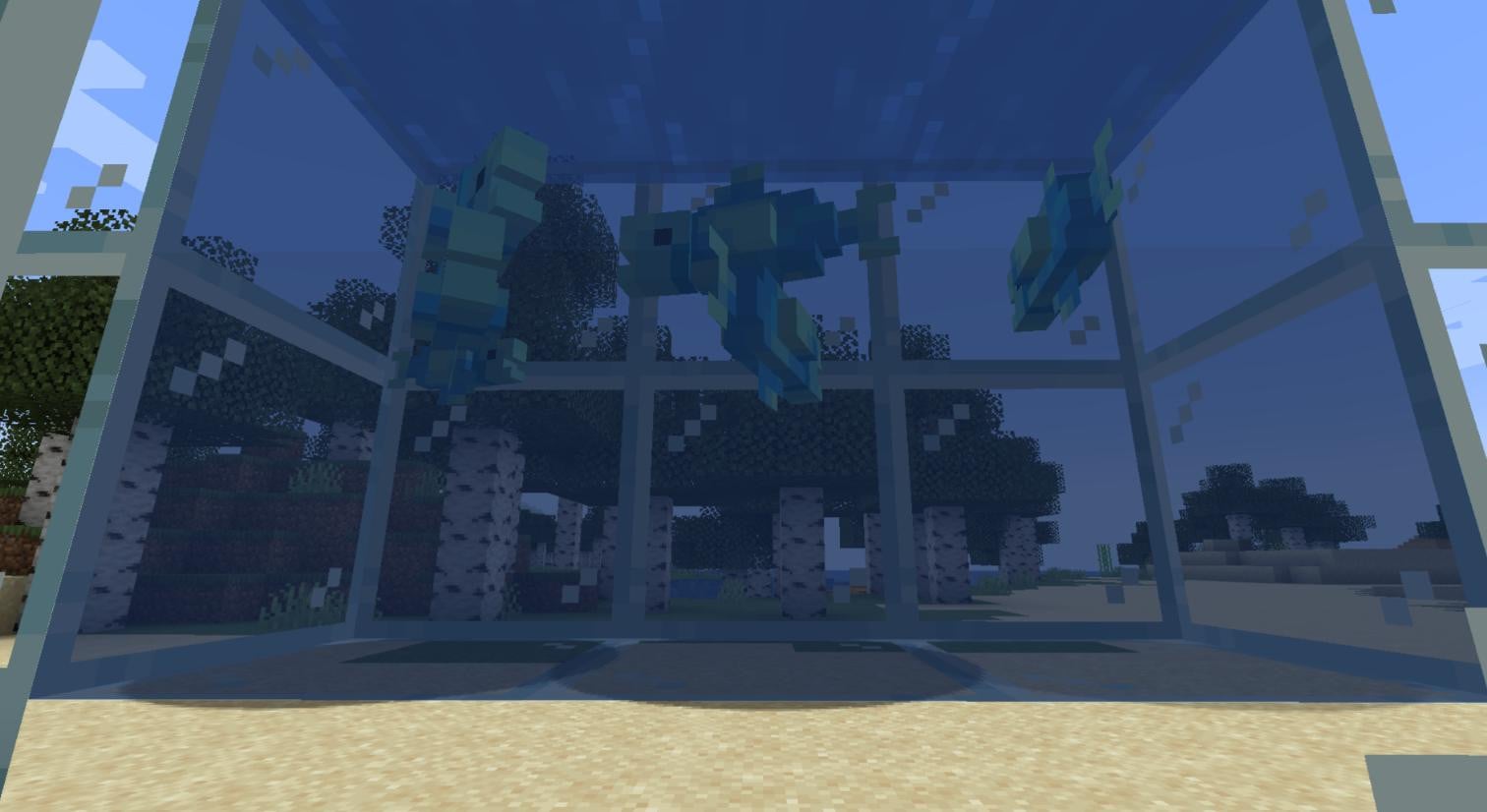
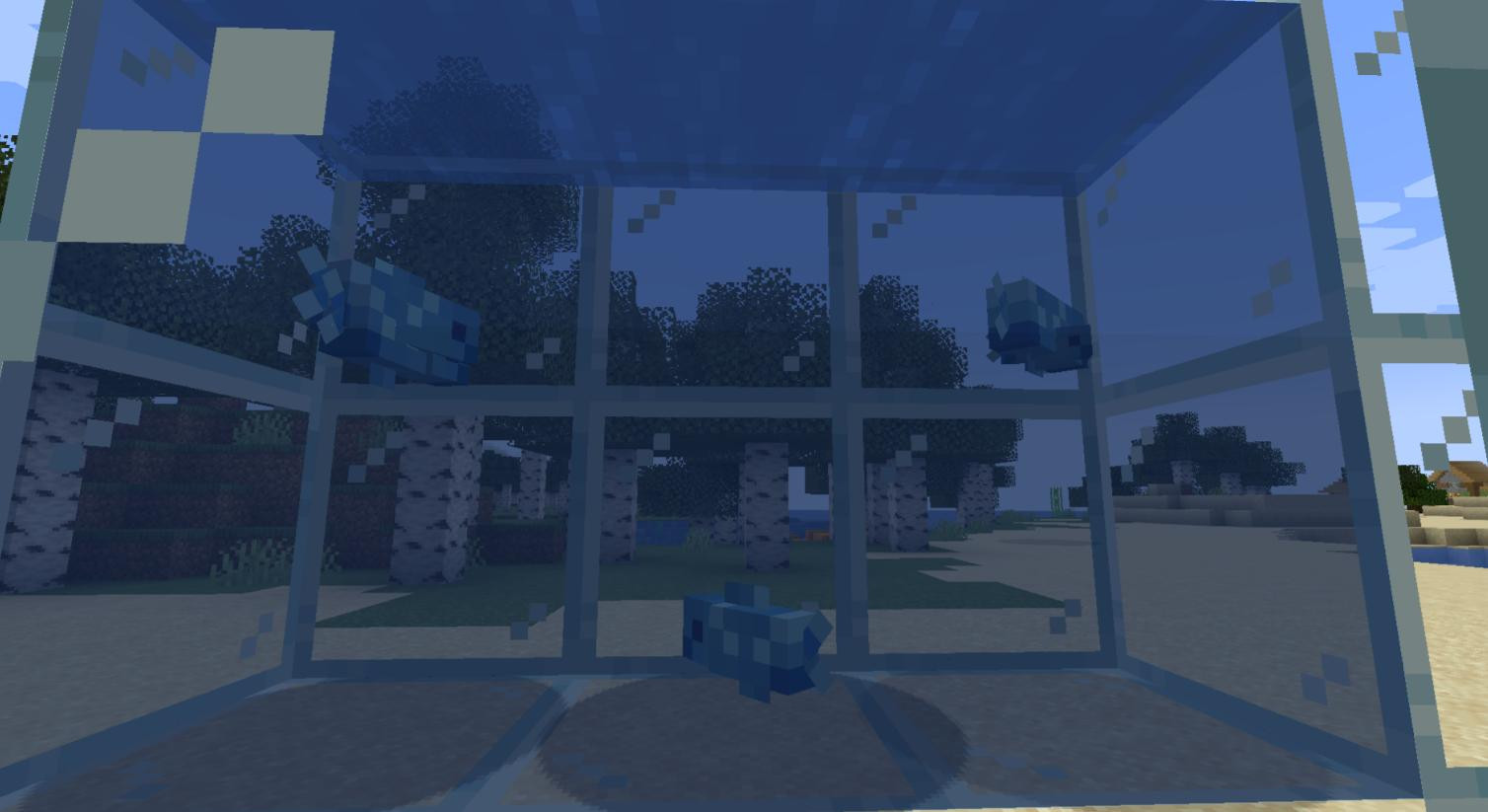
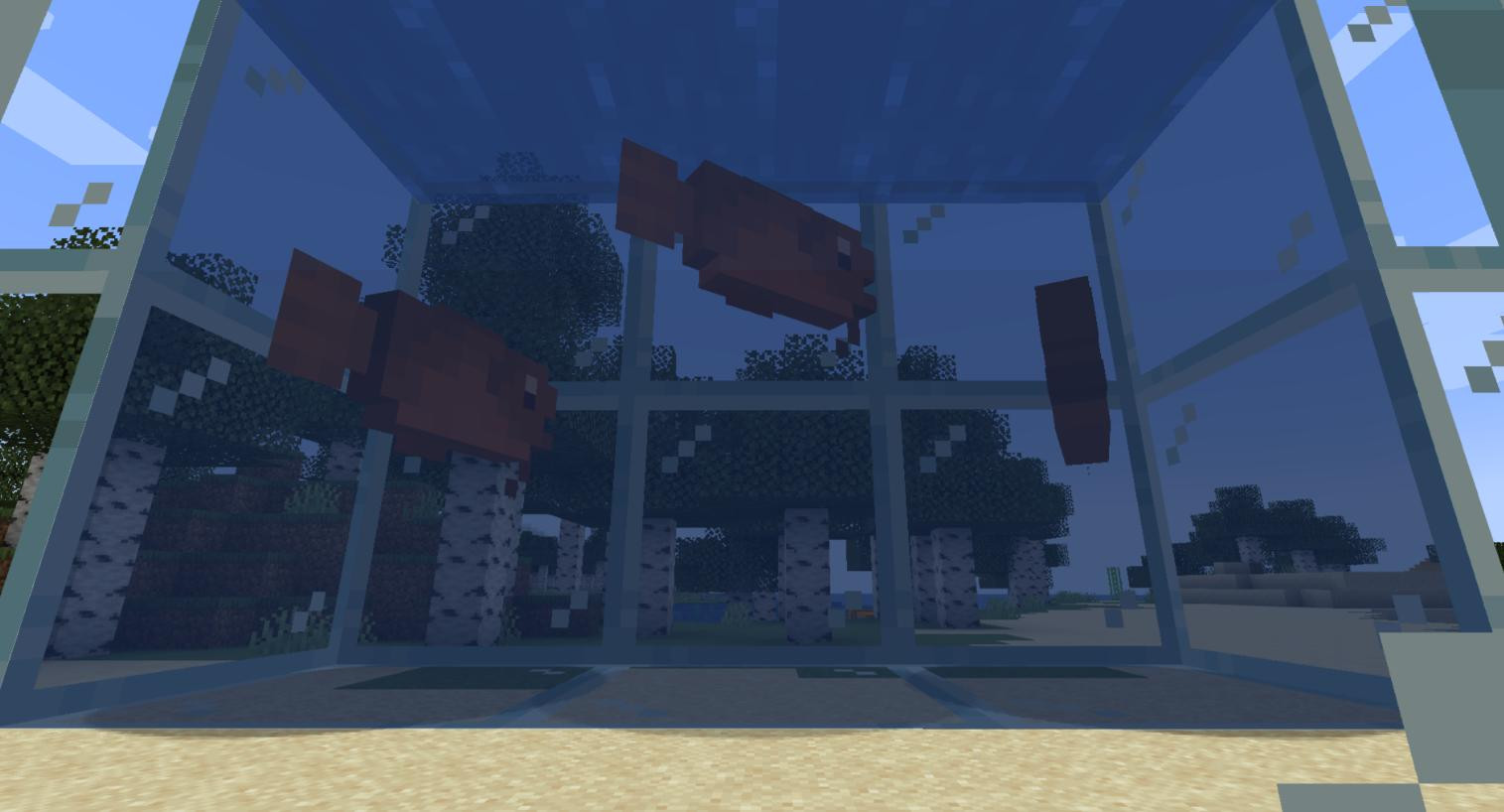
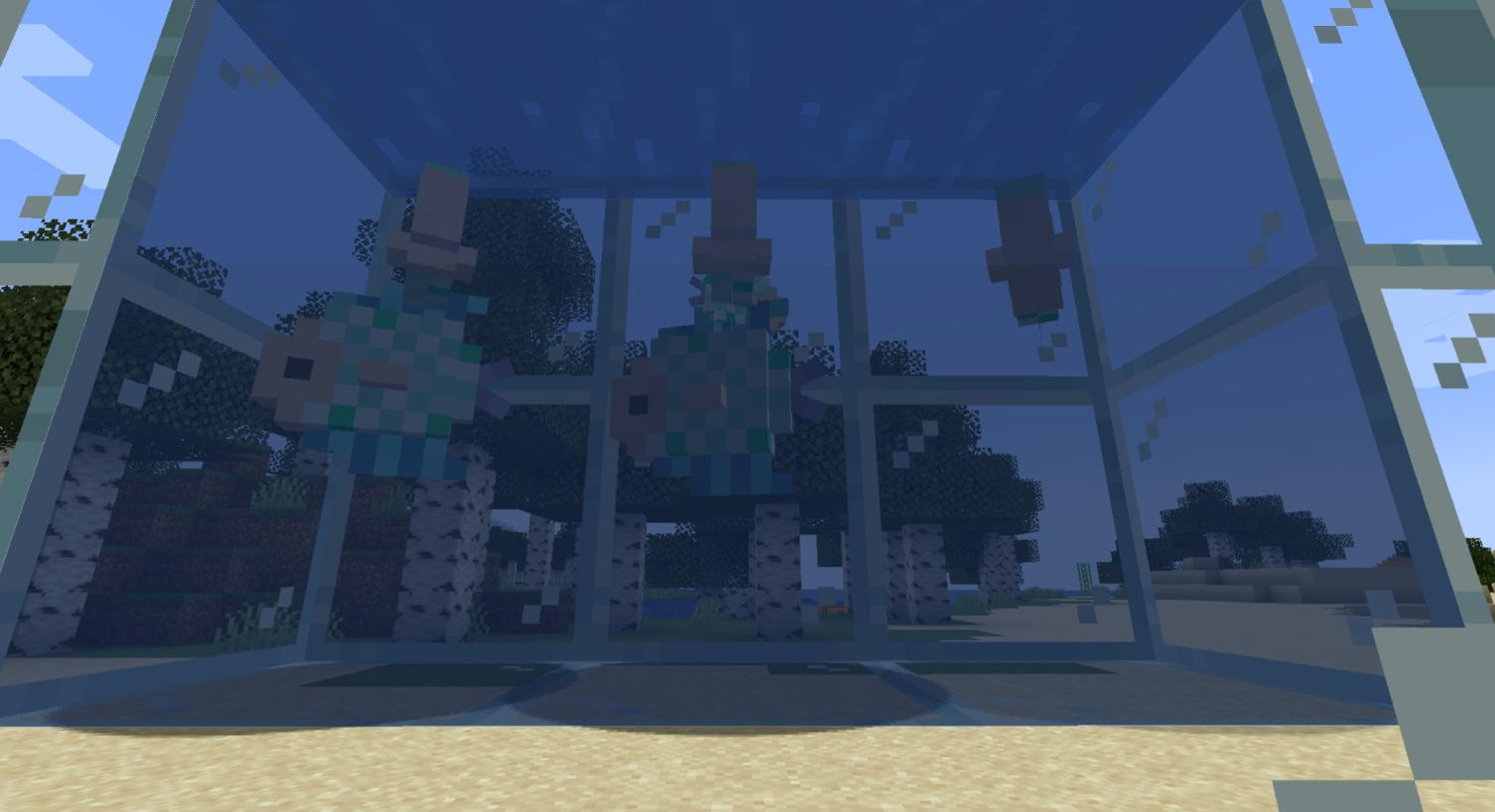
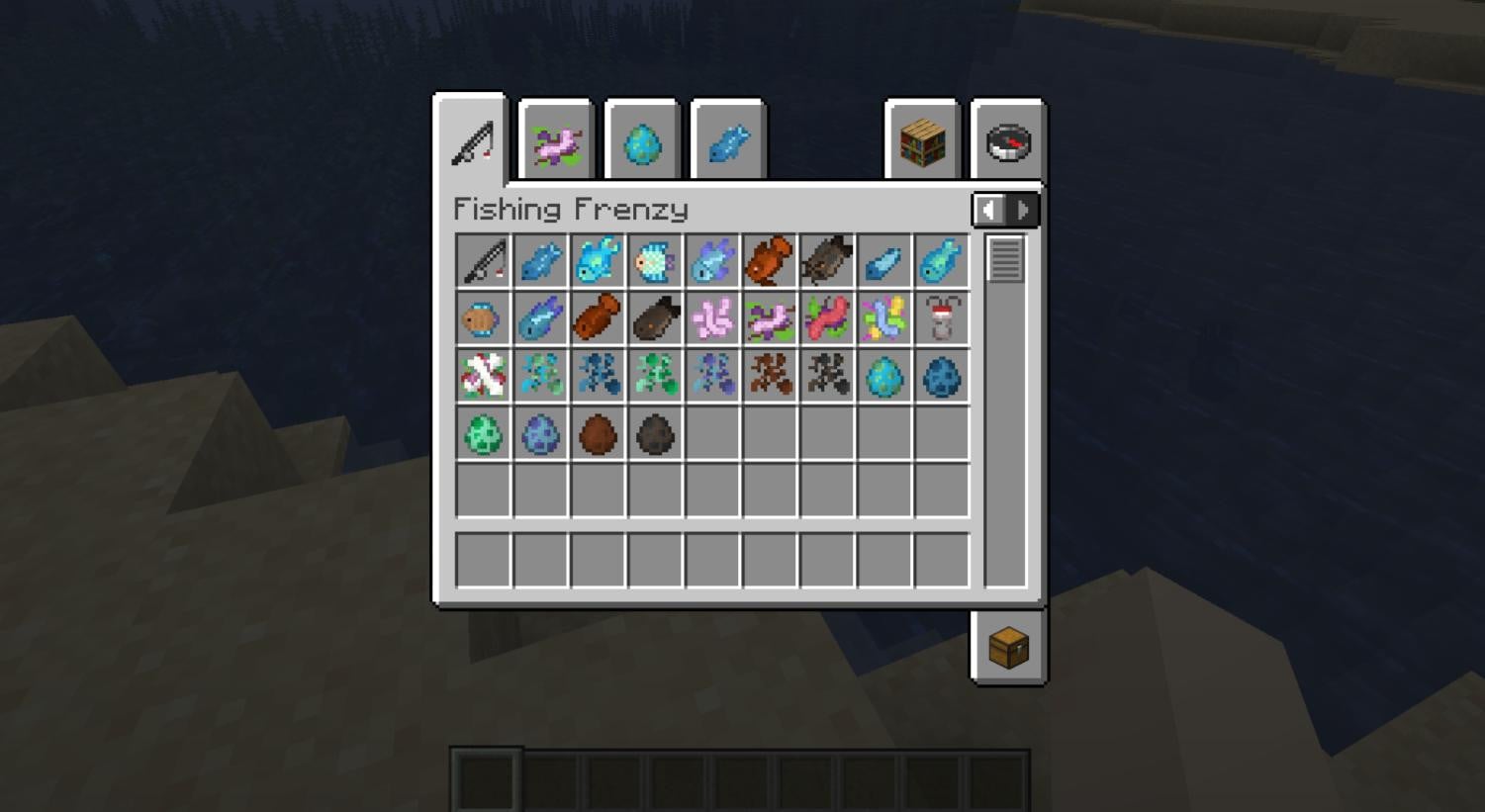
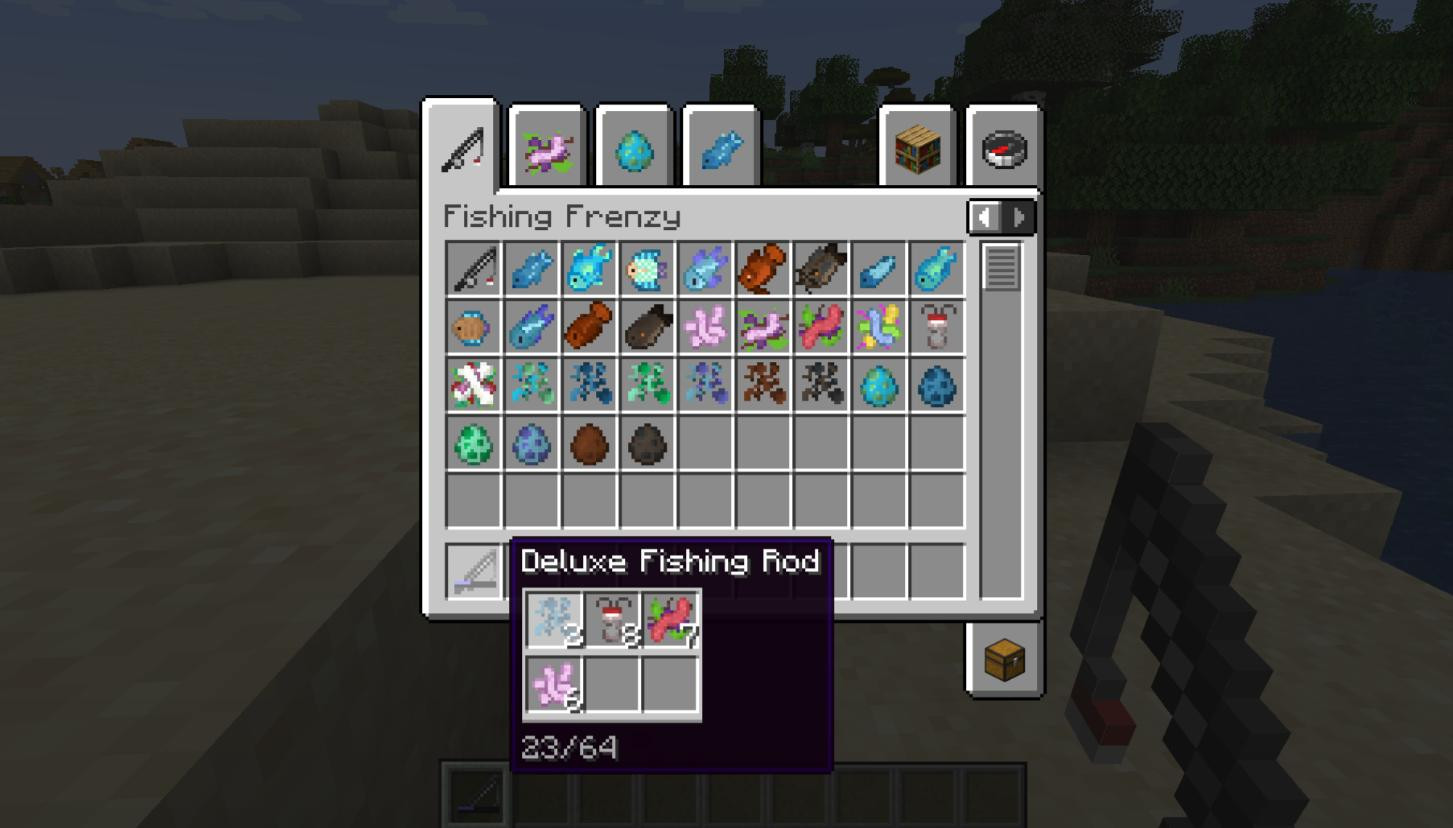
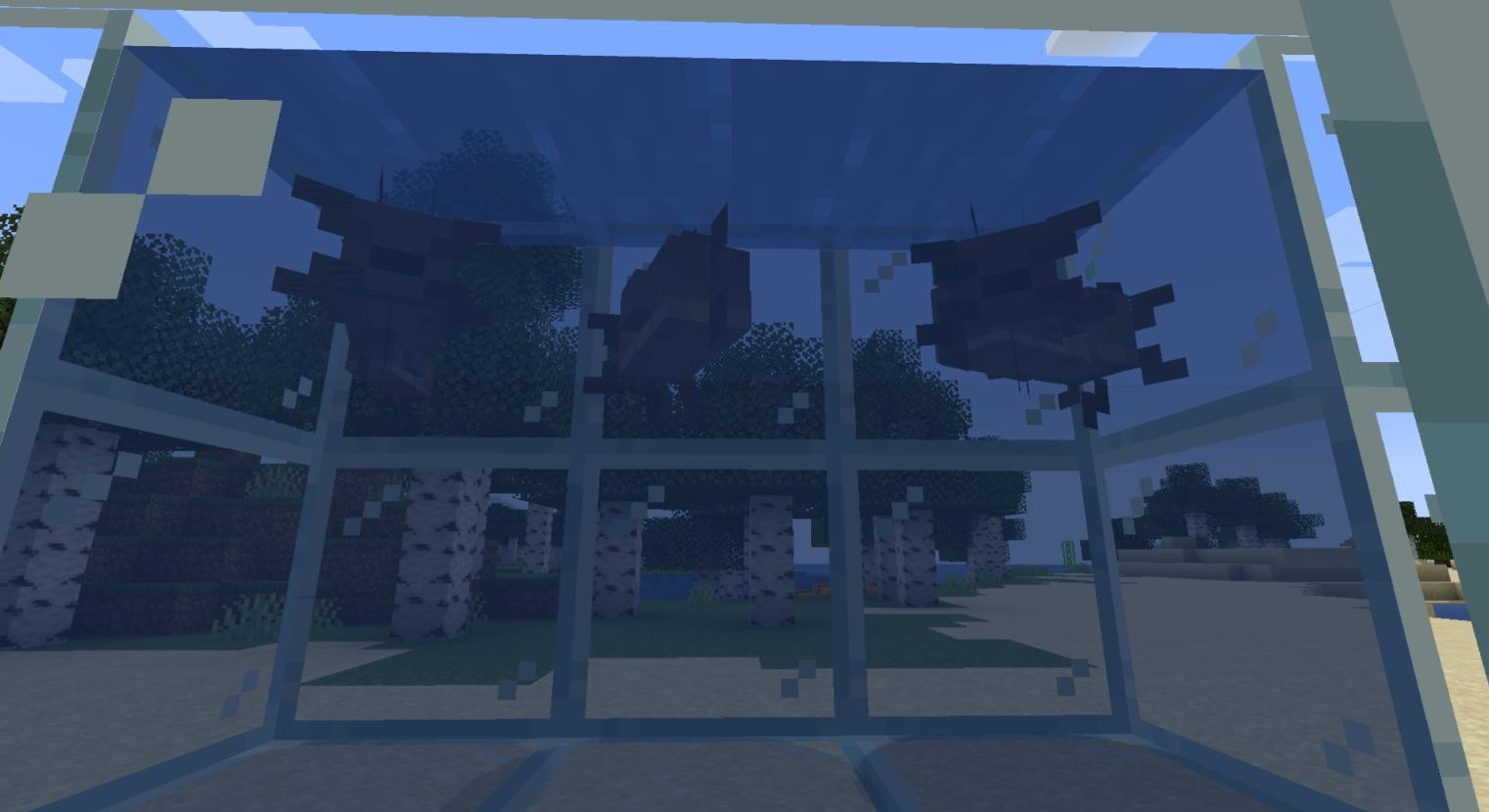
FishingFrenzy Mod introduces innovative fishing experiences in Minecraft, drawing inspiration from games like Stardew Valley and Terraria. It adds a new fishing experience with new rods, lures, and unique fish species. Among the available species are the albacore, anchovy, blue discus, bream, bullhead, and catfish.
Compatibility: Minecraft 1.21 or 1.21.1
Requires: FabricAPI
Key Features:
-
Variety of Fishing Gear. The mod features unique rods that can be customized and modified. Each rod can be equipped with various lures to change the probability of catching specific types of fish or increase the chances of a successful catch.
-
Fish Breeding. You can create your own ponds or special reservoirs to breed different types of fish.
-
Diverse Lures. The mod adds not only many types of fish but also the ability to catch farmed fish. You have access to a wide range of lures to catch specific fish species.
-
Fish Diversity. The modification introduces a large number of fish species, each with unique characteristics and requiring specific care. Different fish species need different conditions for breeding and spawning. Some prefer mountain clear water, while others can only survive in seas.
Settings and Configuration
-
Easy Fishing Mode: Activating this mode allows you to find all fish in any location, ignoring specific spawning conditions. This simplifies fishing for those who prefer less challenging conditions.
-
Configuration File: Located in the config folder, this file allows users to adjust various mod parameters, including rod and lure properties. Additional effect settings will be added in the future.
Mechanics
-
Fishing Process: To start fishing, simply interact with the water while holding a rod. Use lures to improve the chances of a successful catch.
-
Fish Breeding: You also have the opportunity to breed various fish species. Try your hand at this new and interesting craft.
Mod Installation
- Download the FishingFrenzy mod file from the link below.
- Ensure that Fabric Loader is installed and activated.
- Move the .jar mod file to the mods folder located in the main game directory (if the mods folder does not exist, you need to create it yourself).
- Launch Minecraft with the Fabric profile.
_modland.jpg)
_modland.jpg)


![Mod Menu [Minecraft 1.21.1 - 1.14]](https://i2.modland.net/i/670844d8dfaa0/220113162237010137 (1)_modland.jpg)