How to Get Super Speed in Minecraft Using Console Commands
-lg_modland.jpg)
In Minecraft, you can set an incredibly high movement speed using the built-in console command.
The Speed potion effect, which can be set via the console, will make you super fast. Let's figure out how to achieve this.
Preparing the world and activating cheats
To use the command, you need to enable cheats. If the game is already running but the world was created without cheats, open the pause menu and select “Open to the network”.
In the window that appears, activate the “Allow cheats” option, then click “Start world on local network”.
Now you can use all console commands.
Basic command structure
The basic command for adding an effect looks like this:
/effect give <player> <effect> <duration> <level> [hide_particles]
To speed up, use the effect with the ID speed or the number 1. To specify the player's name, simply enter the command manually or press Tab to autocomplete your name.
Example command for standard speed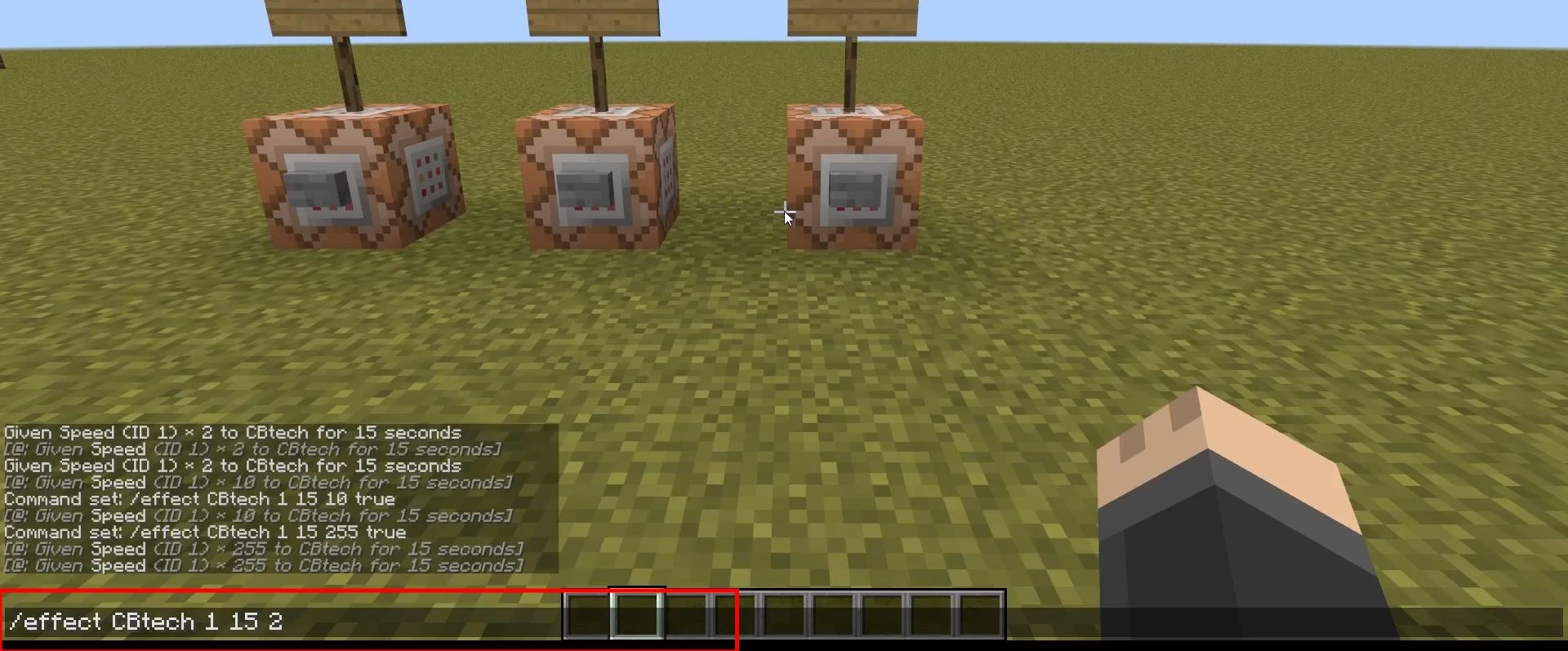
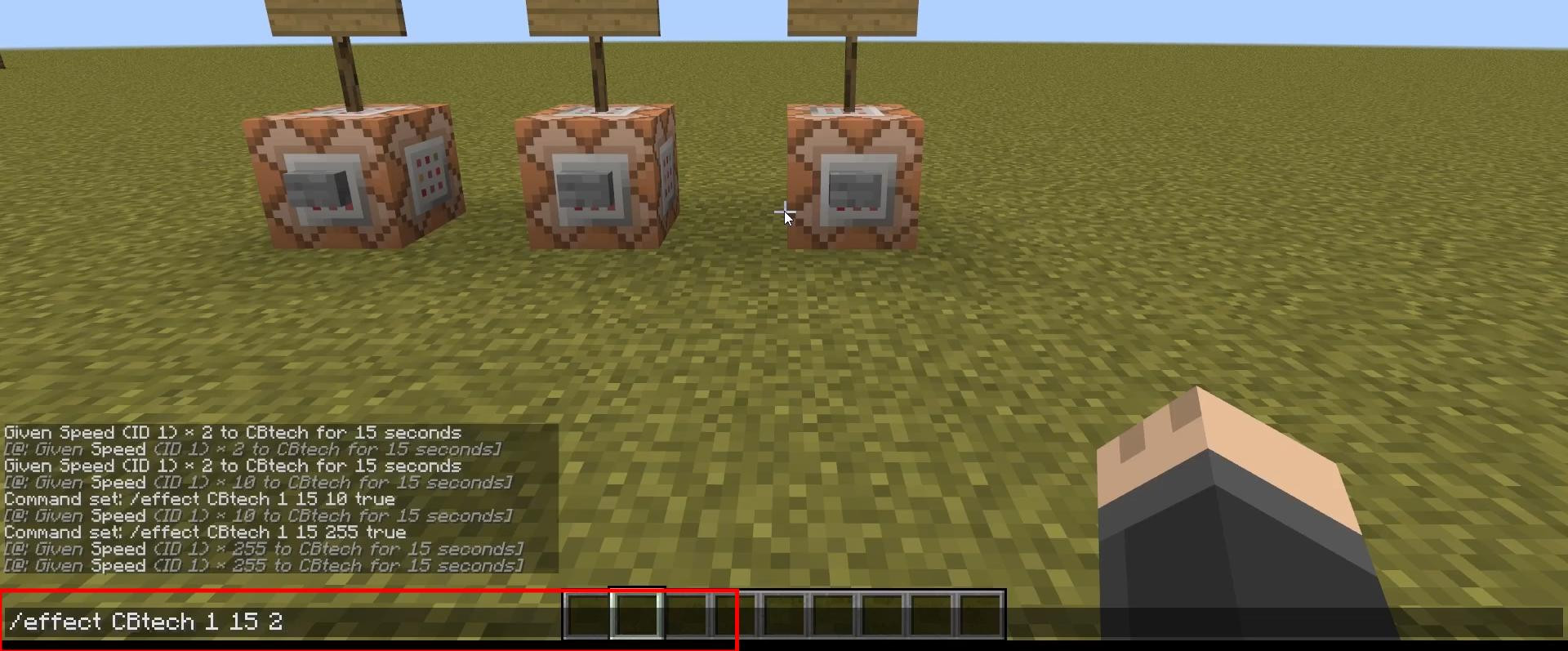
To set normal acceleration, for example, 2 times faster than normal, use the following command:
/effect give @p speed 15 2
• @p — nearest player (can be replaced with a name)
• speed — name of the effect
• 15 — duration in seconds
• 2 — acceleration level (level 1 = speed x2)
After pressing Enter, the character will be given a temporary acceleration. It lasts for 15 seconds and disappears when it ends.
Setting the maximum speed
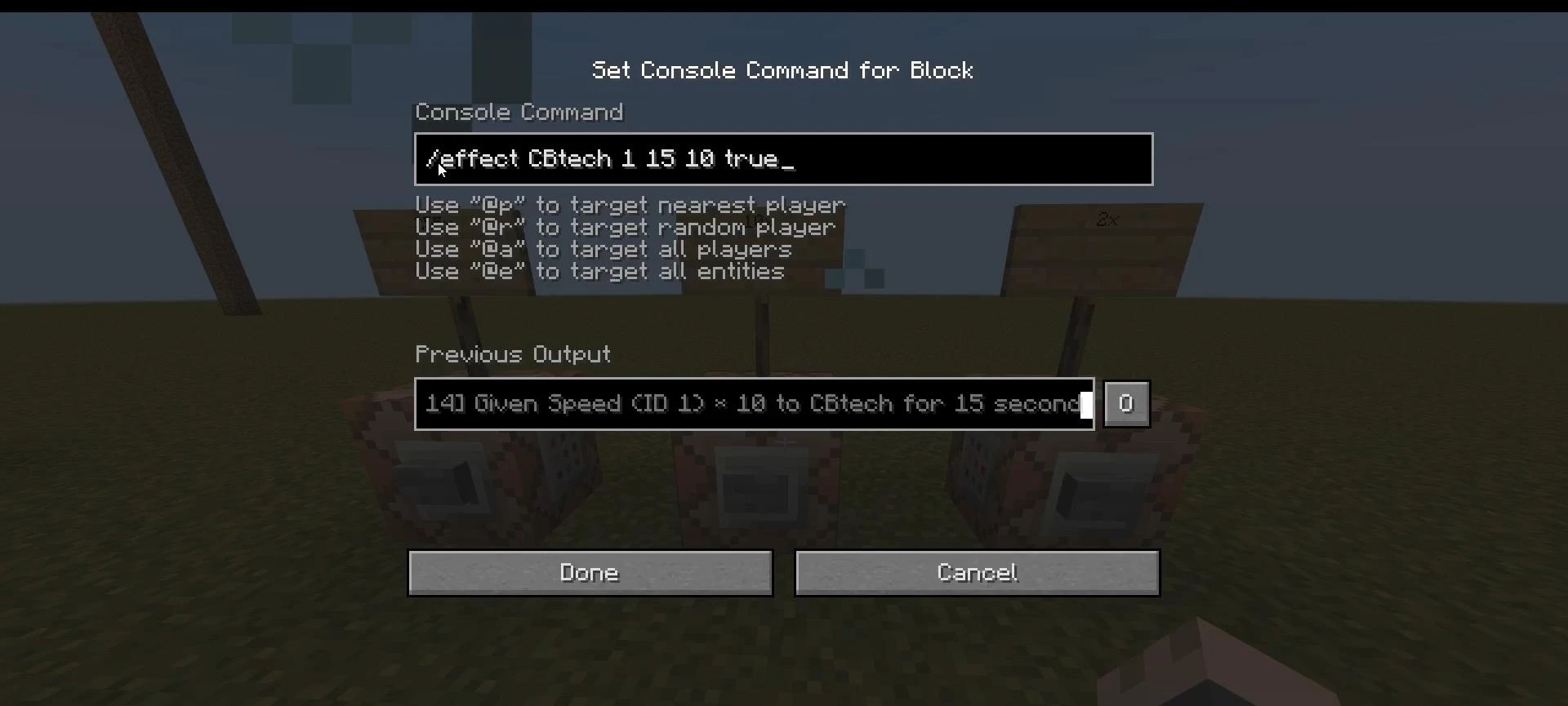
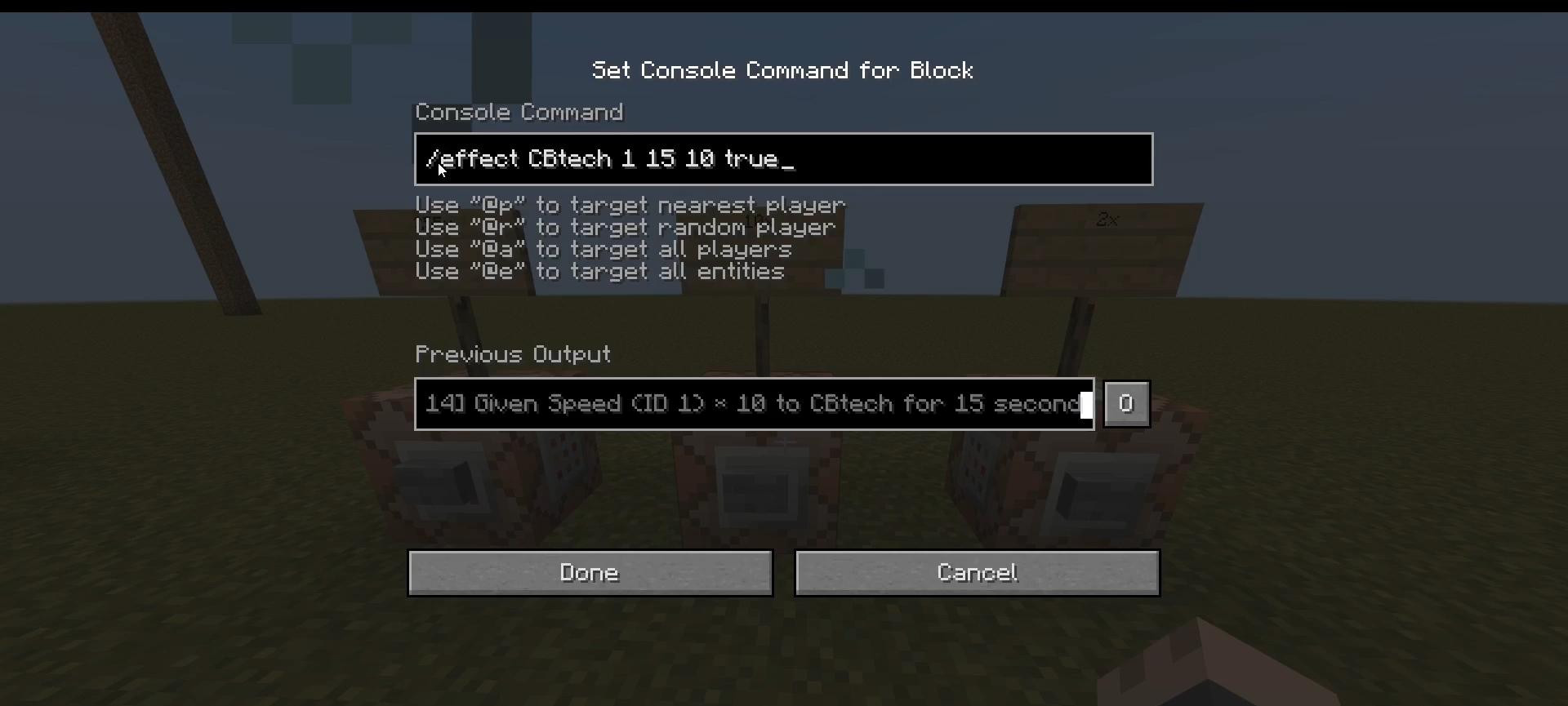
Minecraft supports values up to level 255 for effects. To set an ultra-high speed, use the command:
/effect give @p speed 15 255 true
• Here, 255 is the maximum effect level
• true is a parameter that disables visual particles (blue trails around the character)
A speed of 255 is so high that even the slightest forward movement can move the player dozens of blocks. On uneven surfaces, this ability should be used with great caution.
Setting the duration and optimal speed
You can also increase the duration to 10,000 seconds or more:
/effect give @p speed 10000 10 true
You will move super fast for much longer and be able to control your acceleration. The best value is between 5 and 20.
Ending the effect
If you need to disable the acceleration effect, just enter:
/effect clear @p speed
This command removes only the speed effect, keeping the others if they were applied separately.
Practical application
Super speed can be used in a variety of situations: fast movement around the world, testing buildings, mini-games, or content creation. However, there are some drawbacks, such as difficulty moving in confined spaces and problems with jumping.
A medium acceleration level allows you to maintain comfortable control while making movement noticeably faster. Therefore, it is recommended to specify medium values!
Videos
Added by

![Timeless and Classics Zero (TaCZ) [Minecraft 1.20.1, 1.19.2, 1.18.2]](https://i2.modland.net/i/669683678b42d/description_0ac47139-8e79-4b76-8a0c-d79bcb9039df_modland.webp)
![NeoForge Installer [Minecraft 1.21.1, 1.20.6 - 1.20.1]](https://i2.modland.net/i/66c5cbeb7e5ee/neoforge_modland.webp)
![[1.5] THE DROPPER](https://li1.modland.net/minecraft/maps/thumbnail/th_ModLandNet_1.jpg)

_modland.webp)
_modland.webp)

![Mod Menu [Minecraft 1.21.1 - 1.14]](https://i2.modland.net/i/670844d8dfaa0/220113162237010137 (1)_modland.webp)