Skin para Camión & Remolque de RedBull 1.0

2/5,
6
votes
Key Mod Features:
RedBull Visual Design:
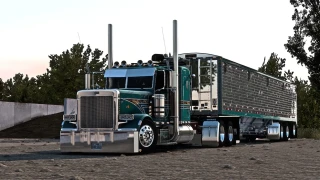
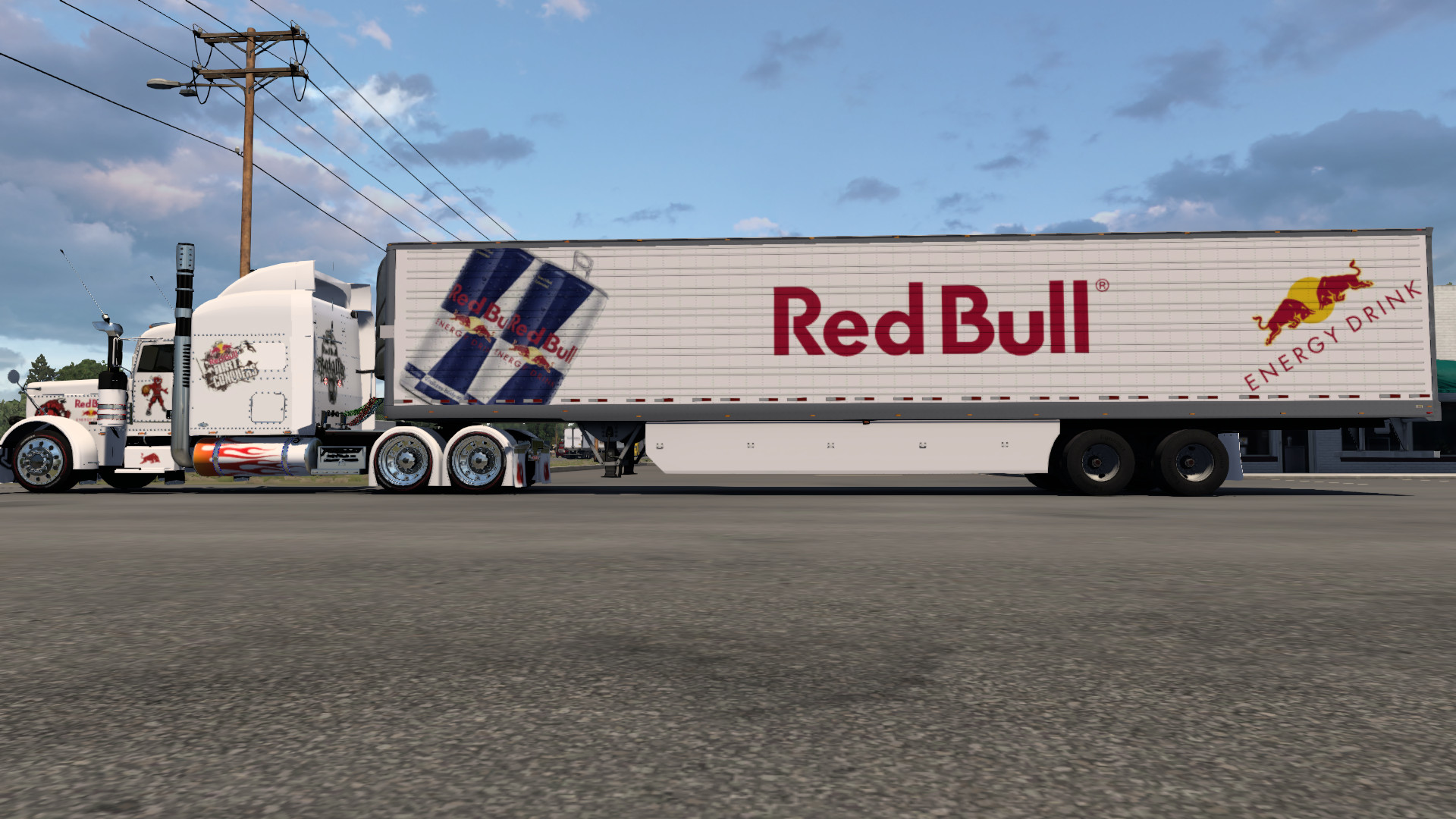
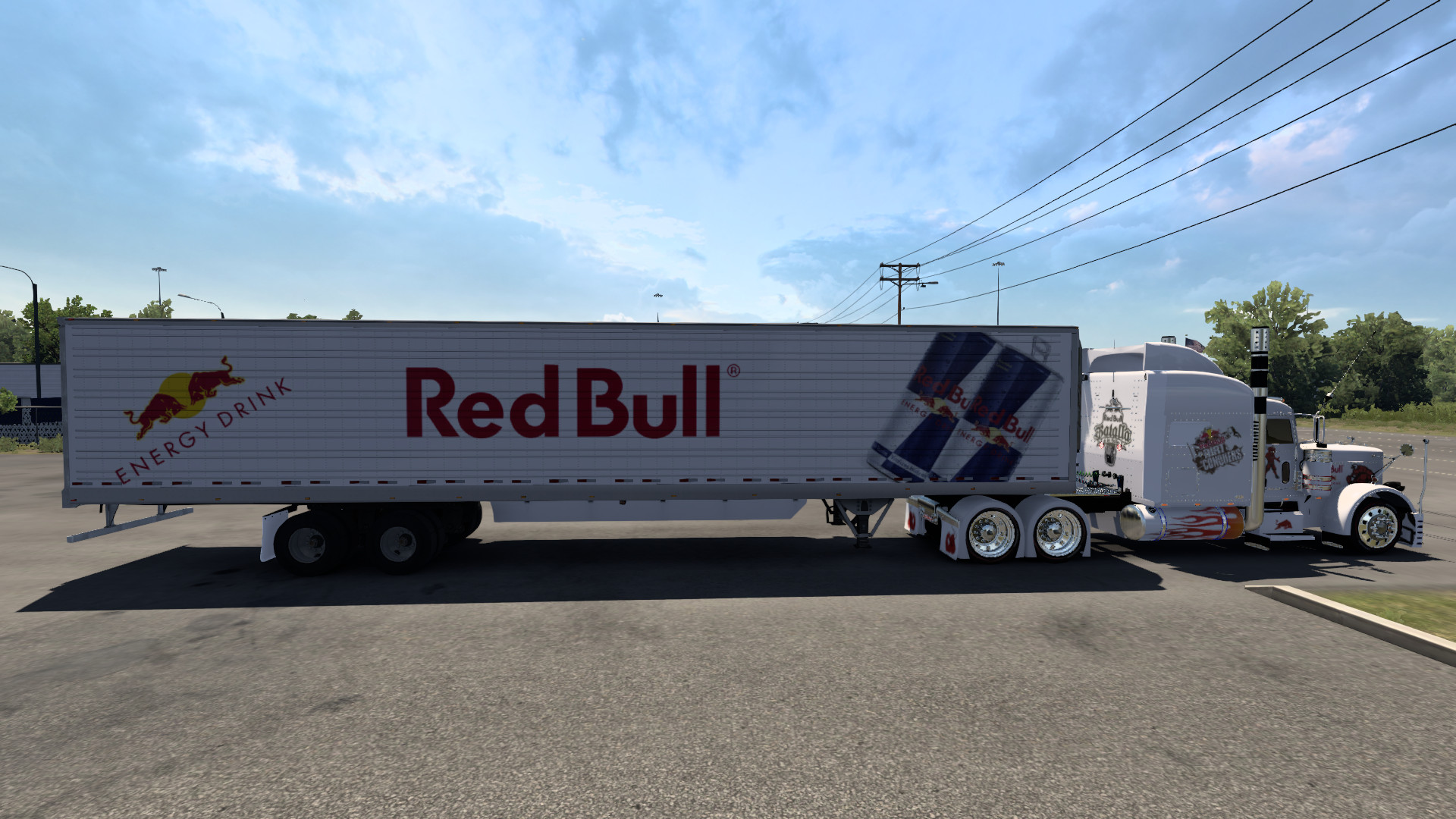
The mod includes a high-quality skin for your truck and trailer, inspired by the famous RedBull design. The graphics are faithful to the brand's colors and logos, creating a stunning visual impact. Every detail of the skin has been meticulously crafted to ensure your truck and trailer look authentic and eye-catching.
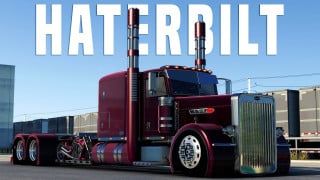
Haterbilt Peterbilt 389 Compatibility:
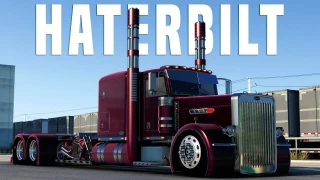
To fully enjoy the mod, it is essential to download and install the Haterbilt Peterbilt 389 truck. This truck is the ideal base for applying the RedBull skin, offering a rugged design and a great deal of customization that perfectly complements the RedBull style. Make sure to follow the truck's installation instructions for a smooth integration.
Skin Application:
The truck and trailer skin is easy to install and apply. We include a detailed instruction file that will guide you through the installation process. With just a few steps, you'll be able to transform the look of your truck and trailer and start enjoying the new style on the road.
High Quality Textures:
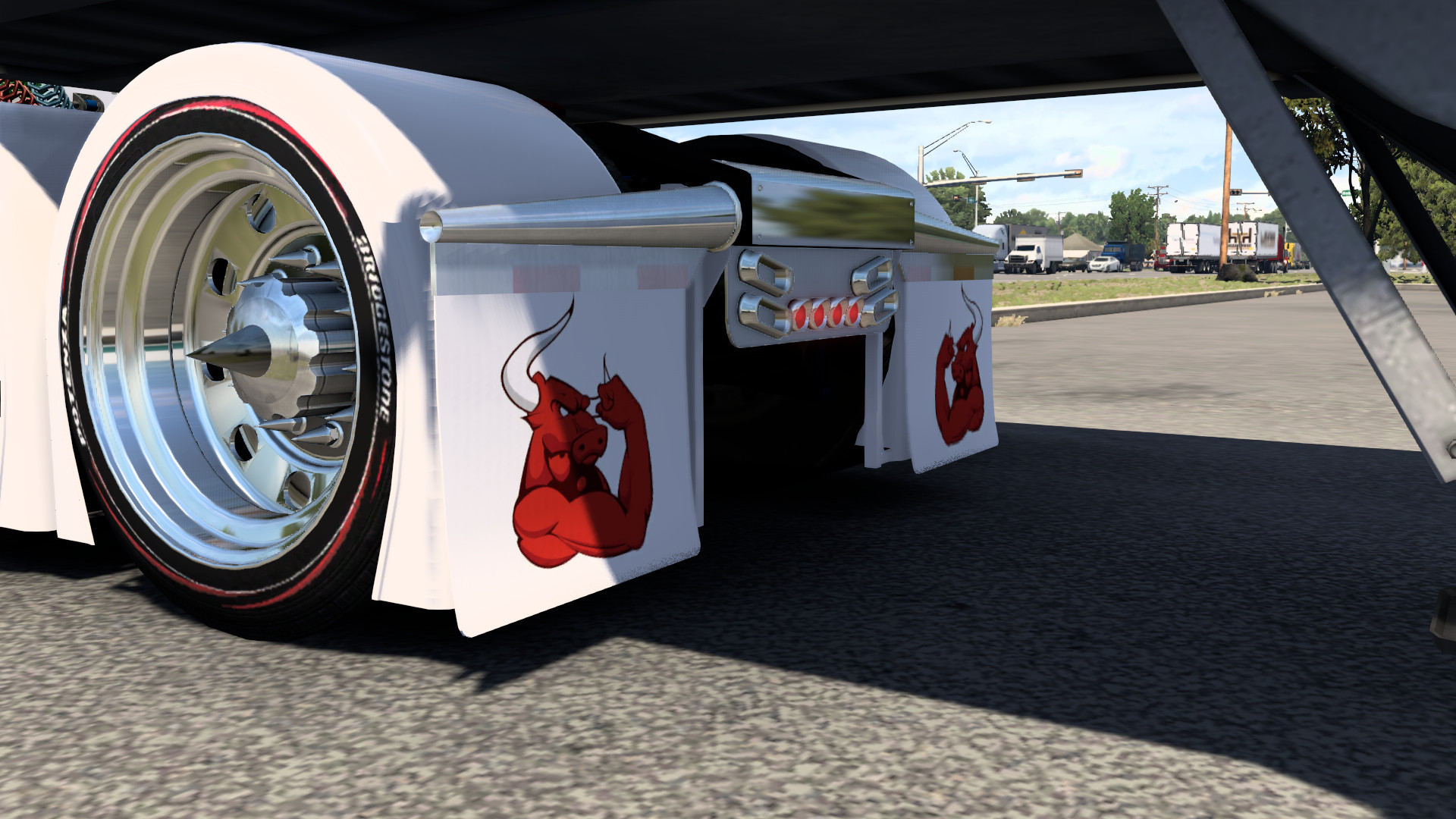
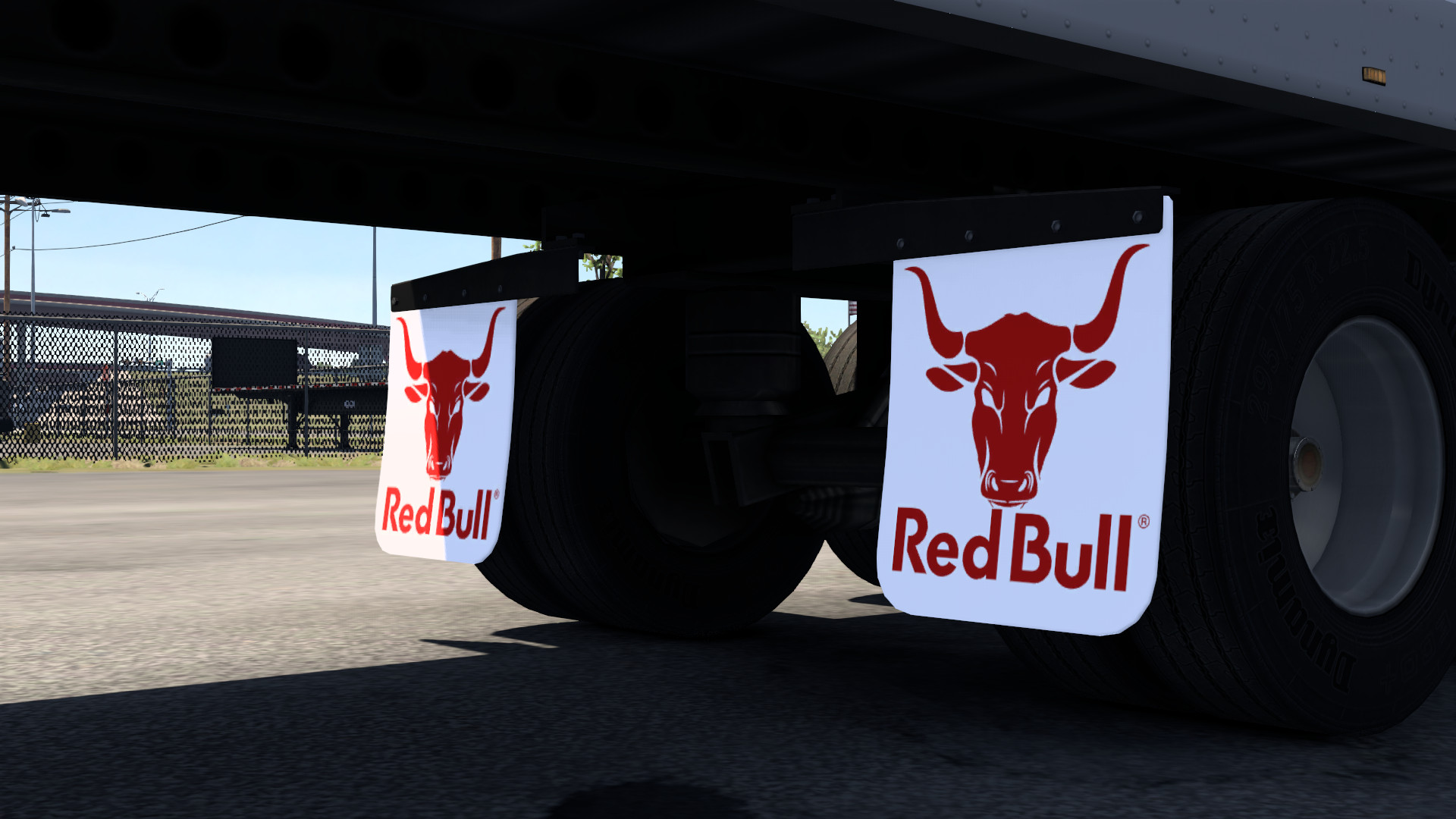
The skin's textures have been created with an exceptional level of detail. The high resolution ensures that the graphics are crisp and vibrant, even in close-up views. The logos and design patterns are well-defined, providing a professional and polished look.
Customization and Style:
Although the mod focuses on the RedBull design, we also offer customization options so you can adapt the skin to your style. You can choose from different variants of the design, adjust the colors, and add your own modifications to make your truck and trailer unique.
Extended Compatibility:
This version of the mod has been optimized to be compatible with the most recent versions of the truck simulator. We've worked to ensure that the skin runs smoothly and without conflicts with other mods or expansions. The extended compatibility ensures that you can enjoy a smooth, glitch-free gaming experience.
Sounds and Audio Experience:
While the mod focuses on the visual aspect, the audio experience has also been improved to complement the new look. The truck and trailer sounds have been tweaked to offer an immersive driving experience that aligns with RedBull's energetic style.
Detailed Installation Instructions:
We've included a comprehensive instruction file to help you install the skin efficiently. The instructions are designed to be clear and easy to follow, allowing you to apply the skin without any hassle and start enjoying the new design in no time.
Support and Updates:
We are committed to continuously improving the mod and offer support for any issues you may encounter. If you have questions or need help during installation, please feel free to contact our support team. We will also release regular updates to improve the mod and add new features based on your feedback.
Acknowledgements and Acknowledgments:
We would like to express our gratitude to all of the players and fans who have supported the development of this mod. Your enthusiasm and feedback have been essential to improving and perfecting our creations. We hope you enjoy this latest release and that the RedBull skin brings a new level of excitement to your driving experience.
Installation Instructions:
Download the Mod:
Make sure you download the latest version of the "RedBull Truck & Trailer Skin V. 1.50.1.25" mod from a trusted source. Verify the integrity of the downloaded file before proceeding.
Download the Haterbilt Peterbilt 389:
Before applying the skin, download and install the Required truck. This truck provides the ideal base for the skin and is essential for the RedBull livery to be applied correctly. Follow the instructions provided by Haterbilt to complete the installation.
Apply the Skin:
Extract the downloaded skin files and place them in the appropriate folder in your truck simulator. Follow the instructions in the installation file to properly apply the skin to the truck and trailer.
Verify Installation:
Launch the simulator and access the truck customization menu. You should see the RedBull skin applied to the Peterbilt 389 and trailer. Adjust the options to your liking and start enjoying the new look of your fleet.
RedBull Visual Design:
The mod includes a high-quality skin for your truck and trailer, inspired by the famous RedBull design. The graphics are faithful to the brand's colors and logos, creating a stunning visual impact. Every detail of the skin has been meticulously crafted to ensure your truck and trailer look authentic and eye-catching.
Haterbilt Peterbilt 389 Compatibility:
To fully enjoy the mod, it is essential to download and install the Haterbilt Peterbilt 389 truck. This truck is the ideal base for applying the RedBull skin, offering a rugged design and a great deal of customization that perfectly complements the RedBull style. Make sure to follow the truck's installation instructions for a smooth integration.
Skin Application:
The truck and trailer skin is easy to install and apply. We include a detailed instruction file that will guide you through the installation process. With just a few steps, you'll be able to transform the look of your truck and trailer and start enjoying the new style on the road.
High Quality Textures:
The skin's textures have been created with an exceptional level of detail. The high resolution ensures that the graphics are crisp and vibrant, even in close-up views. The logos and design patterns are well-defined, providing a professional and polished look.
Customization and Style:
Although the mod focuses on the RedBull design, we also offer customization options so you can adapt the skin to your style. You can choose from different variants of the design, adjust the colors, and add your own modifications to make your truck and trailer unique.
Extended Compatibility:
This version of the mod has been optimized to be compatible with the most recent versions of the truck simulator. We've worked to ensure that the skin runs smoothly and without conflicts with other mods or expansions. The extended compatibility ensures that you can enjoy a smooth, glitch-free gaming experience.
Sounds and Audio Experience:
While the mod focuses on the visual aspect, the audio experience has also been improved to complement the new look. The truck and trailer sounds have been tweaked to offer an immersive driving experience that aligns with RedBull's energetic style.
Detailed Installation Instructions:
We've included a comprehensive instruction file to help you install the skin efficiently. The instructions are designed to be clear and easy to follow, allowing you to apply the skin without any hassle and start enjoying the new design in no time.
Support and Updates:
We are committed to continuously improving the mod and offer support for any issues you may encounter. If you have questions or need help during installation, please feel free to contact our support team. We will also release regular updates to improve the mod and add new features based on your feedback.
Acknowledgements and Acknowledgments:
We would like to express our gratitude to all of the players and fans who have supported the development of this mod. Your enthusiasm and feedback have been essential to improving and perfecting our creations. We hope you enjoy this latest release and that the RedBull skin brings a new level of excitement to your driving experience.
Installation Instructions:
Download the Mod:
Make sure you download the latest version of the "RedBull Truck & Trailer Skin V. 1.50.1.25" mod from a trusted source. Verify the integrity of the downloaded file before proceeding.
Download the Haterbilt Peterbilt 389:
Before applying the skin, download and install the Required truck. This truck provides the ideal base for the skin and is essential for the RedBull livery to be applied correctly. Follow the instructions provided by Haterbilt to complete the installation.
Apply the Skin:
Extract the downloaded skin files and place them in the appropriate folder in your truck simulator. Follow the instructions in the installation file to properly apply the skin to the truck and trailer.
Verify Installation:
Launch the simulator and access the truck customization menu. You should see the RedBull skin applied to the Peterbilt 389 and trailer. Adjust the options to your liking and start enjoying the new look of your fleet.
External Download Links:
About Mod
| Latest Version | 1.0 |
| Game | ATS |
| Category | Skins |
| Game Version | 1.51.x |
| Downloads | 293 |
| Forum Thread | Visit forum thread |
| Created | 2 years ago |
You Might Also Like »
0 Comments
There are no comments. Be first to comment!