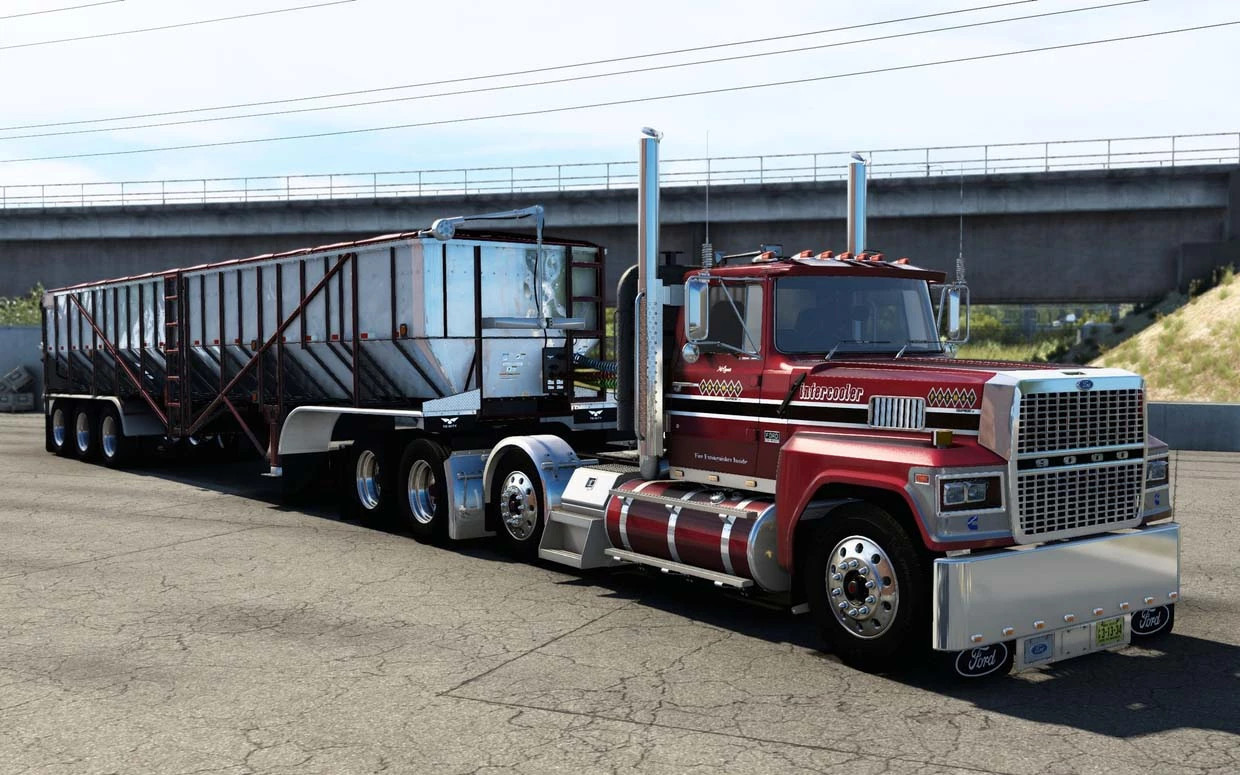
Ford LTL9000 v10.0
Latest Update
latest
Version
v10.0
· ATS
1.60.x
1 month ago
Changelog v10.0
-Compatibility for 1.60
Changelog v9.0
-Compatibility for 1.58
Changelog v7.0
-Updated and tweak the interior shadows
-Fixed some glitches and bugs
-Updated some textures and materials
-Compatibility for 1.55
Includes:
Cabins: Flattop, Sleeper
2 Chassis
Engines: Cummins NTC/444/N14/L10, DD92, Cat 3406E/3406B/3406C
2 Interiors
A lot of customization/tuning for interior & exterior
Credits
Blade shop
Ford ltl9000 for American truck simulator
updated 1.39
added new parts
Author: renenate
updated 1.39
added new parts
Author: renenate
External Download Links:
- Modsfire.com - BladeShop_LTL_9000_ATS_1.60.scs [601.53 MB]
- Sharemods.com - BladeShop_LTL_9000_ATS_1.60.scs [601.5 MB]
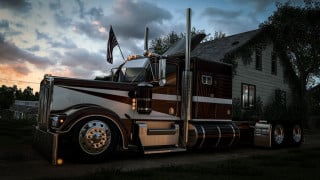

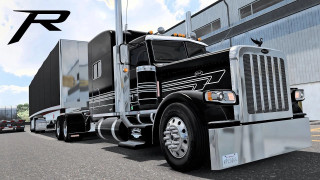
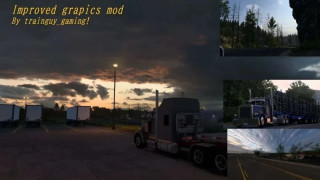
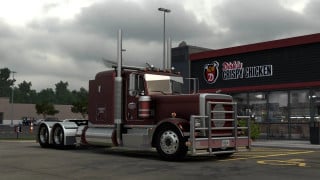
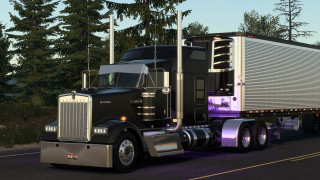
how can you get the paint jobs?
Hey friend can you please update this mod for the 1.56 version
@Truth Be Told , I already tried that, First off, You can't unzip the scs file even if you change the file extension to zip, It won't open it. How could you possibly be doing this if I cant?
@SomeNordGuy Thank you for the info. I stand corrected!
@BeaverCreekFarms filename.scs = filename.zip Just change it and unzip it.
@Truth Be Told Kind of hard to do, given it's a .scs file that can't be unzipped. I've even tried and couldn't extract it.
@Harkonnen wolf trucker Hi Wolf Trucker. You can update it yourself quite easily. I'll explain how. First go to where you have all of your mods for ATS stored on your computer. Locate this mod and open it using Winrar or 7zip. If you don't have either, download one of them from their respective official websites. Both are free to use. Once you have the mod opened you'll see 5 folders and 5 individual files. The file we want to open is called "manifest.sii". Double click manifest.sii to open it using your choice of text editor. I prefer notepad++ but the editor included with windows will work just fine. Leave the mod archive window open for now as we're going to need it in just a moment. Once you have manifest.sii open you want to find the line that says "compatible_versions[]: "1.54.*"". This is the line that tells ATS which version of the game the mod is compatible with. Change the 1.54.* to 1.56.* and now select "Save as" and a new window will open up. Near the bottom of the window you will see the boxes for "File name:" and below that "Save as type:". For "Save as type:" you want to change it from "Normal text file (*.txt)" to "All types (*.*)". This will ensure that the file is saved in its intended .sii format instead of as a .txt file. Now go ahead and choose a location to temporarily save this file to. It should be someplace that's easy for you to locate once this step is complete. Desktop or My documents are both good options. Once the file is saved go ahead and close your text editor and find the edited file you just saved. Drag and drop that file into the open Winrar or 7zip window containing the "BladeShop_LTL_9000_v6_ATS_1.54.scs" mod archive. It will ask if you are sure you want to copy the file to the archive. Select yes, close the open mod archive, fire up ATS, enable the mod and you should be good to go! If you have any questions let me know. Have fun!