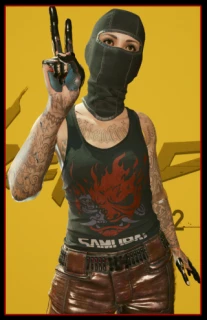
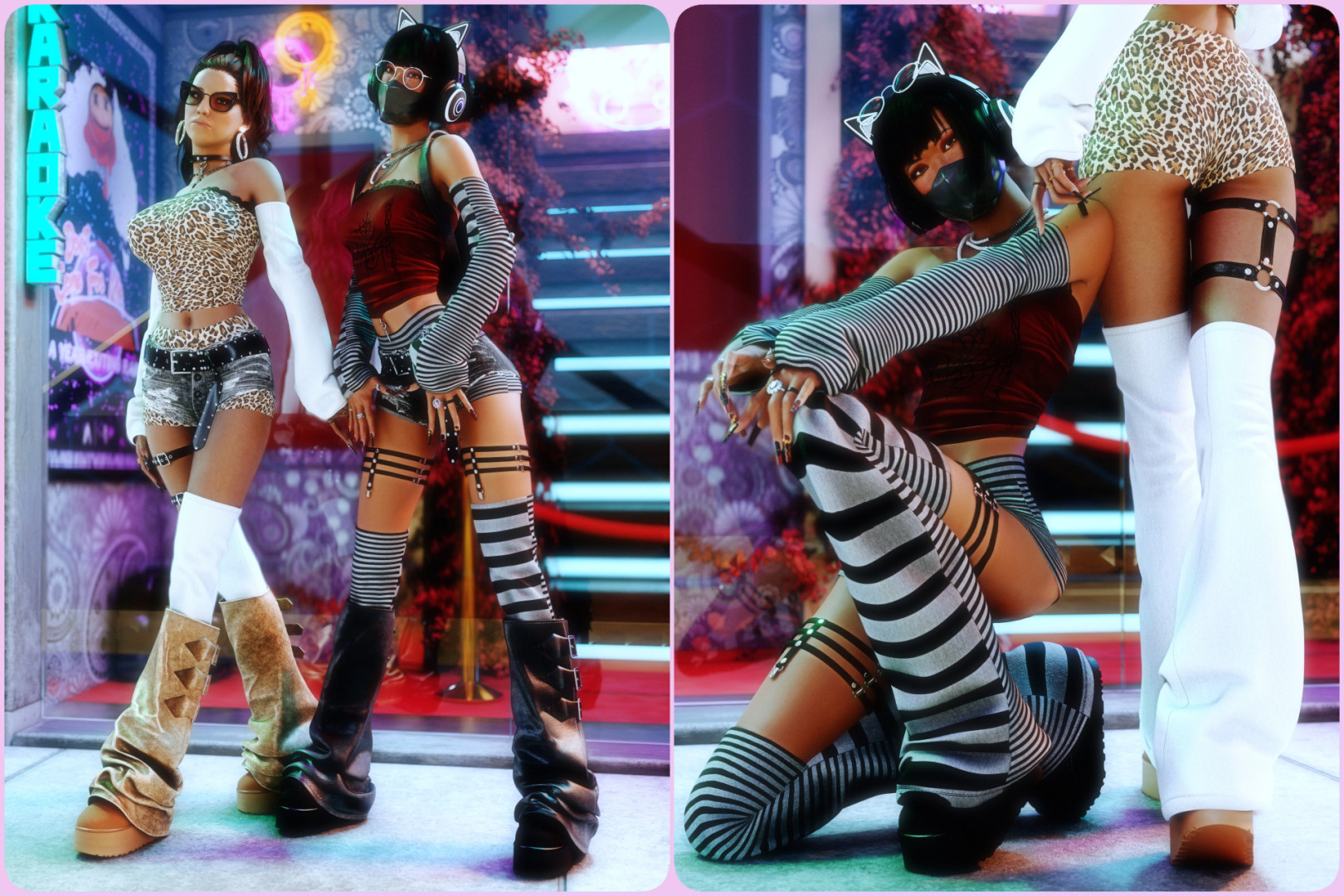
Gothic Outfit Pt12 v1.0








3/5,
2
votes
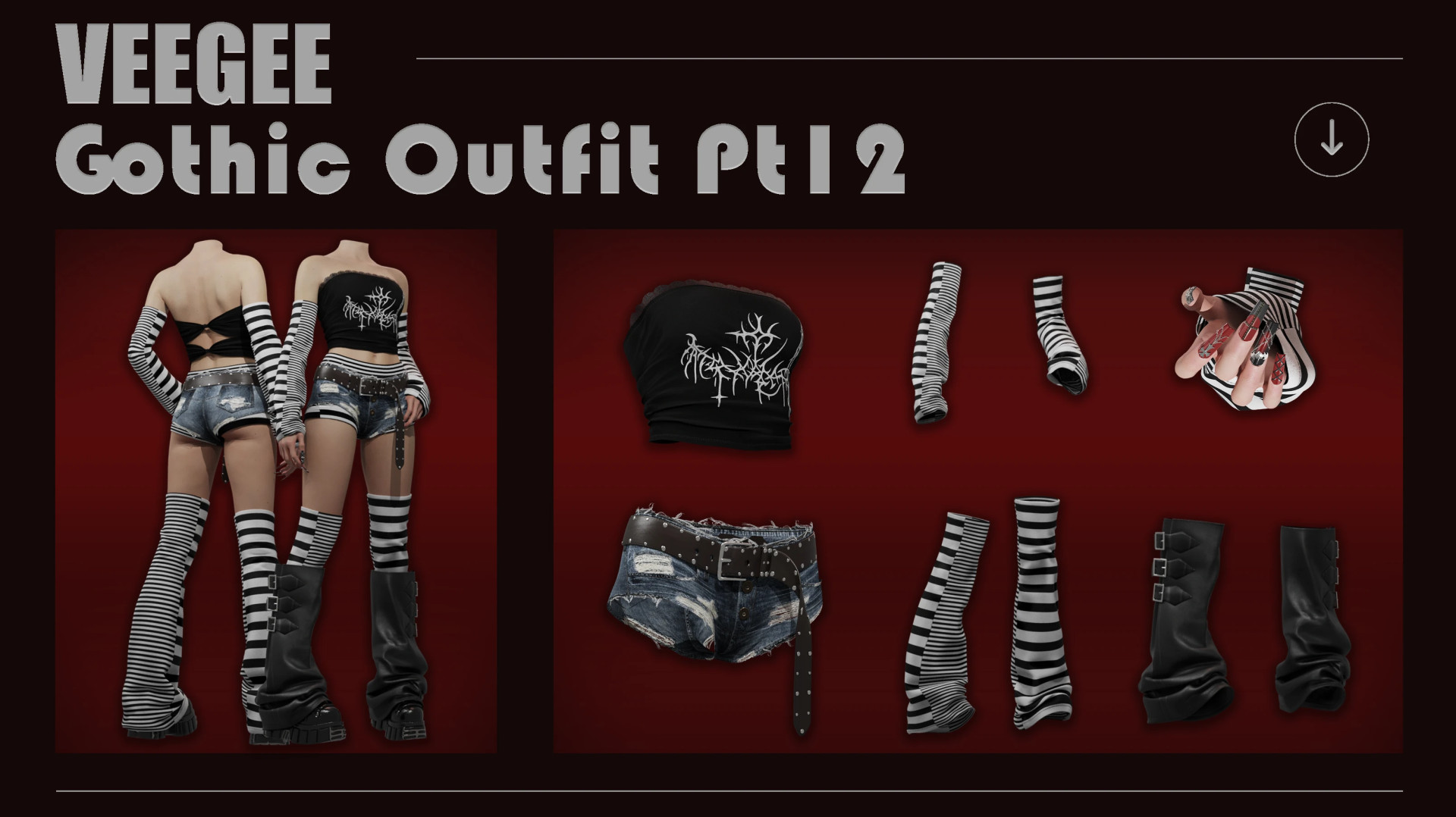
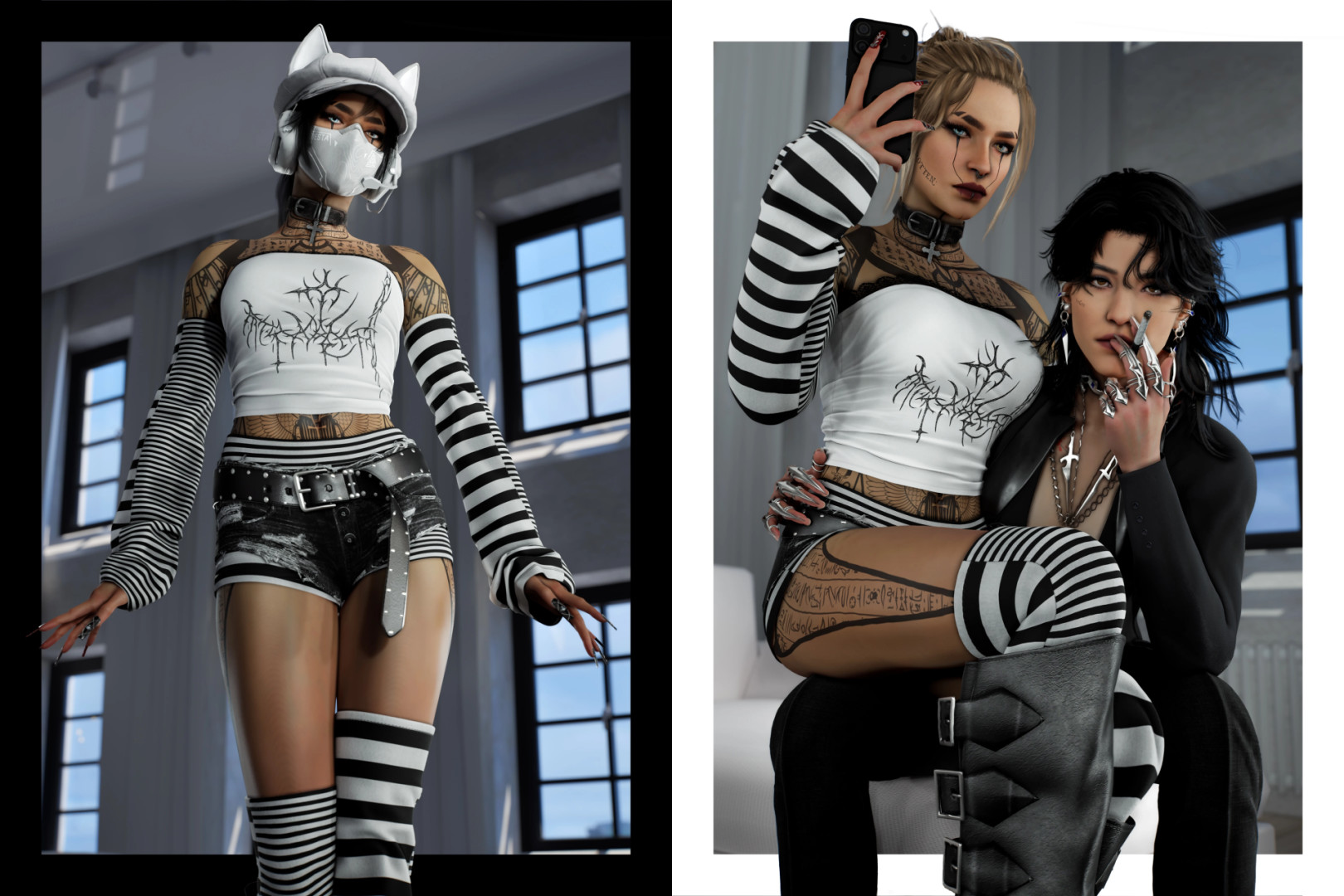
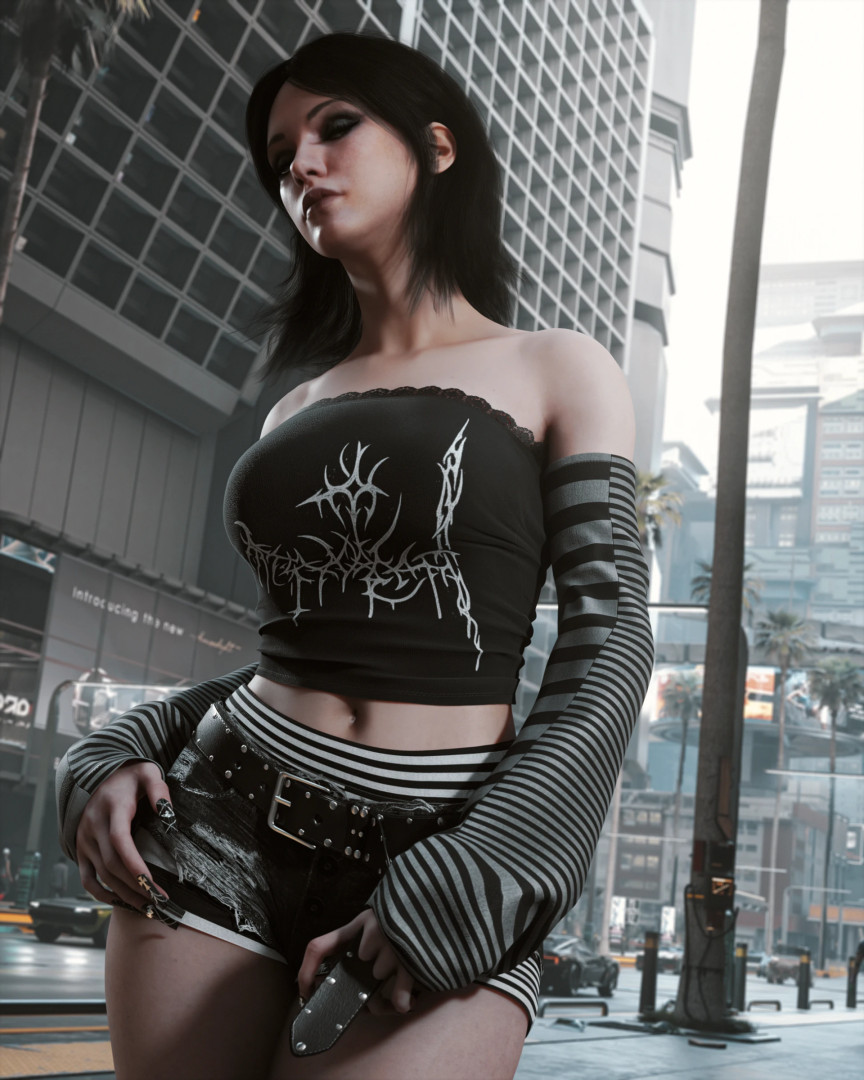
Gothic Outfit Pt12
Installation:
– Use Vortex to install, or extract the files from the archive yourself
– Put the files in the Cyberpunk root directory so that the paths look like this:
– archive\pc\mod\Gothic Outfit Pt12.archive
– archive\pc\mod\veegee_gothic_pt12.xl
– r6\tweaks\Veegee\veegee_gothic_pt12.yaml
Uninstallation: To uninstall, use Vortex to remove the mod or delete the files listed above by hand.
External Download Links:
Direct Download Links
About Mod
| Latest Version | v1.0 |
| Game | Cyberpunk 2077 |
| Category | Armour and Clothing |
| Game Version | 1.11 |
| Downloads | 113 |
| Created | 4 months ago |
You Might Also Like »


0 Comments
There are no comments. Be first to comment!