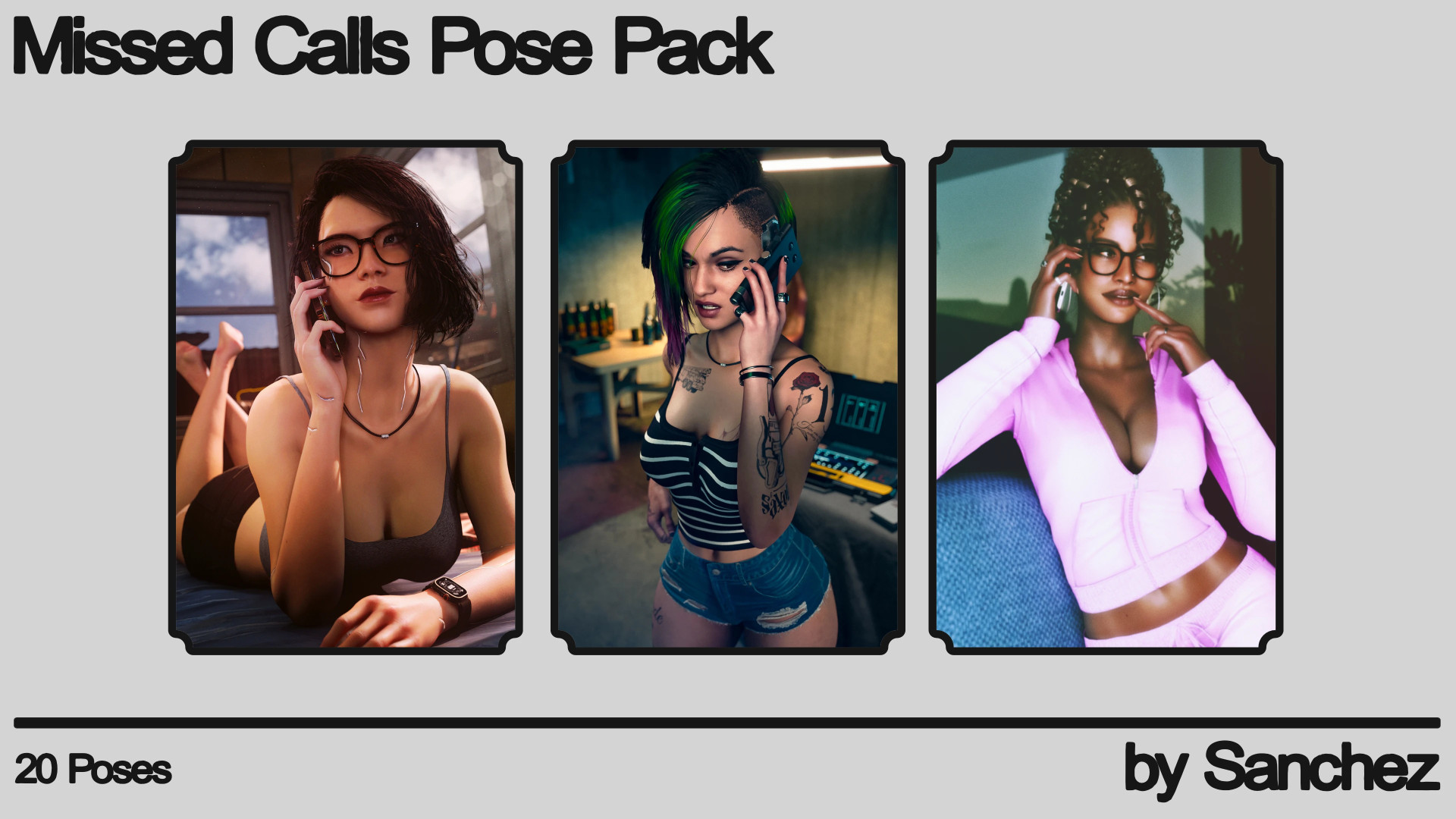
Sanchez's Missed Calls Pose Pack - FemV v1.0
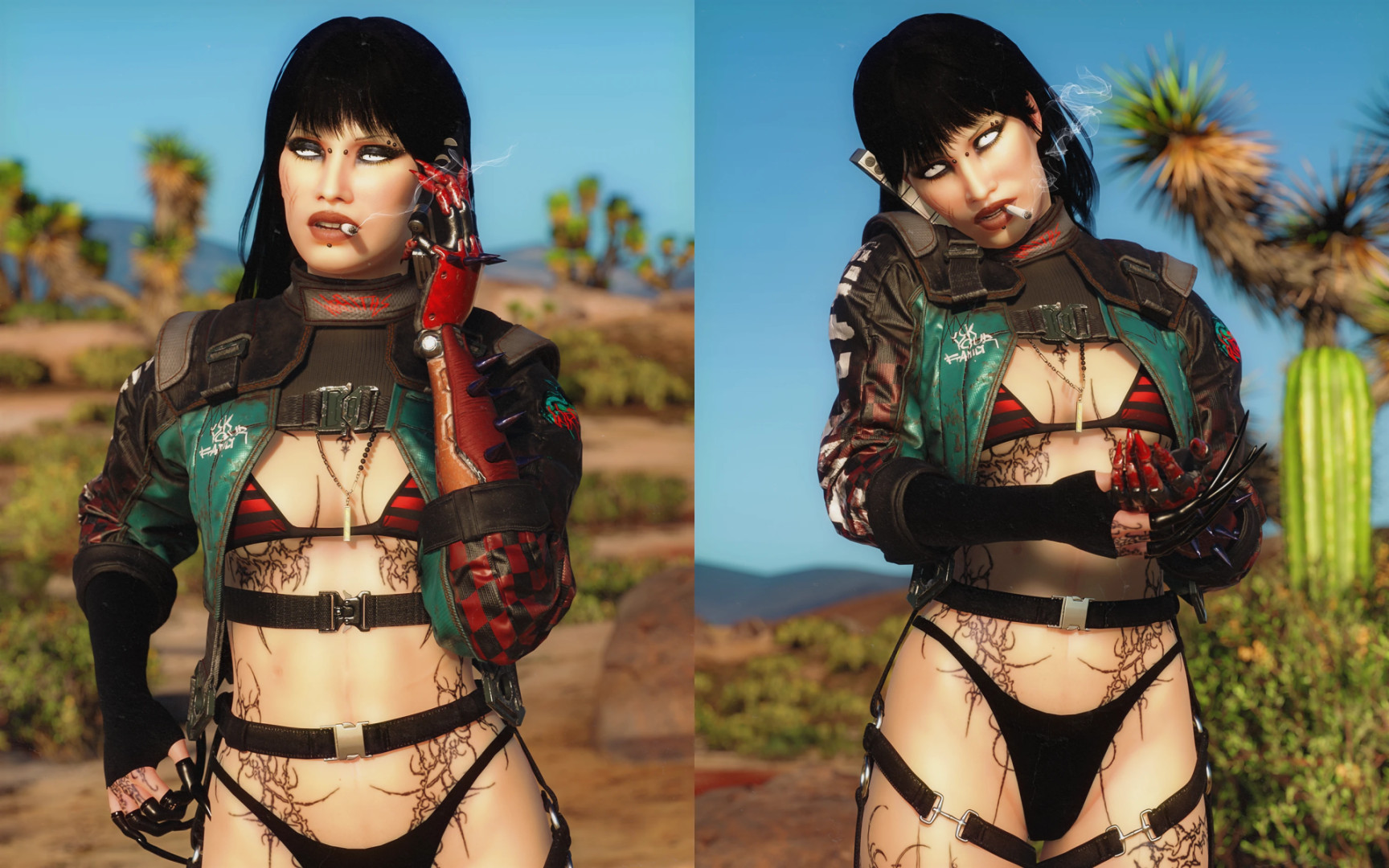
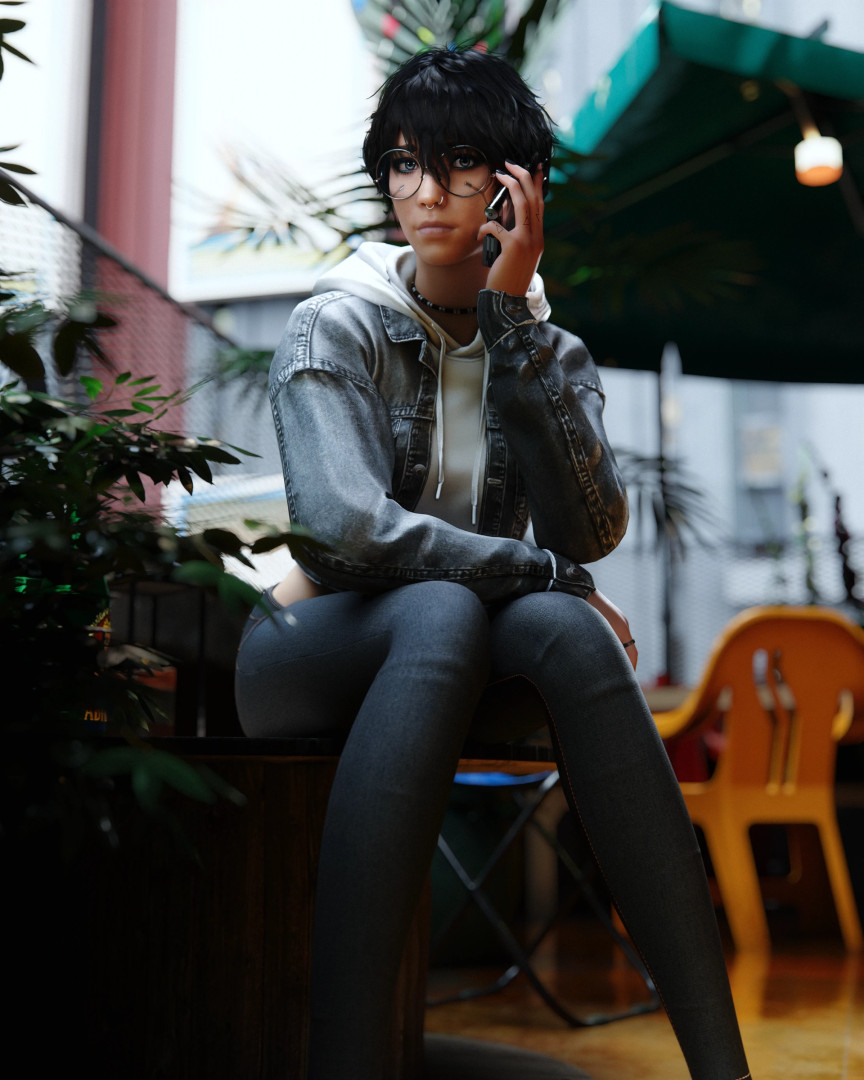
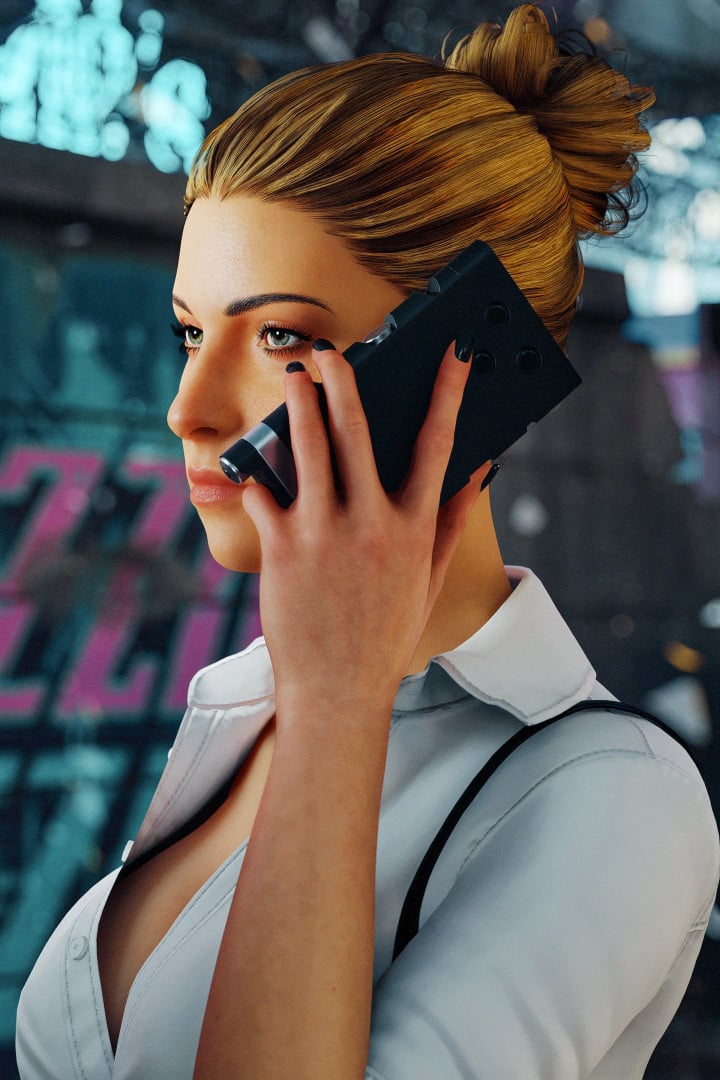
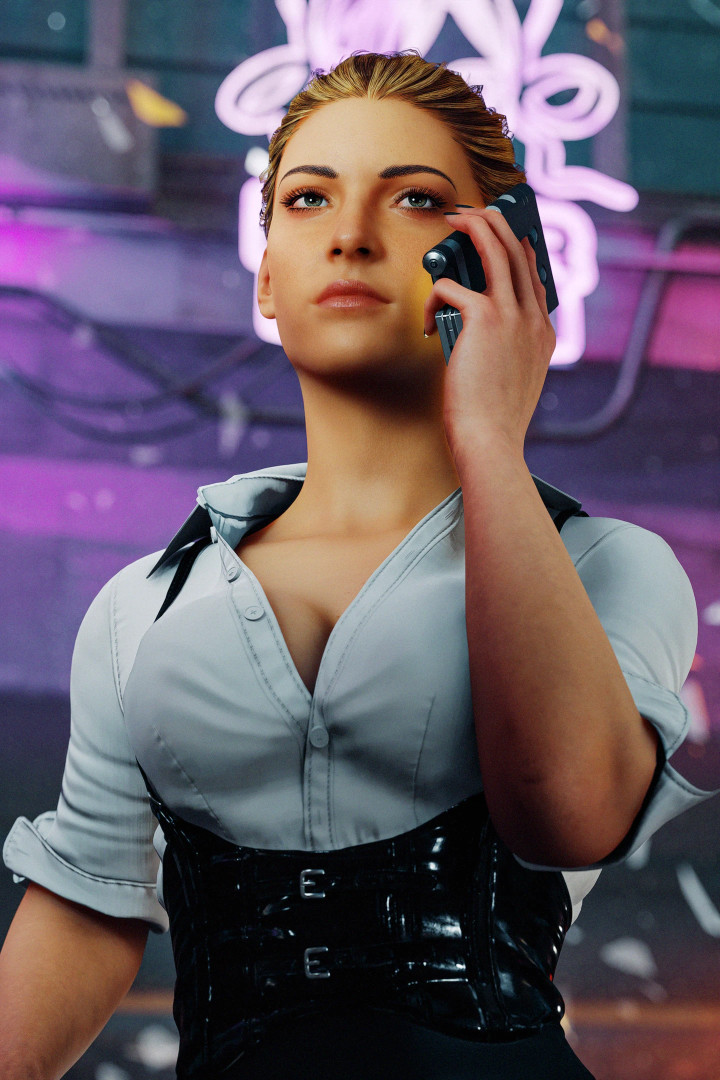
0/5,
0
votes
Description
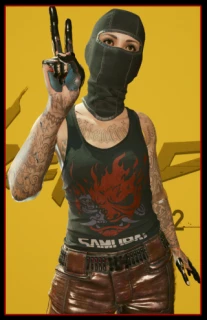
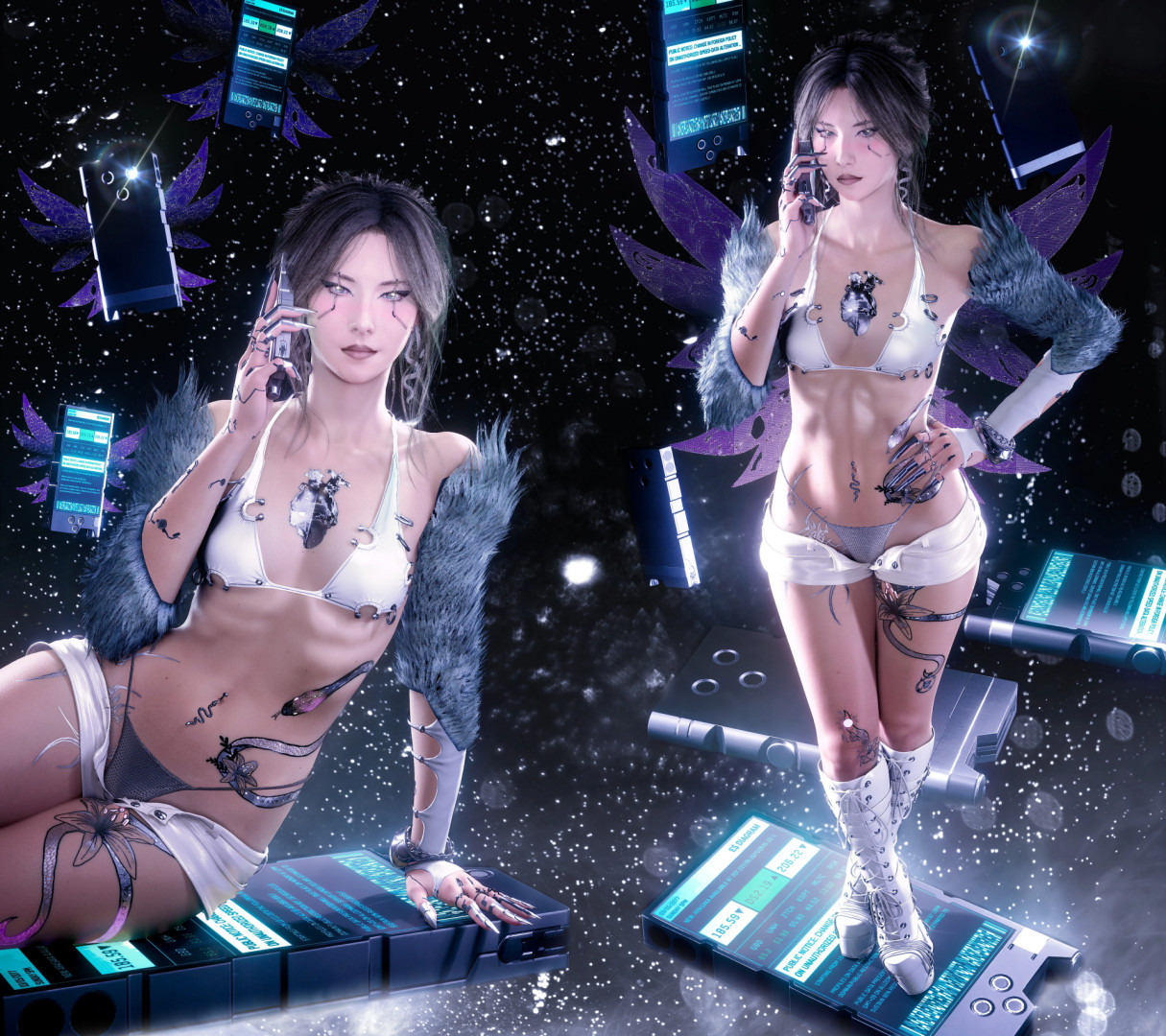
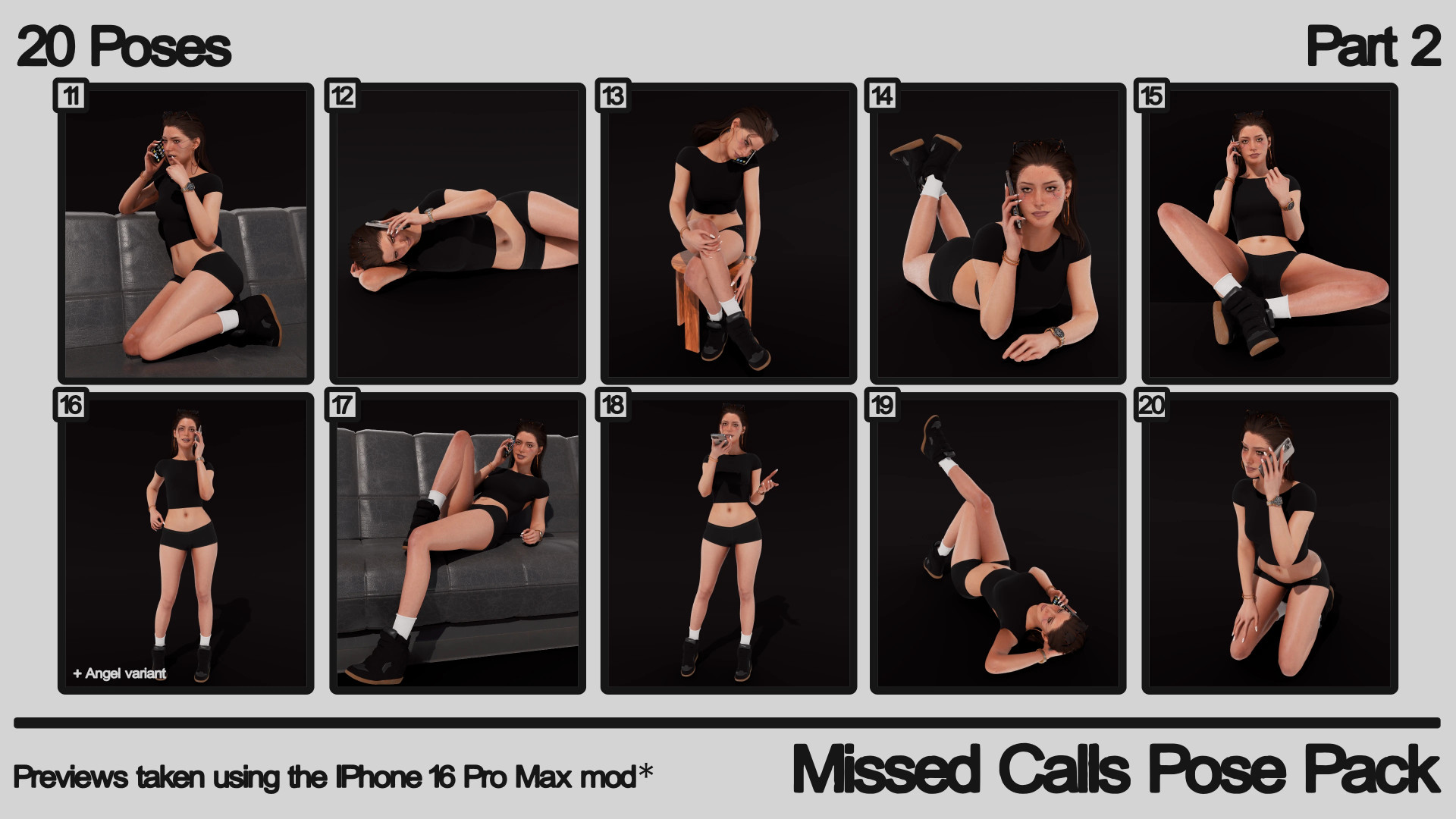
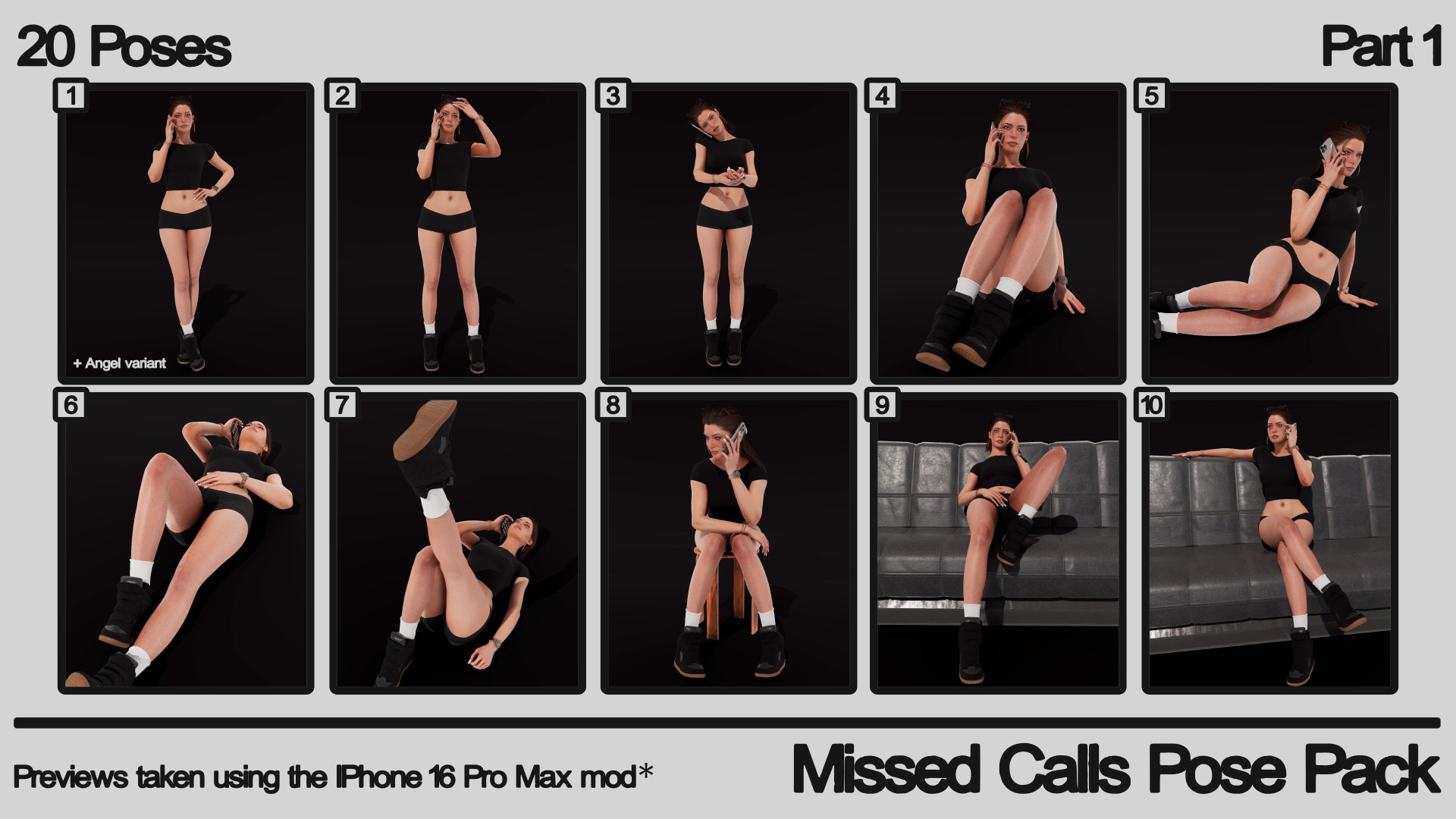
Sanchez's Missed Calls Pose Pack - FemV Photomode
Features
- AMM version uses different pose names in-game, but all poses function the same as the Photomode version.
Installation Instructions
Photomode Installation
- Download and install all required mods listed in the Requirements tab
Manual Installation
- Download and extract the .zip file
- Move the "archive" and "r6" folders into your main game directory
Vortex Installation (Recommended)
- Press the “Mod Manager Download” button
- Let Vortex install everything automatically
AMM Installation
- Download and install all required mods listed in the Requirements tab
Manual Installation
- Download and extract the .zip file
- Move the "archive" and "bin" folders into your main game directory
Vortex Installation (Recommended)
- Press the “Mod Manager Download” button
- Let Vortex install everything automatically
Photomode Uninstallation
Manual
- Remove "Sanchez's Missed Calls Pose Pack.xl" and "Sanchez's Missed Calls Pose Pack.archive" from the archive\pc\mod folder
- Remove "Sanchez's Missed Calls Pose Pack.yaml" from the r6\tweaks\Sanchez folder
Vortex
- Disable or remove the mod
AMM Uninstallation
Manual
- Remove "Sanchez's Missed Calls Pose Pack AMM.archive" from the archive\pc\mod folder
- Remove "poses1.lua" from the bin\x64\plugins\cyber_engine_tweaks\mods\AppearanceMenuMod\Collabs\Custom Poses\Sanchez's Missed Calls Pose Pack AMM_eap_84252837 folder
Vortex
- Disable or remove the mod
Sanchez's Missed Calls Pose Pack - FemV Photomode
Features
- AMM version uses different pose names in-game, but all poses function the same as the Photomode version.
Installation Instructions
Photomode Installation
- Download and install all required mods listed in the Requirements tab
Manual Installation
- Download and extract the .zip file
- Move the "archive" and "r6" folders into your main game directory
Vortex Installation (Recommended)
- Press the “Mod Manager Download” button
- Let Vortex install everything automatically
AMM Installation
- Download and install all required mods listed in the Requirements tab
Manual Installation
- Download and extract the .zip file
- Move the "archive" and "bin" folders into your main game directory
Vortex Installation (Recommended)
- Press the “Mod Manager Download” button
- Let Vortex install everything automatically
Photomode Uninstallation
Manual
- Remove "Sanchez's Missed Calls Pose Pack.xl" and "Sanchez's Missed Calls Pose Pack.archive" from the archive\pc\mod folder
- Remove "Sanchez's Missed Calls Pose Pack.yaml" from the r6\tweaks\Sanchez folder
Vortex
- Disable or remove the mod
AMM Uninstallation
Manual
- Remove "Sanchez's Missed Calls Pose Pack AMM.archive" from the archive\pc\mod folder
- Remove "poses1.lua" from the bin\x64\plugins\cyber_engine_tweaks\mods\AppearanceMenuMod\Collabs\Custom Poses\Sanchez's Missed Calls Pose Pack AMM_eap_84252837 folder
Vortex
- Disable or remove the mod
External Download Links:
Direct Download Links
About Mod
| Latest Version | v1.0 |
| Game | Cyberpunk 2077 |
| Category | Characters |
| Game Version | 1.11 |
| Downloads | 44 |
| Created | 4 months ago |
You Might Also Like »

0 Comments
There are no comments. Be first to comment!