Combat Architect _ Build Custom Boss Fights v1.0

0/5,
0
votes
Combat Architect
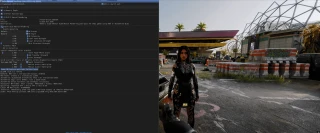
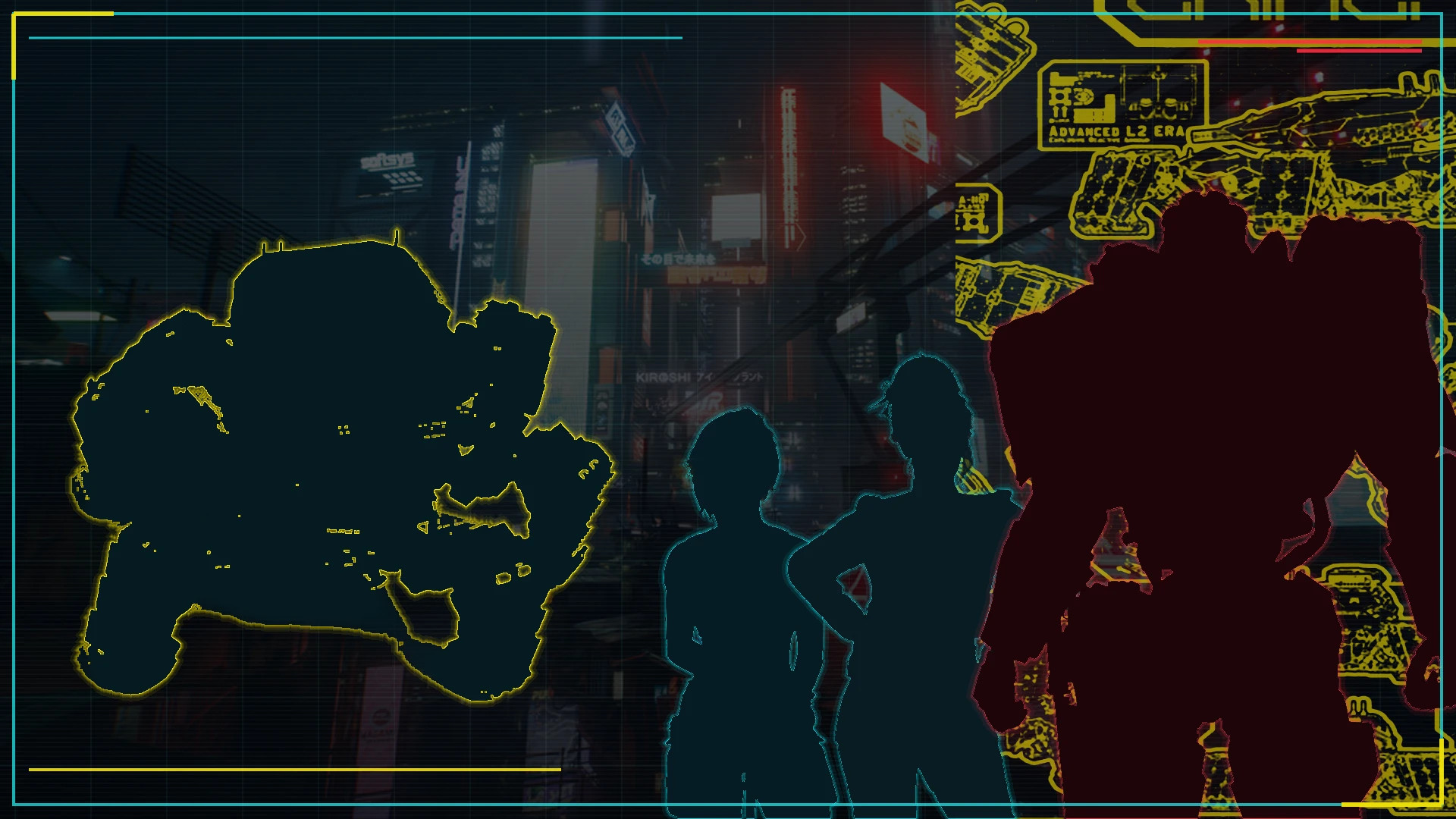
Combat Architect lets you create custom boss battles through an in-game computer.
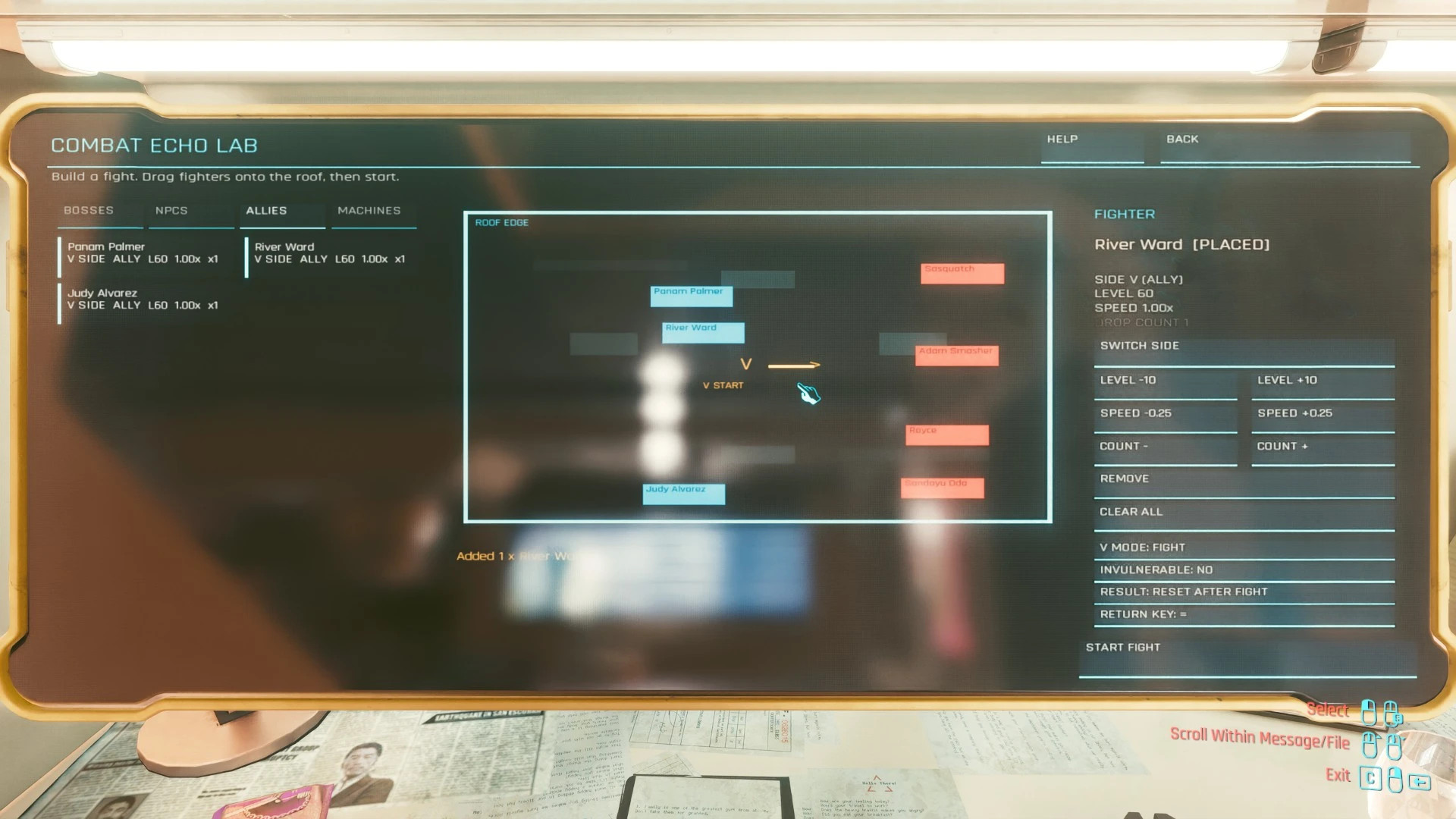
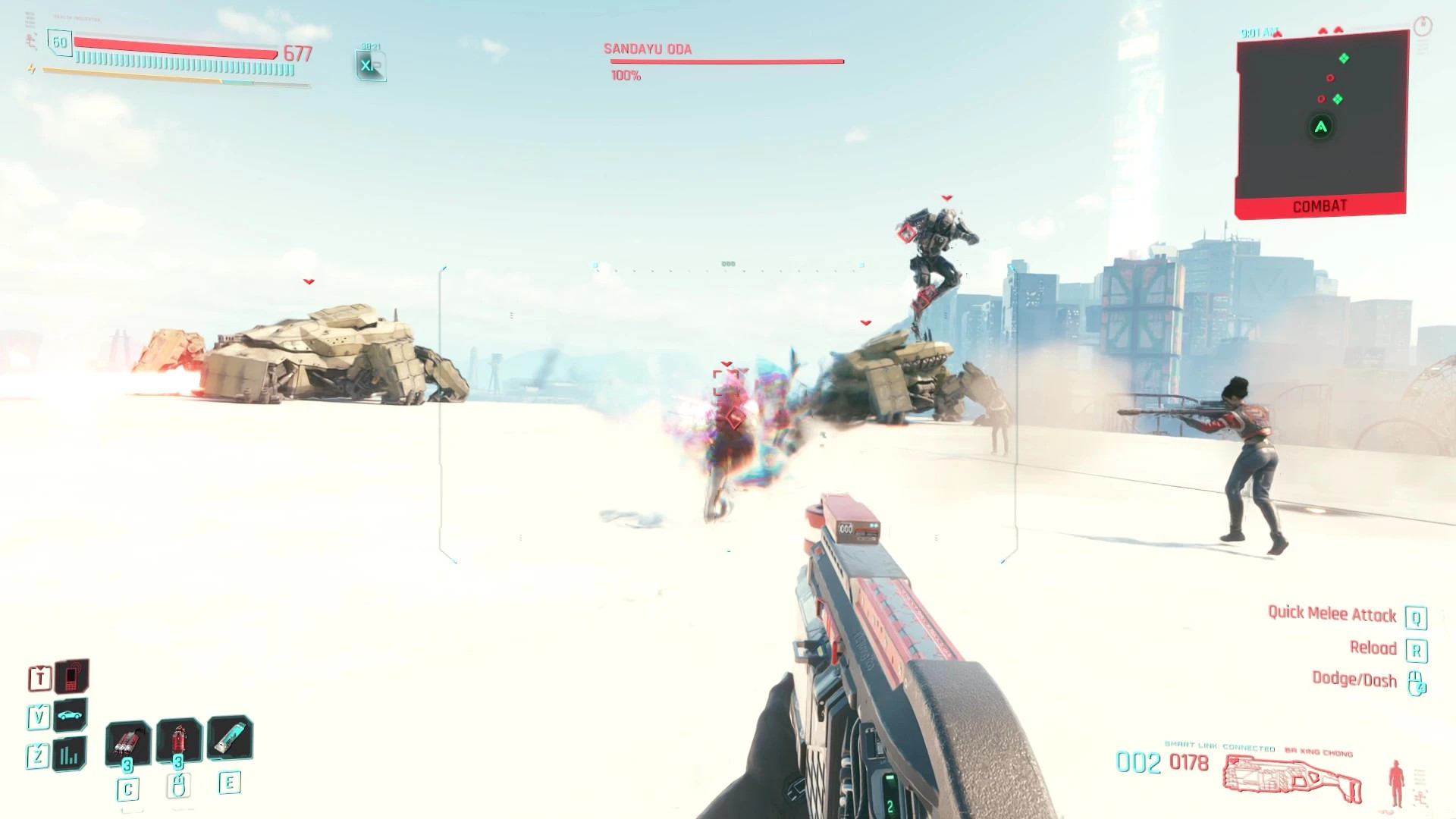
Choose your enemies and allies, adjust each character's team, level, action speed, and quantity, then place them anywhere on the arena map. When everything is ready, V is transported to a secure rooftop arena where all selected fighters spawn at the same time.
Fight alongside your allies, recruit characters like Panam, River, and Judy, or switch to spectator mode and watch both teams battle.
This is an early public beta. The core arena and combat system are fully playable, but some limitations still exist.
Installation
Vortex
– Download the mod using Mod Manager Download.
– Install, enable, and deploy it through Vortex.
Manual Installation
– Extract the archive directly into your Cyberpunk 2077 installation folder.
– Merge the included archive, bin, and r6 folders with the existing game folders.
– Restart the game completely after installation. CET's "Reload All Mods" option cannot compile the Redscript files used by the mod.
Note
– If you receive a Redscript compilation error, make sure all required framework mods are installed, updated, and deployed correctly.
Requirements
– Cyber Engine Tweaks
– RED4ext
– redscript
– Codeware
– Phantom Liberty is required only for the Militech Chimera.
Note
– On the first launch with Cyber Engine Tweaks installed, assign a hotkey to open the CET overlay.
How to Use
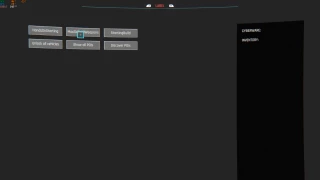
– Open any in-game computer.
– Select Combat Architect from the upper-left corner.
– Choose a category: Bosses, NPCs, Allies, or Machines.
– Select a fighter and configure their team, level, action speed, and quantity.
– Drag the fighter onto the rooftop arena map.
– Position every fighter where they should spawn.
– Choose V's participation mode and the desired result mode.
– Press Start Fight.
Main Features
– Create custom battles through an in-game computer.
– Spawn multiple bosses and NPCs at the same time.
– Adjustable fighter levels from 1 to 60.
– Individual action speed settings.
– Multiple copies of the same character.
– Spectator mode.
Result Modes
Keep Rewards
– Keep all earned experience and collected loot after the battle.
– Collect your rewards, then press "=" to return. If you changed the return key in CET, the custom key will be used instead.
Reset After Fight
– Restores the pre-fight checkpoint after victory, defeat, or manual exit.
– All items, experience, and resources gained or used during the encounter are reverted.
Current Roster
Bosses
– Sandayu Oda
– Sasquatch
– Royce
– Adam Smasher
– Cyberpsycho Tech Sniper
– Cyberpsycho Exoskeleton
– Militech Chimera
NPCs
– MaxTac Rifle Officer
– Elite Security Sniper
Allies
– Panam Palmer
– River Ward
– Judy Alvarez
Machines
– Militech Minotaur
– Militech Octant
– Militech Griffin
– Militech Wyvern
Known Limitations
– The four mechanical units can move and use melee attacks normally, but their ranged weapons may not deal damage correctly.
– Some computer screens may display temporary UI ghosting. Moving the cursor over the affected area usually fixes it.
– Do not use fast travel, start quests, or save the game while an arena battle is active. Use the return key to leave the arena safely.
– Certain fighter combinations or team setups can prevent a character from dying properly. If a battle cannot end, use the return key to exit the arena manually.
Feedback
This is the first public beta. Bug reports and compatibility feedback are welcome.
Combat Architect lets you create custom boss battles through an in-game computer.
Choose your enemies and allies, adjust each character's team, level, action speed, and quantity, then place them anywhere on the arena map. When everything is ready, V is transported to a secure rooftop arena where all selected fighters spawn at the same time.
Fight alongside your allies, recruit characters like Panam, River, and Judy, or switch to spectator mode and watch both teams battle.
This is an early public beta. The core arena and combat system are fully playable, but some limitations still exist.
Installation
Vortex
– Download the mod using Mod Manager Download.
– Install, enable, and deploy it through Vortex.
Manual Installation
– Extract the archive directly into your Cyberpunk 2077 installation folder.
– Merge the included archive, bin, and r6 folders with the existing game folders.
– Restart the game completely after installation. CET's "Reload All Mods" option cannot compile the Redscript files used by the mod.
Note
– If you receive a Redscript compilation error, make sure all required framework mods are installed, updated, and deployed correctly.
Requirements
– Cyber Engine Tweaks
– RED4ext
– redscript
– Codeware
– Phantom Liberty is required only for the Militech Chimera.
Note
– On the first launch with Cyber Engine Tweaks installed, assign a hotkey to open the CET overlay.
How to Use
– Open any in-game computer.
– Select Combat Architect from the upper-left corner.
– Choose a category: Bosses, NPCs, Allies, or Machines.
– Select a fighter and configure their team, level, action speed, and quantity.
– Drag the fighter onto the rooftop arena map.
– Position every fighter where they should spawn.
– Choose V's participation mode and the desired result mode.
– Press Start Fight.
Main Features
– Create custom battles through an in-game computer.
– Spawn multiple bosses and NPCs at the same time.
– Adjustable fighter levels from 1 to 60.
– Individual action speed settings.
– Multiple copies of the same character.
– Spectator mode.
Result Modes
Keep Rewards
– Keep all earned experience and collected loot after the battle.
– Collect your rewards, then press "=" to return. If you changed the return key in CET, the custom key will be used instead.
Reset After Fight
– Restores the pre-fight checkpoint after victory, defeat, or manual exit.
– All items, experience, and resources gained or used during the encounter are reverted.
Current Roster
Bosses
– Sandayu Oda
– Sasquatch
– Royce
– Adam Smasher
– Cyberpsycho Tech Sniper
– Cyberpsycho Exoskeleton
– Militech Chimera
NPCs
– MaxTac Rifle Officer
– Elite Security Sniper
Allies
– Panam Palmer
– River Ward
– Judy Alvarez
Machines
– Militech Minotaur
– Militech Octant
– Militech Griffin
– Militech Wyvern
Known Limitations
– The four mechanical units can move and use melee attacks normally, but their ranged weapons may not deal damage correctly.
– Some computer screens may display temporary UI ghosting. Moving the cursor over the affected area usually fixes it.
– Do not use fast travel, start quests, or save the game while an arena battle is active. Use the return key to leave the arena safely.
– Certain fighter combinations or team setups can prevent a character from dying properly. If a battle cannot end, use the return key to exit the arena manually.
Feedback
This is the first public beta. Bug reports and compatibility feedback are welcome.
External Download Links:
Direct Download Links
About Mod
| Latest Version | v1.0 |
| Game | Cyberpunk 2077 |
| Category | Gameplay |
| Game Version | 1.11 |
| Downloads | 32 |
| Created | 2 months ago |
You Might Also Like »


0 Comments
There are no comments. Be first to comment!