



0/5,
0
votes
Description
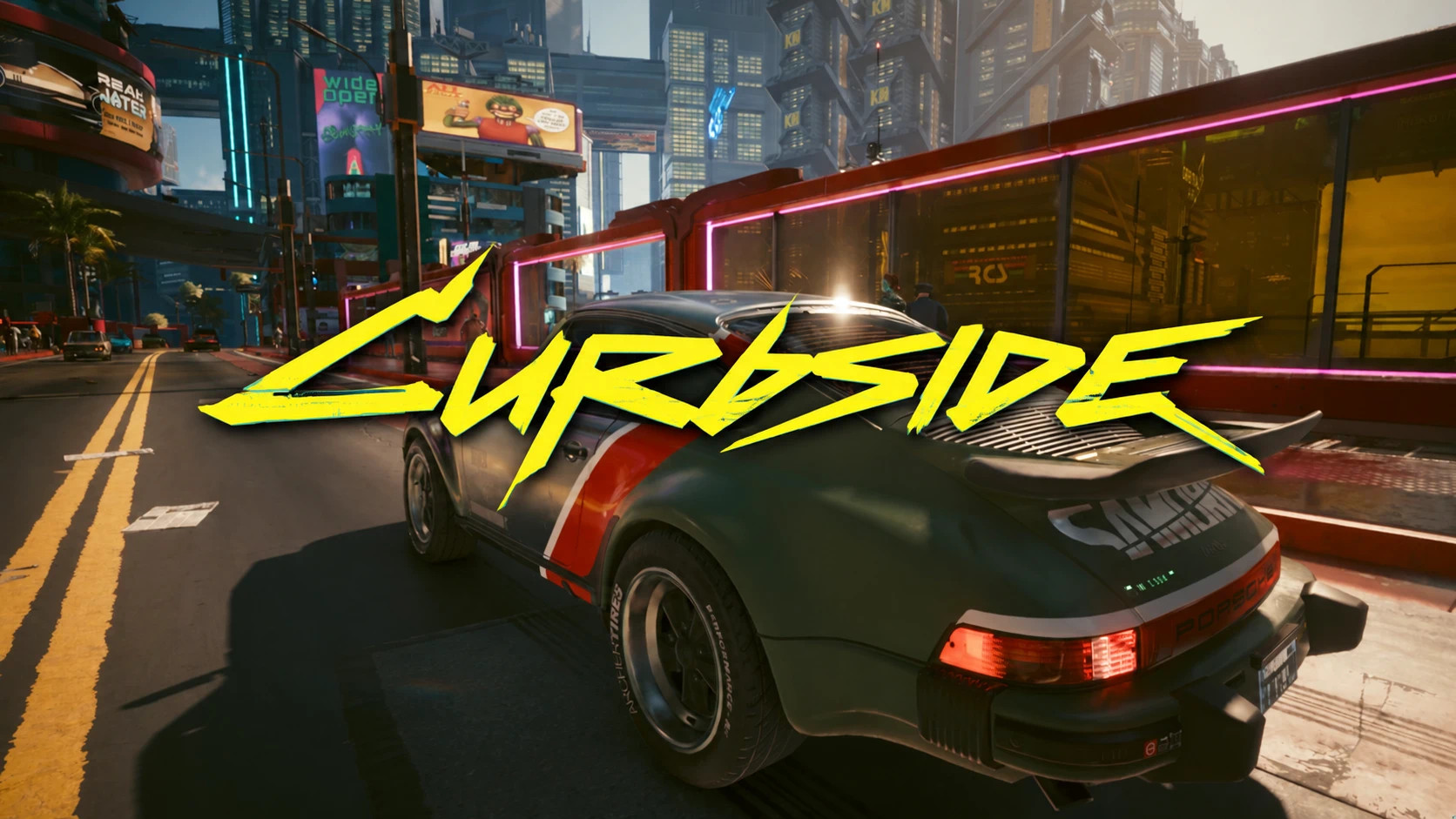
Curbside improves Cyberpunk 2077's vehicle summoning system so called cars and bikes actually arrive beside the player instead of stopping too far away, appearing on the wrong road or driving toward an outdated position. Once the game spawns your vehicle, Curbside handles its approach and continues tracking you until you get in.
Features
- Keeps summoned vehicles on the same road level as the player
- Prevents vehicles from appearing on bridges or roads above/below you
- Repositions vehicles out of sight when necessary
- Smoothly slows and stops a few metres from the player
- Continues following if you walk or run away
- Aims toward your current direction of travel instead of your previous position
- Calling an already summoned vehicle makes it drive back to you instead of simply honking
- Distant vehicles can be repositioned nearby while outside your view
- Supports cars and motorcycles
Multiple Vehicles
Up to three summoned vehicles can be managed simultaneously. Instead of trying to pass one another, additional vehicles stop behind the vehicle already parked near you. If you move away, they follow in a line. If a fourth vehicle is called, Curbside stops managing the oldest of the three.
Unstuck System
Vehicles that become stuck or repeatedly circle around can be repositioned closer to the player. This only happens while the vehicle is outside your view.
Requirements
- redscript
- Optional: Mod Settings – Provides access to the in-game configuration menu
Configuration
Settings are available under: Mod Settings > Curbside
Options include:
- Enabled – Immediately returns vehicle summoning to vanilla behavior when disabled
- Keep it on my level – Controls the bridge and elevation fix
- Stop right next to me – Enables the improved stopping behavior
- Follow me when I move – Determines whether parked vehicles continue following you
- Stop Distance
- Level Tolerance
- Top Speed
Compatibility
- Script-only
- No ArchiveXL required
- No TweakXL required
- No Cyber Engine Tweaks required
- Wraps two vanilla vehicle-summoning callbacks without replacing them
- Compatible with mods that change owned vehicles or the vehicle selection menu
- Mods that alter how summoned vehicles drive toward the player may conflict
Known Limitations
- Once parked, a vehicle will not make tiny adjustments to align its door directly with you
- Calling a fourth vehicle releases the oldest currently managed vehicle
- Heavy traffic can temporarily interfere with the game's driving AI, although the vehicle should recover
- Motorcycles may occasionally be knocked over but should right themselves automatically
Installation Instructions
Install through Vortex, MO2 or another compatible mod manager.
For manual installation, extract the files into the Cyberpunk 2077 directory. The resulting path should be:
r6/scripts/Curbside/
Uninstallation
Delete: r6/scripts/Curbside/
The mod does not store anything in your save file.
Curbside improves Cyberpunk 2077's vehicle summoning system so called cars and bikes actually arrive beside the player instead of stopping too far away, appearing on the wrong road or driving toward an outdated position. Once the game spawns your vehicle, Curbside handles its approach and continues tracking you until you get in.
Features
- Keeps summoned vehicles on the same road level as the player
- Prevents vehicles from appearing on bridges or roads above/below you
- Repositions vehicles out of sight when necessary
- Smoothly slows and stops a few metres from the player
- Continues following if you walk or run away
- Aims toward your current direction of travel instead of your previous position
- Calling an already summoned vehicle makes it drive back to you instead of simply honking
- Distant vehicles can be repositioned nearby while outside your view
- Supports cars and motorcycles
Multiple Vehicles
Up to three summoned vehicles can be managed simultaneously. Instead of trying to pass one another, additional vehicles stop behind the vehicle already parked near you. If you move away, they follow in a line. If a fourth vehicle is called, Curbside stops managing the oldest of the three.
Unstuck System
Vehicles that become stuck or repeatedly circle around can be repositioned closer to the player. This only happens while the vehicle is outside your view.
Requirements
- redscript
- Optional: Mod Settings – Provides access to the in-game configuration menu
Configuration
Settings are available under: Mod Settings > Curbside
Options include:
- Enabled – Immediately returns vehicle summoning to vanilla behavior when disabled
- Keep it on my level – Controls the bridge and elevation fix
- Stop right next to me – Enables the improved stopping behavior
- Follow me when I move – Determines whether parked vehicles continue following you
- Stop Distance
- Level Tolerance
- Top Speed
Compatibility
- Script-only
- No ArchiveXL required
- No TweakXL required
- No Cyber Engine Tweaks required
- Wraps two vanilla vehicle-summoning callbacks without replacing them
- Compatible with mods that change owned vehicles or the vehicle selection menu
- Mods that alter how summoned vehicles drive toward the player may conflict
Known Limitations
- Once parked, a vehicle will not make tiny adjustments to align its door directly with you
- Calling a fourth vehicle releases the oldest currently managed vehicle
- Heavy traffic can temporarily interfere with the game's driving AI, although the vehicle should recover
- Motorcycles may occasionally be knocked over but should right themselves automatically
Installation Instructions
Install through Vortex, MO2 or another compatible mod manager.
For manual installation, extract the files into the Cyberpunk 2077 directory. The resulting path should be:
r6/scripts/Curbside/
Uninstallation
Delete: r6/scripts/Curbside/
The mod does not store anything in your save file.
External Download Links:
Direct Download Links
About Mod
| Latest Version | v1.0 |
| Game | Cyberpunk 2077 |
| Category | Gameplay |
| Game Version | 1.11 |
| Downloads | 15 |
| Created | 6 days ago |
You Might Also Like »


0 Comments
There are no comments. Be first to comment!