Nova Optics (Gameplay ENV Tuning with Vehicle Exposure Fix) v1.0.1


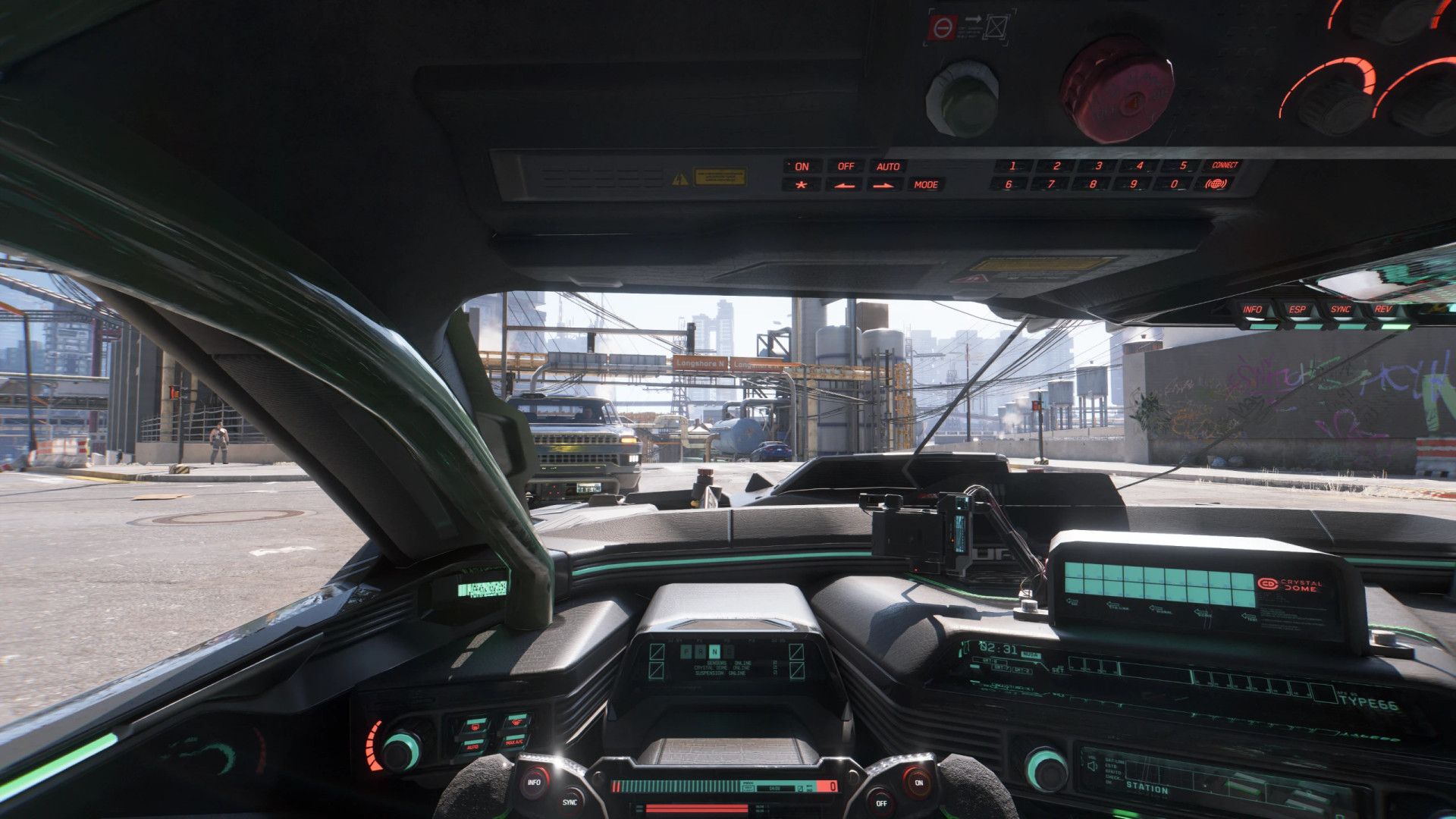
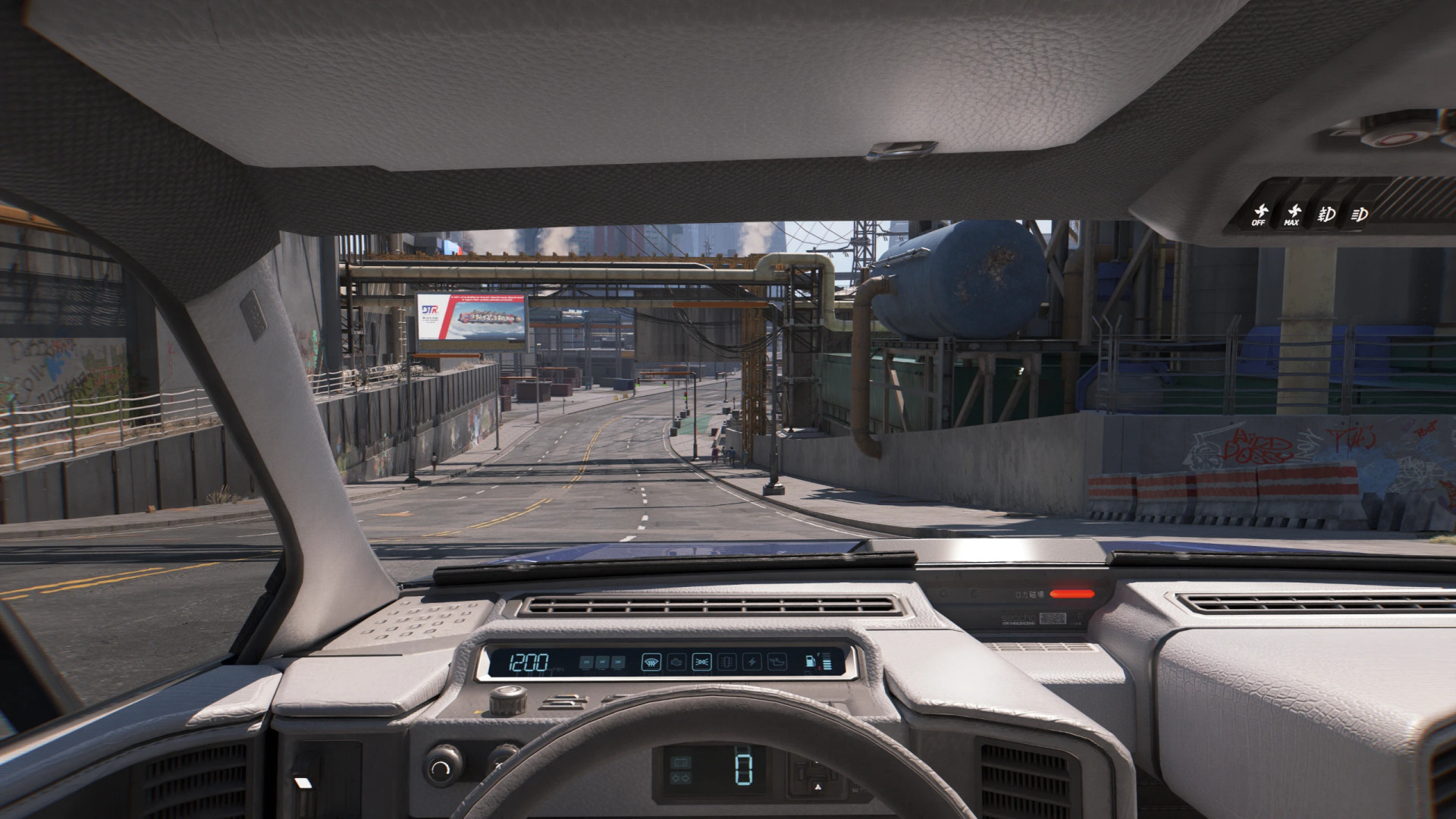
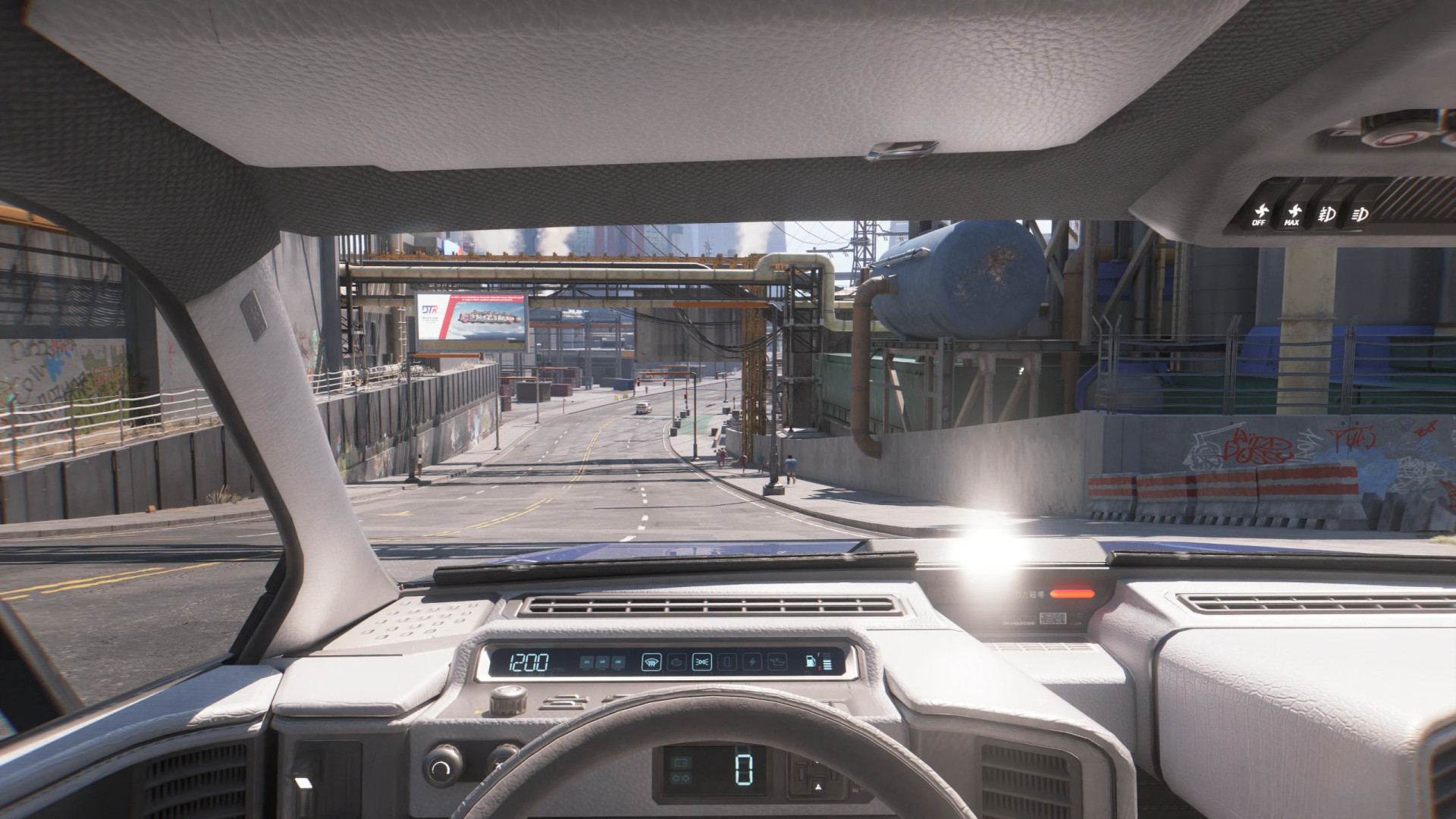
Nova Optics (Gameplay ENV Tuning with Vehicle Exposure Fix)
Nova Optics fixes first-person vehicle exposure in one click or lets you fine-tune environment settings.
It started as a CET-based version of ENV Tuner Lite and evolved into a standalone tool focused on FPP driving. It updates values in real time and applies changes only when needed. It replaces Preem Optics and Blind Begone while staying compatible with weather mods.
Warning
– Not compatible with ENV Tuner or ENV Tuner Lite
What it does
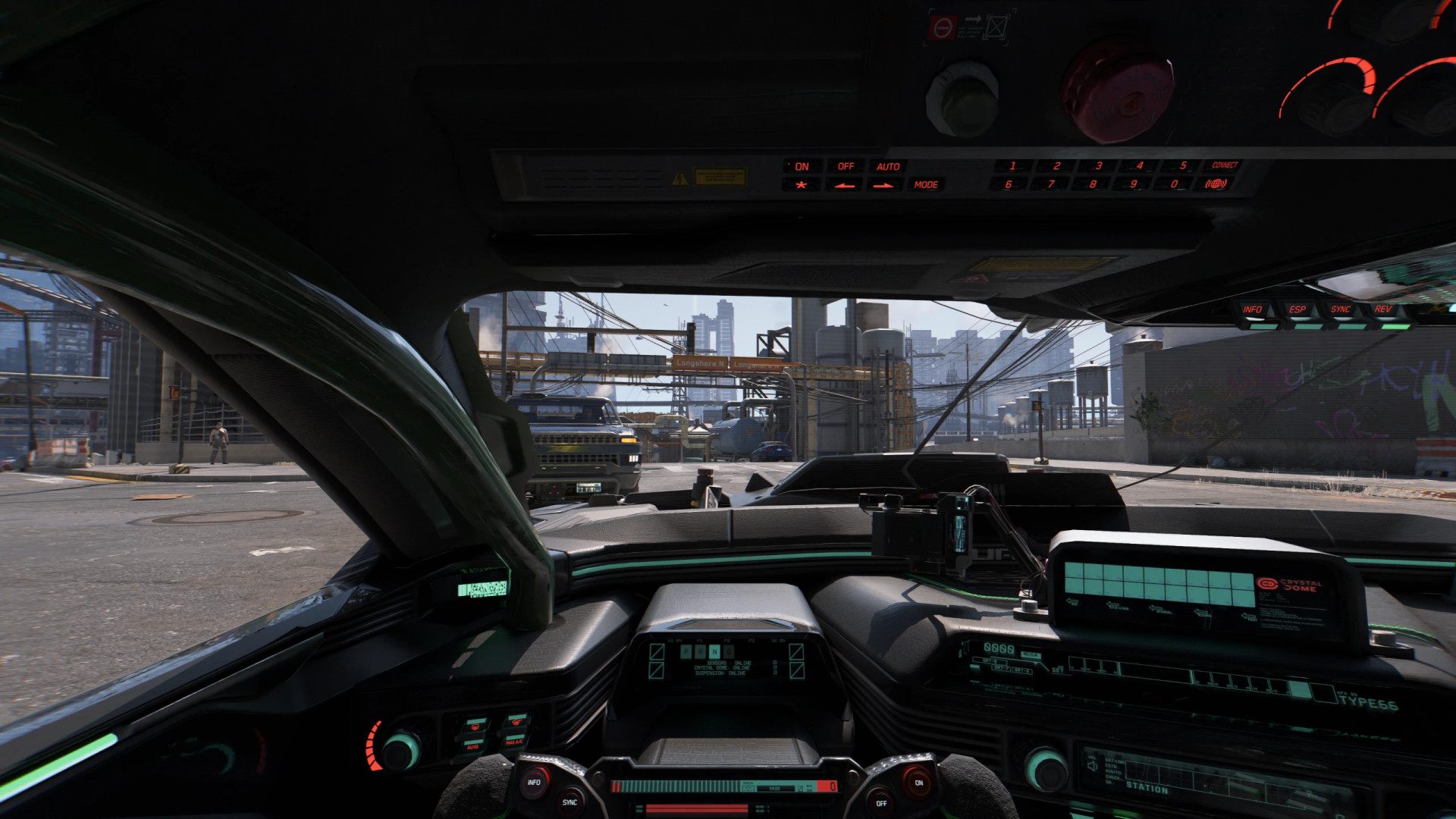
The auto-exposure system in Cyberpunk 2077 does not handle the limited view inside vehicles. This causes blown highlights, dark shadows, and brightness jumps when entering or exiting vehicles or tunnels.
Nova Optics fixes this at the engine level. It overrides exposure curves, bloom, and adaptation speed only in first-person vehicle view. It detects camera changes in real time. Third-person restores default visuals. Switching back to first-person re-applies the fix instantly.
Auto Mode (Recommended)
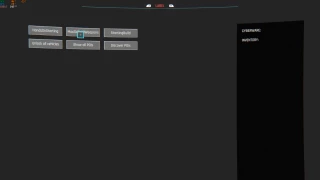
– Open the CET overlay
– Enable the mod and turn on Auto
– Close the overlay and drive
Auto applies a balanced set of exposure, bloom, and adaptation values without changing your saved settings. When you disable Auto, your previous setup is restored.
Manual Mode
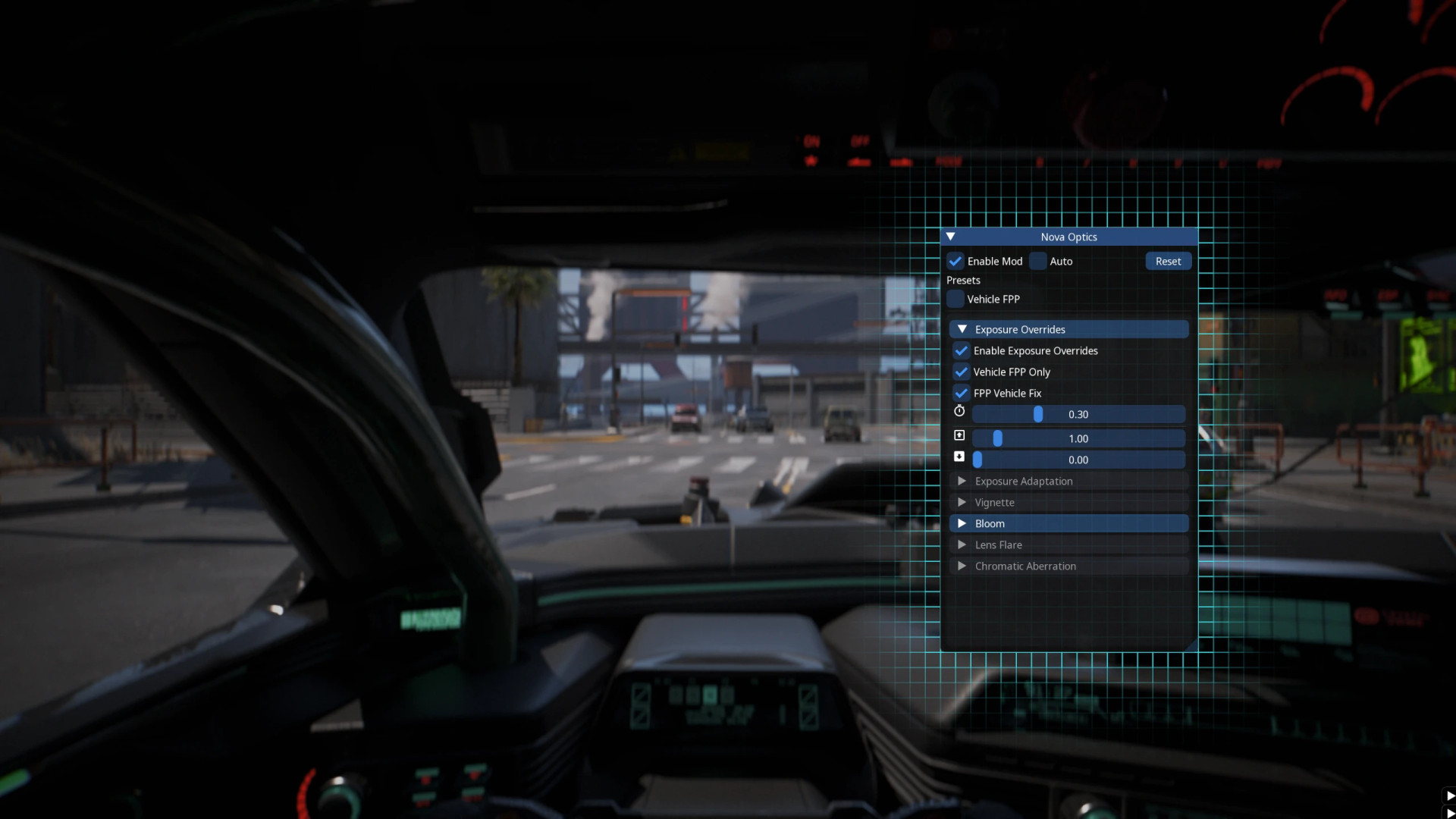
Disable Auto to access full controls:
– Exposure overrides: min and max offsets, FPP vehicle fix, vehicle-only toggle, transition time
– Adaptation: speed up and down, FPP-only toggle
– Vignette: exponent control
– Bloom: color scale, size, anamorphic effect, luminance threshold, scene blend, FPP-only toggle
– Lens flare: chromatic effect, halo width, saturation, scale
– Chromatic aberration: exponent, margin, size X/Y, subpixel dispersion
All changes apply instantly for live preview.
Vehicle behavior
– FPP-only settings work only inside non-bike vehicles
– Switching to third-person disables them smoothly
– Switching back re-enables them
– Leaving the vehicle restores default values
– Bikes are excluded
Differences from ENV Tuner
vs ENVTuner
– Standalone mod with its own UI
– Includes Auto mode for quick setup
vs ENVTuner Lite
– Uses its own CET window instead of Mod Settings
– Detects camera changes and applies settings dynamically
– Includes Auto mode and preset system
– Supports smooth transitions
– Optional WindowUtils support for grid snapping
Requirements
– Cyber Engine Tweaks
– Redscript
– Codeware
– Optional: WindowUtils
Installation
Extract the archive into the Cyberpunk 2077 directory. Files will be placed in:
– bin/x64/plugins/cyber_engine_tweaks/mods/NovaOptics/
– r6/scripts/NovaOptics/
Important
– Remove ENV Tuner or ENV Tuner Lite before installing to avoid conflicts
External Download Links:
About Mod
| Latest Version | v1.0.1 |
| Game | Cyberpunk 2077 |
| Category | Gameplay |
| Game Version | 1.11 |
| Downloads | 14 |
| Created | 4 months ago |