Weapon Inspection - Simple Hotkey Mod v1.0



0/5,
0
votes
Description
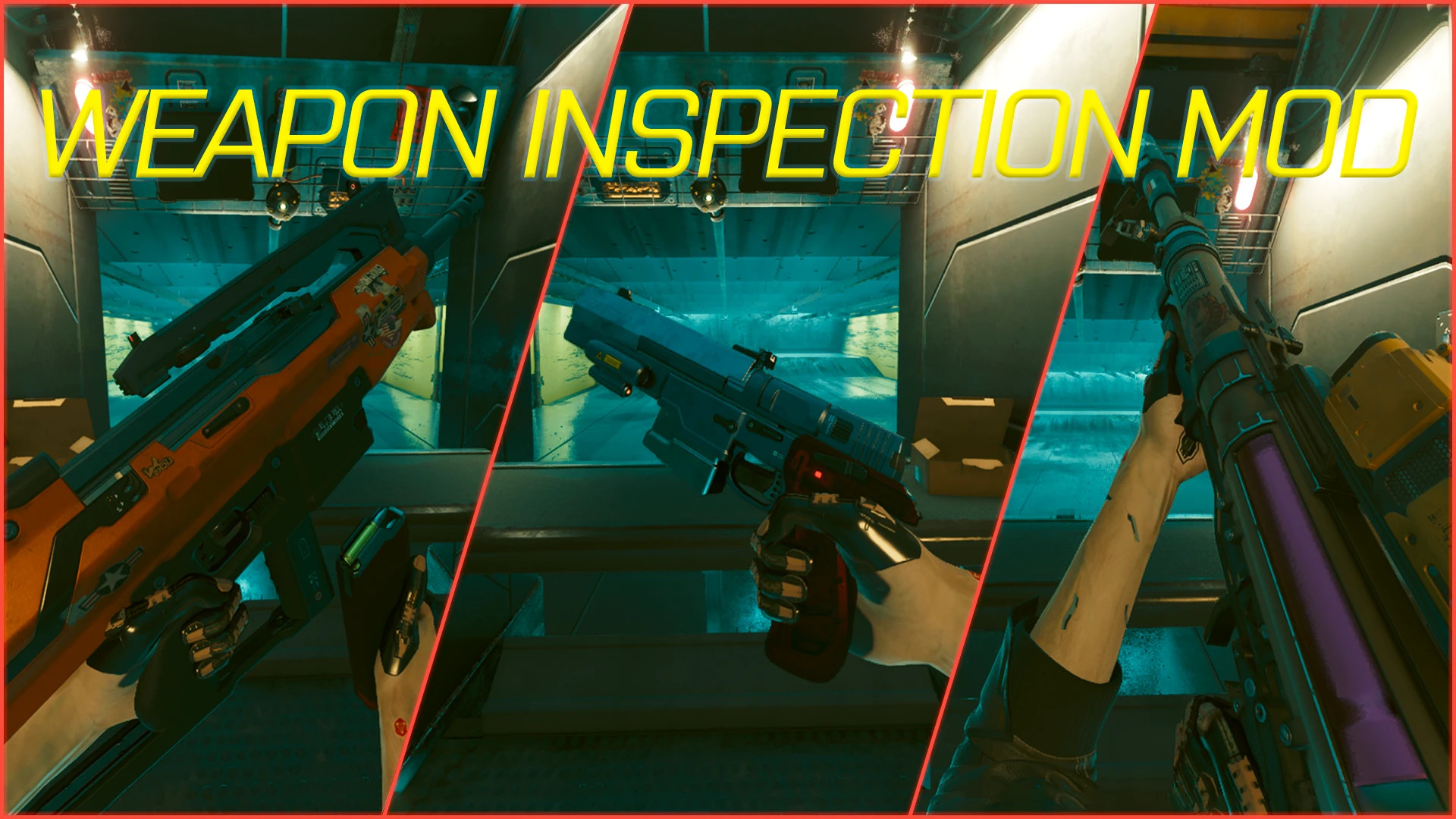
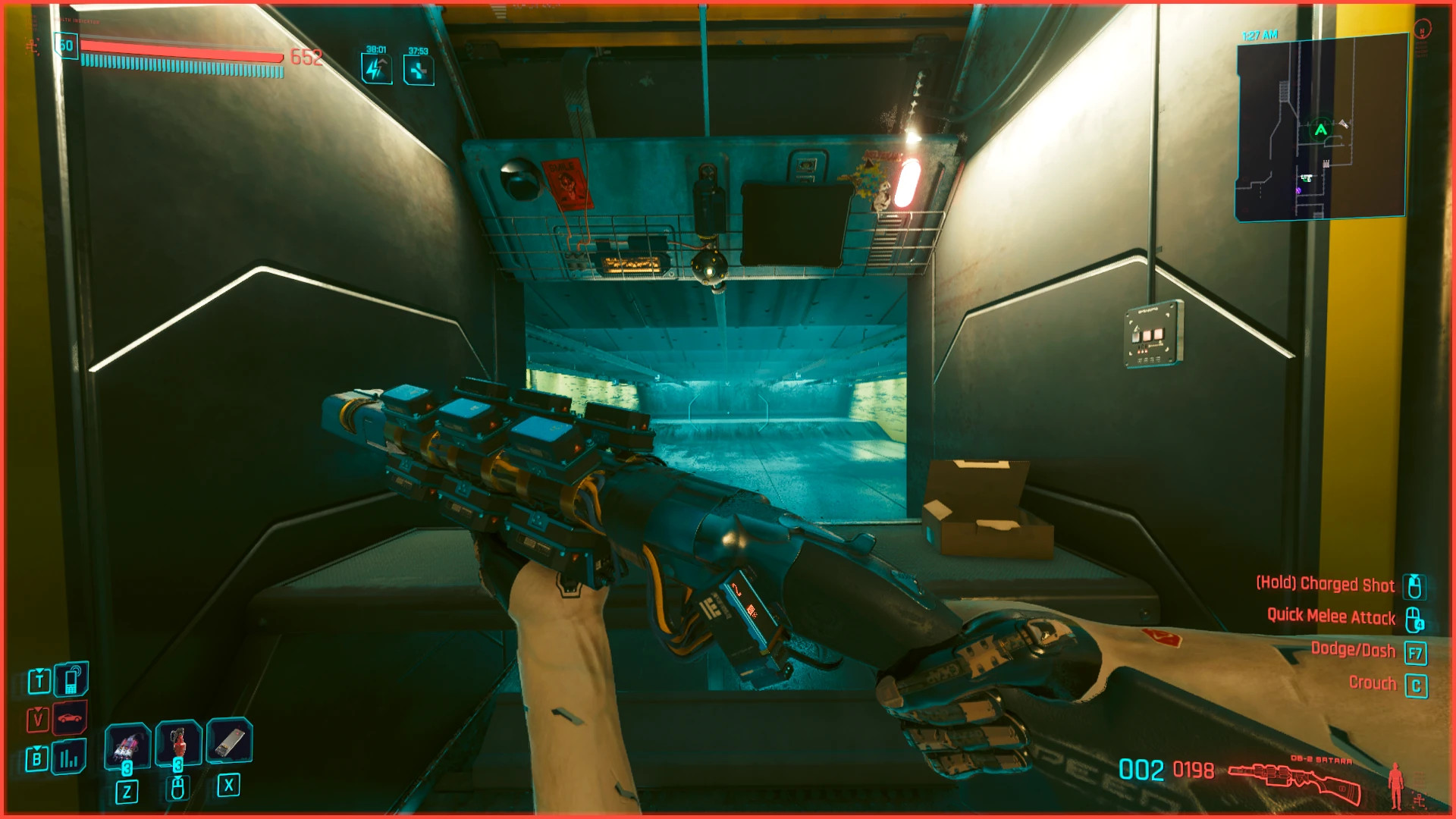
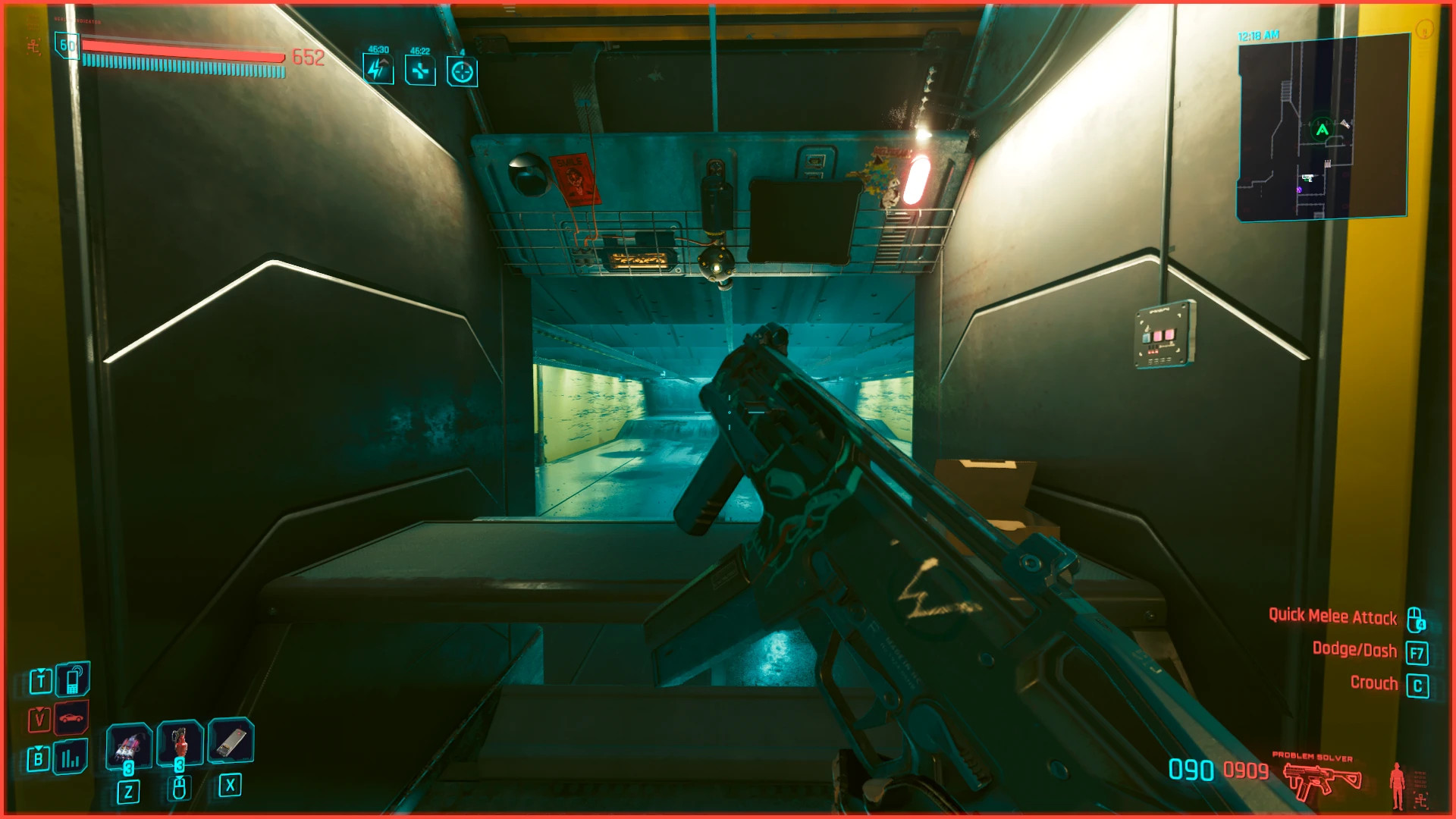
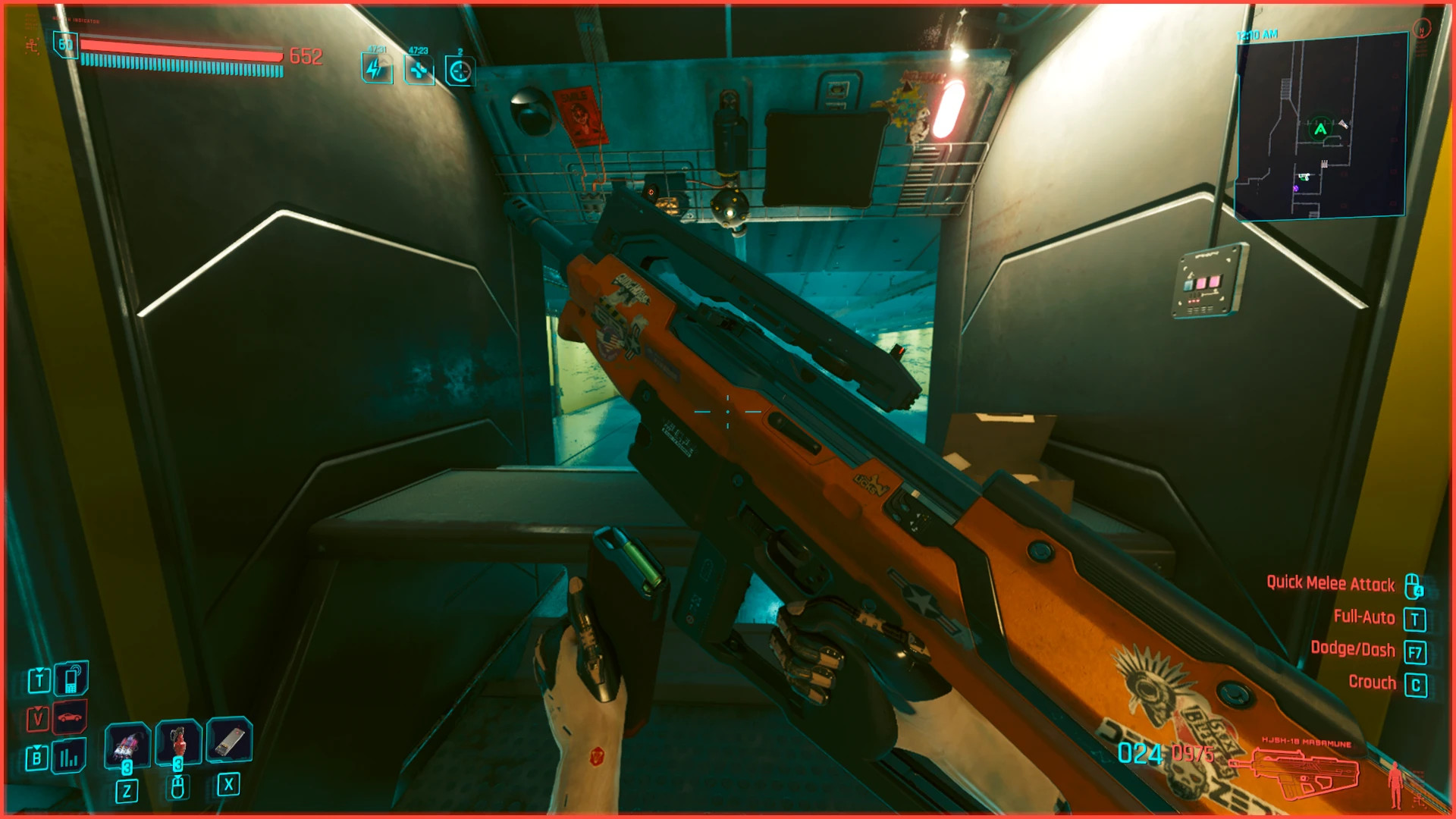
Weapon Inspection
Features
- Inspect the currently equipped weapon with a single hotkey
- Works during most player movement states
- No cooldown between inspections
- Animation starts immediately
- Custom key binding through Cyber Engine Tweaks
- Supports most weapons
Technical Details
The mod uses the weapon's first-equip animation as the inspection animation. Since these animations were not originally designed for inspection, some weapons look better than others, but the feature works well with most of them.
Requirements
- Cyber Engine Tweaks
- Redscript
Cyber Engine Tweaks is required because the inspection action is triggered through CET.
How to Use
- Launch Cyberpunk 2077 after installing the mod
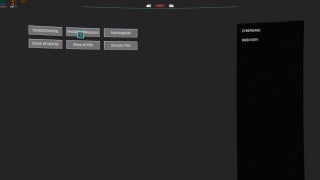
- Open Cyber Engine Tweaks
- Go to Bindings
- Find "WeaponInspection"
- Assign your preferred key
- Press the assigned key in-game to play the inspection animation
Troubleshooting
- Reload all mods through Cyber Engine Tweaks if the feature does not work
- Restart the game if reloading mods does not help
- Check that the mod files were extracted to the correct folders
- Make sure Cyber Engine Tweaks and Redscript are installed
- If the issue continues, another installed mod or your current game setup may be causing a compatibility problem
Installation Instructions
- Copy the "bin" and "r6" folders into your main Cyberpunk 2077 installation directory
- You can also install the mod through Vortex Mod Manager
Weapon Inspection
Features
- Inspect the currently equipped weapon with a single hotkey
- Works during most player movement states
- No cooldown between inspections
- Animation starts immediately
- Custom key binding through Cyber Engine Tweaks
- Supports most weapons
Technical Details
The mod uses the weapon's first-equip animation as the inspection animation. Since these animations were not originally designed for inspection, some weapons look better than others, but the feature works well with most of them.
Requirements
- Cyber Engine Tweaks
- Redscript
Cyber Engine Tweaks is required because the inspection action is triggered through CET.
How to Use
- Launch Cyberpunk 2077 after installing the mod
- Open Cyber Engine Tweaks
- Go to Bindings
- Find "WeaponInspection"
- Assign your preferred key
- Press the assigned key in-game to play the inspection animation
Troubleshooting
- Reload all mods through Cyber Engine Tweaks if the feature does not work
- Restart the game if reloading mods does not help
- Check that the mod files were extracted to the correct folders
- Make sure Cyber Engine Tweaks and Redscript are installed
- If the issue continues, another installed mod or your current game setup may be causing a compatibility problem
Installation Instructions
- Copy the "bin" and "r6" folders into your main Cyberpunk 2077 installation directory
- You can also install the mod through Vortex Mod Manager
External Download Links:
Direct Download Links
About Mod
| Latest Version | v1.0 |
| Game | Cyberpunk 2077 |
| Category | Gameplay |
| Game Version | 1.11 |
| Downloads | 28 |
| Created | 1 month ago |
You Might Also Like »



0 Comments
There are no comments. Be first to comment!