Beautiful Natural Recolour 1.3

0/5,
0
votes
1. Download and install latest reshade
2. Choose DX 12 option
3. Download and extract my files to folder with Cyberpunk2077.exe
4. In game press End to disable/enable effects, press Home to enter UI
There are 2 options:
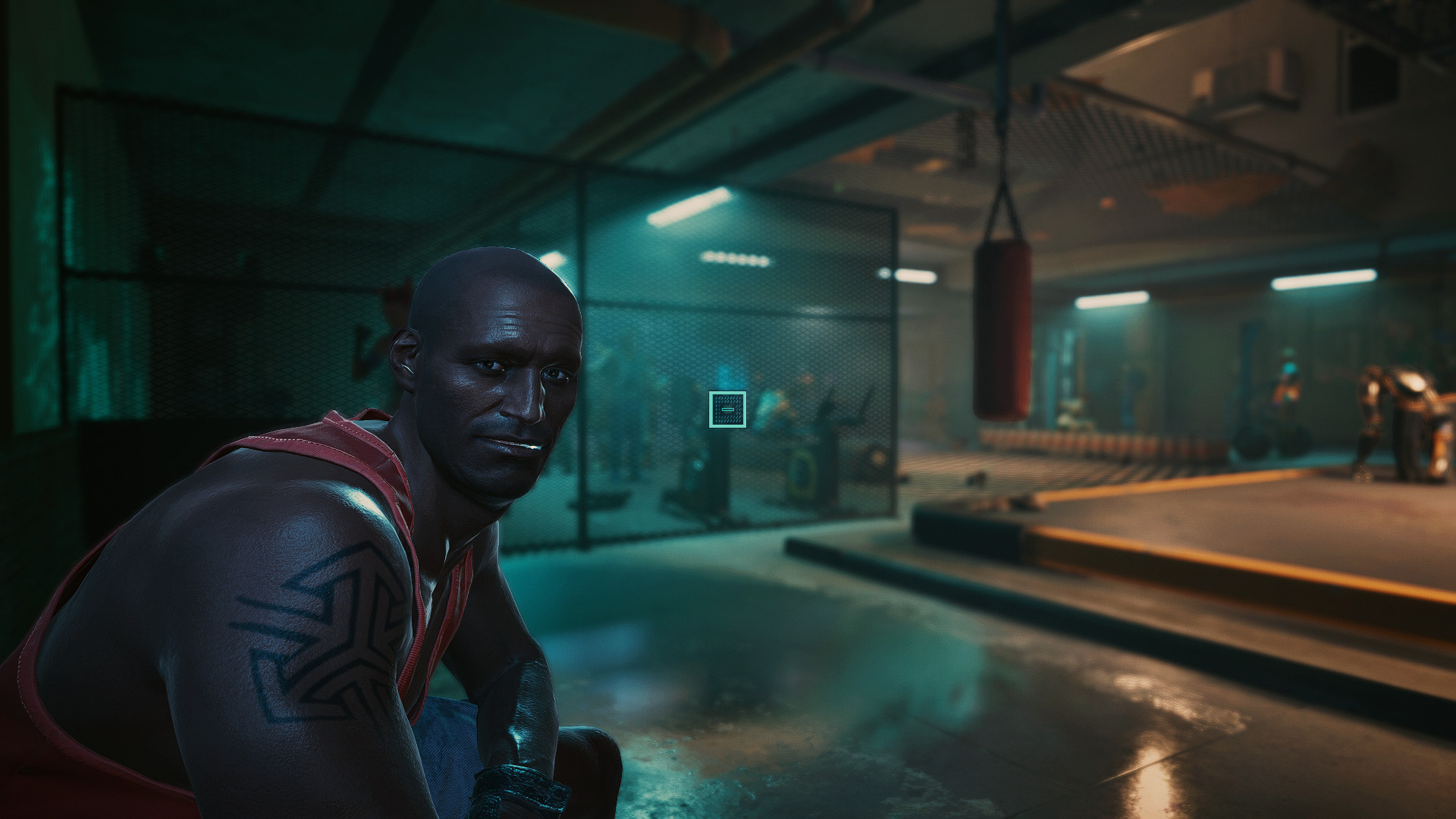
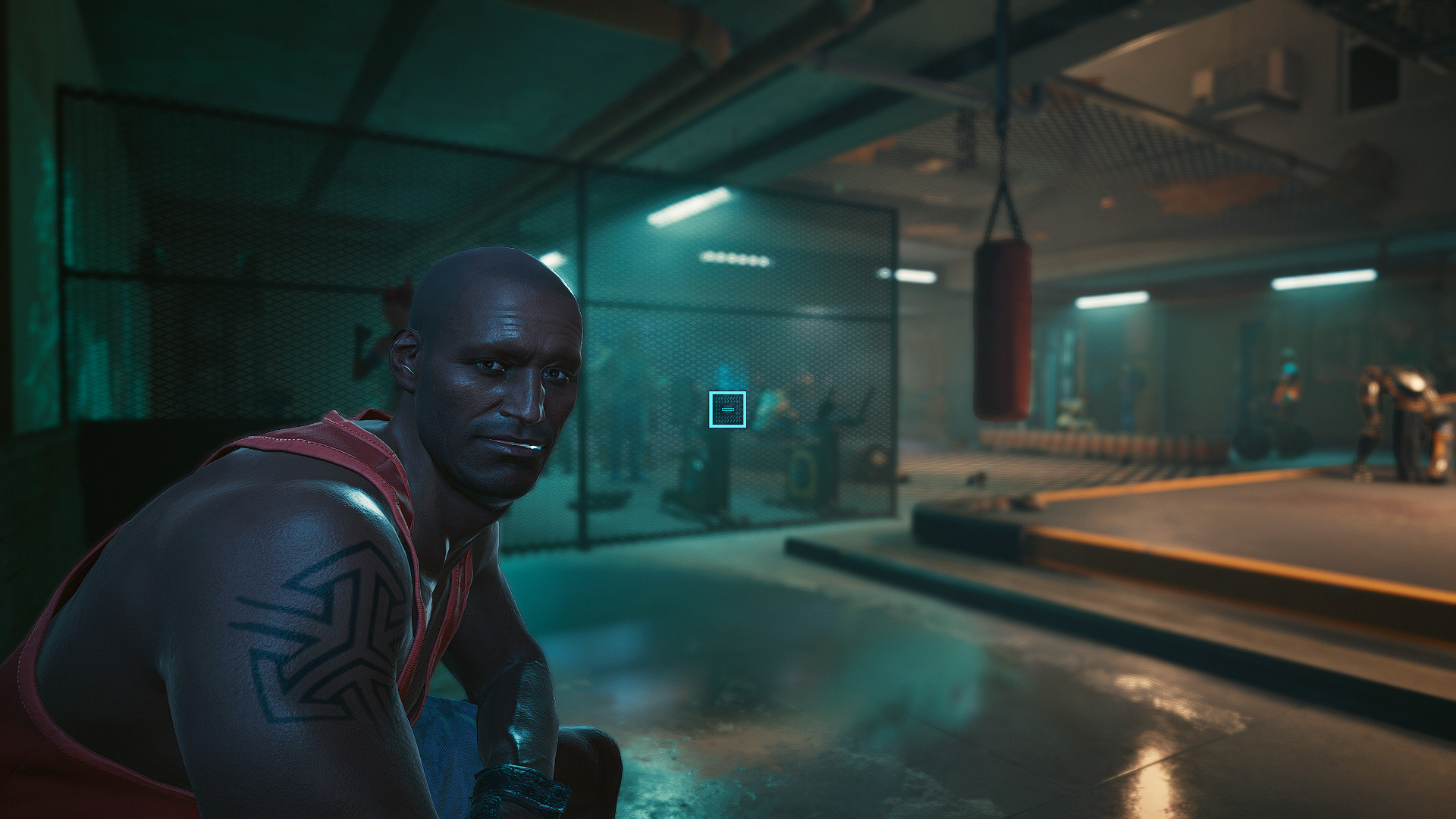
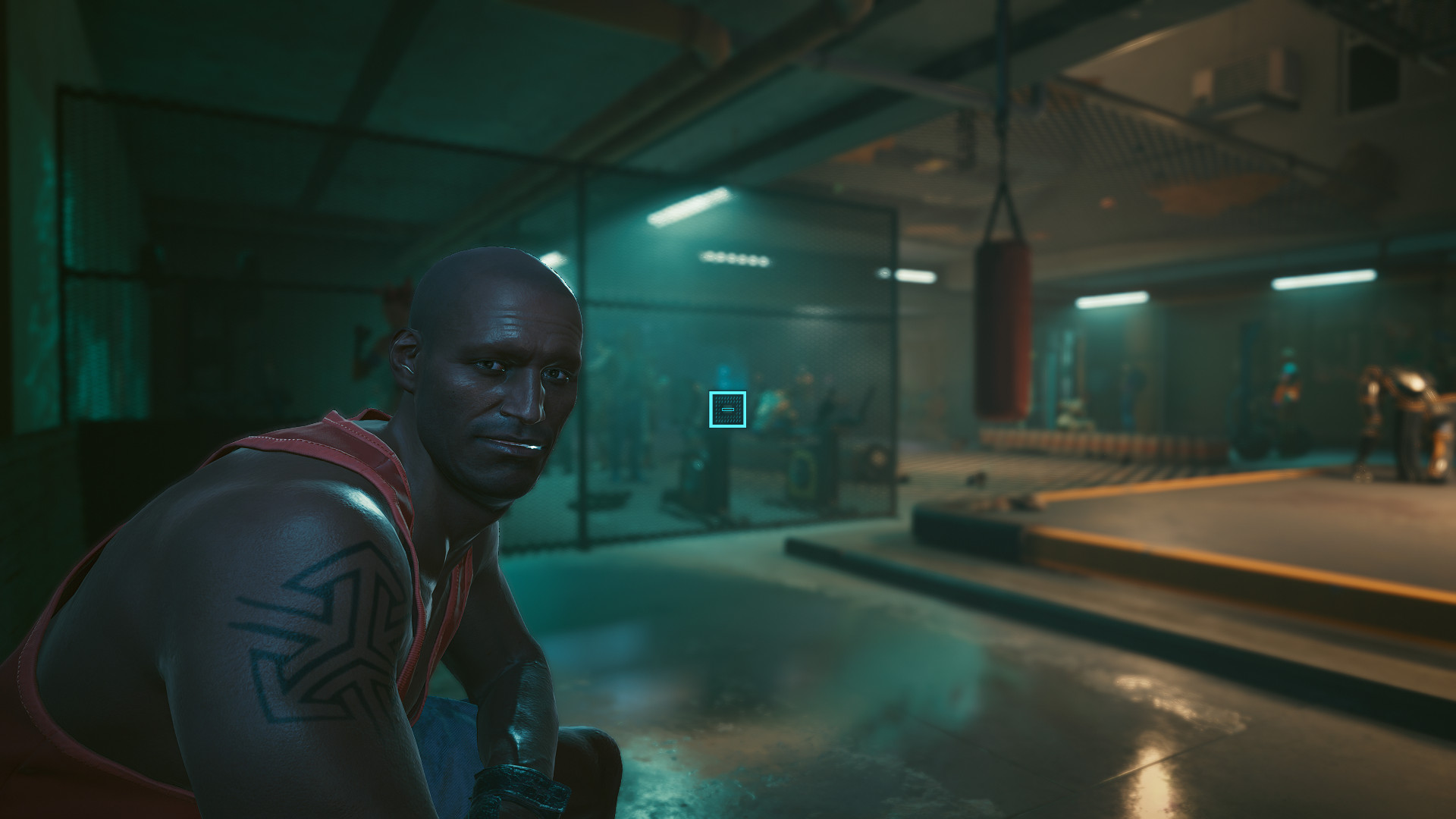
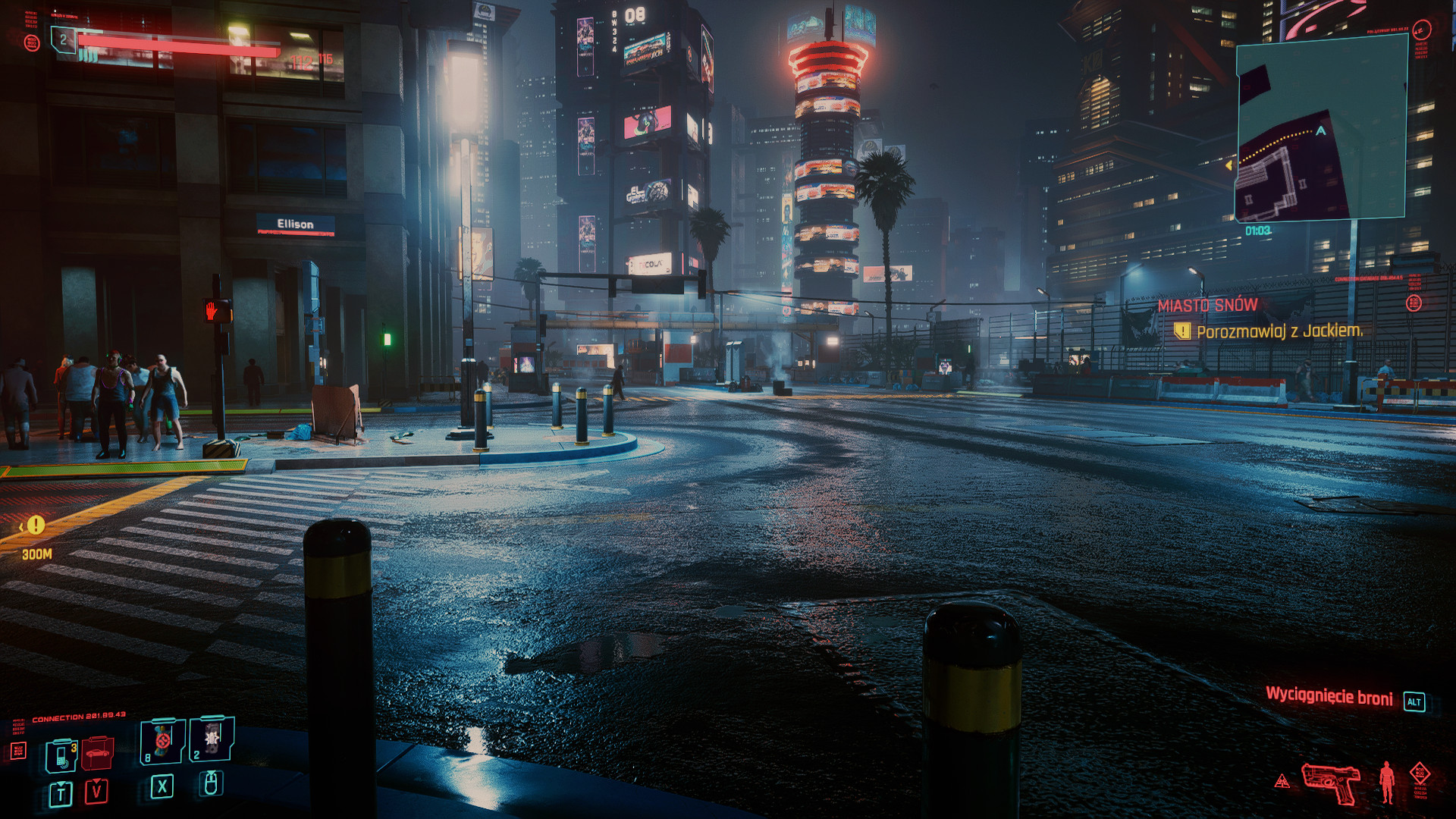
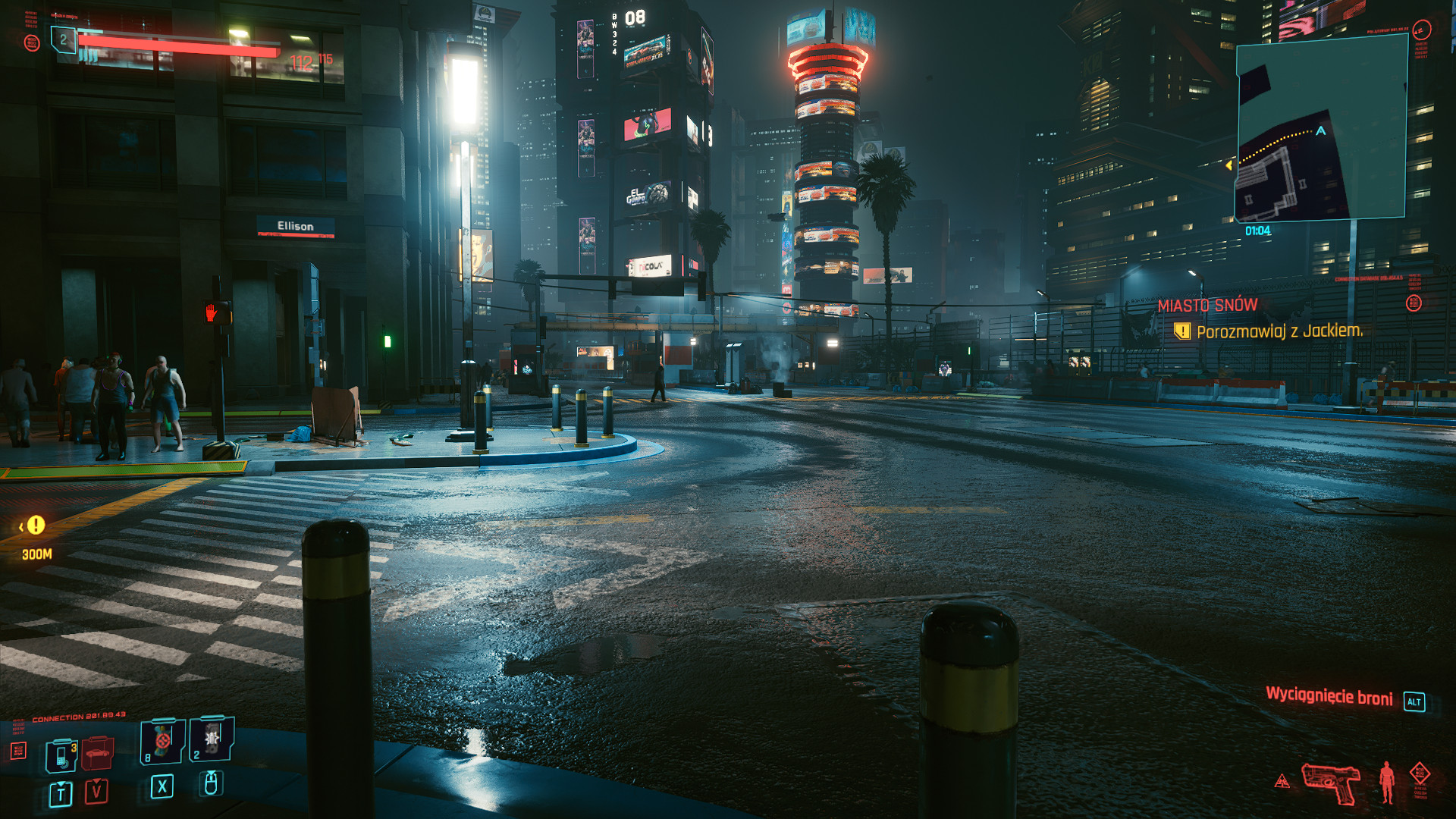
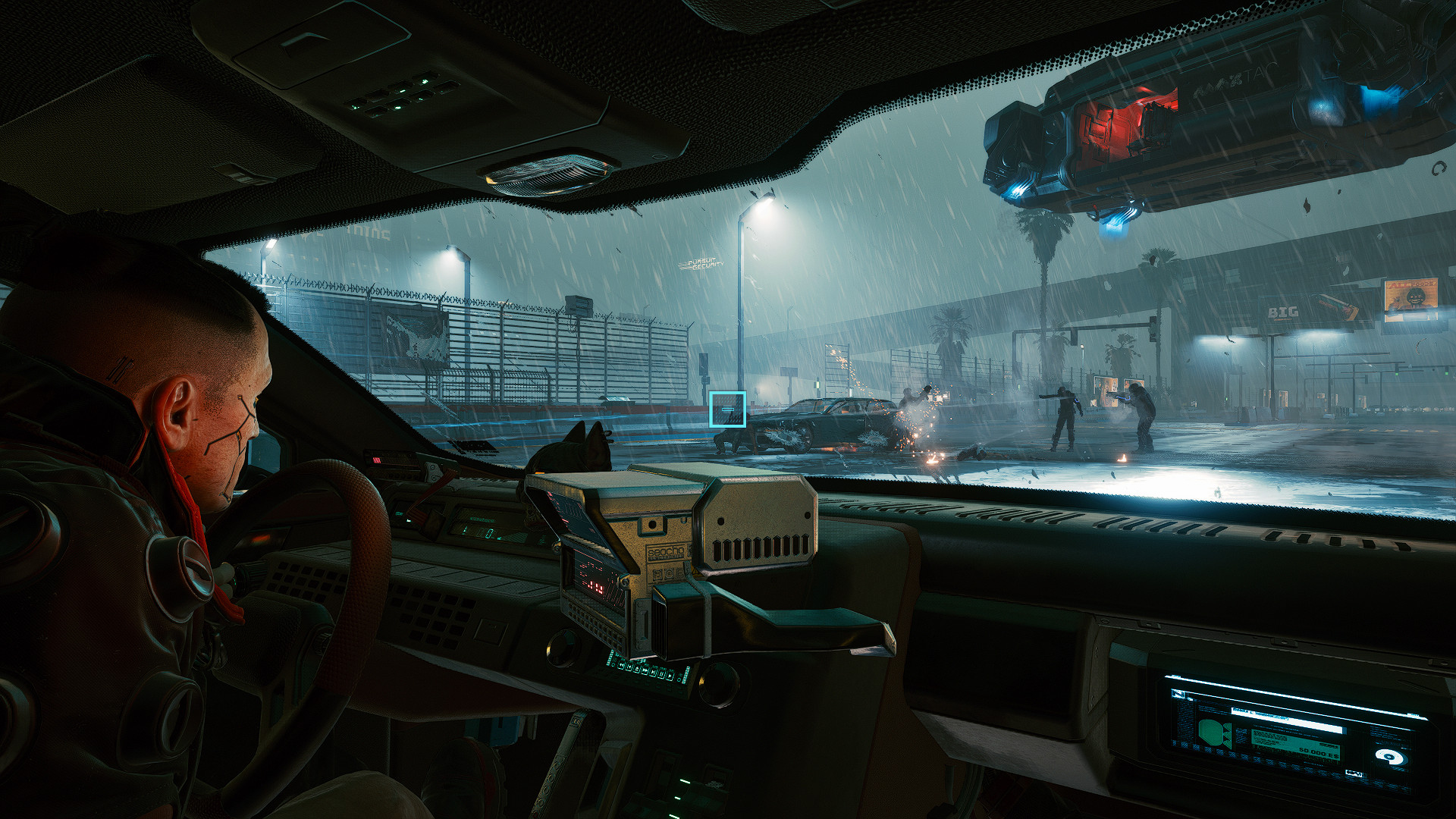
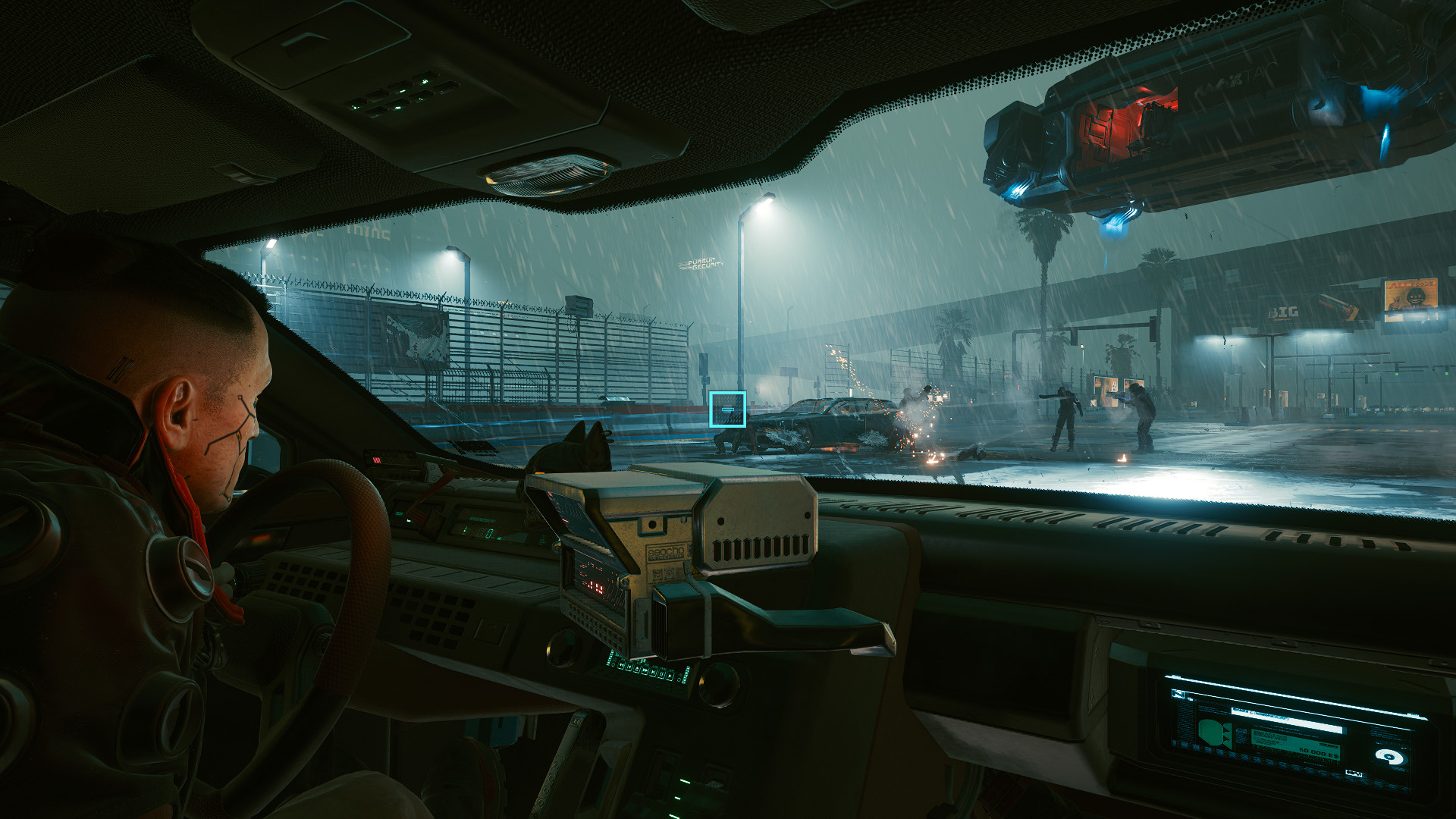
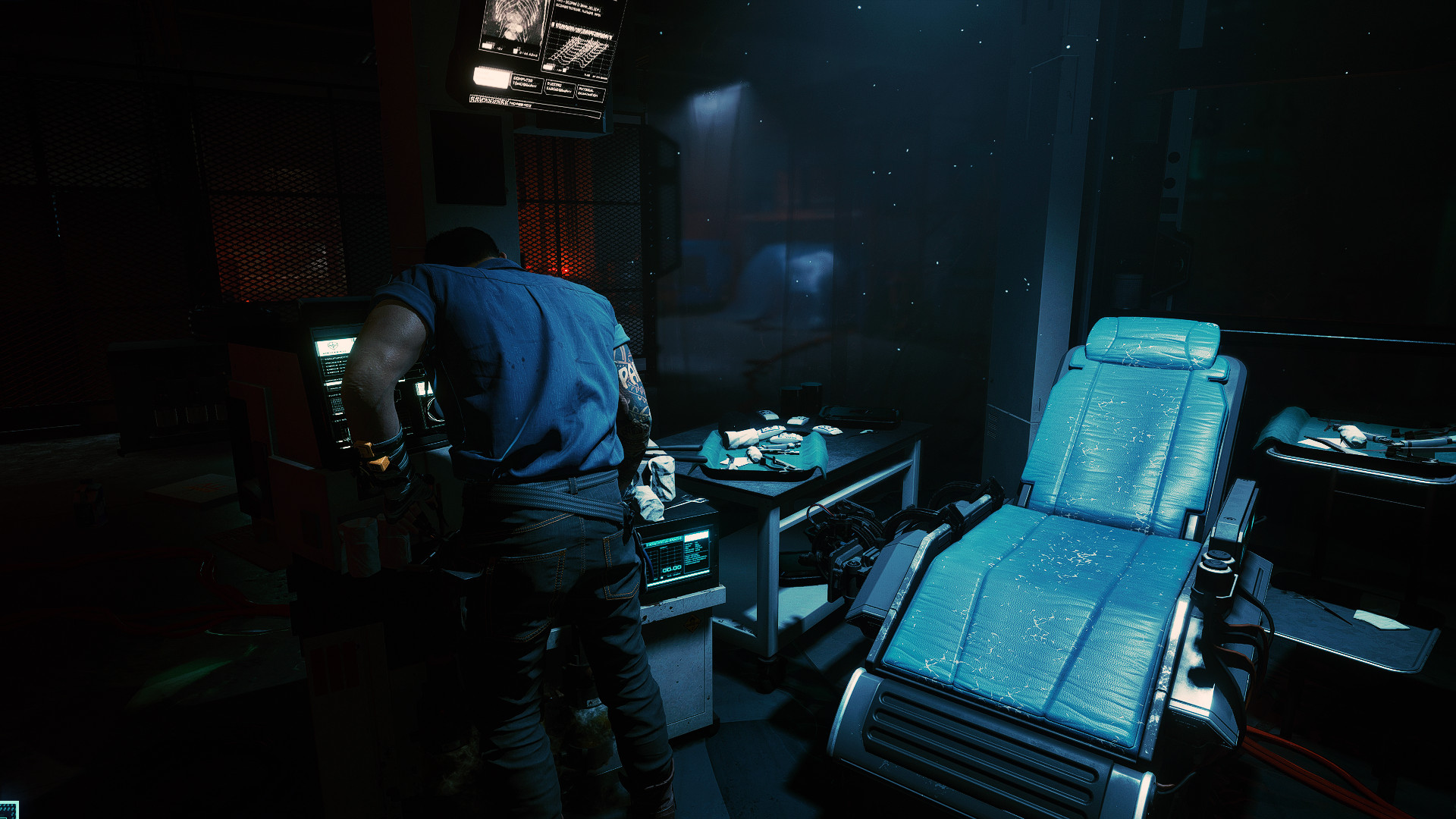
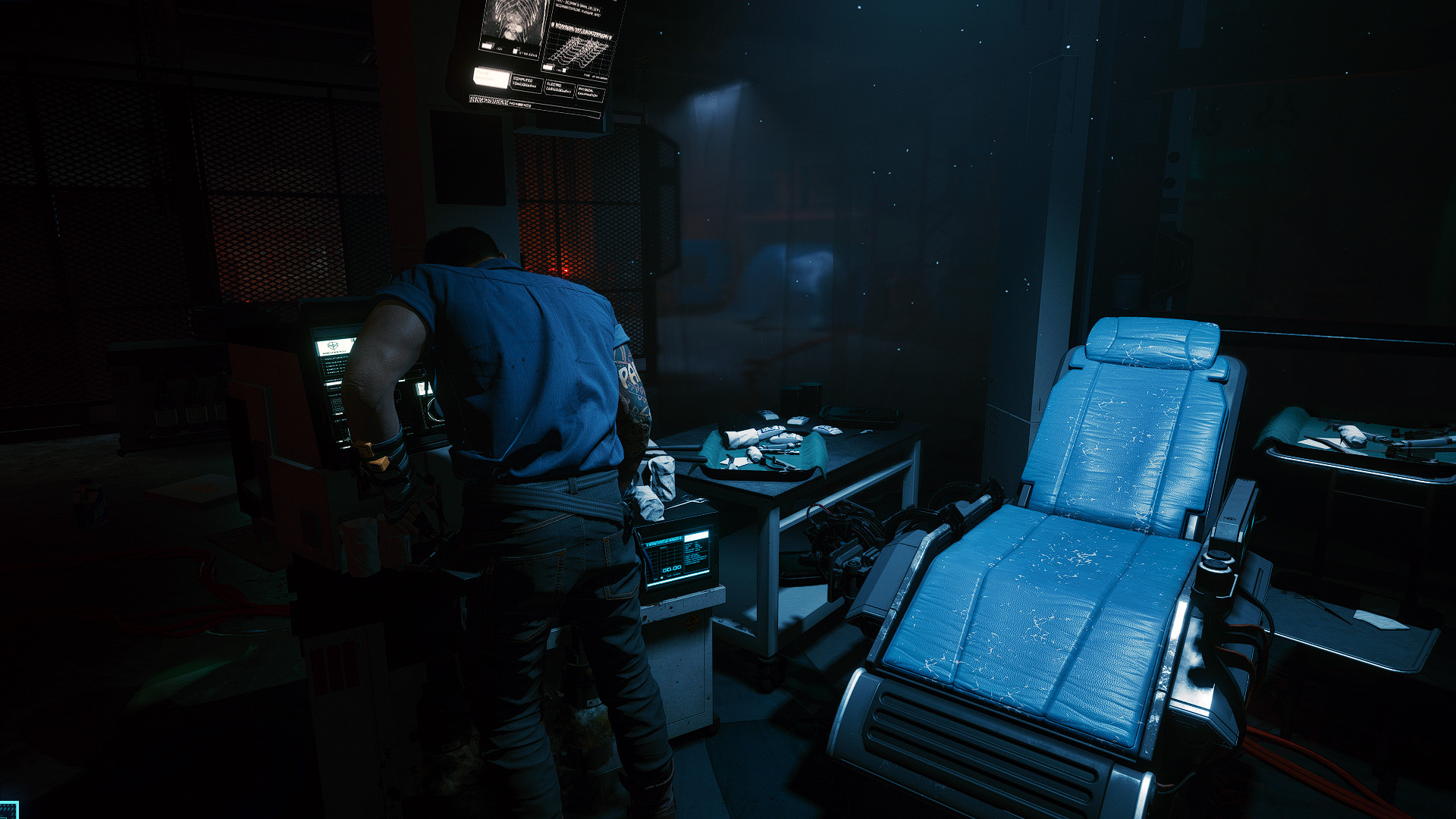
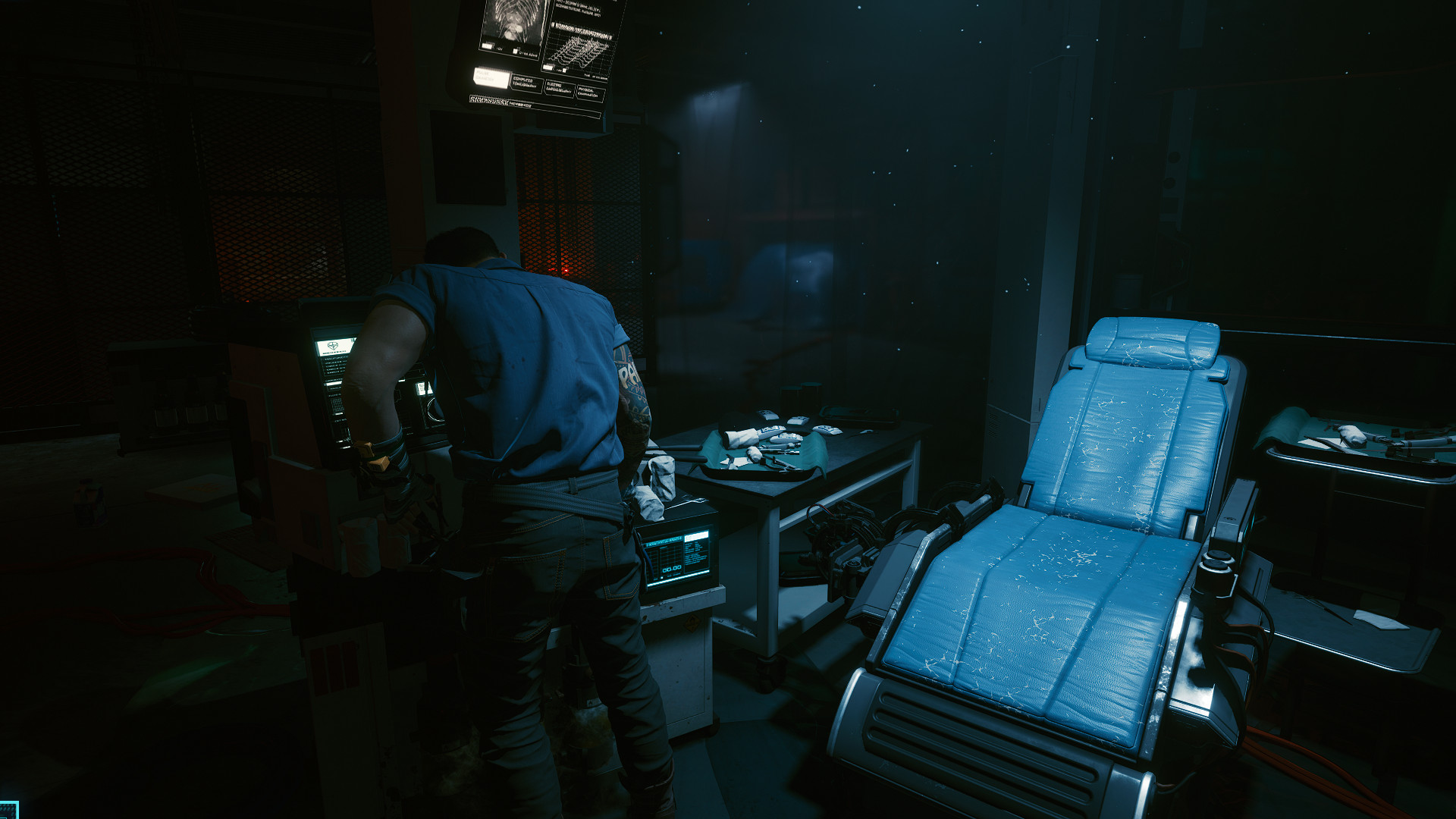
1 - Original preset which can have a little impact on performance but has a bit better, darker shades and brighter lights.
2 - Lite version which has no impact on your fps at all
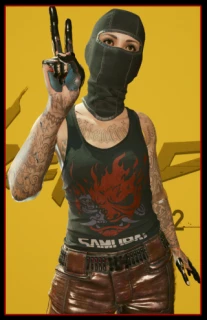
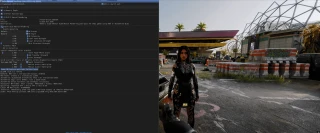
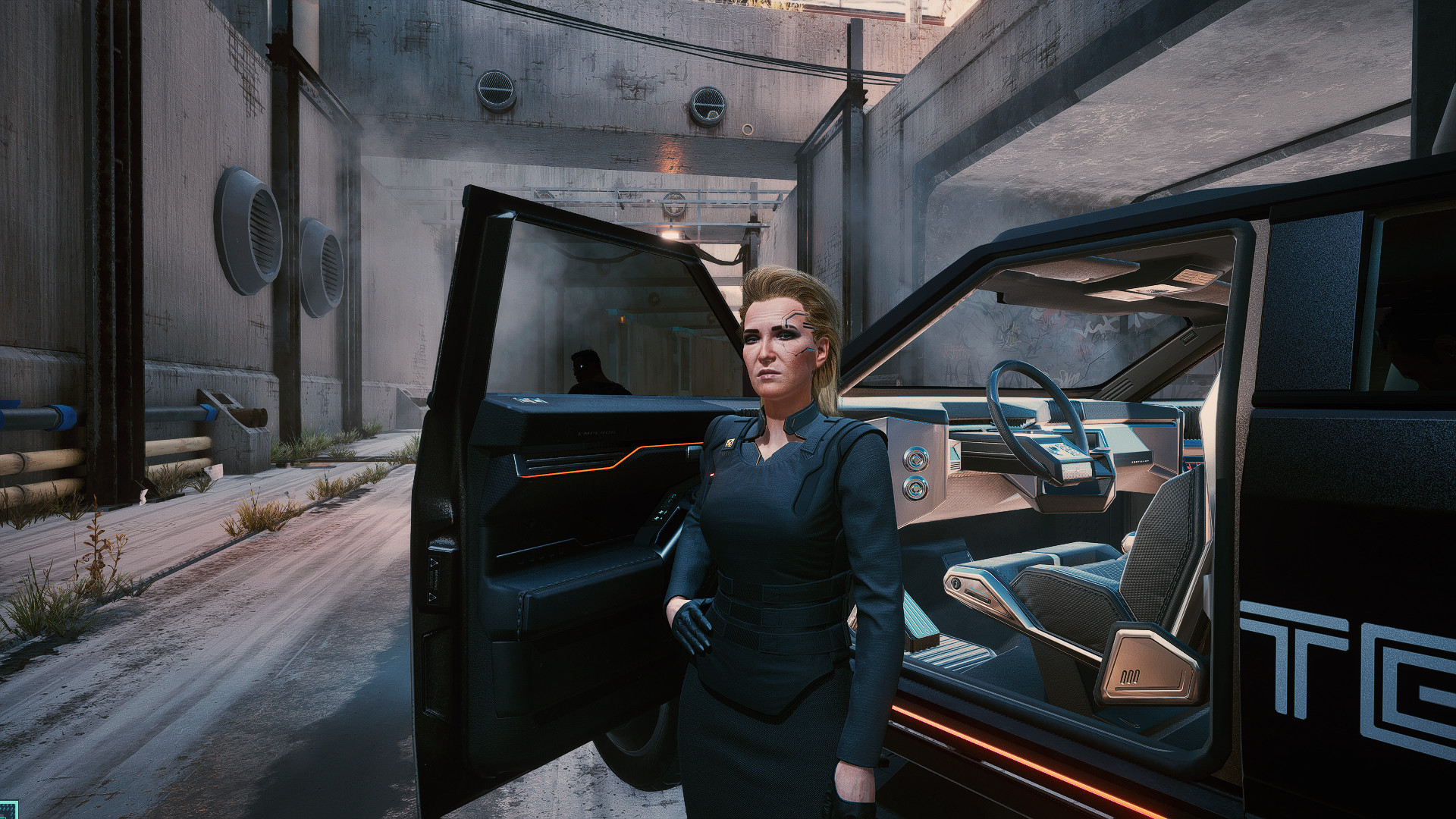
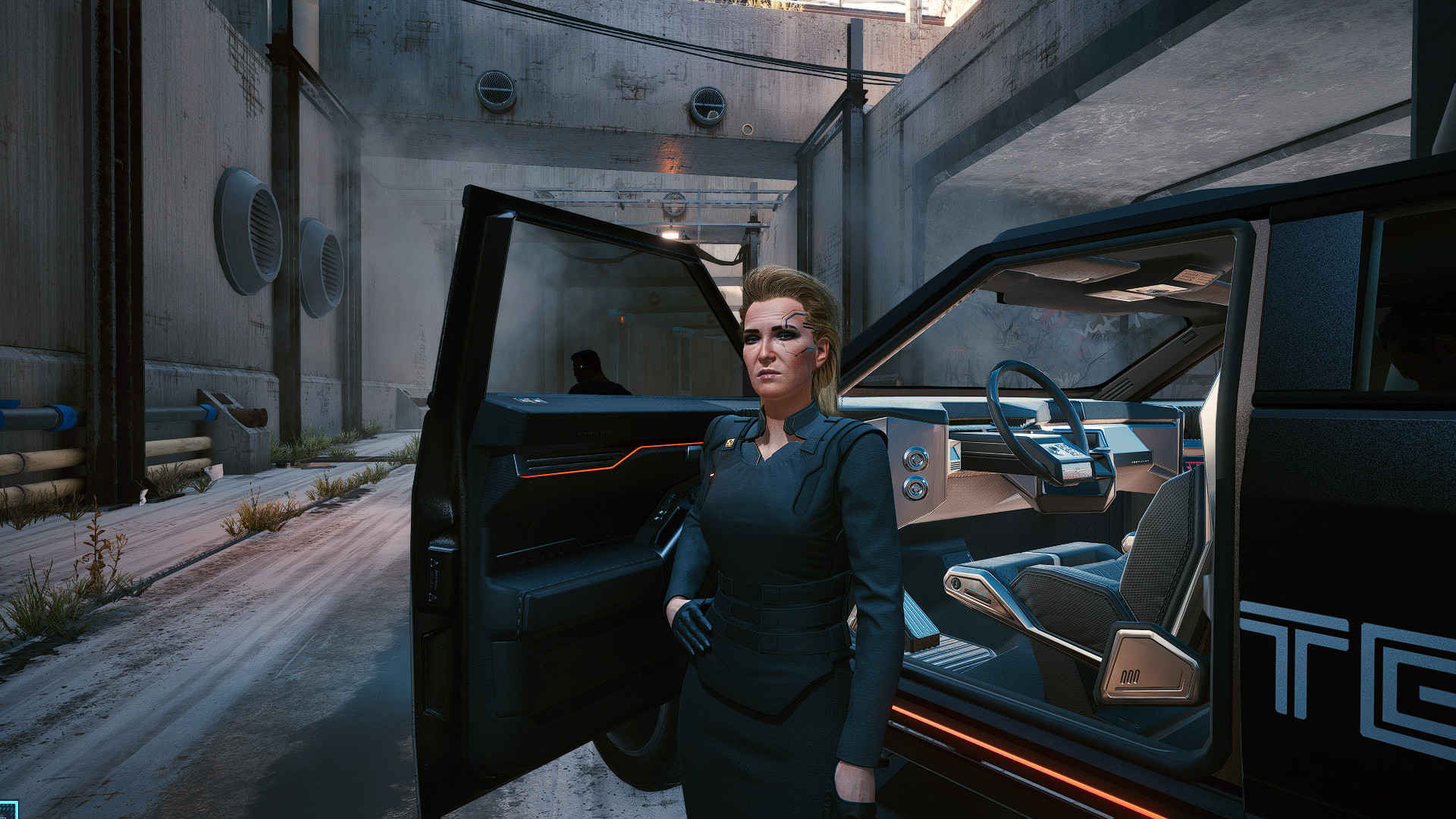
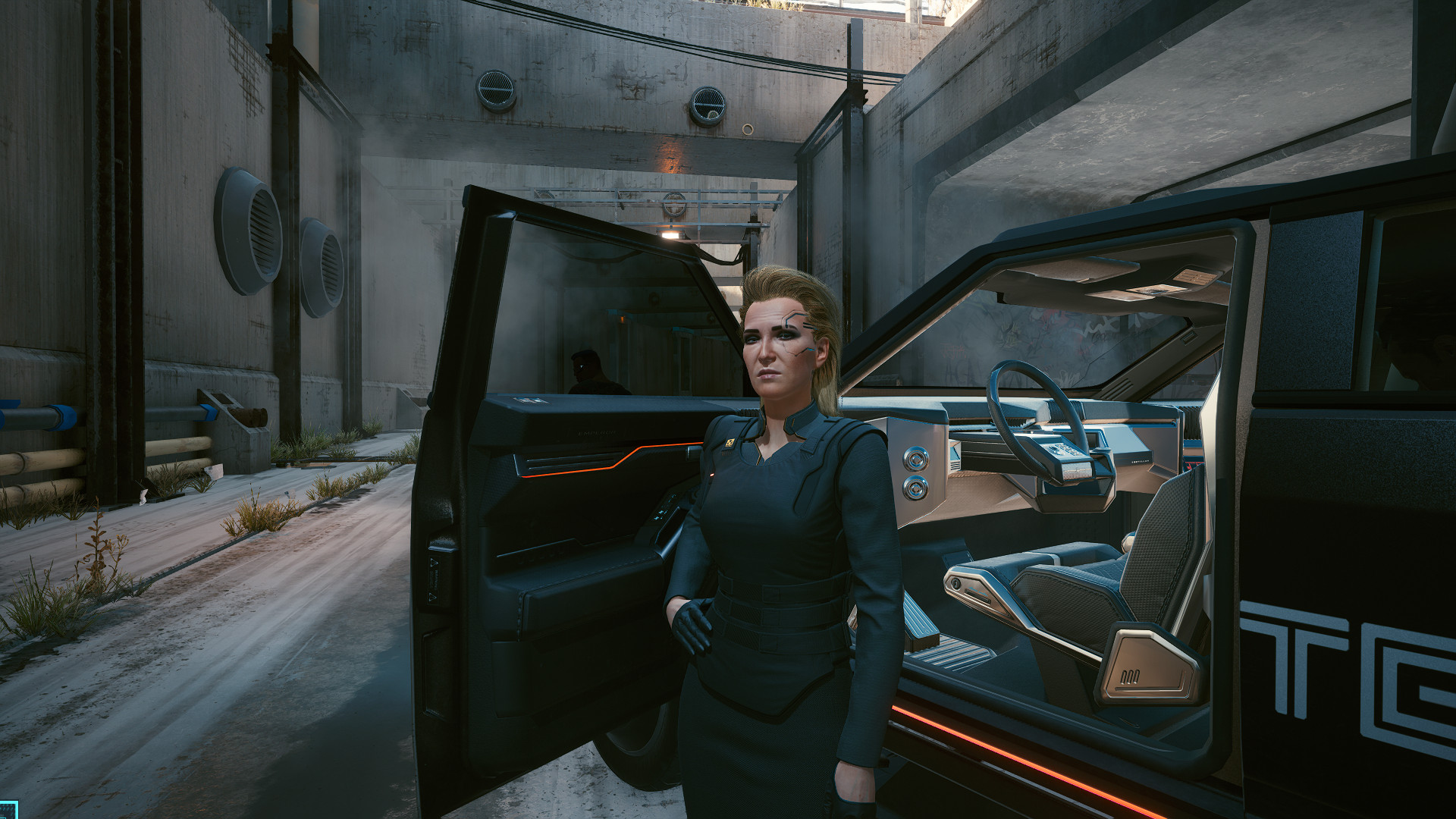
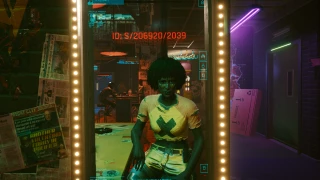
Check pictures to see the difference.
You might have to fix brightness / contrast for yourself cuz my monitor is quite bright and this reshade is kinda based on it.
Credits:
Restolol
2. Choose DX 12 option
3. Download and extract my files to folder with Cyberpunk2077.exe
4. In game press End to disable/enable effects, press Home to enter UI
There are 2 options:
1 - Original preset which can have a little impact on performance but has a bit better, darker shades and brighter lights.
2 - Lite version which has no impact on your fps at all
Check pictures to see the difference.
You might have to fix brightness / contrast for yourself cuz my monitor is quite bright and this reshade is kinda based on it.
Credits:
Restolol
Direct Download Links
About Mod
| Latest Version | 1.3 |
| Game | Cyberpunk 2077 |
| Category | Graphics |
| Downloads | 686 |
| Created | 5 years ago |
You Might Also Like »
0 Comments
There are no comments. Be first to comment!