
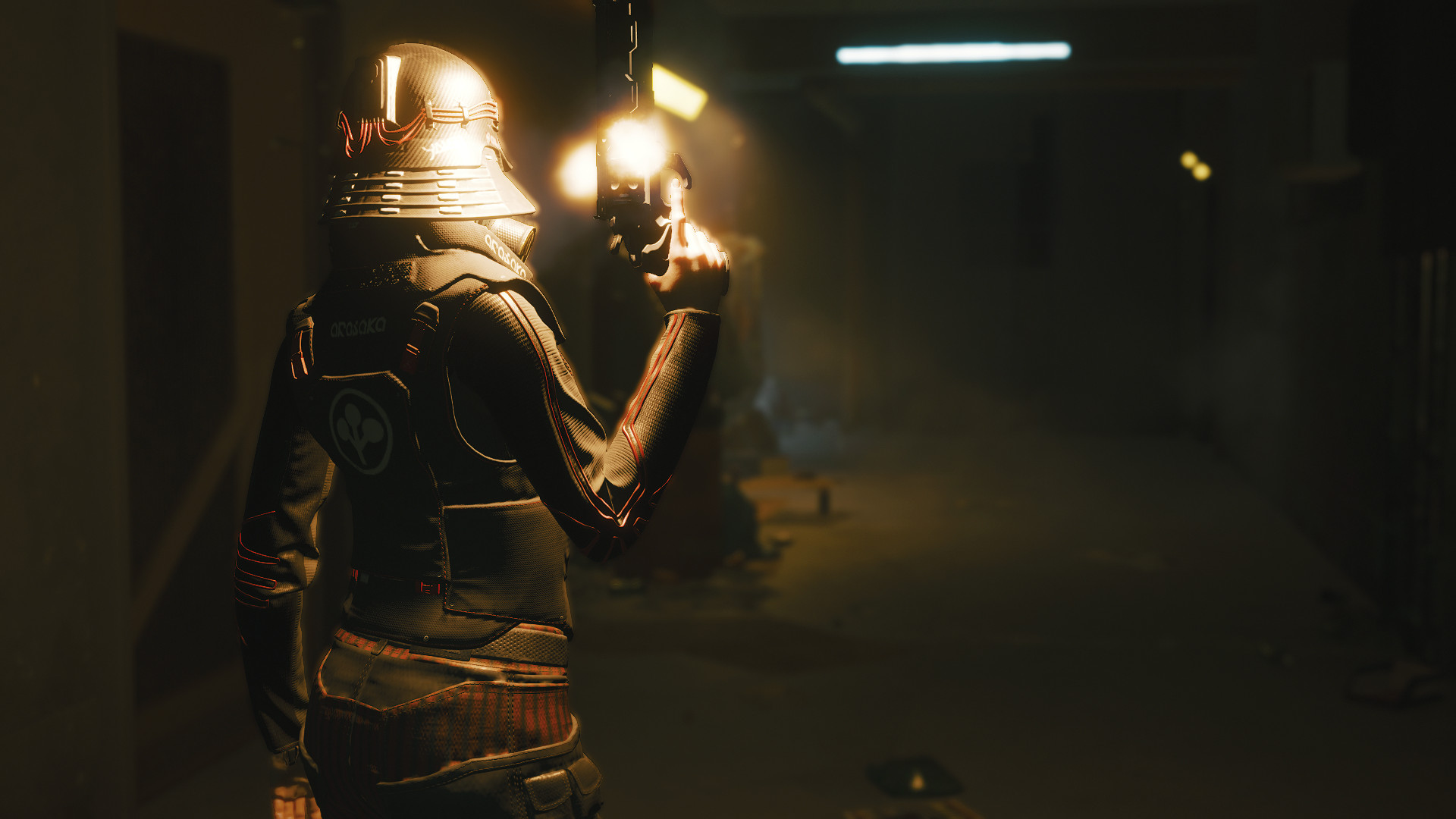
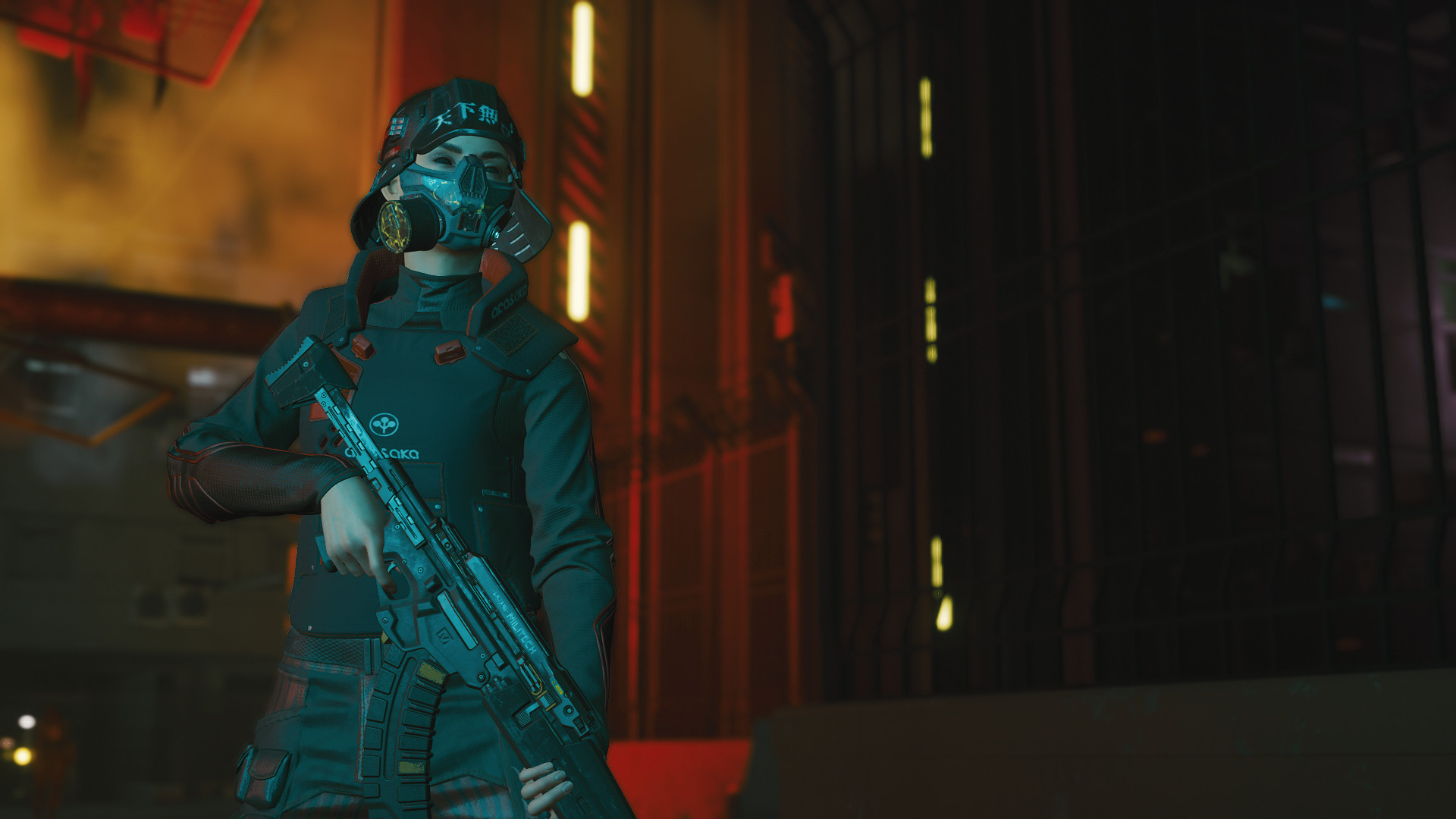
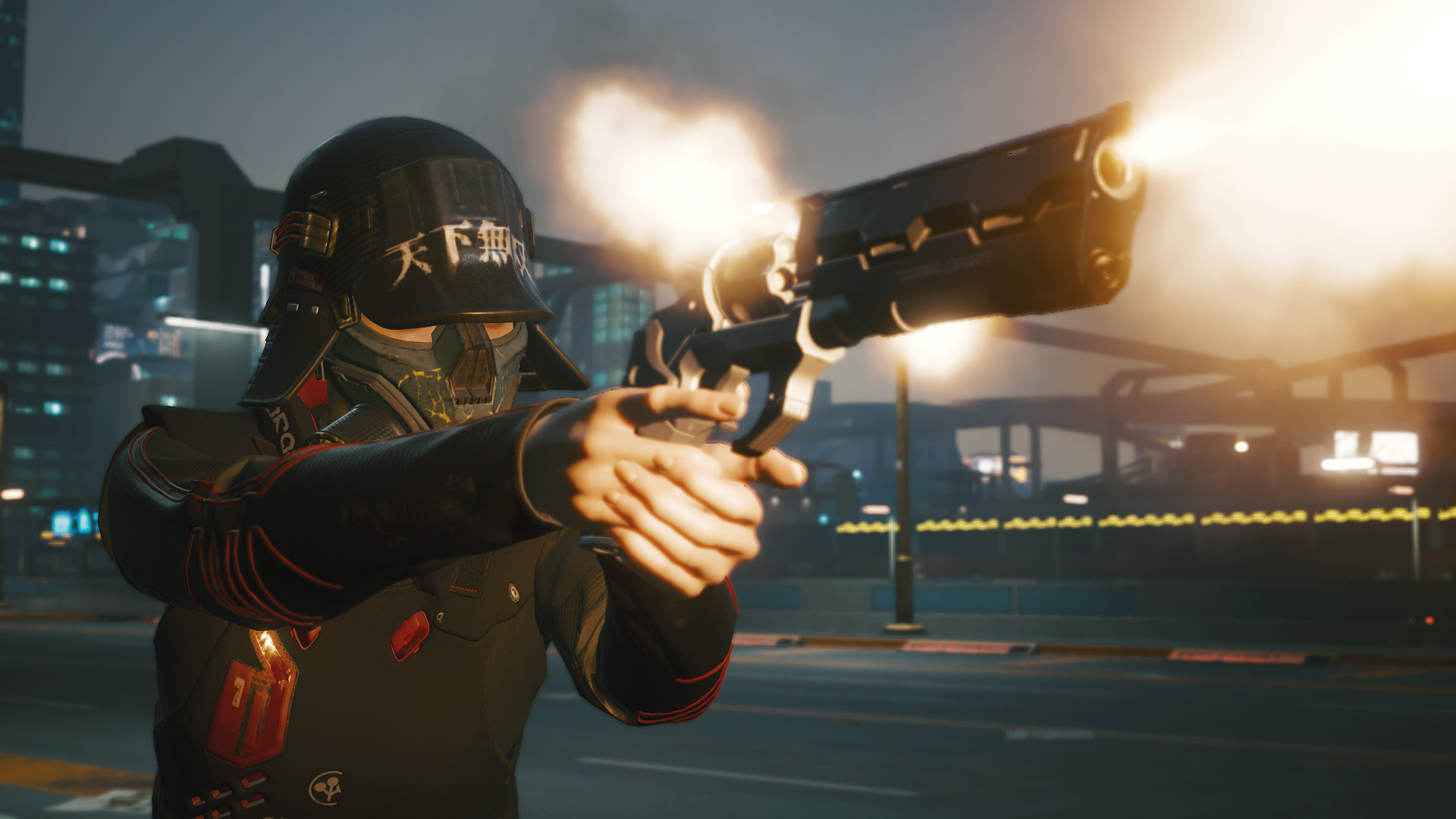
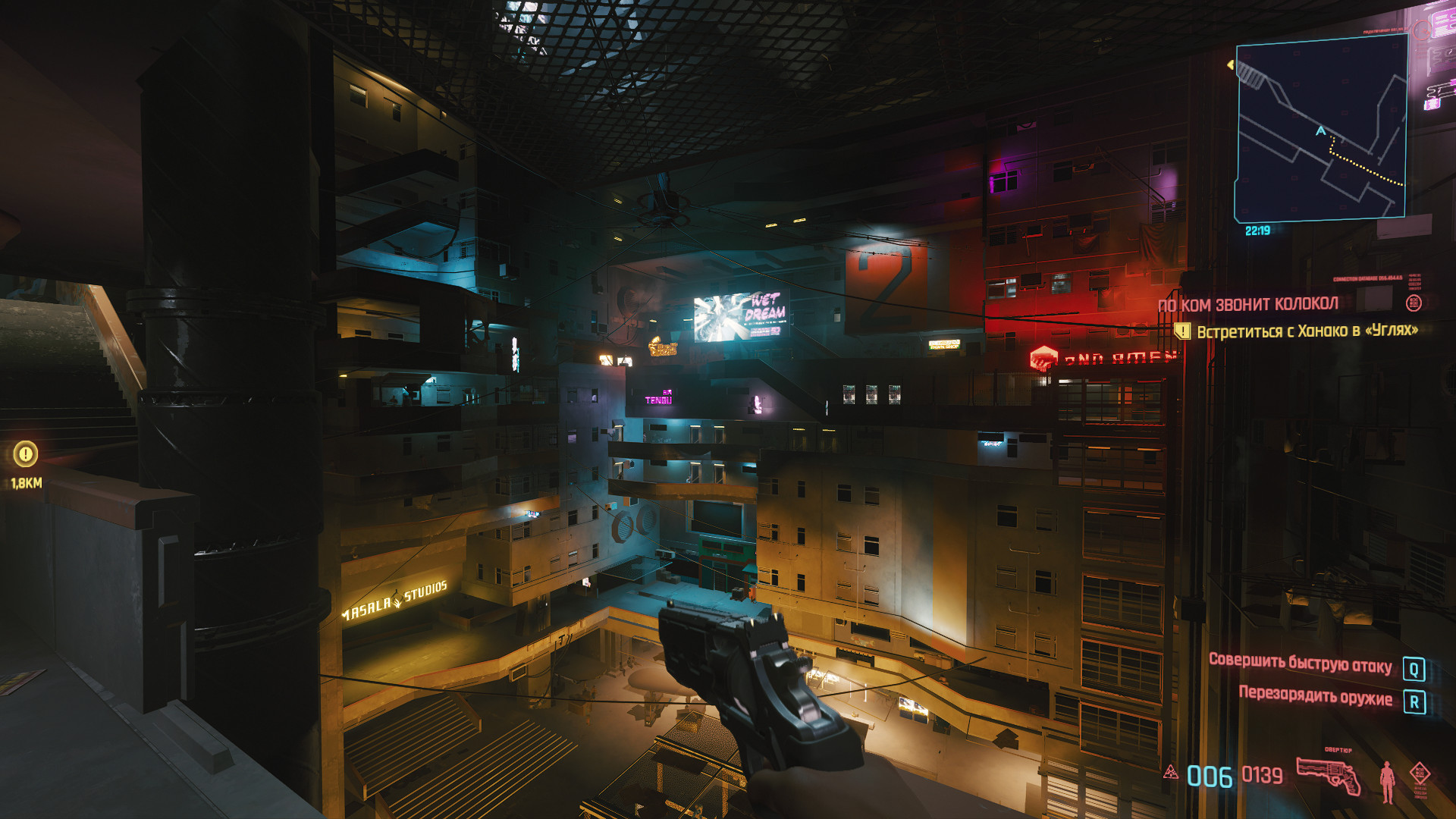
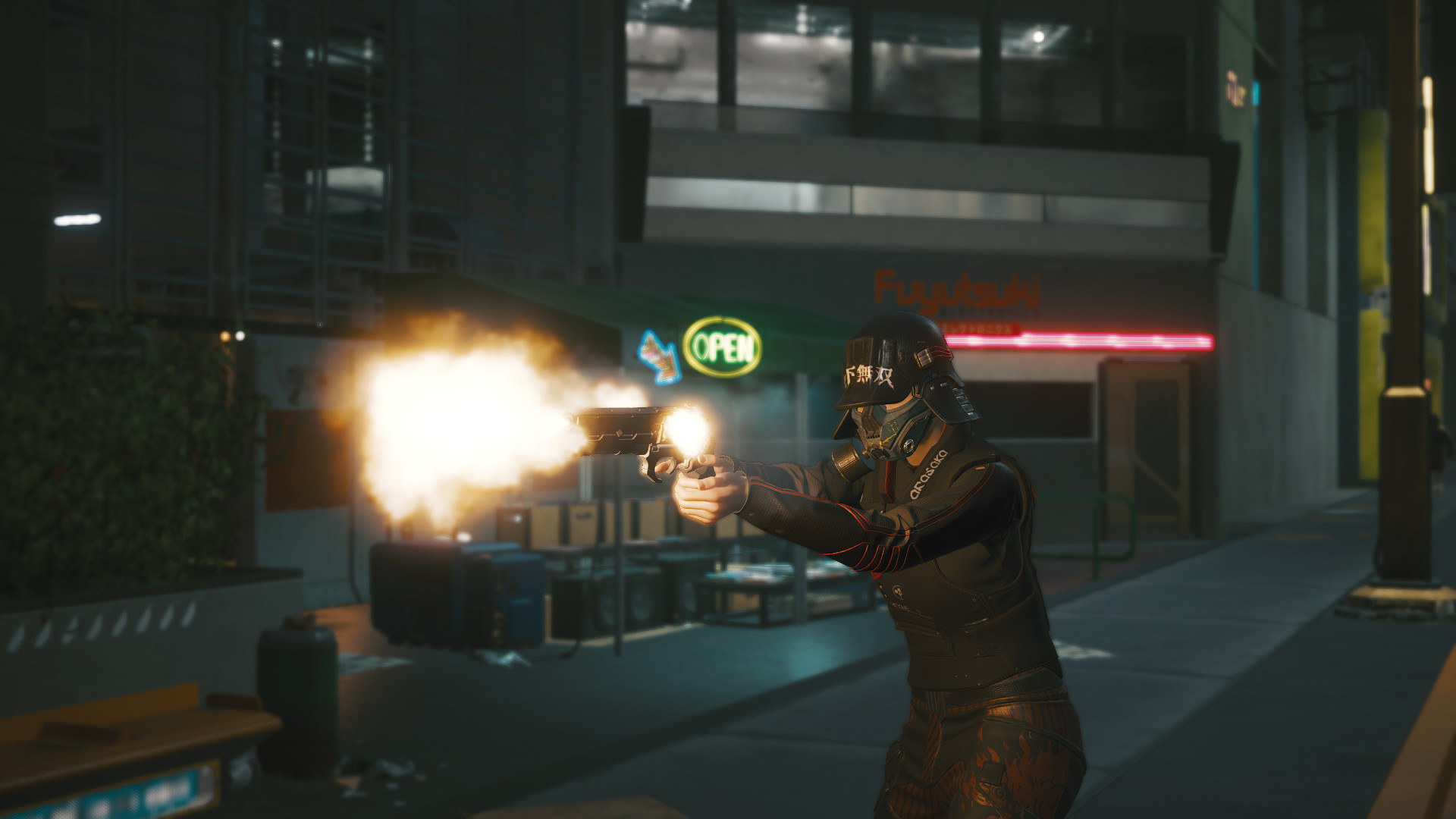
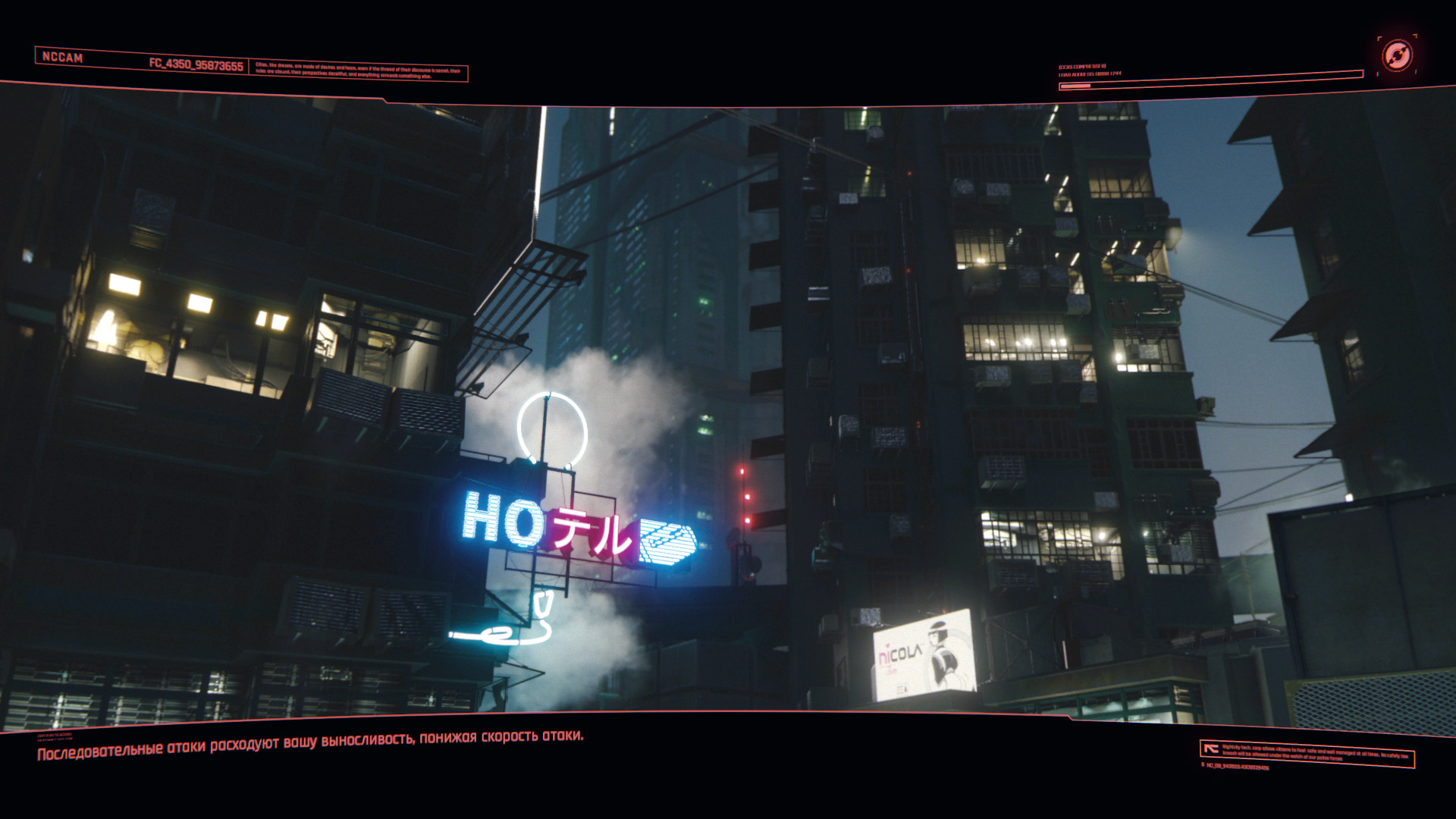
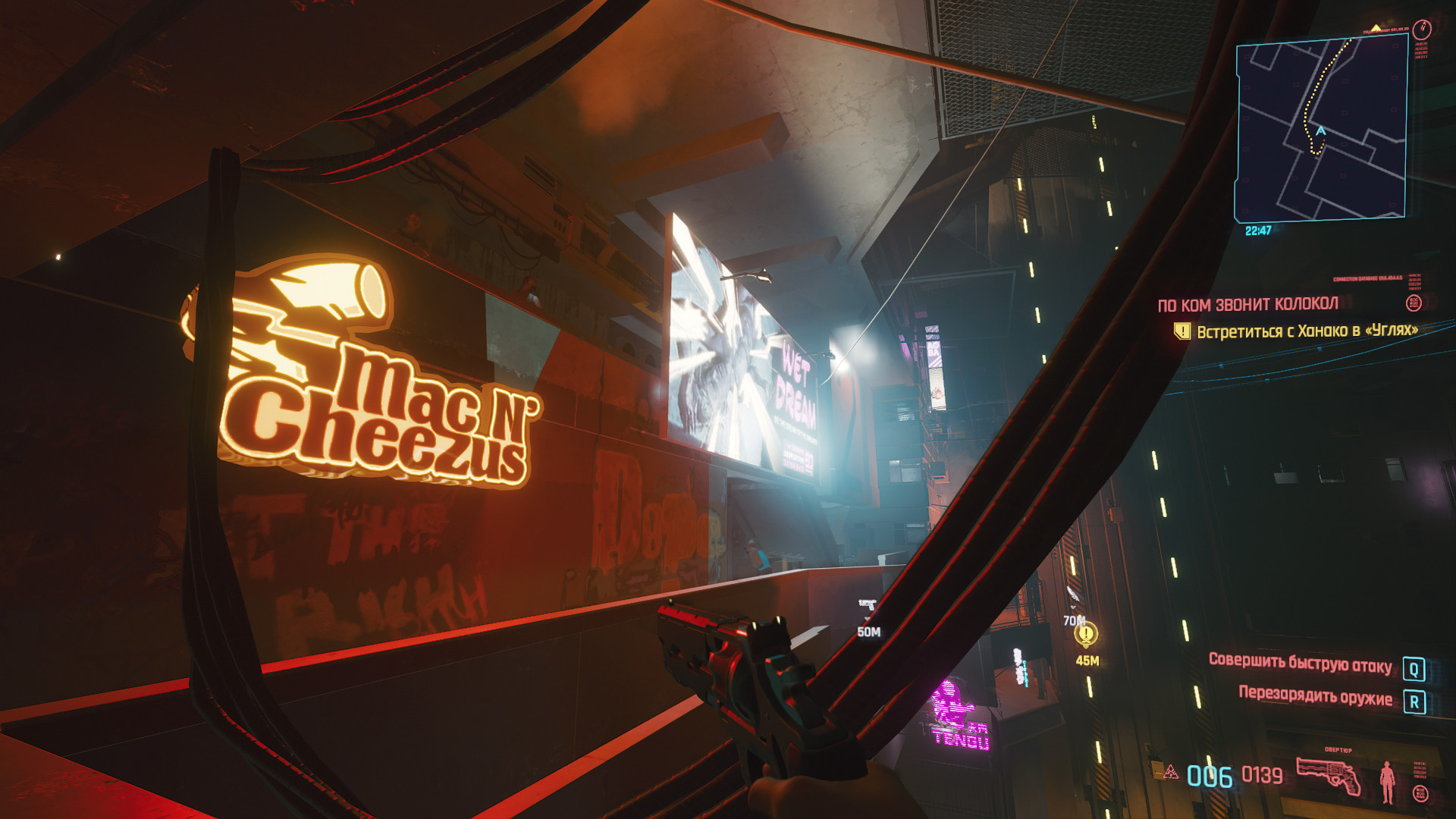
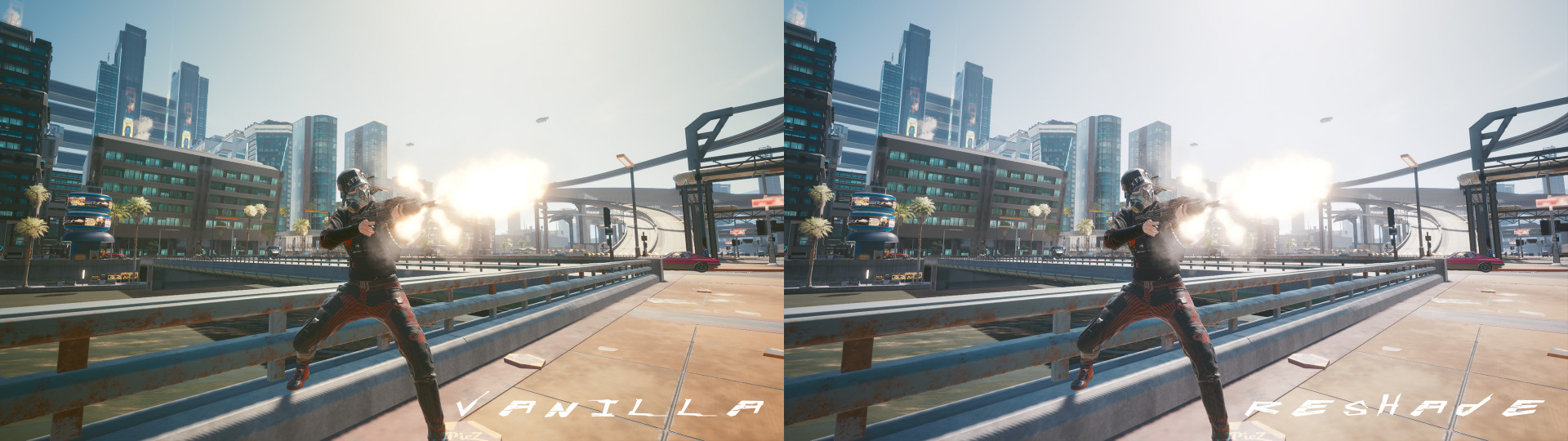
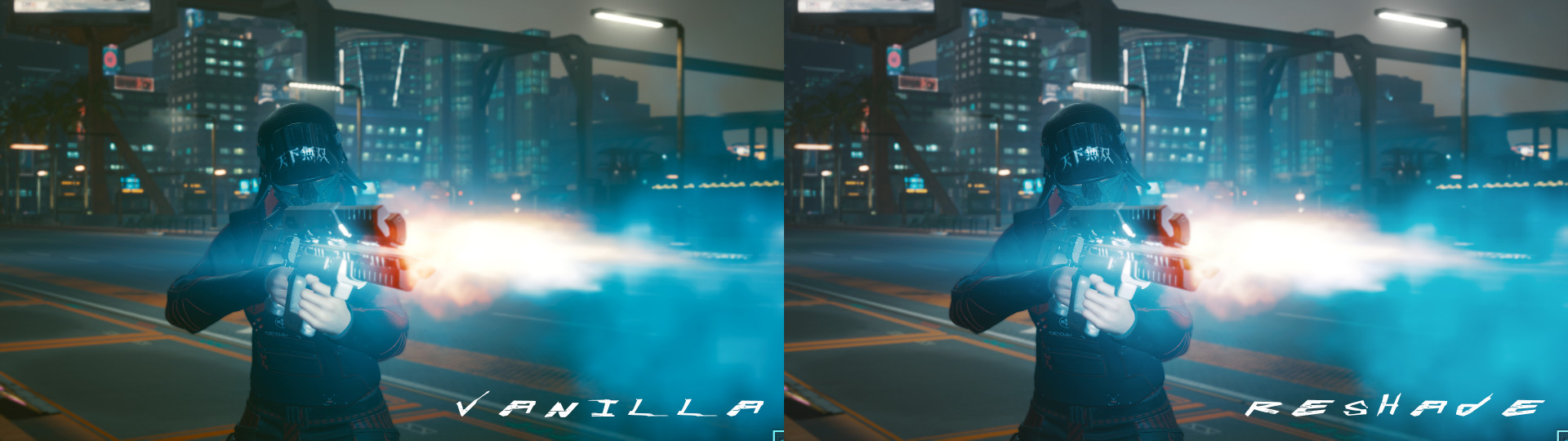
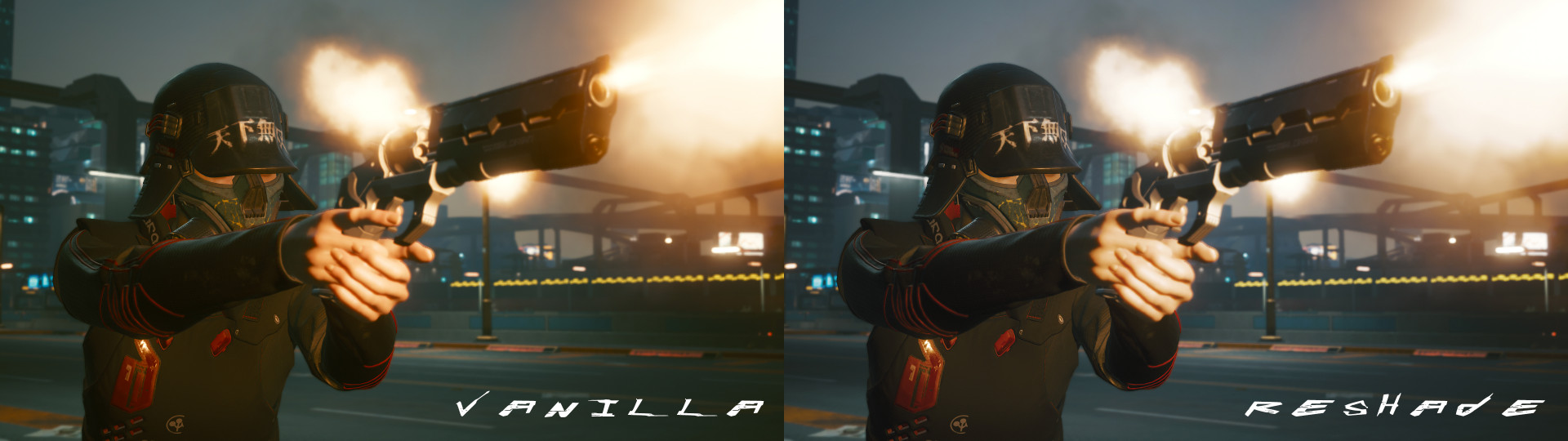
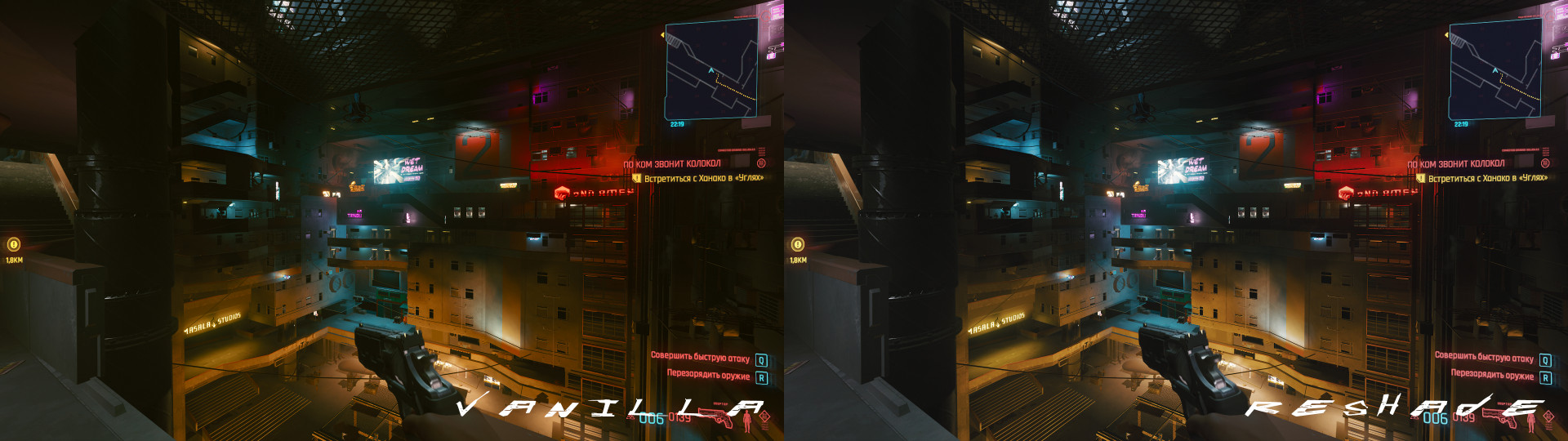
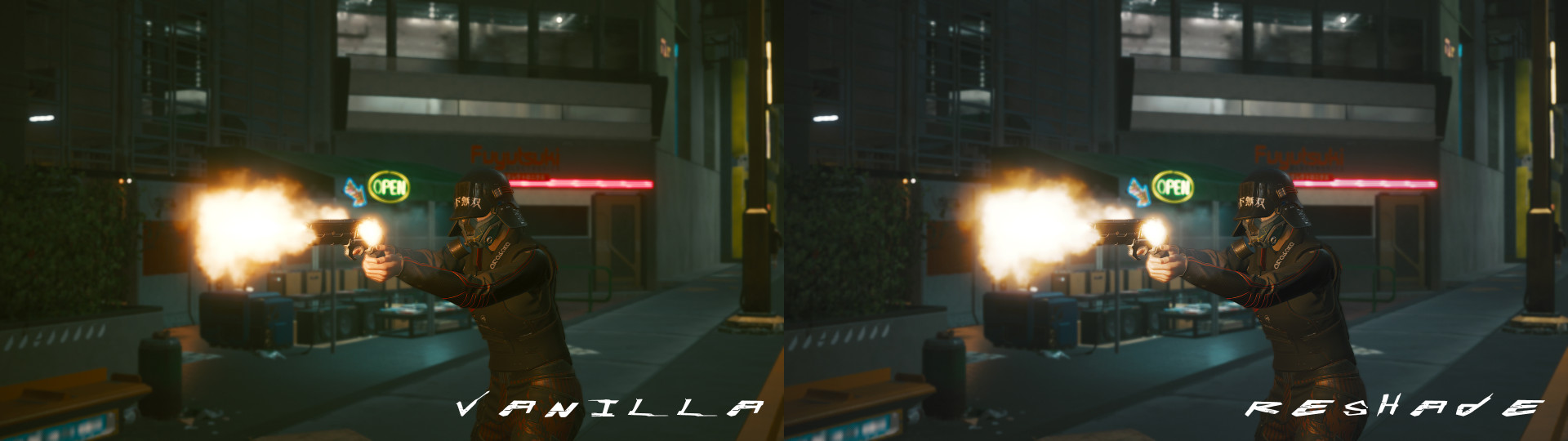
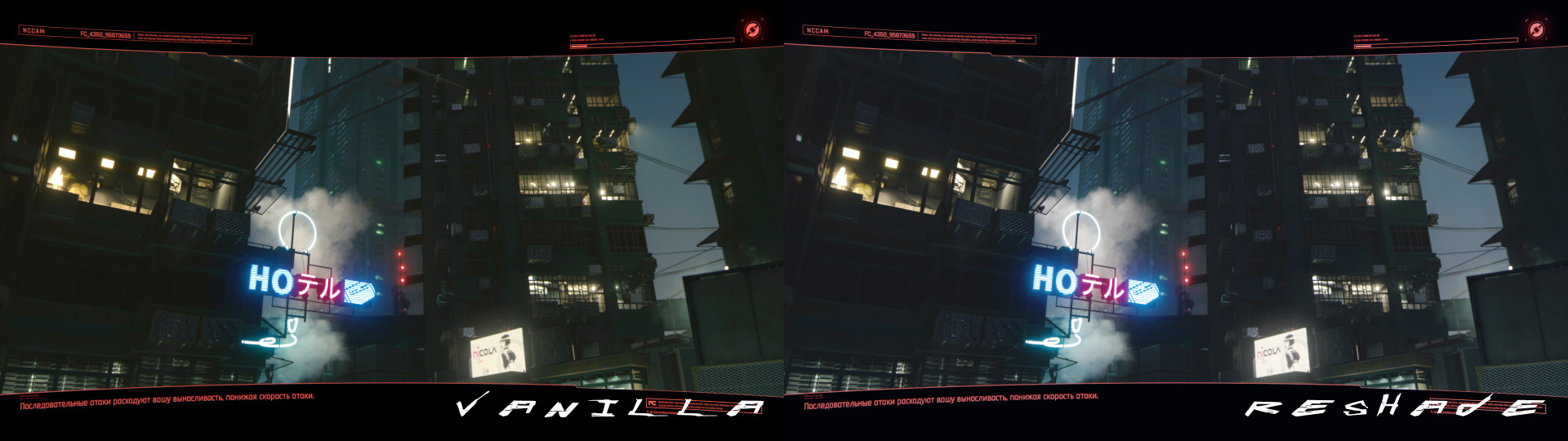
0/5,
0
votes
Installation:
1. Download Reshade
2. Install in game\bin\x64 (You dont need to pick any other options, just classic install for Direct3D 10/11/12)
3. Drop mod files in same directory with overwrite
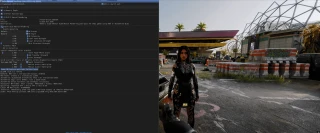
4. Use [Home] button in game and choose [LutReshade.ini] in presets. Pick button to [off/on] reshade, i use f12
Credits:
7282
1. Download Reshade
2. Install in game\bin\x64 (You dont need to pick any other options, just classic install for Direct3D 10/11/12)
3. Drop mod files in same directory with overwrite
4. Use [Home] button in game and choose [LutReshade.ini] in presets. Pick button to [off/on] reshade, i use f12
Credits:
7282
Direct Download Links
About Mod
| Latest Version | 1.0 |
| Game | Cyberpunk 2077 |
| Category | Graphics |
| Downloads | 264 |
| Created | 5 years ago |
You Might Also Like »

0 Comments
There are no comments. Be first to comment!