Increased vehicle render distance v1.0




0/5,
0
votes
Description
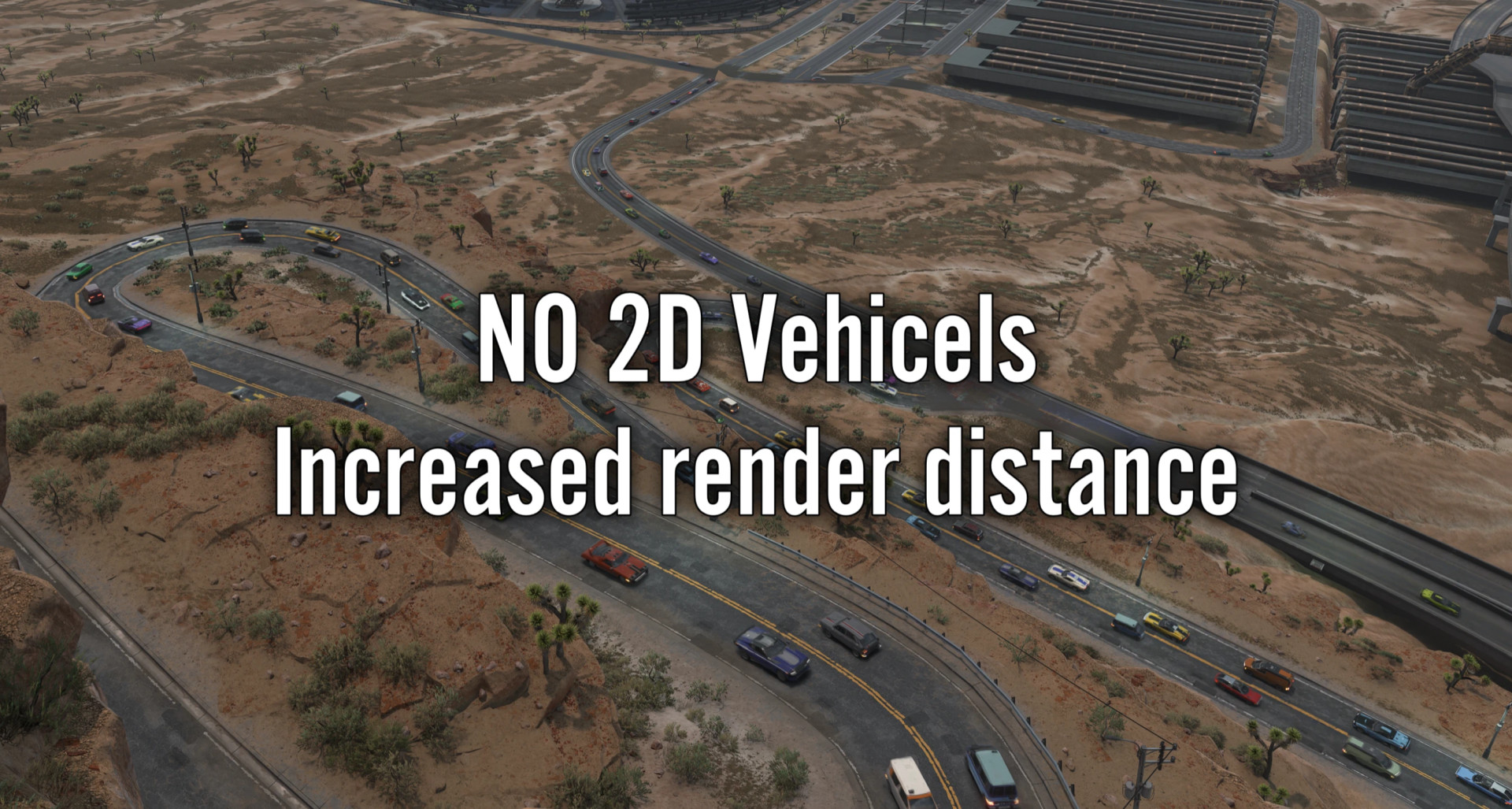
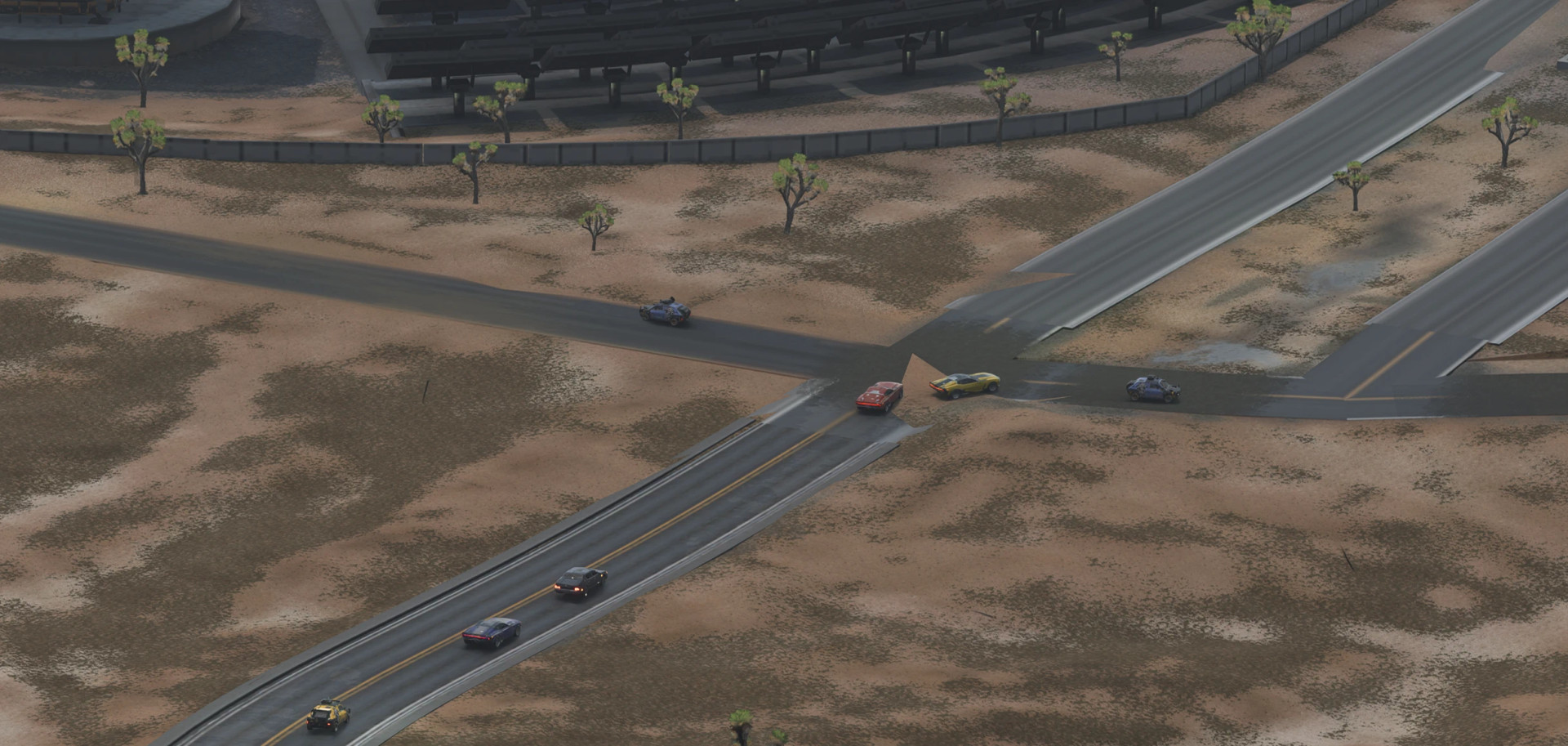
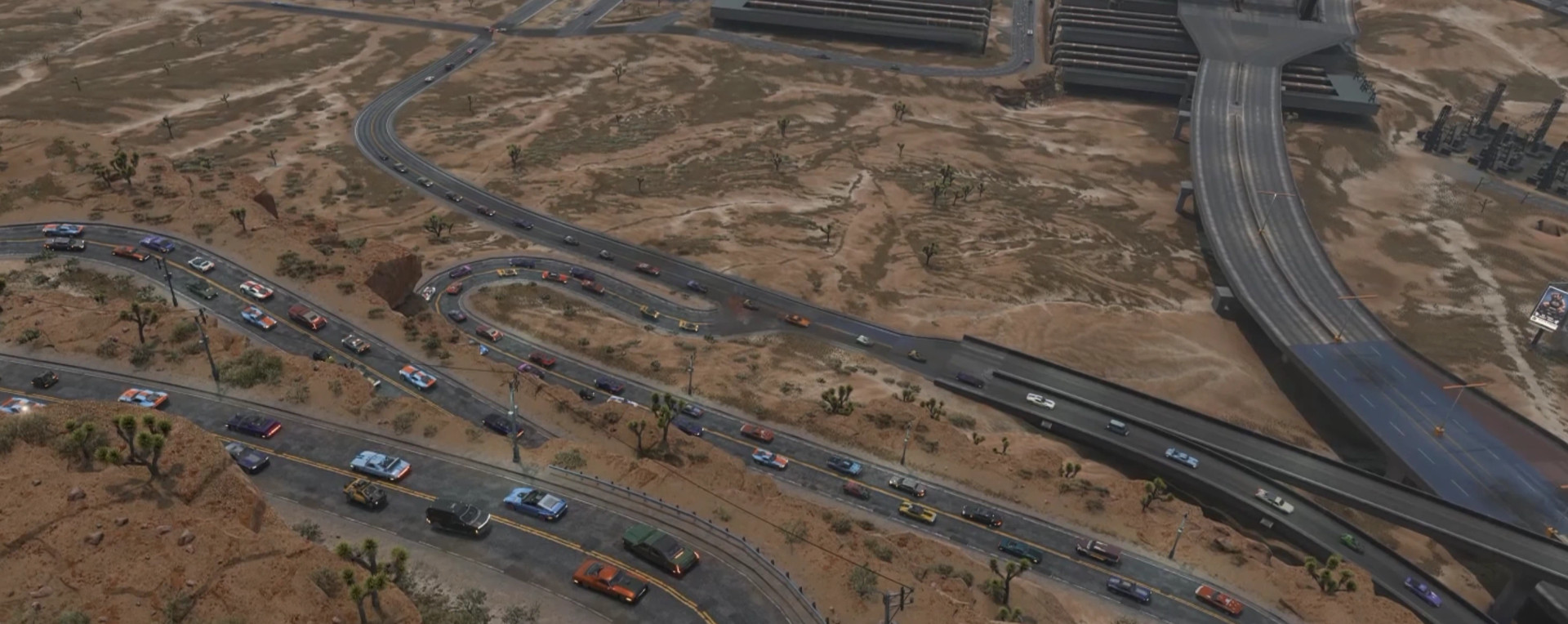
Increased Vehicle Render Distance improves how vehicles appear at longer distances in Cyberpunk 2077. It helps reduce the noticeable transition to low-detail 2D vehicle models, making traffic look more natural as you explore Night City.
The mod allows you to adjust vehicle rendering distance through a configurable multiplier, giving you control over how far detailed vehicles remain visible.
Features
- Increases the distance at which vehicles are rendered in higher detail.
- Reduces the appearance of flat, 2D vehicle models at relatively short distances.
- Adjustable render distance multiplier from 1.0x to 6.0x.
- Default multiplier set to 2.0x.
- Optional Mod Settings integration for changing the multiplier in-game.
- Requires a game restart after changing the multiplier.
Requirements
The following dependencies are required:
- RED4ext
- redscript
- Codeware
Optional:
- Mod Settings – Allows you to adjust the render distance multiplier. Without it, the mod uses the default 2.0x setting.
Configuration
If Mod Settings is installed, open the mod's settings menu to adjust the vehicle render distance multiplier.
- 1.0x: Standard rendering distance.
- 2.0x: Default mod setting.
- Up to 6.0x: Increased rendering distance for more detailed vehicles farther away.
Restart Cyberpunk 2077 after making changes for the new settings to take effect.
Additional Information
This mod was generated using AI, as disclosed by its creator.
Installation Instructions
Manual Installation:
- Download the mod archive.
- Extract its contents.
- Copy the extracted files into your main Cyberpunk 2077 installation directory.
- Launch the game.
Vortex Installation:
Download the mod using the Mod Manager Download option and install it through Vortex.
Increased Vehicle Render Distance improves how vehicles appear at longer distances in Cyberpunk 2077. It helps reduce the noticeable transition to low-detail 2D vehicle models, making traffic look more natural as you explore Night City.
The mod allows you to adjust vehicle rendering distance through a configurable multiplier, giving you control over how far detailed vehicles remain visible.
Features
- Increases the distance at which vehicles are rendered in higher detail.
- Reduces the appearance of flat, 2D vehicle models at relatively short distances.
- Adjustable render distance multiplier from 1.0x to 6.0x.
- Default multiplier set to 2.0x.
- Optional Mod Settings integration for changing the multiplier in-game.
- Requires a game restart after changing the multiplier.
Requirements
The following dependencies are required:
- RED4ext
- redscript
- Codeware
Optional:
- Mod Settings – Allows you to adjust the render distance multiplier. Without it, the mod uses the default 2.0x setting.
Configuration
If Mod Settings is installed, open the mod's settings menu to adjust the vehicle render distance multiplier.
- 1.0x: Standard rendering distance.
- 2.0x: Default mod setting.
- Up to 6.0x: Increased rendering distance for more detailed vehicles farther away.
Restart Cyberpunk 2077 after making changes for the new settings to take effect.
Additional Information
This mod was generated using AI, as disclosed by its creator.
Installation Instructions
Manual Installation:
- Download the mod archive.
- Extract its contents.
- Copy the extracted files into your main Cyberpunk 2077 installation directory.
- Launch the game.
Vortex Installation:
Download the mod using the Mod Manager Download option and install it through Vortex.
External Download Links:
Direct Download Links
About Mod
| Latest Version | v1.0 |
| Game | Cyberpunk 2077 |
| Category | Graphics |
| Game Version | 1.11 |
| Downloads | 4 |
| Created | 14 hours ago |
You Might Also Like »




0 Comments
There are no comments. Be first to comment!