Night Glow- A Night Vision Mod v1.0


0/5,
0
votes
Description
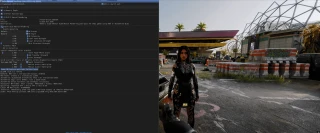
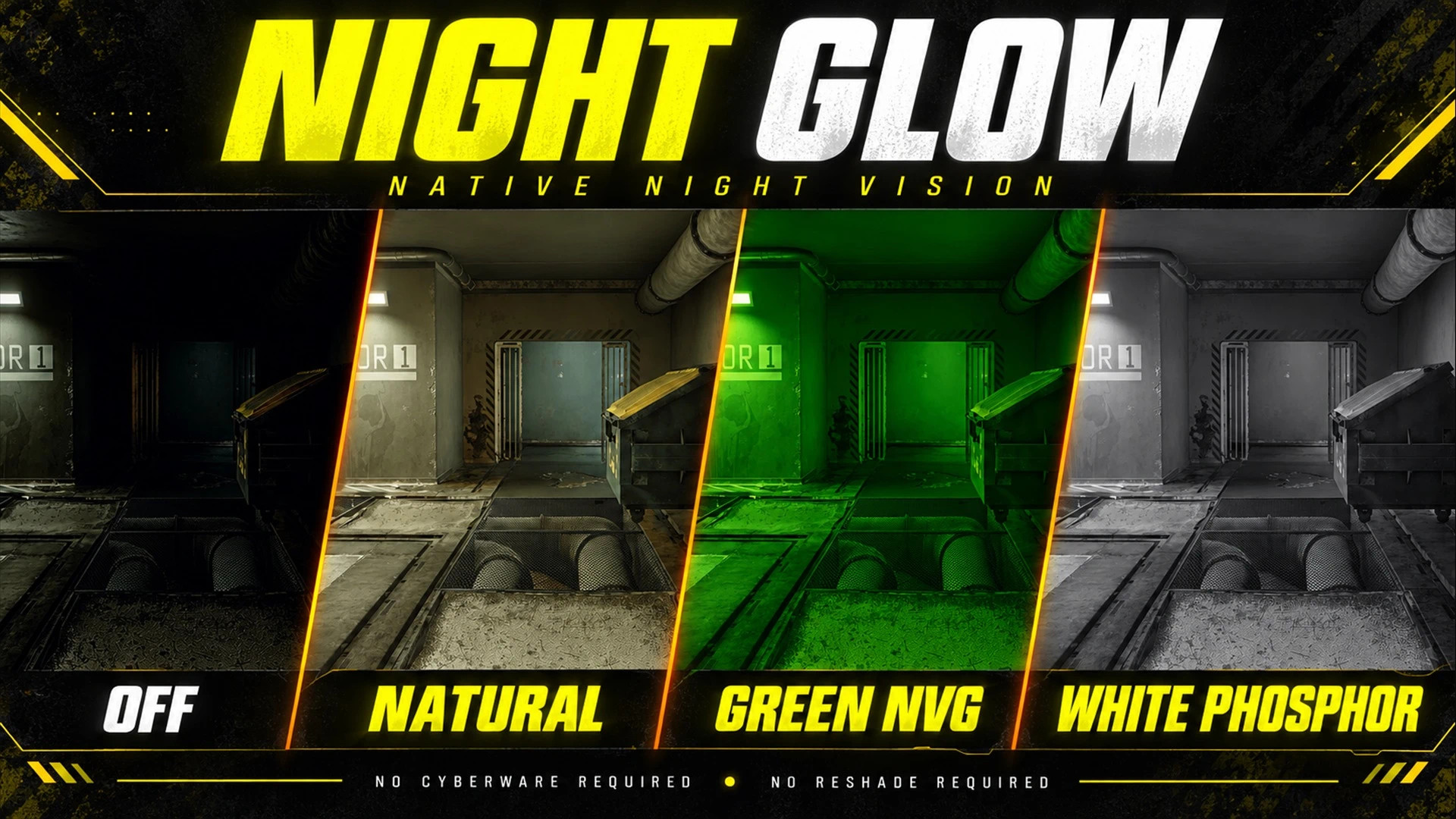
Night Glow adds a night vision system that works without requiring any cyberware. Turn it on whenever you need it and choose between three different visual styles: Natural, Green NVG, or White Phosphor.
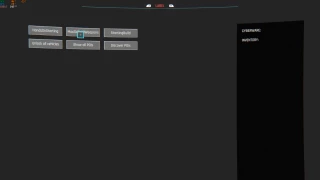
The mod uses Cyberpunk 2077's own visual settings, so no ReShade is needed. Everything can be adjusted through a CET menu.
Features
- Three vision modes: Natural / Daylight, Green NVG, and White Phosphor
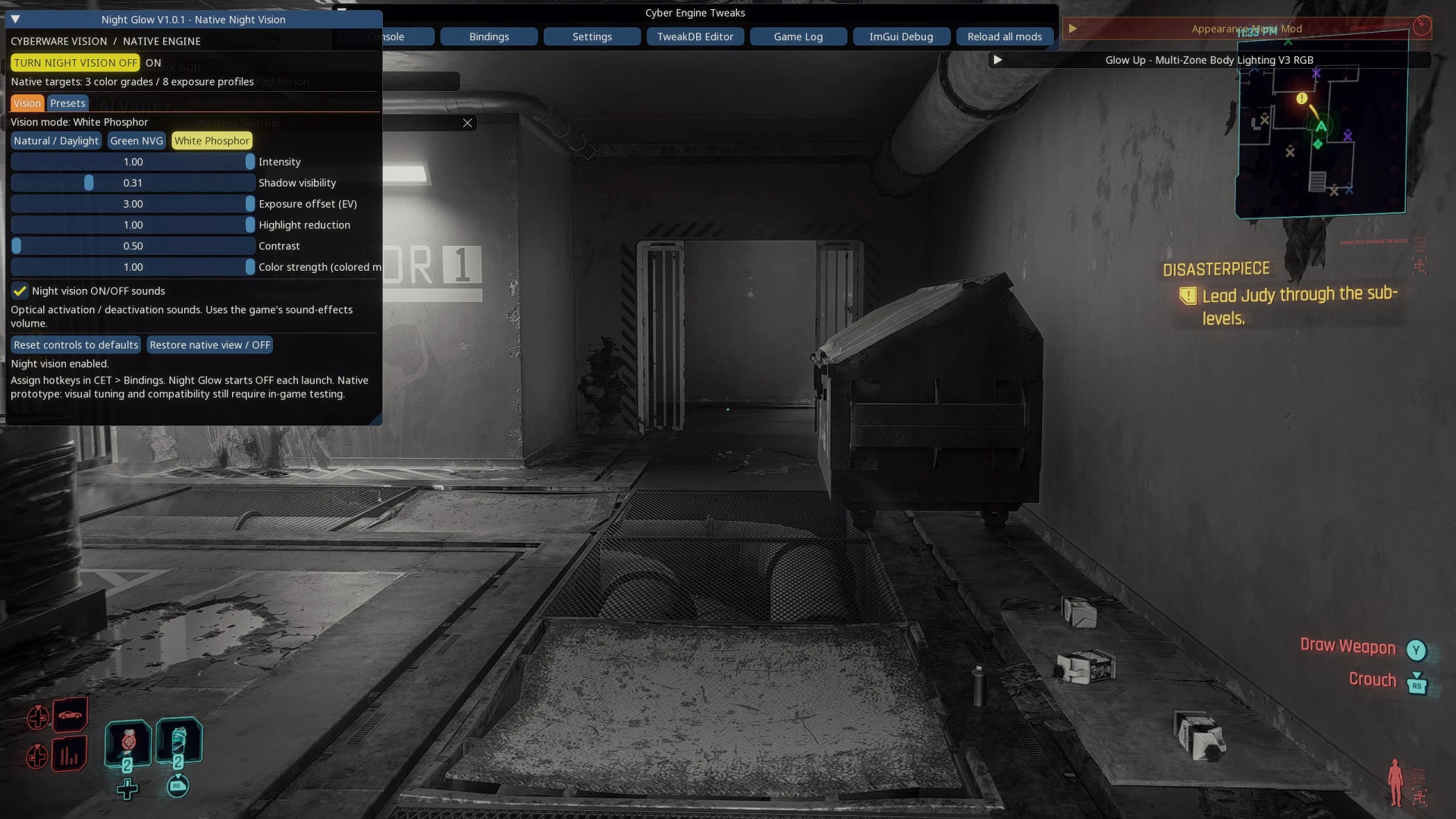
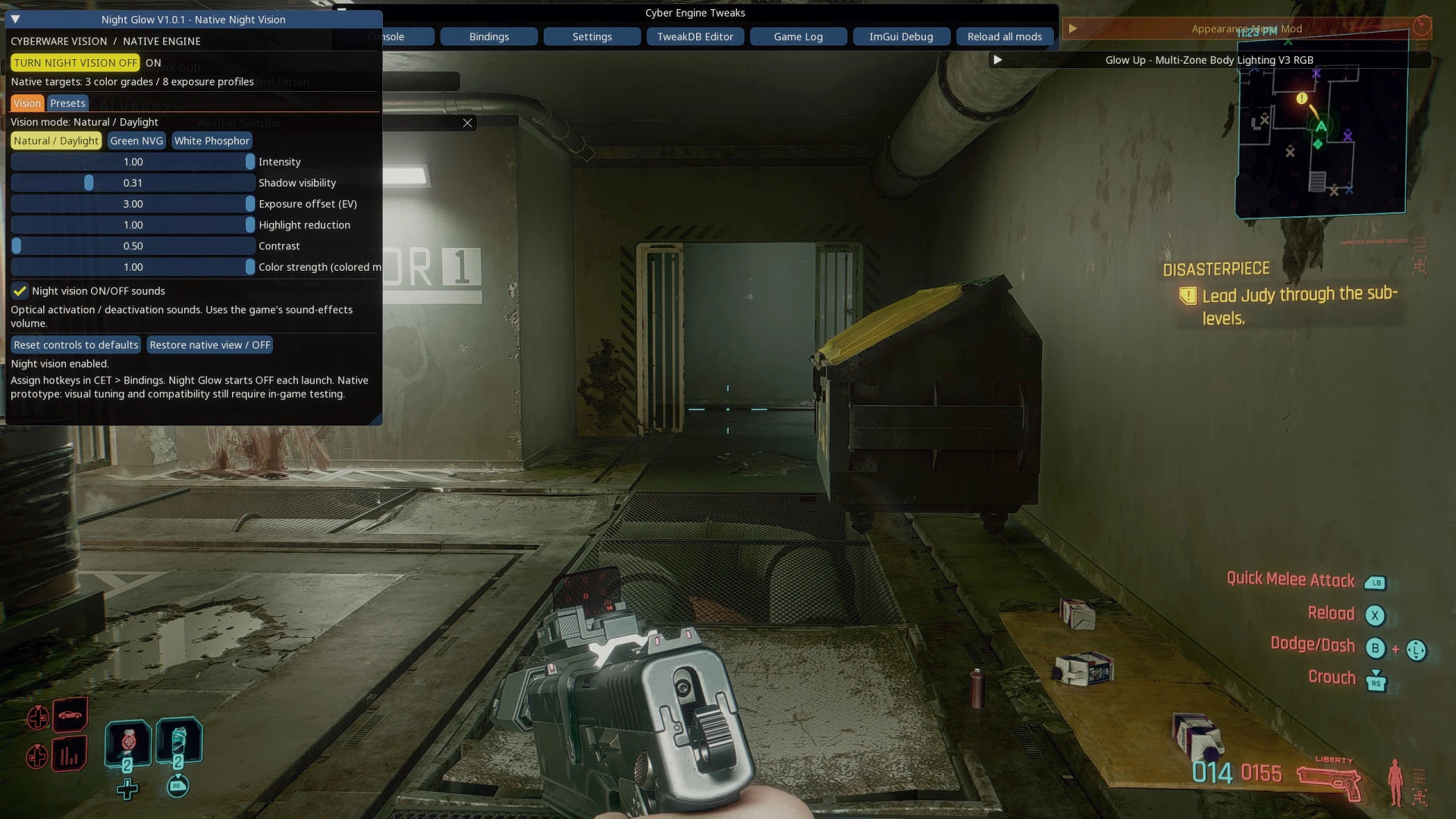
- Adjustable intensity, shadows, exposure, highlights, contrast, and color strength
- Five preset slots for saving different setups
- Custom hotkeys for toggling night vision, changing modes, selecting a specific mode, or loading presets
- Activation and deactivation sound effects with a mute option
- UI styling that matches Glow Up
- Uses native game effects without ReShade, spawned lights, or replacement weather files
Natural mode keeps the original scene colors and does not change the time of day. The final look depends on your current lighting and LUT setup.
Installation Instructions
- Install all required mods: Cyber Engine Tweaks, RED4ext, redscript, Codeware.
- Extract the Night Glow archive into your main Cyberpunk 2077 folder (the folder containing bin, r6, and archive).
- Allow the folders to merge.
- Start the game and load a save.
- Open the CET overlay to access the Night Glow settings.
- Go to CET's Bindings tab and assign a key to: Night Glow: toggle night vision.
Night Glow starts disabled by default. Turn it on, select a mode, and adjust the settings to your preference.
Night Glow adds a night vision system that works without requiring any cyberware. Turn it on whenever you need it and choose between three different visual styles: Natural, Green NVG, or White Phosphor.
The mod uses Cyberpunk 2077's own visual settings, so no ReShade is needed. Everything can be adjusted through a CET menu.
Features
- Three vision modes: Natural / Daylight, Green NVG, and White Phosphor
- Adjustable intensity, shadows, exposure, highlights, contrast, and color strength
- Five preset slots for saving different setups
- Custom hotkeys for toggling night vision, changing modes, selecting a specific mode, or loading presets
- Activation and deactivation sound effects with a mute option
- UI styling that matches Glow Up
- Uses native game effects without ReShade, spawned lights, or replacement weather files
Natural mode keeps the original scene colors and does not change the time of day. The final look depends on your current lighting and LUT setup.
Installation Instructions
- Install all required mods: Cyber Engine Tweaks, RED4ext, redscript, Codeware.
- Extract the Night Glow archive into your main Cyberpunk 2077 folder (the folder containing bin, r6, and archive).
- Allow the folders to merge.
- Start the game and load a save.
- Open the CET overlay to access the Night Glow settings.
- Go to CET's Bindings tab and assign a key to: Night Glow: toggle night vision.
Night Glow starts disabled by default. Turn it on, select a mode, and adjust the settings to your preference.
External Download Links:
About Mod
| Latest Version | v1.0 |
| Game | Cyberpunk 2077 |
| Category | Graphics |
| Game Version | 1.11 |
| Downloads | 2 |
| Created | 1 week ago |
You Might Also Like »

0 Comments
There are no comments. Be first to comment!