
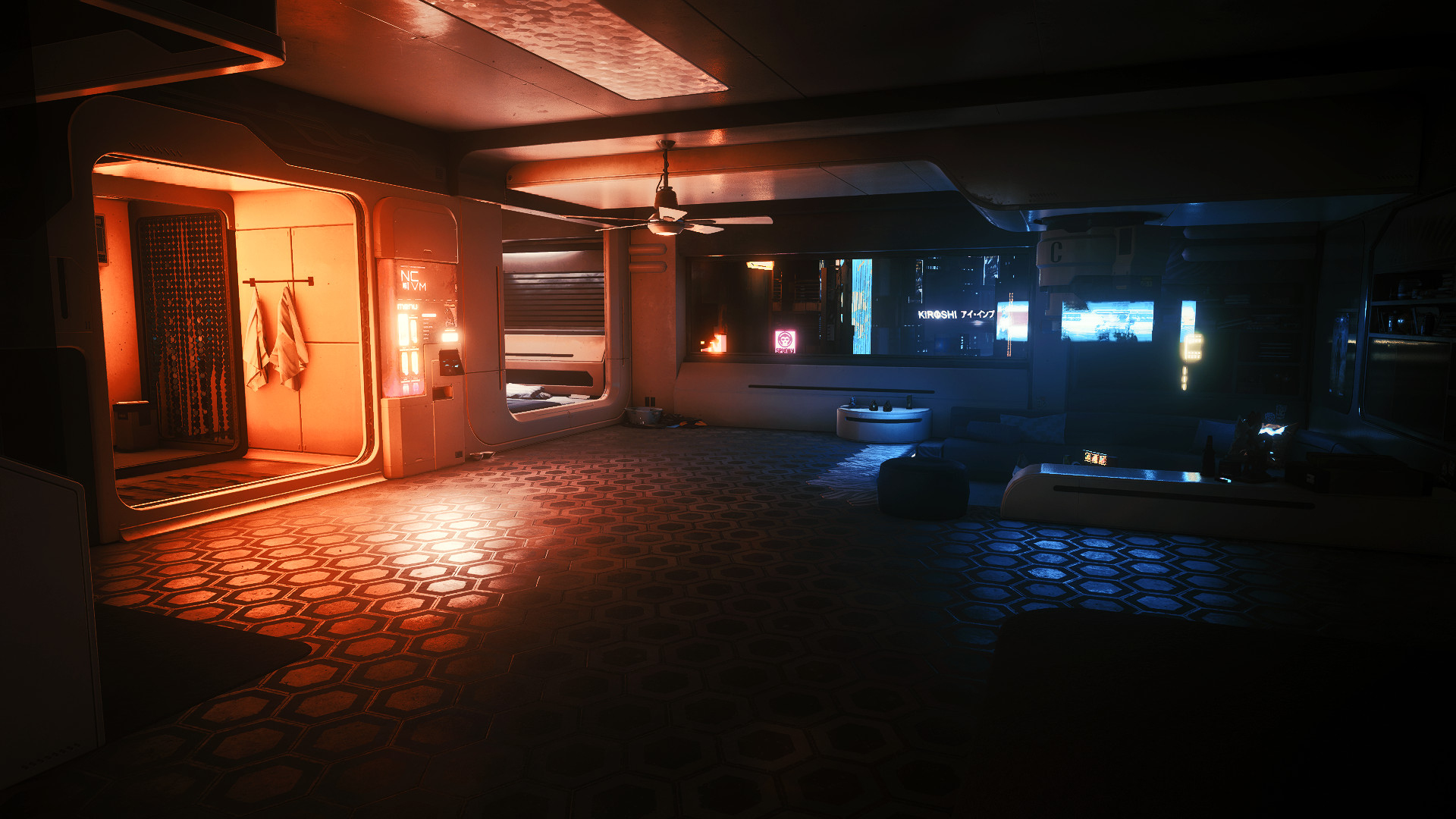
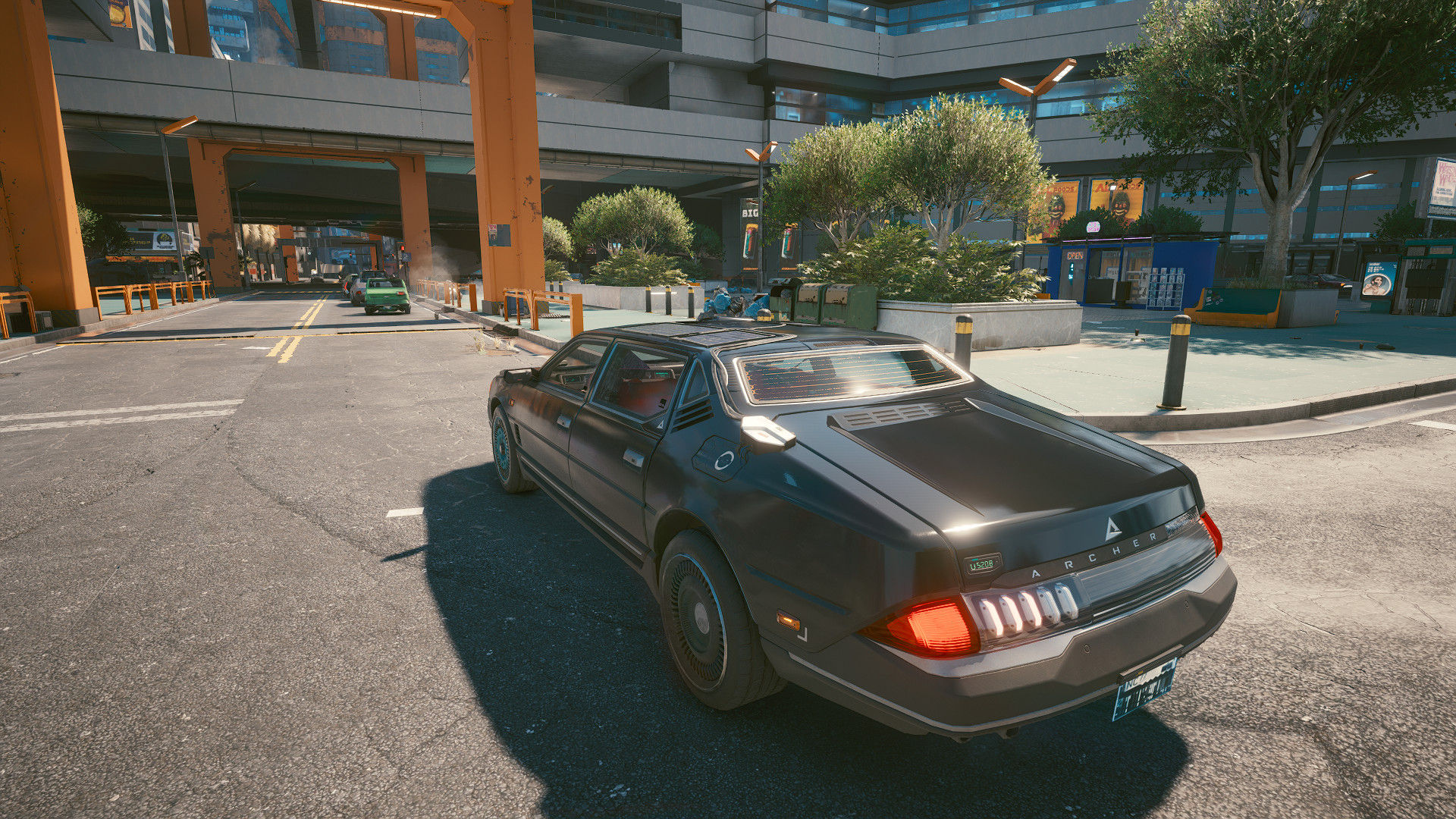
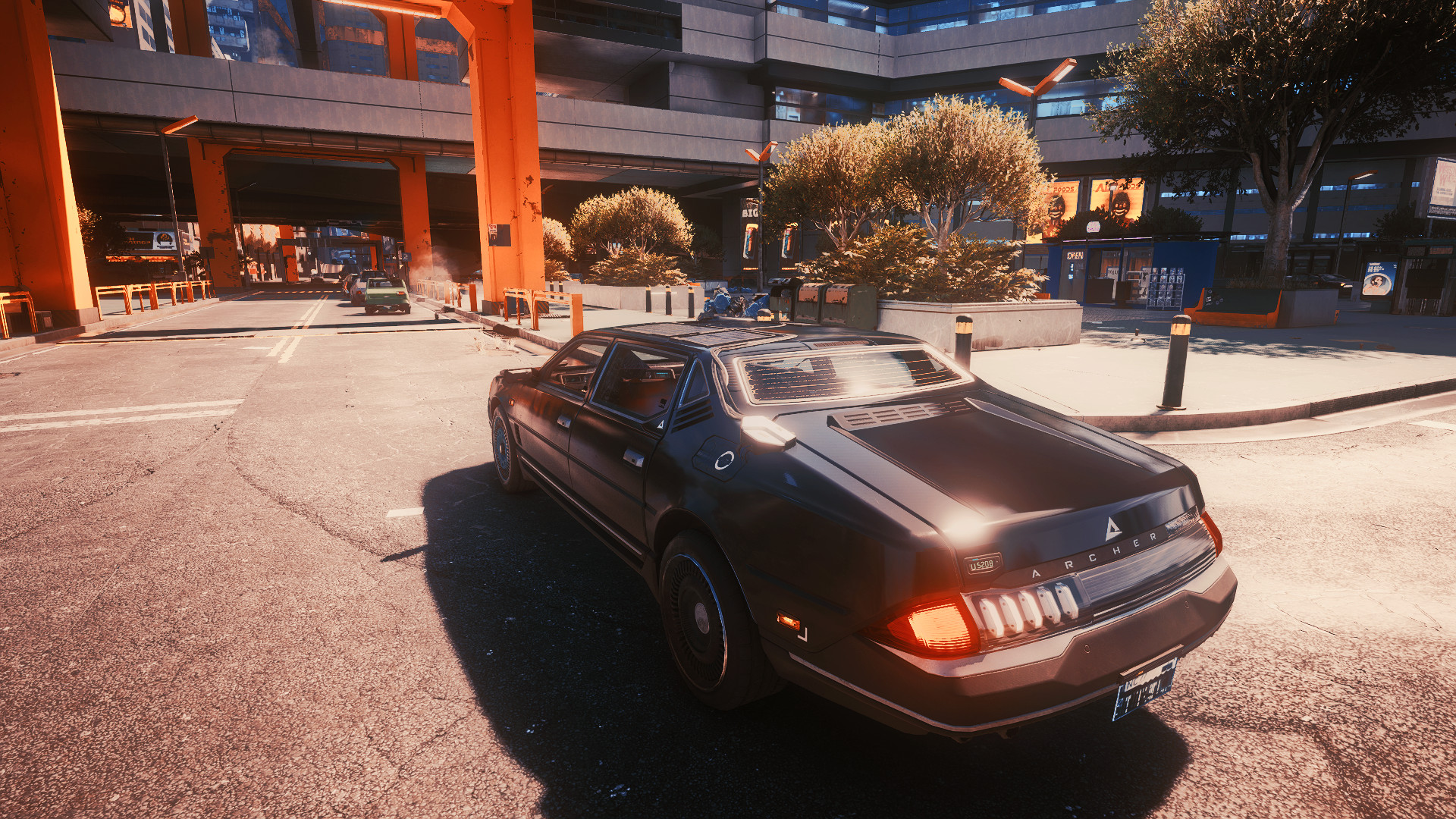
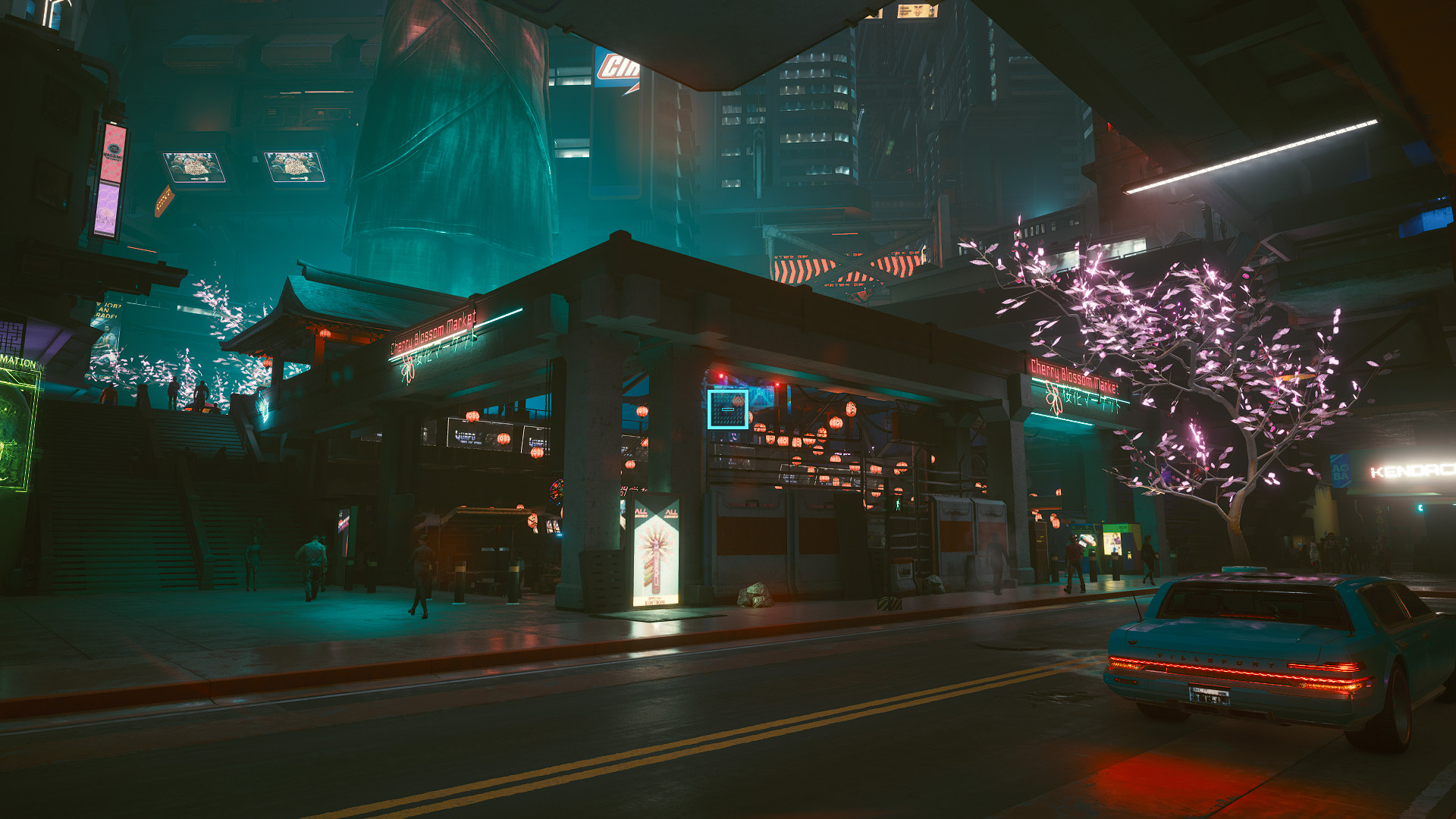
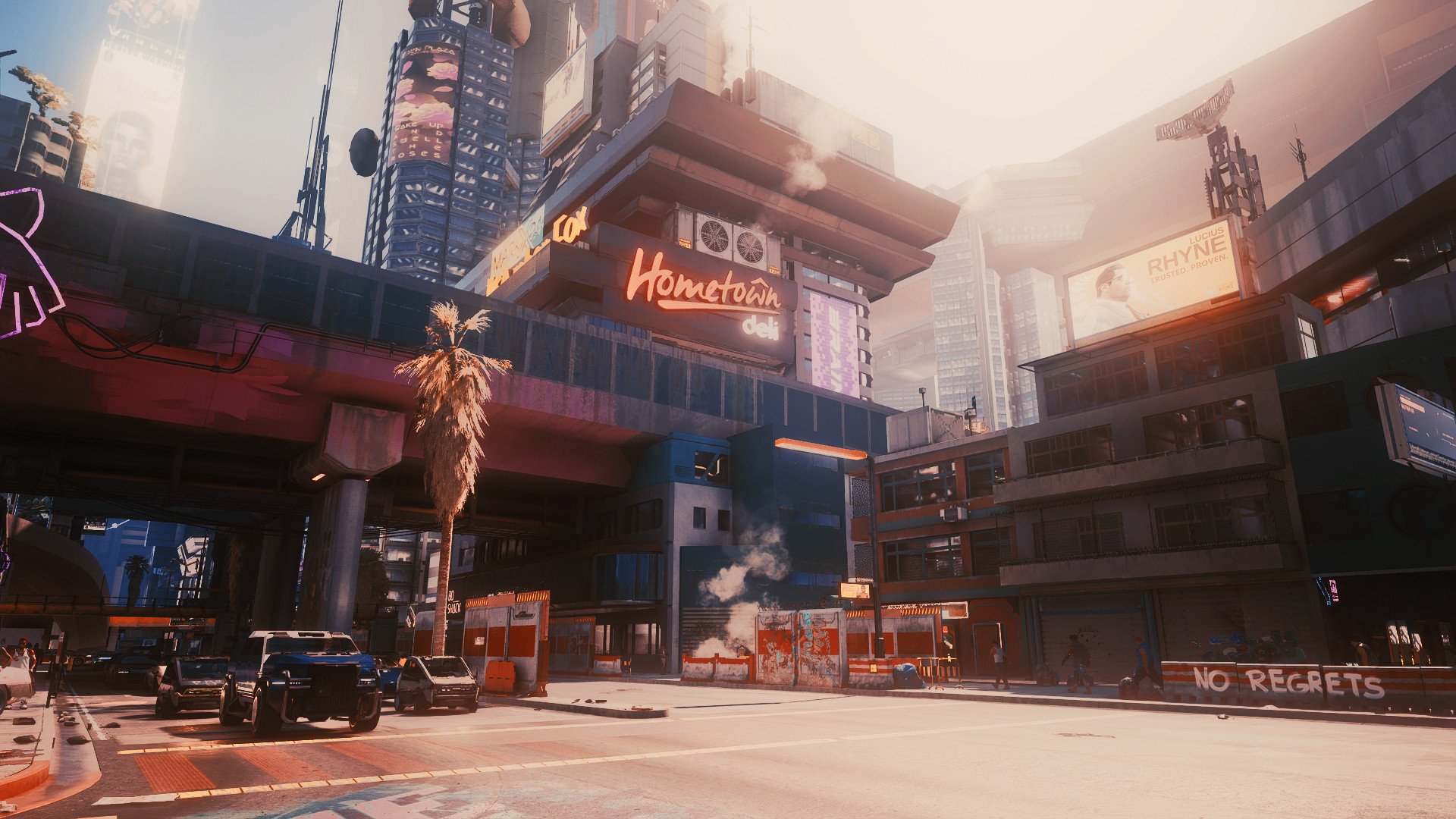
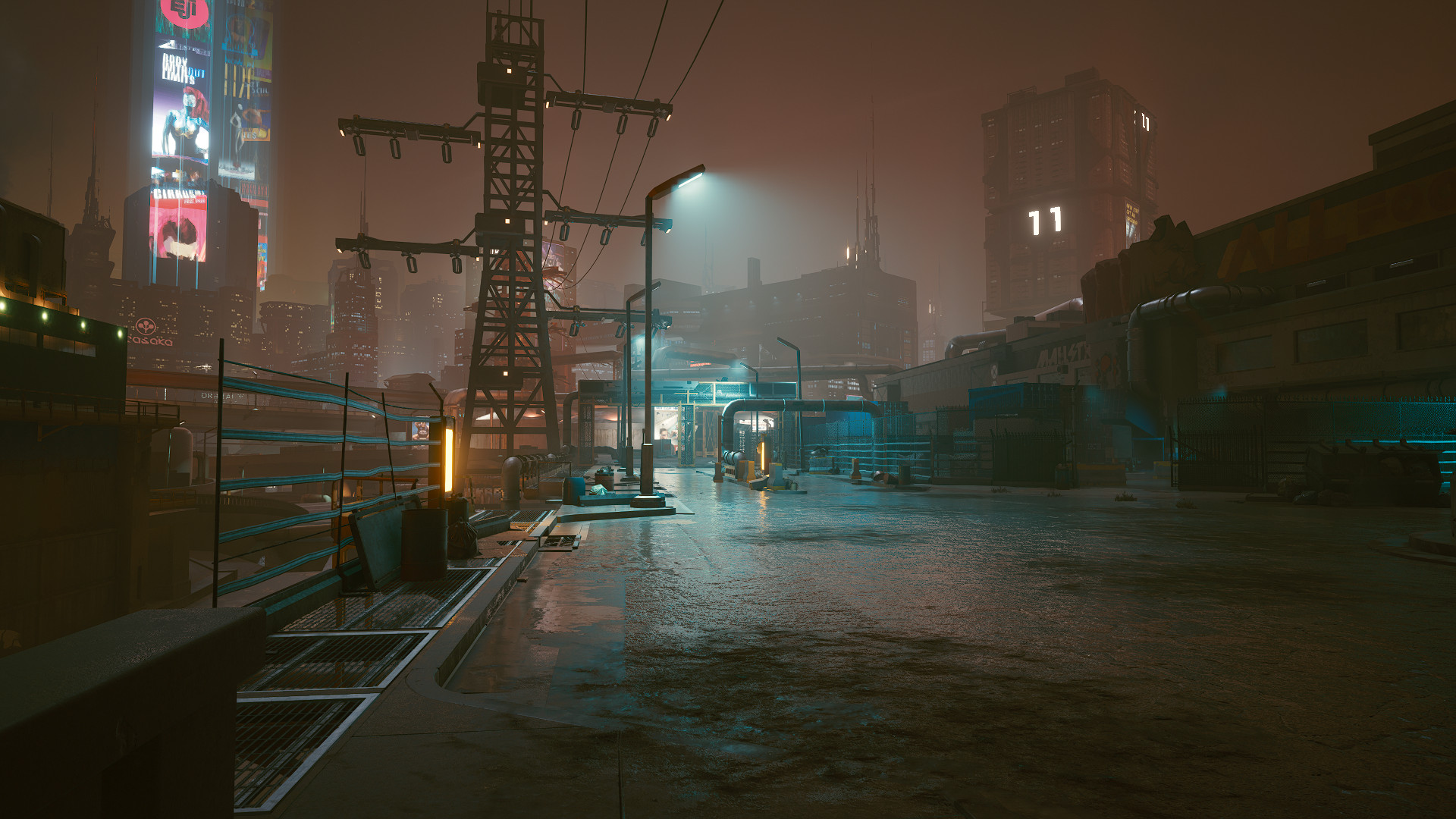
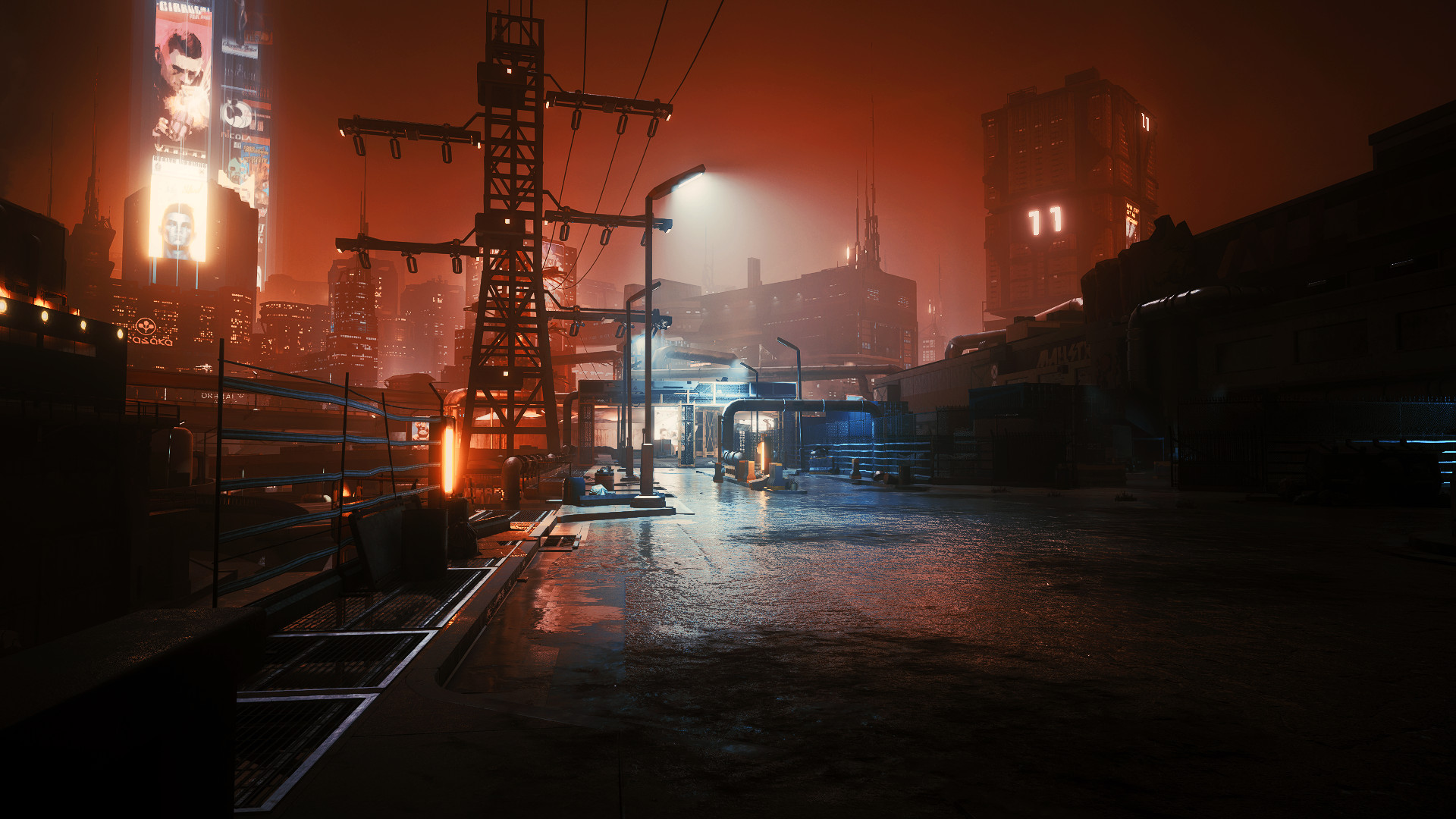
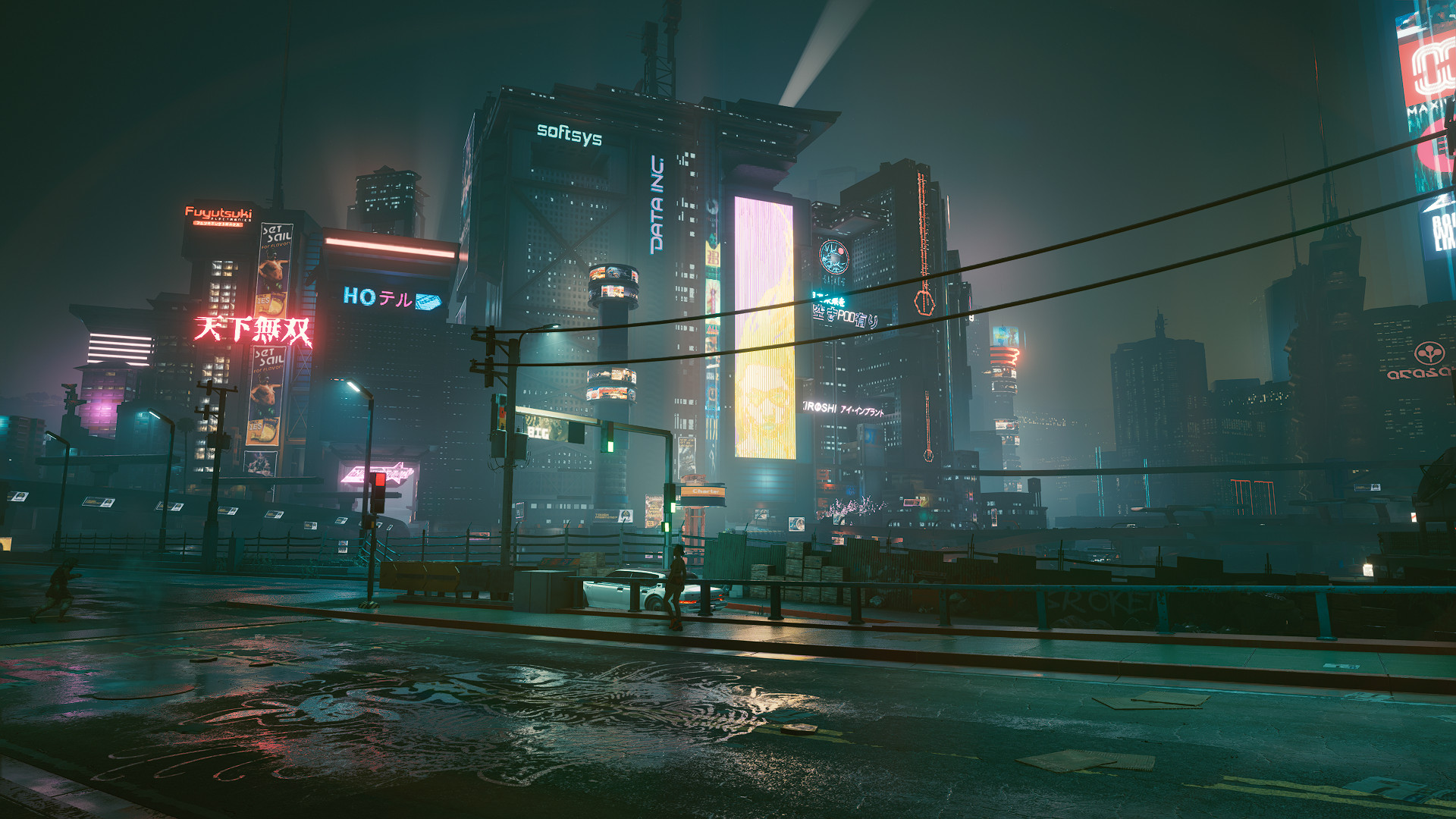
0/5,
0
votes
INSTALLATION
1) Download Reshade 4.8.2
2)Install Reshade 4.8.2 with all packages in game\bin\x64 (pick all packages, and install for Direct3D 10/11/12)
3)Download and place my preset on game\bin\x64
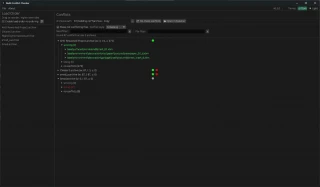
4)Launch the game, use [Home] button on your keyboard to bring up the reshade menu and Choose [Revive reshade.ini] in the preset bar at the top
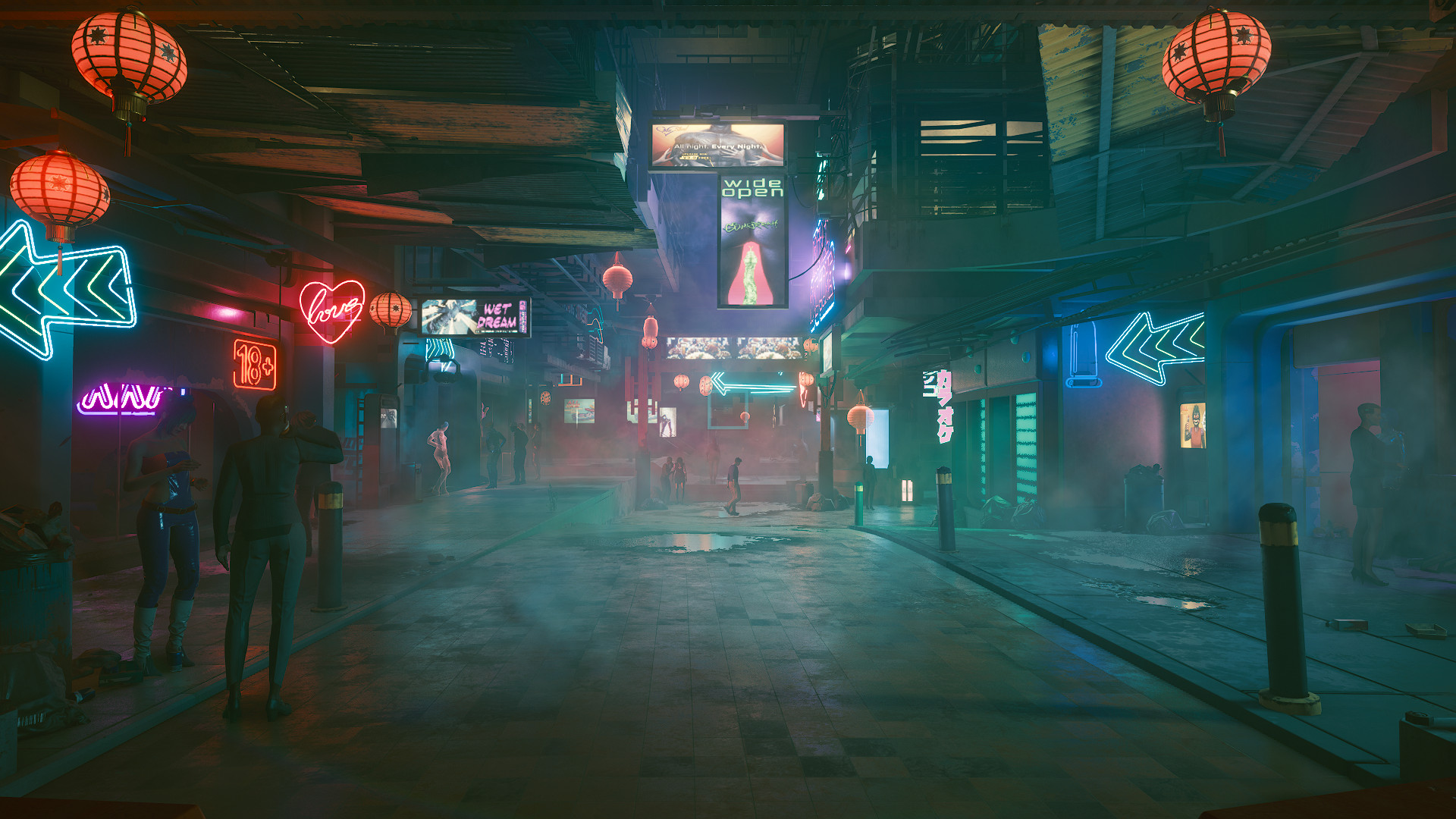
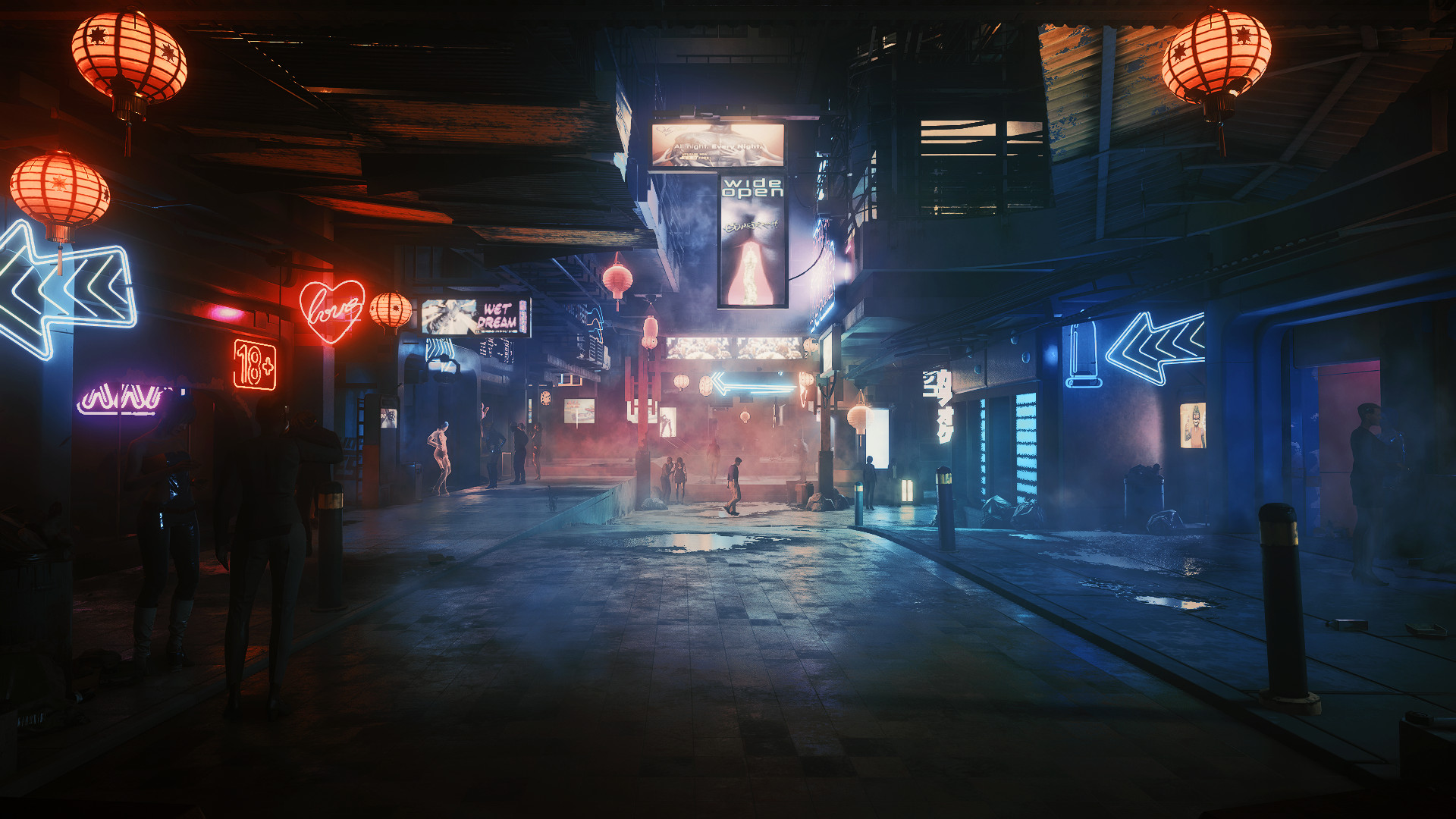
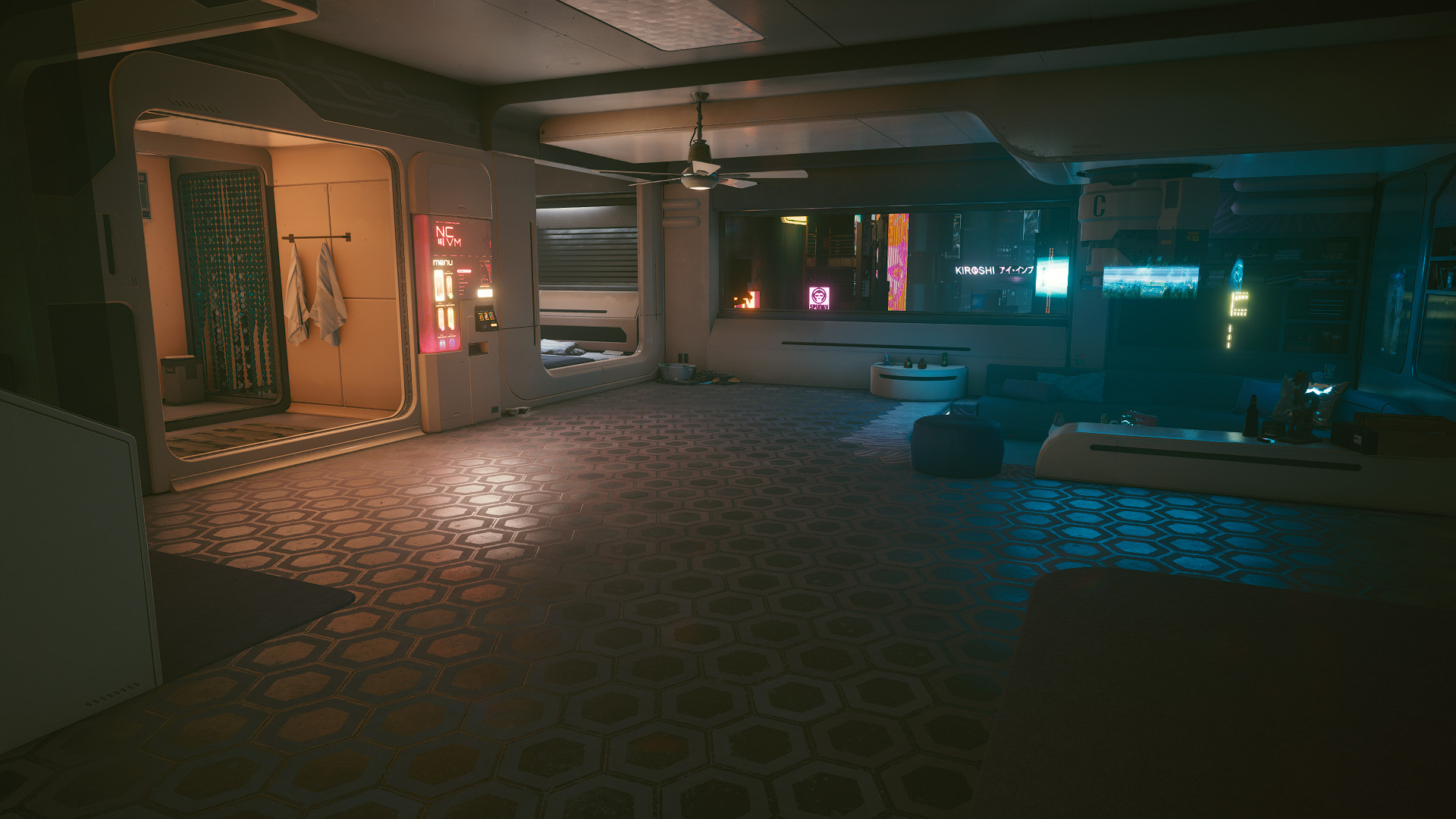
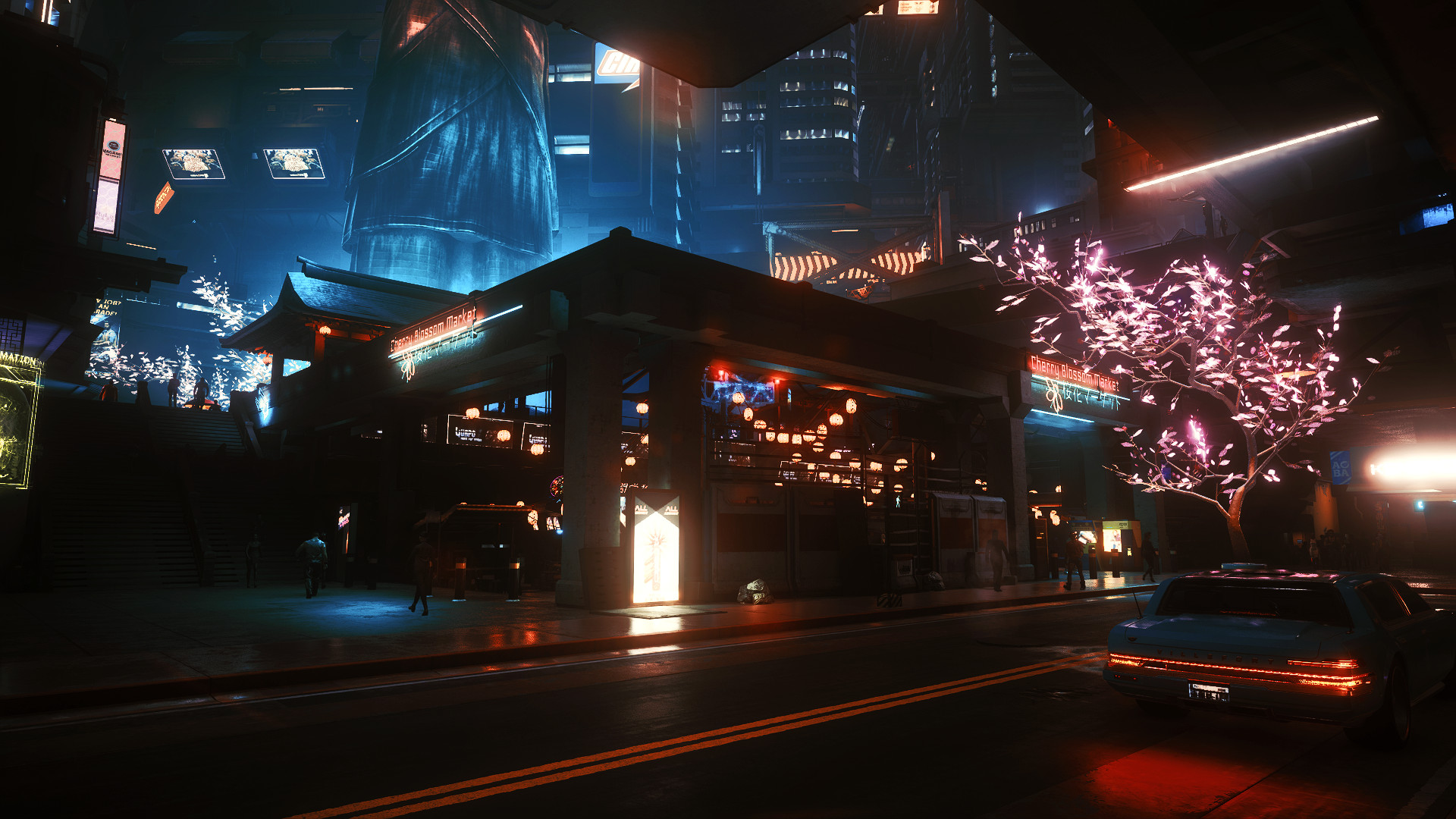
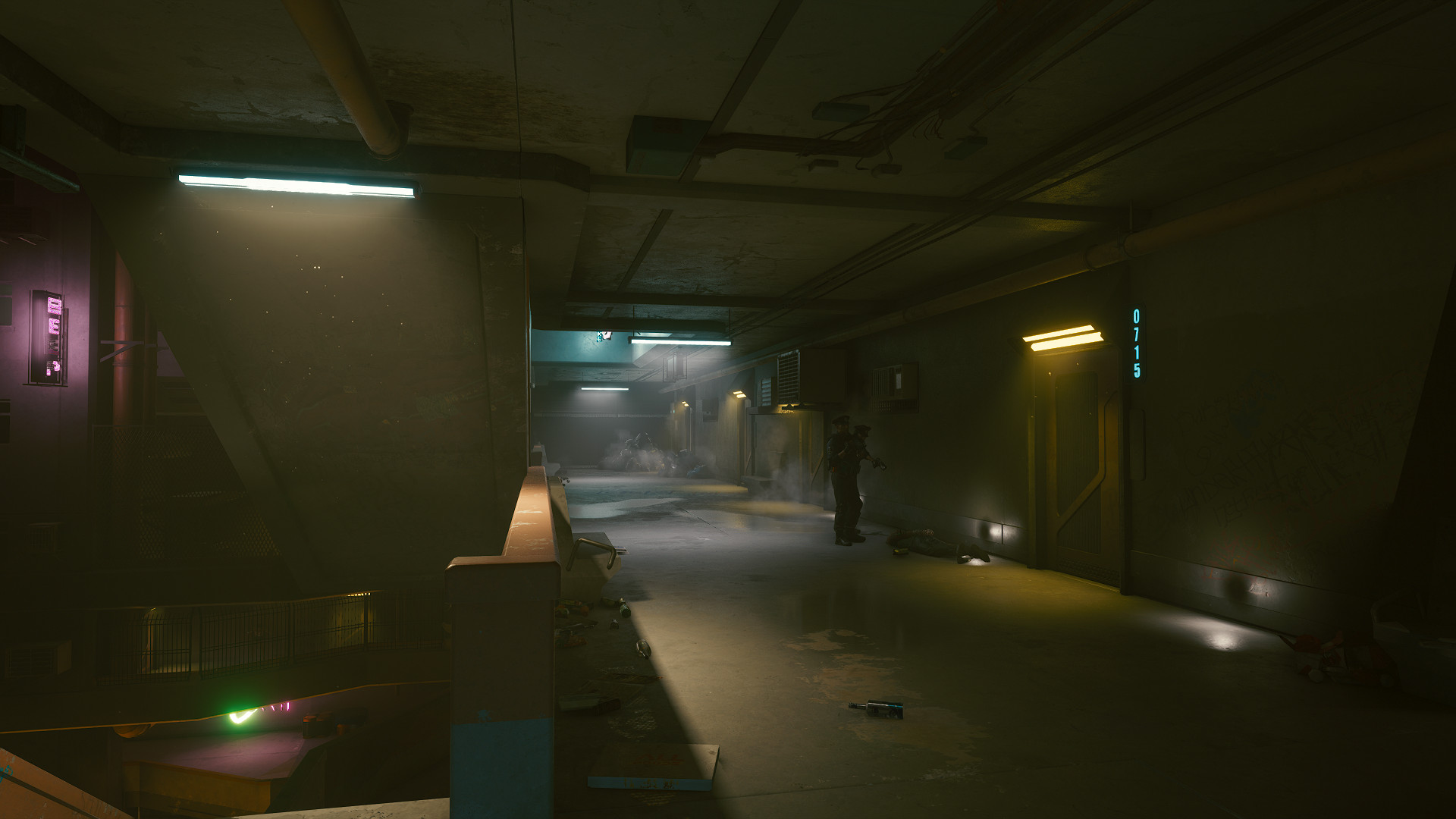
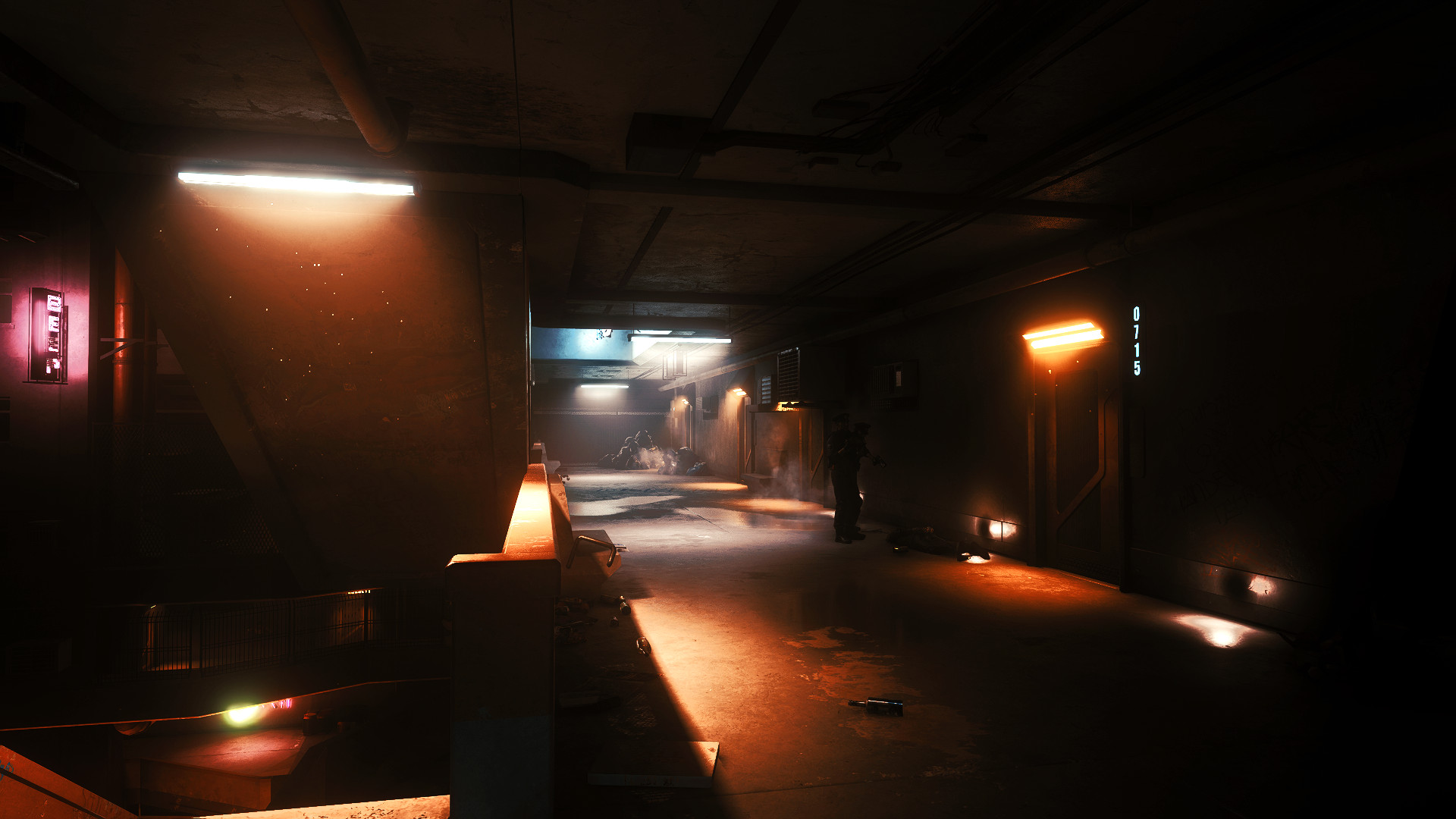
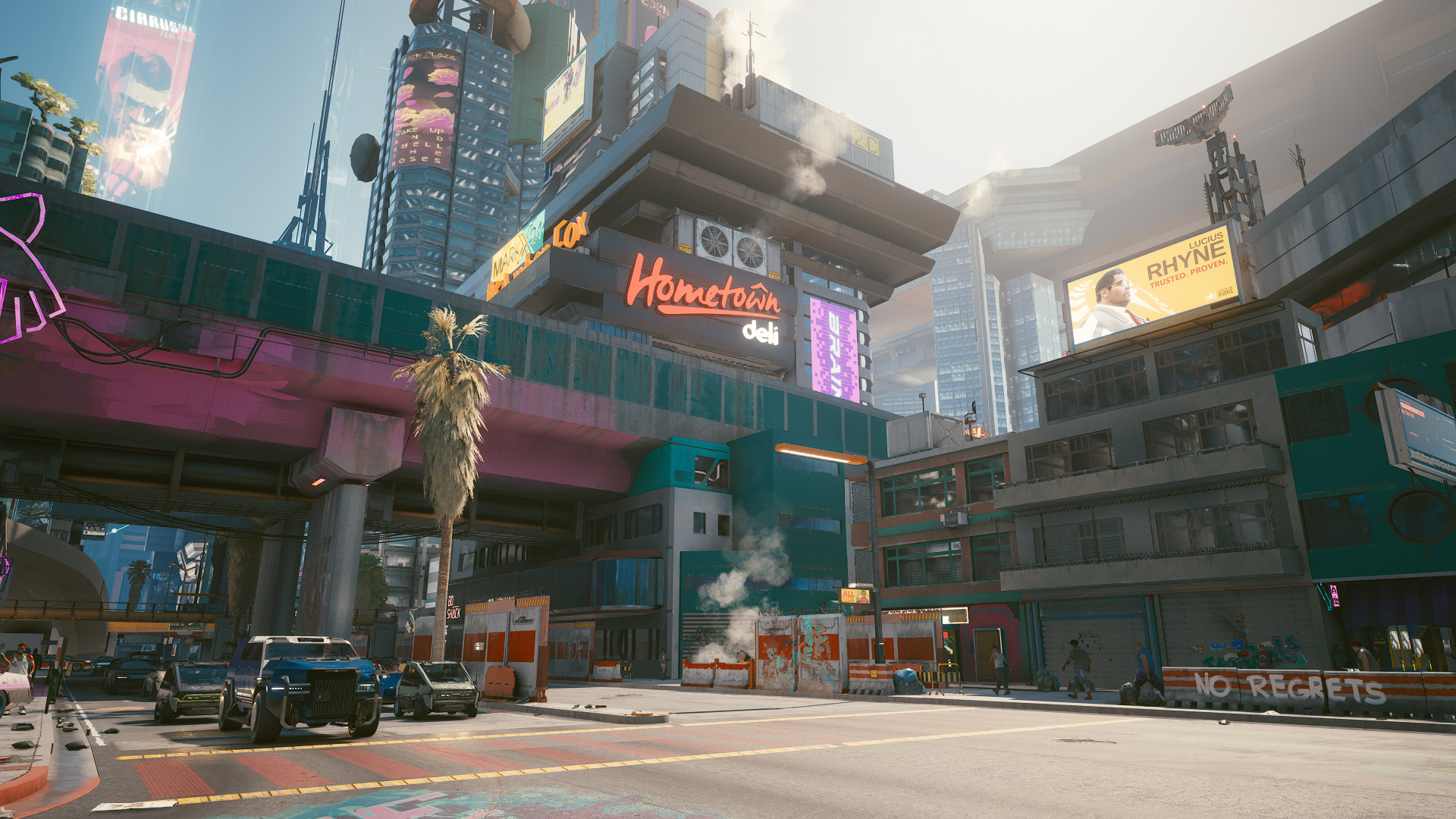
Effects in use
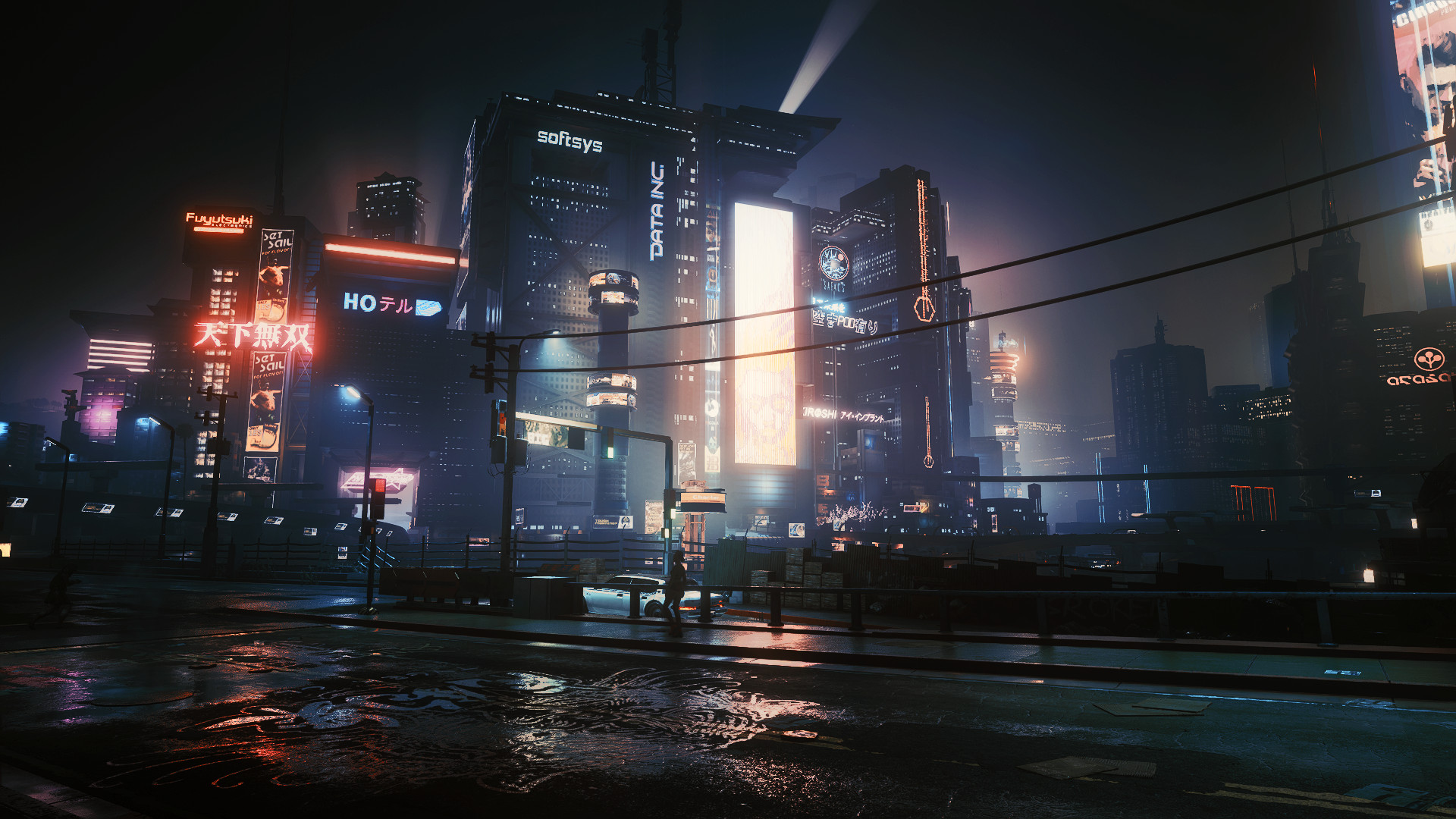
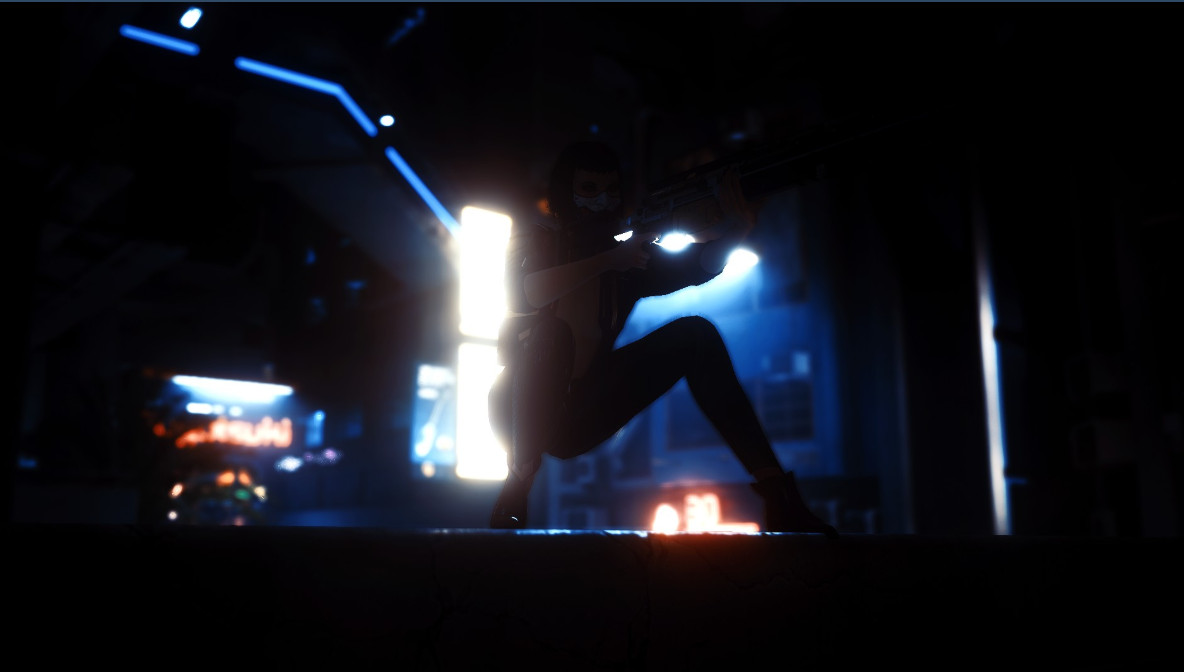
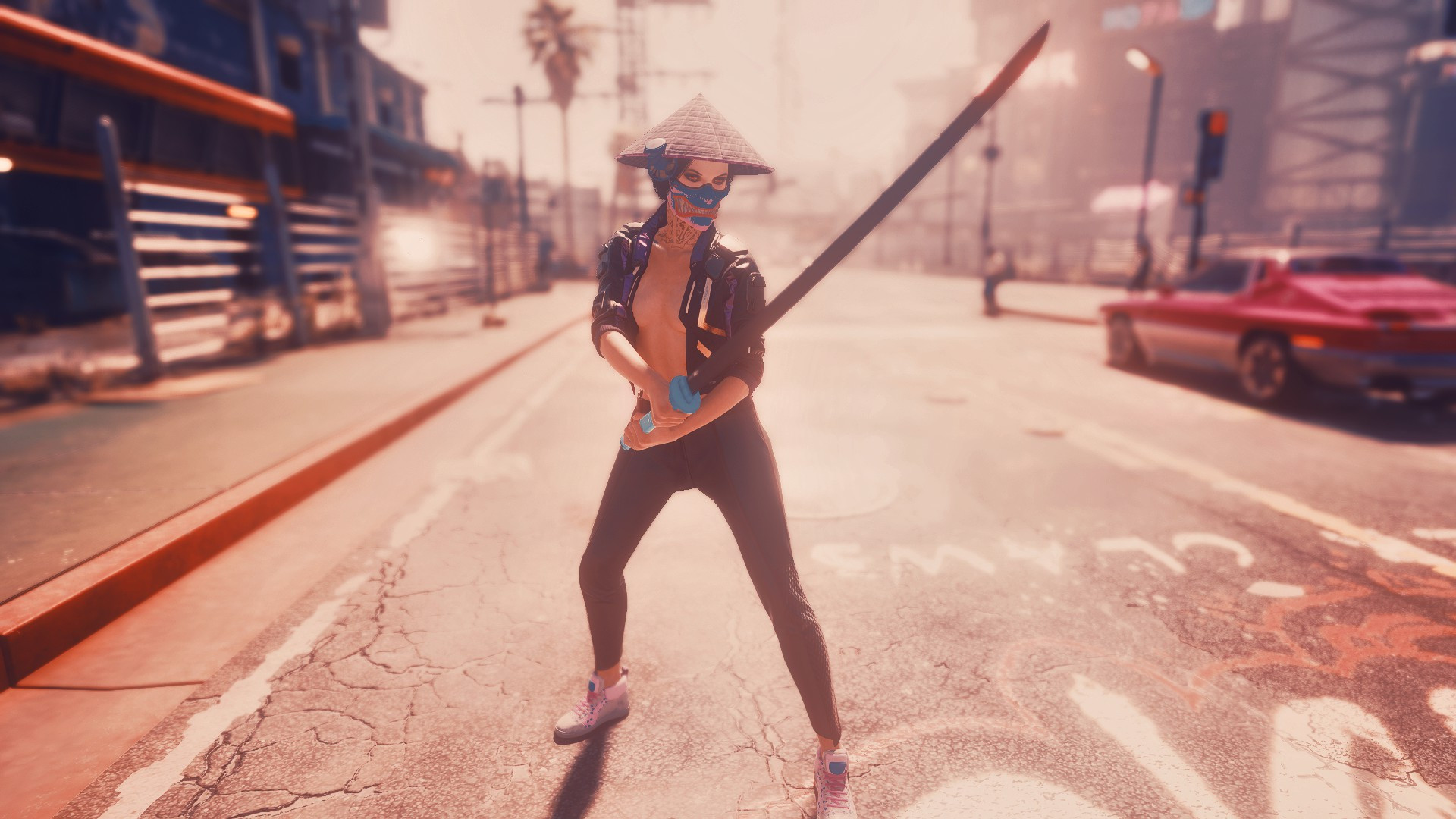
MagicHDR
Bloom
prod80_04_ColorGradient
prod90_02_Bonus LUT_pack
Clarity
DPX
Levels
Credits:
staples117
1) Download Reshade 4.8.2
2)Install Reshade 4.8.2 with all packages in game\bin\x64 (pick all packages, and install for Direct3D 10/11/12)
3)Download and place my preset on game\bin\x64
4)Launch the game, use [Home] button on your keyboard to bring up the reshade menu and Choose [Revive reshade.ini] in the preset bar at the top
Effects in use
MagicHDR
Bloom
prod80_04_ColorGradient
prod90_02_Bonus LUT_pack
Clarity
DPX
Levels
Credits:
staples117
Direct Download Links
About Mod
| Latest Version | 1.04 |
| Game | Cyberpunk 2077 |
| Category | Graphics |
| Downloads | 441 |
| Created | 5 years ago |
You Might Also Like »

0 Comments
There are no comments. Be first to comment!