True Performance optimizer - Fix Stutter Stabilize FPS (X3D AMD INTEL) v1.0



0/5,
0
votes
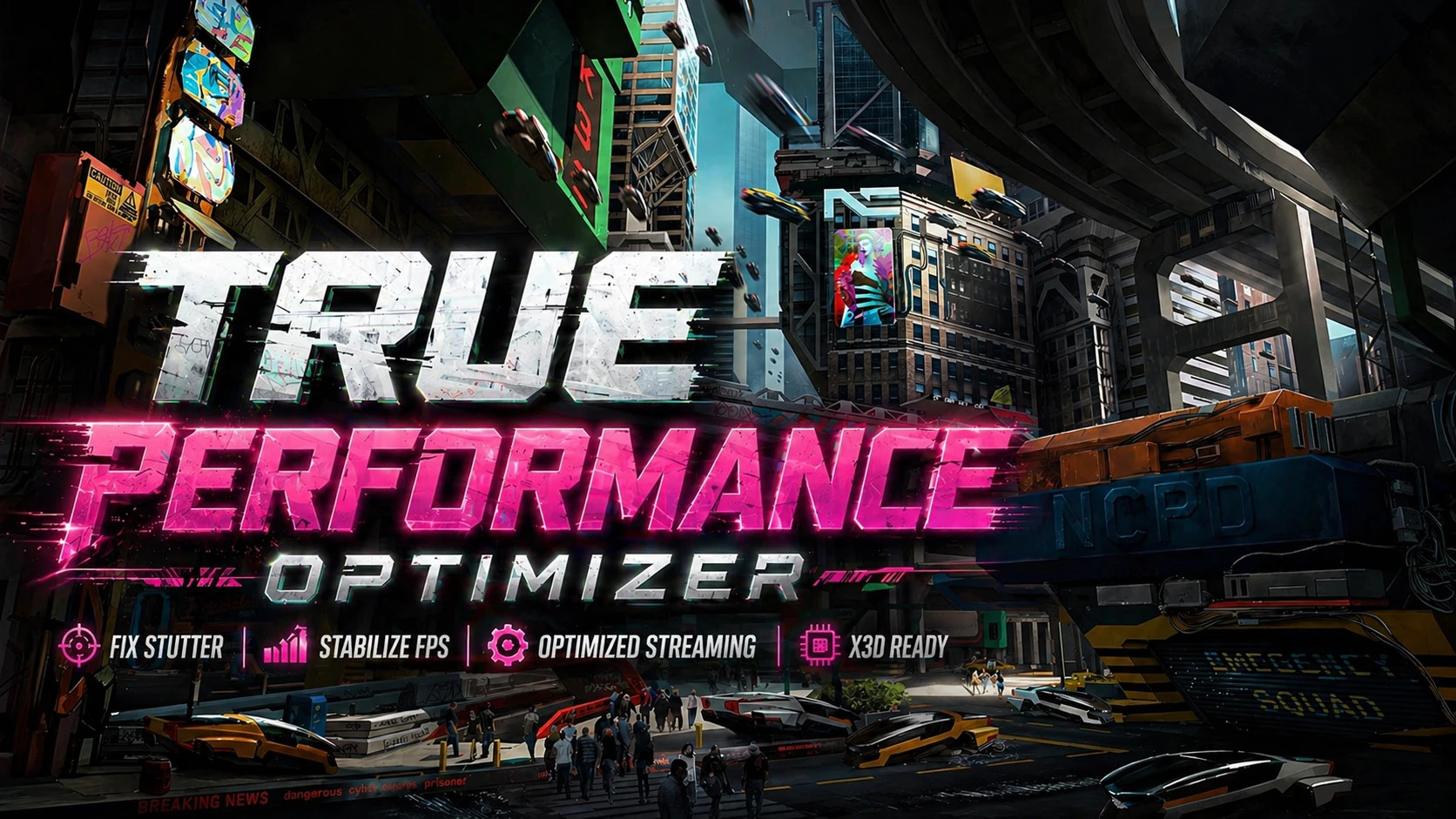
True Performance Optimizer. Fix Stutter. Stabilize FPS. X3D. AMD. Intel.
What this mod does
– Lessens CPU bottlenecks while streaming
– Keeps frame time steady to cut down on stuttering
– Makes asset loading work better and cuts down on burst spikes
– Makes better use of the cache so that assets can be reused more easily;
– Reduces microstutter when driving fast through the city;
– Minimises pop-in without overloading the engine;
– Helps stop crashes related to VRAM that happen because of bad LOD and streaming balance
System for Advanced Optimisation
This mod comes with a number of presets for different types of CPUs.
LOW_CPU—For CPUs that aren't very powerful
– Less stuttering and more stability
– Less work per frame
– Controlled streaming
– Fewer CPU spikes
MID_CPU: A preset that works well for most players, with smooth performance and good visual quality. It also optimises streaming and CPU balance.
CPU_X3D is made for Ryzen X3D CPUs like the 5500X3D, 5700X3D, 5800X3D, 7800X3D, and 9800X3D. It uses the large L3 cache more efficiently, cuts down on thread overhead, and focuses on frame consistency instead of raw throughput.
EXTREME_CPU: For high-end systems; streaming is more aggressive.
– Best visual consistency
– Made for heavy mod setups
INTEL_HYBRID_CPU: For 12th to 14th generation Intel i5 and i7 processors
For modern i9 CPUs, like the 12900K and higher, use INTEL_I9_HIGHEND_CPU.
People who use Intel
– If you have an i5 or i7, use MID_CPU or INTEL_HYBRID_CPU.
– If you have an i9 12900K or newer, use the INTEL_I9 preset.
– High-end Intel CPUs need more balanced settings to avoid thread scheduling problems and stuttering.
– This is a new Intel preset. Please let us know if you have any problems with compatibility or performance.
Main improvements
– MaxNodesPerFrame is set up to keep CPU spikes to a minimum.
– TimeLimits are set up to make streaming smoother.
– LOD bias is set up to keep VRAM from overflowing.
– PersistencyCache is improved to make it easier to reuse assets.
– Thread allocation is controlled to cut down on scheduler overhead.
Putting it in place
– Unzip the file you downloaded.
– Go to Cyberpunk 2077\engine\config\platform\pc.
– Put the mod files in this folder.
– Start the game
Pick the right preset
This mod has different presets for different types of CPUs. If you use the wrong one, it can make things slower or make them stutter more.
Check before you install:
– The number of cores and threads in your CPU
– If you use Ryzen with 3D V-Cache, whether your CPU is standard or X3D
A quick guide to presets
LOW_CPU: This setting works best with 4-core CPUs.
– Best for older or entry-level systems
– Lowers CPU load and keeps frame times steady in busy scenes
MID_CPU: Recommended for CPUs with 6 to 8 cores
– Balanced tuning for smooth FPS and steady streaming
CPU_X3D: Made for Ryzen X3D processors like the 5700X3D, 5800X3D, and 7800X3D. It uses 3D V-Cache behaviour to stream assets better and reduce stutter.
EXTREME_CPU: Designed for high-end CPUs with 8 or more cores. It maximises throughput and cuts down on bottlenecks in crowded areas and heavy mod setups.
Advice
– To check your CPU, open Task Manager and go to the Performance tab. There, you can see the number of CPU cores and threads.
The bottom line
– It takes less than a minute to install.
– The best smoothness and least stutter come from choosing the right preset.
– In Cyberpunk 2077, many mods can still cause stutter on high-end PCs because the engine makes a lot of draw calls, which causes freezes.
– For best results, use Special K to improve the graphics pipeline and sync GPU frames with the monitor.
– With balanced settings and Special K, this setup can deliver very strong performance without overloading VRAM.
Real-world results
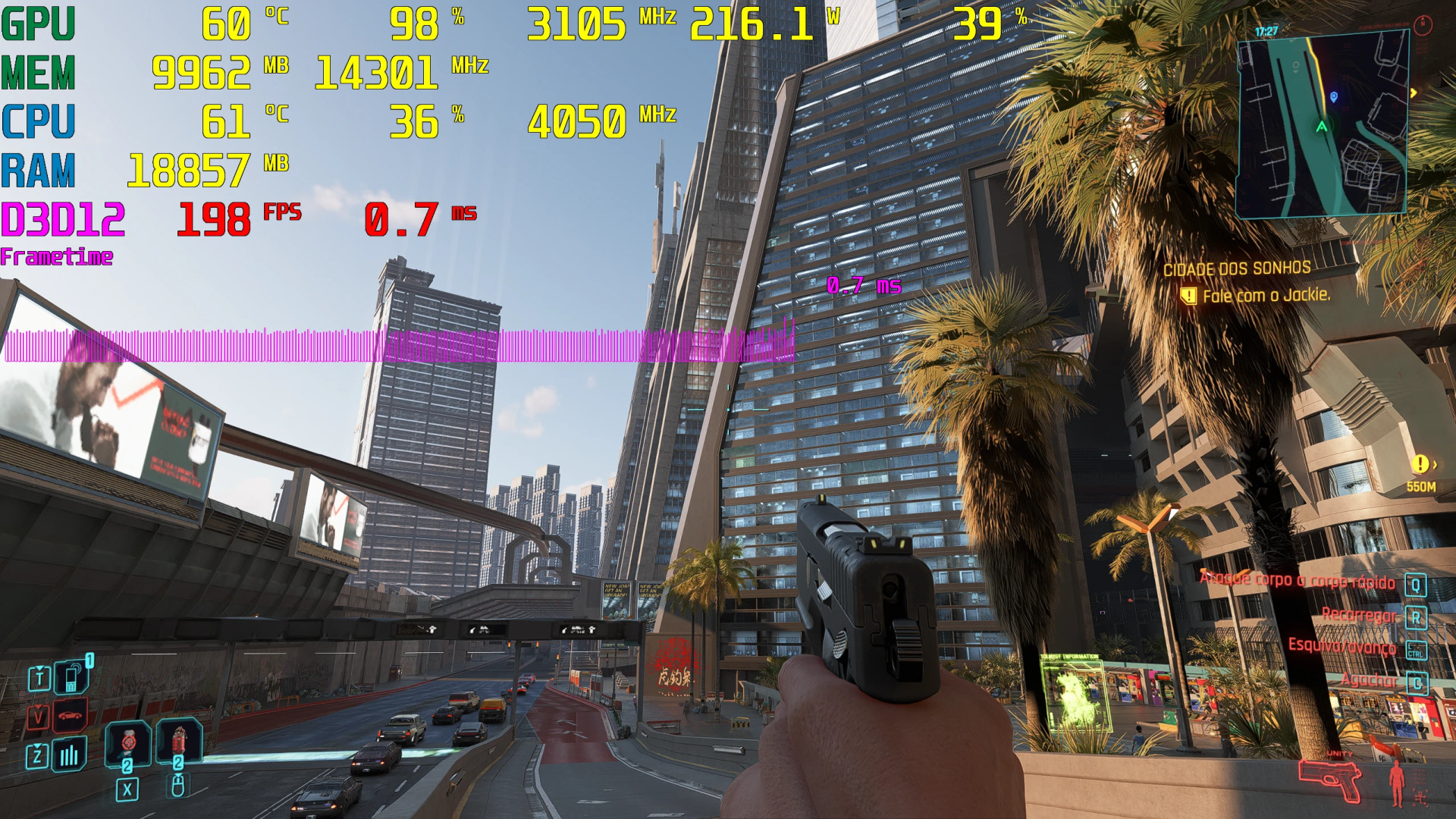
– Smoother gameplay in crowded places like the center of Night City
– Less stuttering at high speeds
– Stable performance with 200+ mods
– Better behaviour with RT and Path Tracing
– Fewer crashes caused by too much streaming
What this mod does
– Lessens CPU bottlenecks while streaming
– Keeps frame time steady to cut down on stuttering
– Makes asset loading work better and cuts down on burst spikes
– Makes better use of the cache so that assets can be reused more easily;
– Reduces microstutter when driving fast through the city;
– Minimises pop-in without overloading the engine;
– Helps stop crashes related to VRAM that happen because of bad LOD and streaming balance
System for Advanced Optimisation
This mod comes with a number of presets for different types of CPUs.
LOW_CPU—For CPUs that aren't very powerful
– Less stuttering and more stability
– Less work per frame
– Controlled streaming
– Fewer CPU spikes
MID_CPU: A preset that works well for most players, with smooth performance and good visual quality. It also optimises streaming and CPU balance.
CPU_X3D is made for Ryzen X3D CPUs like the 5500X3D, 5700X3D, 5800X3D, 7800X3D, and 9800X3D. It uses the large L3 cache more efficiently, cuts down on thread overhead, and focuses on frame consistency instead of raw throughput.
EXTREME_CPU: For high-end systems; streaming is more aggressive.
– Best visual consistency
– Made for heavy mod setups
INTEL_HYBRID_CPU: For 12th to 14th generation Intel i5 and i7 processors
For modern i9 CPUs, like the 12900K and higher, use INTEL_I9_HIGHEND_CPU.
People who use Intel
– If you have an i5 or i7, use MID_CPU or INTEL_HYBRID_CPU.
– If you have an i9 12900K or newer, use the INTEL_I9 preset.
– High-end Intel CPUs need more balanced settings to avoid thread scheduling problems and stuttering.
– This is a new Intel preset. Please let us know if you have any problems with compatibility or performance.
Main improvements
– MaxNodesPerFrame is set up to keep CPU spikes to a minimum.
– TimeLimits are set up to make streaming smoother.
– LOD bias is set up to keep VRAM from overflowing.
– PersistencyCache is improved to make it easier to reuse assets.
– Thread allocation is controlled to cut down on scheduler overhead.
Putting it in place
– Unzip the file you downloaded.
– Go to Cyberpunk 2077\engine\config\platform\pc.
– Put the mod files in this folder.
– Start the game
Pick the right preset
This mod has different presets for different types of CPUs. If you use the wrong one, it can make things slower or make them stutter more.
Check before you install:
– The number of cores and threads in your CPU
– If you use Ryzen with 3D V-Cache, whether your CPU is standard or X3D
A quick guide to presets
LOW_CPU: This setting works best with 4-core CPUs.
– Best for older or entry-level systems
– Lowers CPU load and keeps frame times steady in busy scenes
MID_CPU: Recommended for CPUs with 6 to 8 cores
– Balanced tuning for smooth FPS and steady streaming
CPU_X3D: Made for Ryzen X3D processors like the 5700X3D, 5800X3D, and 7800X3D. It uses 3D V-Cache behaviour to stream assets better and reduce stutter.
EXTREME_CPU: Designed for high-end CPUs with 8 or more cores. It maximises throughput and cuts down on bottlenecks in crowded areas and heavy mod setups.
Advice
– To check your CPU, open Task Manager and go to the Performance tab. There, you can see the number of CPU cores and threads.
The bottom line
– It takes less than a minute to install.
– The best smoothness and least stutter come from choosing the right preset.
– In Cyberpunk 2077, many mods can still cause stutter on high-end PCs because the engine makes a lot of draw calls, which causes freezes.
– For best results, use Special K to improve the graphics pipeline and sync GPU frames with the monitor.
– With balanced settings and Special K, this setup can deliver very strong performance without overloading VRAM.
Real-world results
– Smoother gameplay in crowded places like the center of Night City
– Less stuttering at high speeds
– Stable performance with 200+ mods
– Better behaviour with RT and Path Tracing
– Fewer crashes caused by too much streaming
External Download Links:
About Mod
| Latest Version | v1.0 |
| Game | Cyberpunk 2077 |
| Category | Graphics |
| Game Version | 1.11 |
| Downloads | 66 |
| Created | 4 months ago |
You Might Also Like »


0 Comments
There are no comments. Be first to comment!