

0/5,
0
votes
Description
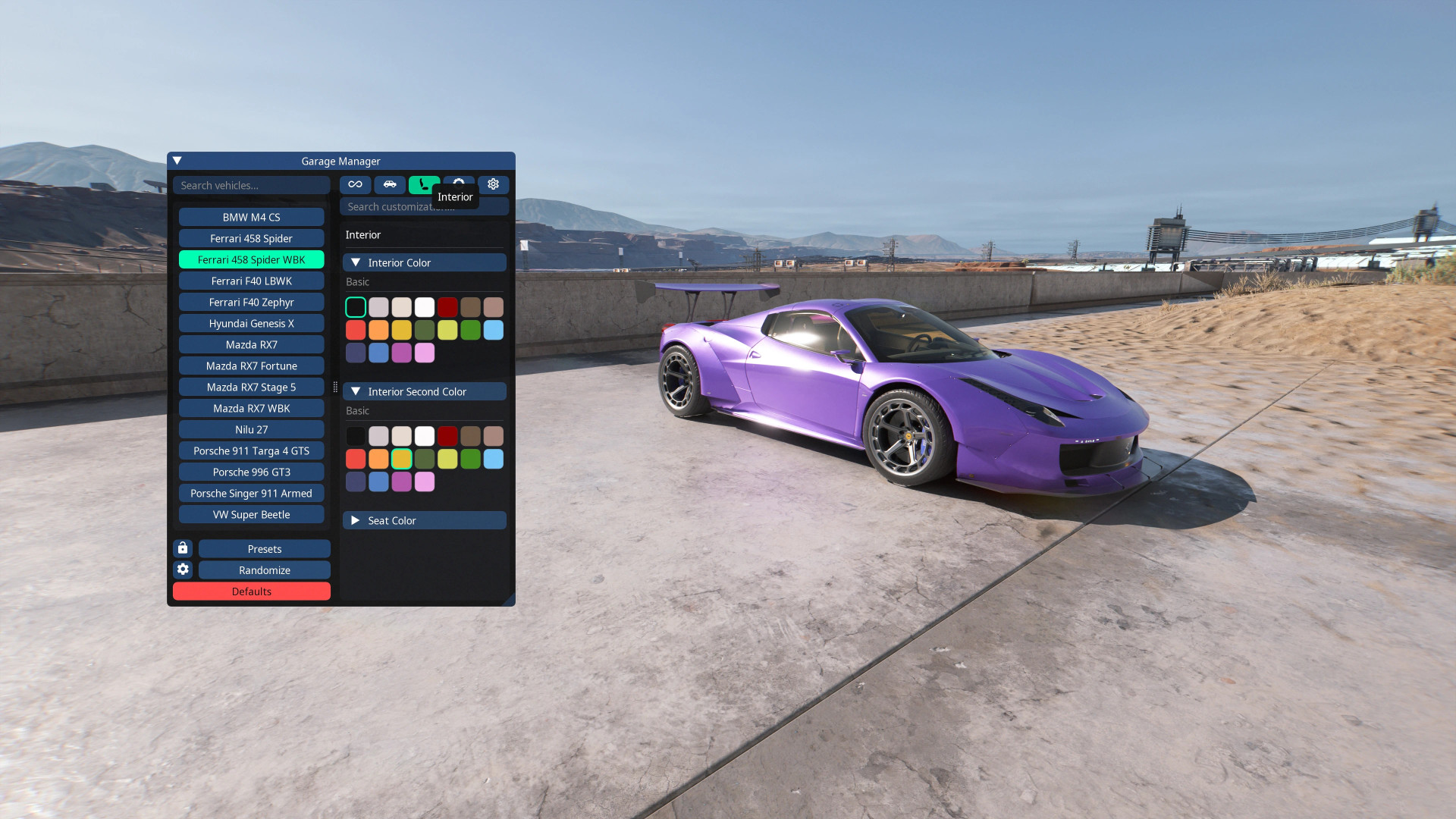
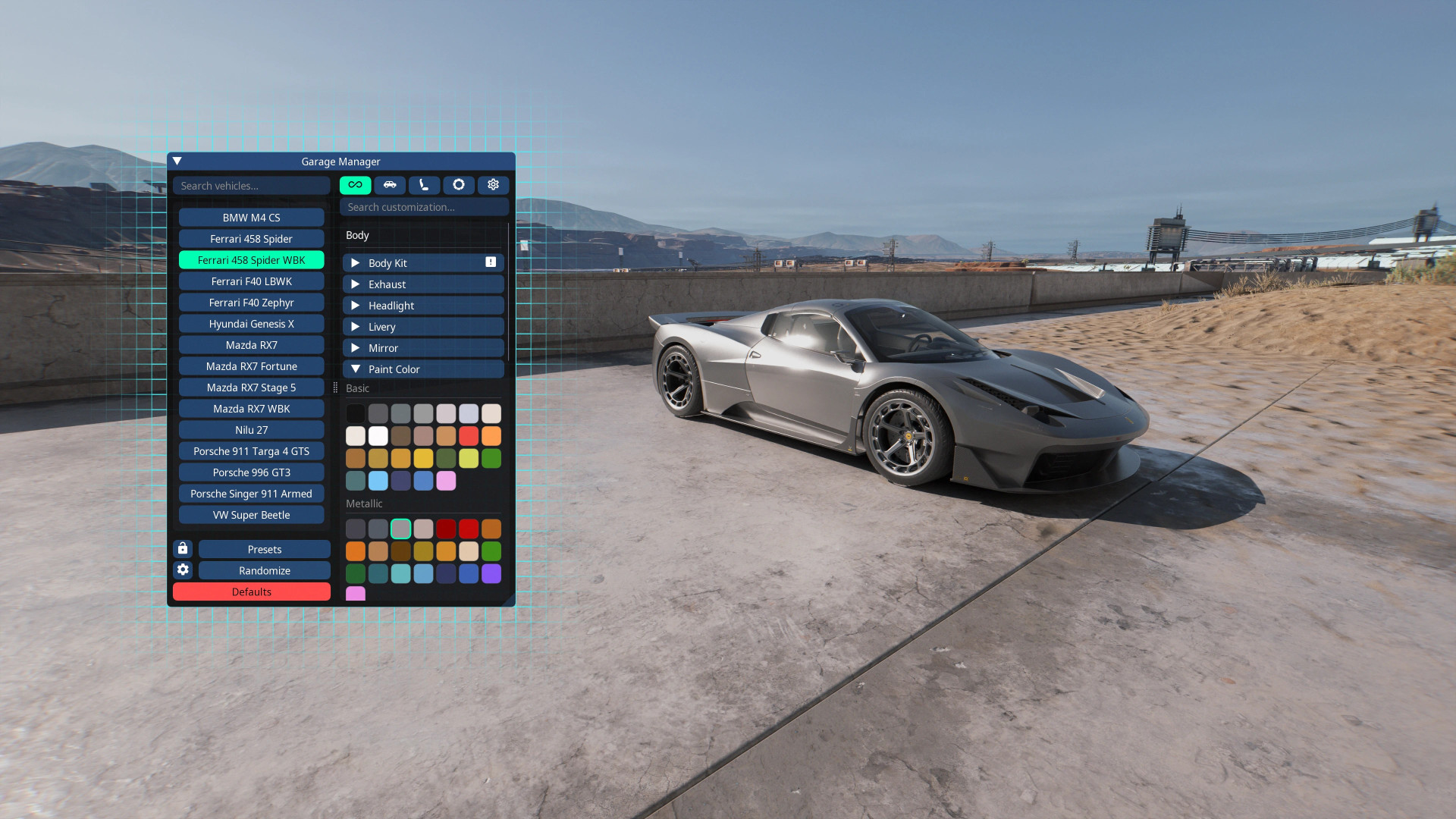
Garage Manager gives SDH0 vehicles one shared CET window for customization. Instead of having a separate tuning menu bundled with every car, all supported vehicles are handled from the same place.
It works on its own and is also compatible with Garage. While it remains fully usable, most new development is now focused on Garage.
Features
- CET Overlay: Select a vehicle from the list and change its setup in real-time with no reload needed.
- Color Options: Organized by hue and separated into standard, metallic, and matte finishes with adjustable swatch size and spacing.
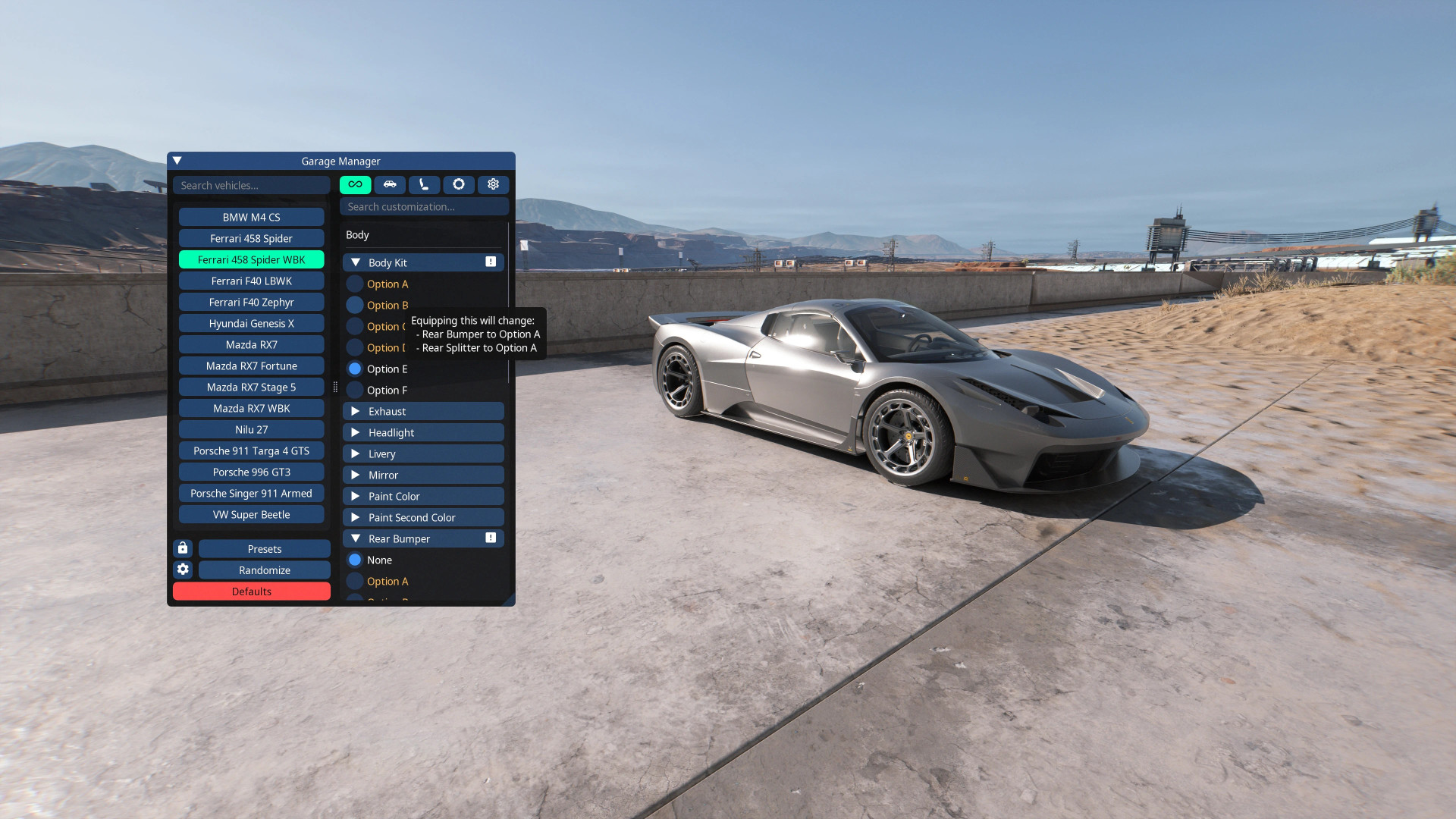
- Conflict Handling: Conflicting parts are handled automatically, and linked options are marked with a warning icon.
- Presets: Save setups under your own name to return to them later.
- Randomization: Quick generation of configurations following vehicle restrictions, including a "randomize all" option with radius filtering.
- Unlock: Add selected vehicles to your summon list or unlock all of them via right-click.
- Garage Compatibility: Switches to preview mode when Garage is installed, allowing visual previews while Garage handles saved configurations.
- Save Modes: Choice between Temporary (until reload), JSON (stored in mod folder), and Persistent (written directly into the game save).
- Automatic Vehicle Detection: Any SDH0 vehicle registered through the Vehicle Core schema registry appears automatically.
- Hotkeys: Assignable actions for Randomize All Vehicles and Randomize Selected Vehicle via the CET menu.
Installation Instructions
Requirements:
- Cyber Engine Tweaks
- Vehicle Core
Garage Manager gives SDH0 vehicles one shared CET window for customization. Instead of having a separate tuning menu bundled with every car, all supported vehicles are handled from the same place.
It works on its own and is also compatible with Garage. While it remains fully usable, most new development is now focused on Garage.
Features
- CET Overlay: Select a vehicle from the list and change its setup in real-time with no reload needed.
- Color Options: Organized by hue and separated into standard, metallic, and matte finishes with adjustable swatch size and spacing.
- Conflict Handling: Conflicting parts are handled automatically, and linked options are marked with a warning icon.
- Presets: Save setups under your own name to return to them later.
- Randomization: Quick generation of configurations following vehicle restrictions, including a "randomize all" option with radius filtering.
- Unlock: Add selected vehicles to your summon list or unlock all of them via right-click.
- Garage Compatibility: Switches to preview mode when Garage is installed, allowing visual previews while Garage handles saved configurations.
- Save Modes: Choice between Temporary (until reload), JSON (stored in mod folder), and Persistent (written directly into the game save).
- Automatic Vehicle Detection: Any SDH0 vehicle registered through the Vehicle Core schema registry appears automatically.
- Hotkeys: Assignable actions for Randomize All Vehicles and Randomize Selected Vehicle via the CET menu.
Installation Instructions
Requirements:
- Cyber Engine Tweaks
- Vehicle Core
External Download Links:
Direct Download Links
About Mod
| Latest Version | v1.0 |
| Game | Cyberpunk 2077 |
| Category | Tools |
| Game Version | 1.11 |
| Downloads | 10 |
| Created | 1 week ago |
You Might Also Like »


0 Comments
There are no comments. Be first to comment!