
Basics
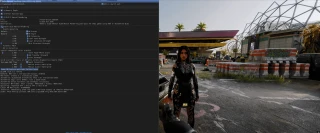
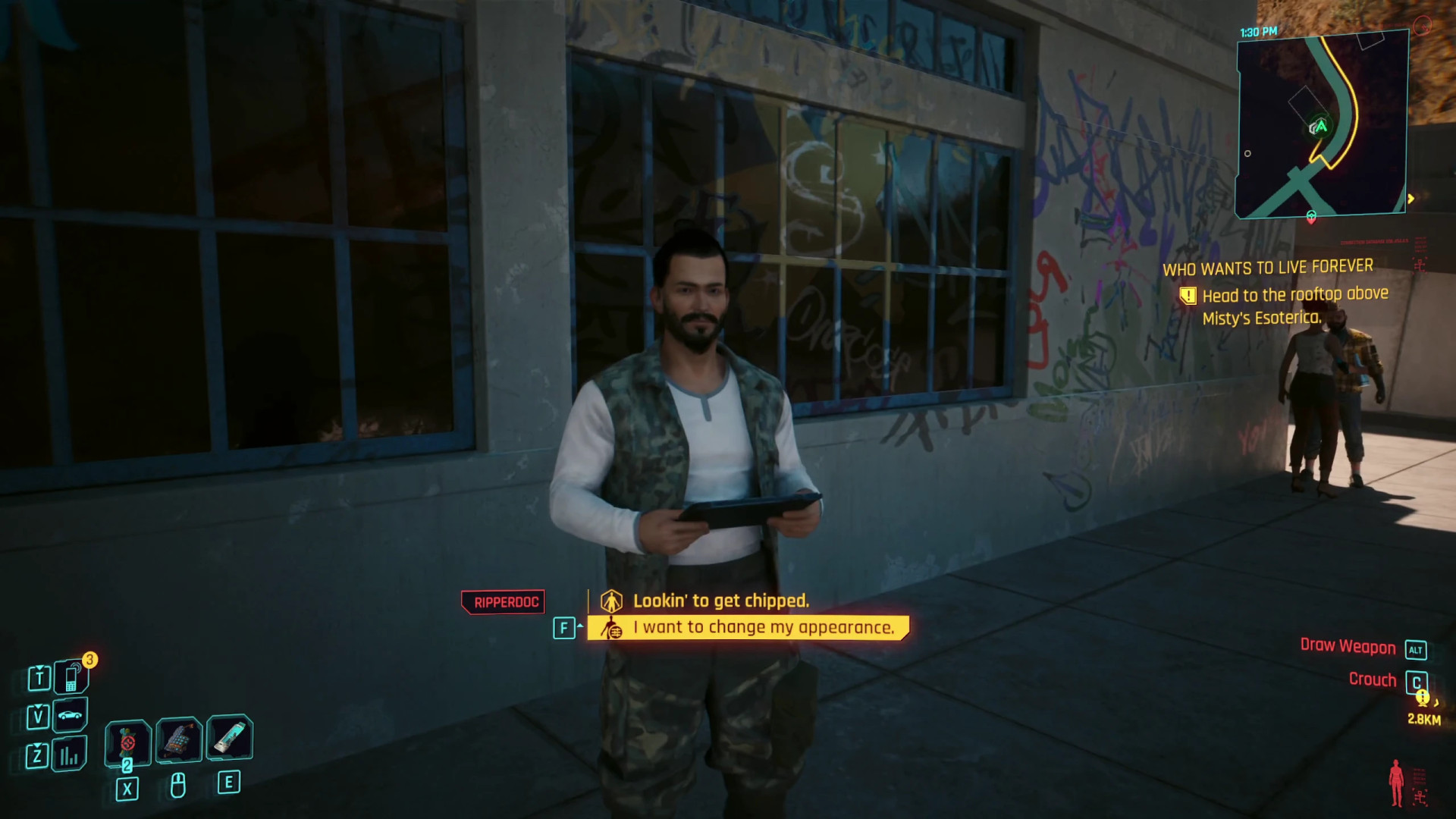
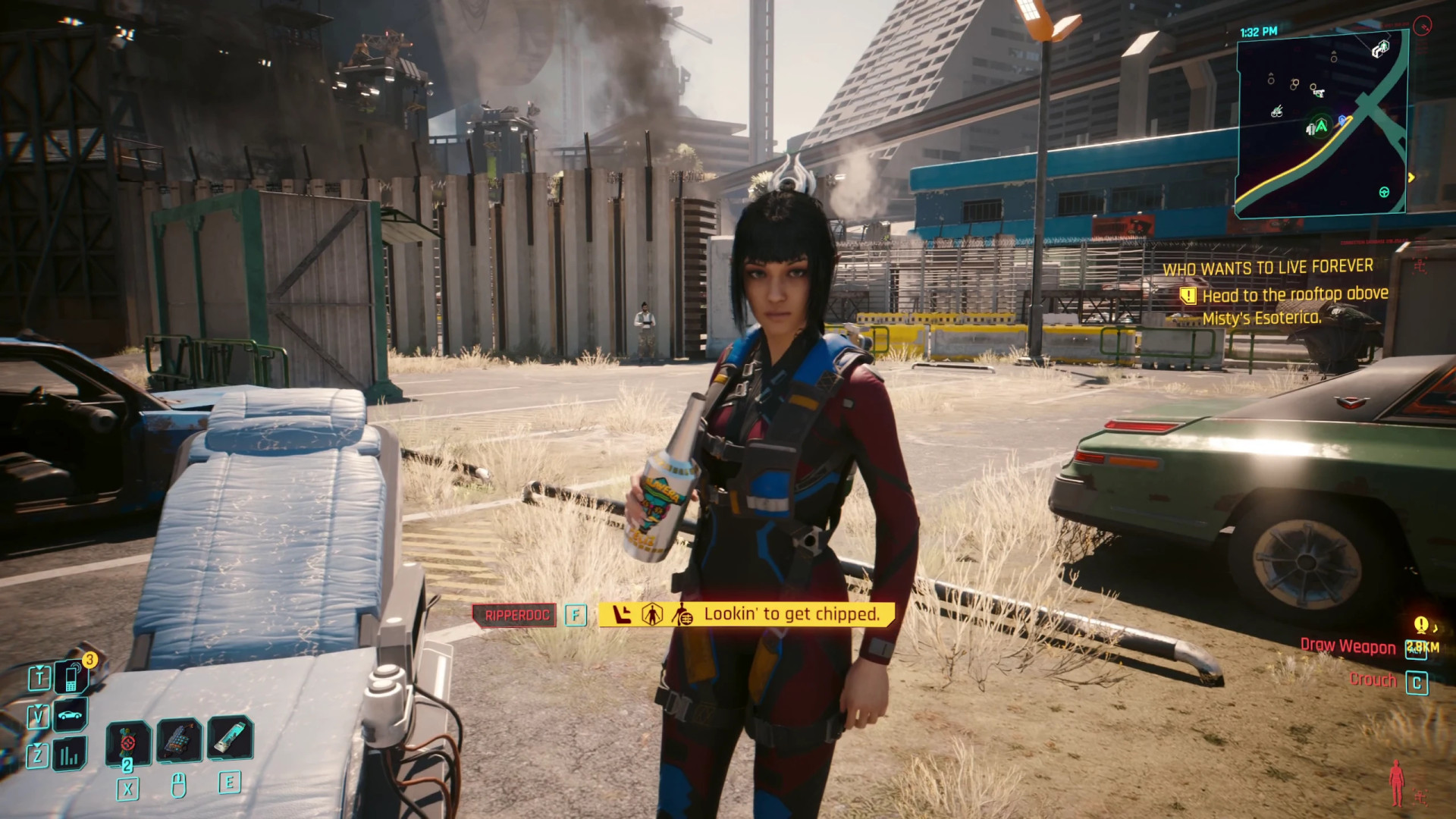
RippersXL provides support for custom Ripperdocs placed directly in the game world. New Rippers are configured through simple TweakDB/TweakXL records, making the framework useful for mods that need their own Ripperdoc NPCs.
Custom Ripper Features
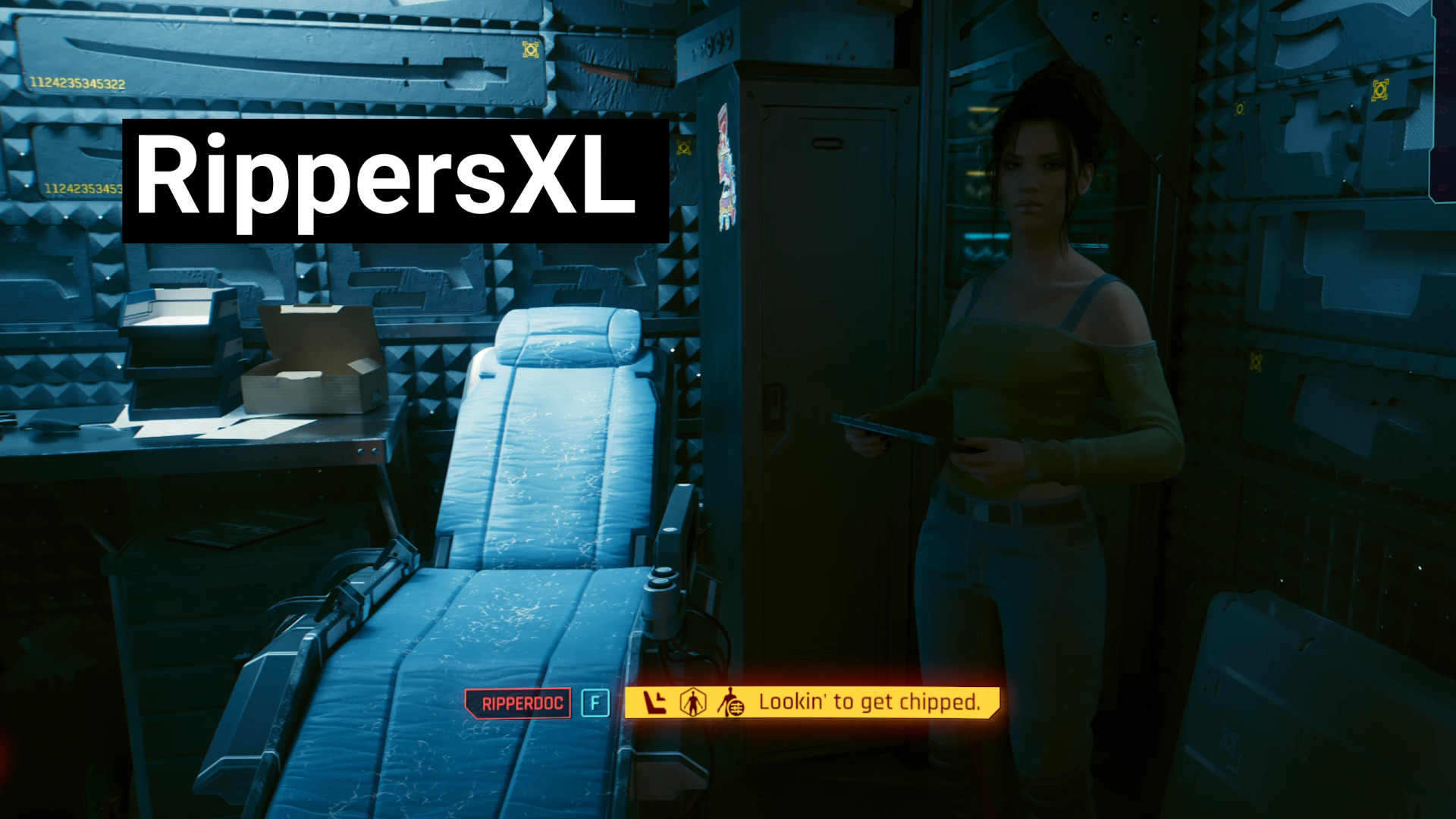
– Optional Ripper chair with its own collision. If no chair is configured, the NPC works through normal interaction without sitting animations
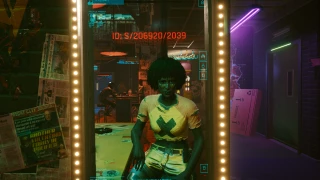
– Chair interactions similar to Immersive Ripper. V sits down before opening cyberware or appearance options, while the Ripper turns toward V
– Custom workspots for choosing the NPC's idle or working animation
– Custom NPC entities and appearances
– Custom Ripperdoc names shown when scanning the NPC and using their interaction prompt
– Custom vendor stock using an existing or modded Ripperdoc inventory
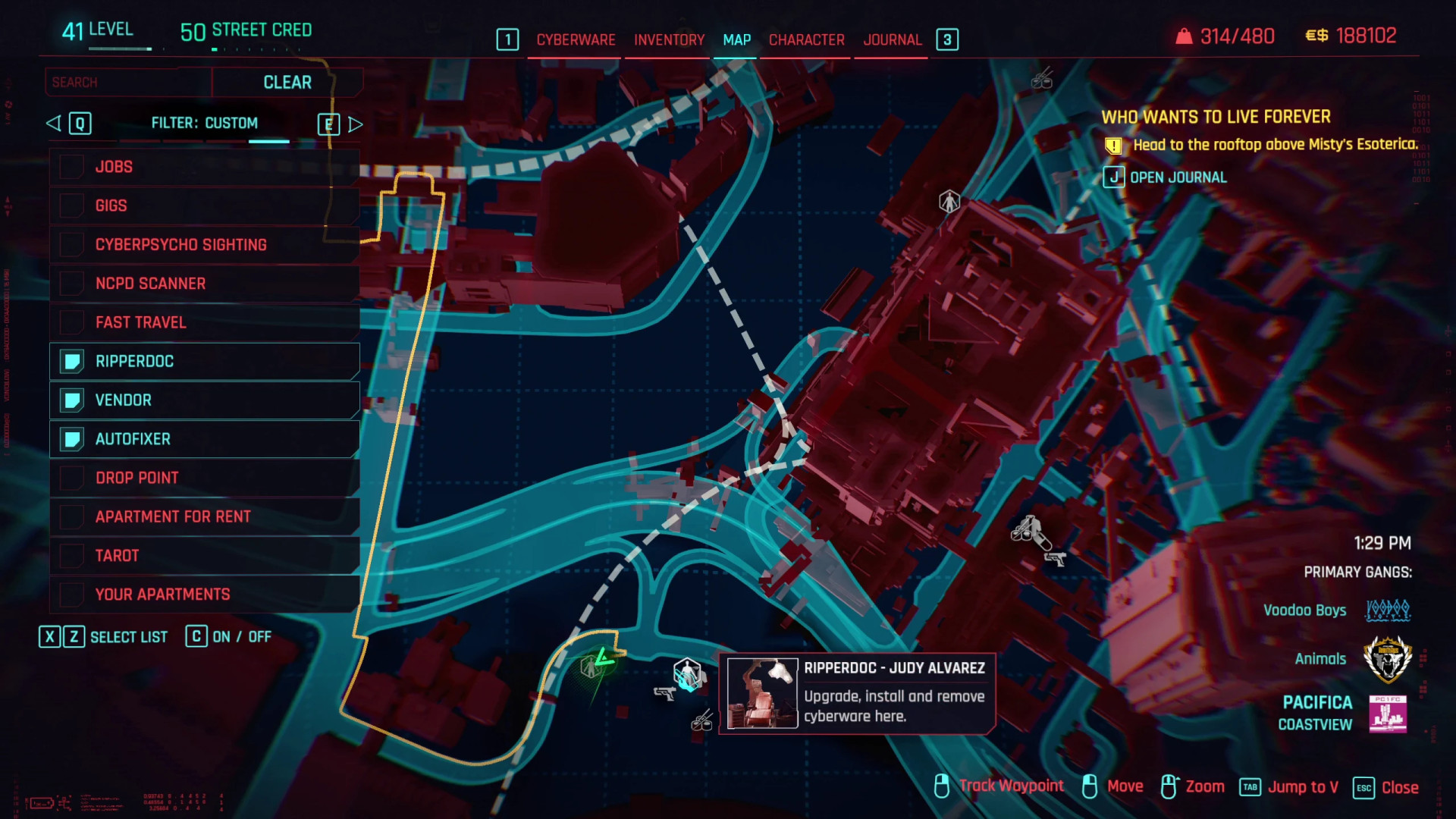
– Custom map and minimap markers with individual tooltips
– 26 different map icons available
– Custom world position and rotation for both the NPC and optional chair
– Rippers look toward V when the player gets close
– V has a voice line when approaching and speaking to a Ripper for the first time during each visit
– The voice line uses a shared distance-based cooldown. Rippers placed close together won't repeatedly trigger it until V moves away
How to Use [USER]
Install RippersXL together with any mod that requires it.
If Deceptious Quest Core has never been initialized on your current save, visit V's H10 apartment first. If DQC was already started there, RippersXL will initialize immediately.
RippersXL does not add any Ripperdocs on its own. It is a framework that allows other mod authors to place custom Rippers in their mods and locations.
How to Use [MODDER]
Create a new tweak for your mod using the supplied template. Give the record a unique name and change the required values. The tweak can also be added to an existing YAML file.
– NPC placement is required. Use World Builder to position the NPC with your chosen workspot, then copy its X, Y, Z, and yaw values. RippersXL handles spawning and placement, so your mod does not need additional world sectors
– The chair is optional. Place the following surgical chair with World Builder and copy its X, Y, Z, and yaw values if you want seated interactions:
base\items\interactive\electronics\int_electronics_002__surgical_chair_a_aa.ent
– Keep the Ripper and chair within 10 meters of each other. If the distance is greater, the NPC switches to chairless mode
– Every tweak name must be unique, although the remaining configuration values can be shared
– Make sure the YAML file or folder loads after "##########RippersXL". Otherwise, the tweak will not initialize correctly
– displayName accepts an existing LocKey or a custom LocKey created by your mod
– Any compatible workspot can be used. The selected character or entity must support it
– Standing workspots generally work best because the NPC can rotate toward V and the chair
– The sitting animation ends with V looking to the left, so placing the Ripper on the left side of the chair usually gives better positioning
– entityTemplatePath and appearanceName can use existing or modded entities and appearances. These values can be found in existing Character records in the tweak database
– The framework is designed around humanoid characters. Non-humanoid entities are not guaranteed to work
An optional download in the Files section contains the template along with an example YAML that sets up two Rippers in the parking area outside the Stadium entrance.
Template
Character.<your unique ripper/mod/id name>:$base: Character.rippersxl_base
# NPC entity and appearance. Default: Kabuki Gun Vendor
appearanceName: None
entityTemplatePath: base\open_world\characters\vendors\wat_kab_gun_trainer_01.ent
# Faction. Default: Civilian
affiliation: Factions.Civilian
# Display name. Default: Ripperdoc
displayName: LocKey#35145
# NPC workspot. Default: standing with a tablet
holocallInitializerPath: base\workspots\common\ground\generic__stand_ground_tablet__use__01.workspot
# Location data [REQUIRED]
bossHealthBarThresholds: [<x1>, <y1>, <z1>, <a1>, <x2>, <y2>, <z2>, <a2>]
# NPC: x1, y1, z1, rotation a1
# Optional chair: x2, y2, z2, rotation a2
# Example with chair:
# [-1286.9, -1686.1, 44.2, 90.0, -1284.9, -1688.1, 44.2, -180.0]
#
# Example without chair:
# [-1286.9, -1686.1, 44.2, 90.0]
# Vendor inventory
vendorID: Vendors.rippersxl_custom
# Vendors.rippersxl_custom is cloned from Vik's inventory
# Map/minimap icon. Default: blue Ripper chair
forcedTBHZOffset: 0
# 0: Blue Ripper chair
# 1: Red Ripper chair
# 2: Green Ripper chair
# 3: Black & white Ripper chair
# 4: Cytech
# 5: Zetatech
# 6: Kiroshi
# 7: Arasaka
# 8: Cyber Ware
# 9: Arms Tools
# 10: Cyber Neck
# 11: Cyber Back
# 12: Maelstrom
# 13: Barghest
# 14: Voodoo Boys
# 15: Valentinos
# 16: 6th Street
# 17: The Mox
# 18: Tyger Claws
# 19: Animals
# 20: Aldecaldos
# 21: Scavs
# 22: Cyber Leg
# 23: Raven Microcybernetics
# 24: Dynalar
# 25: Cyber Eye
# Any value above 25 hides the icon
External Download Links:
Direct Download Links
About Mod
| Latest Version | v1.0 |
| Game | Cyberpunk 2077 |
| Category | Tools |
| Game Version | 1.11 |
| Downloads | 20 |
| Created | 1 month ago |