




0/5,
0
votes
Description
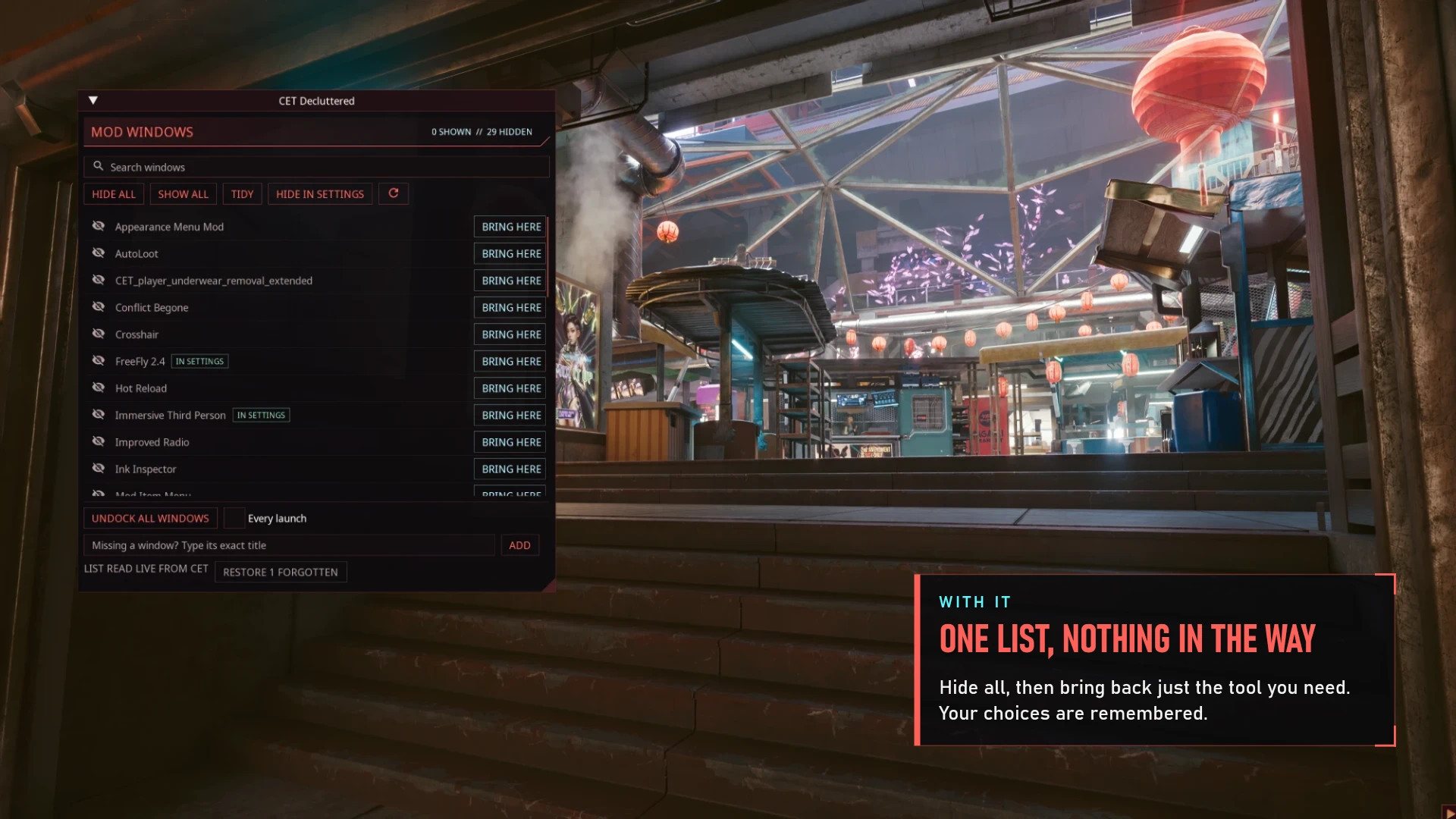
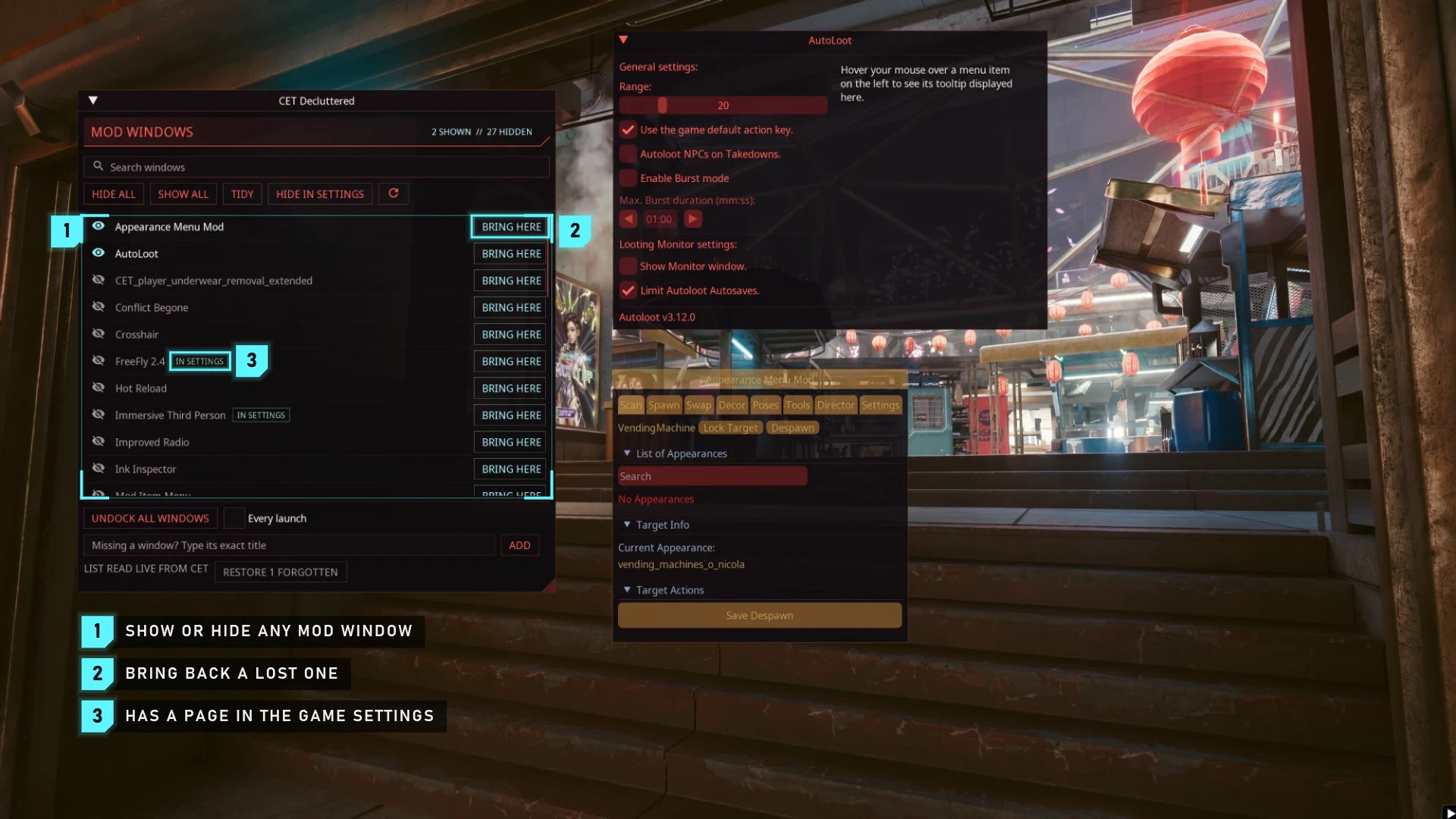
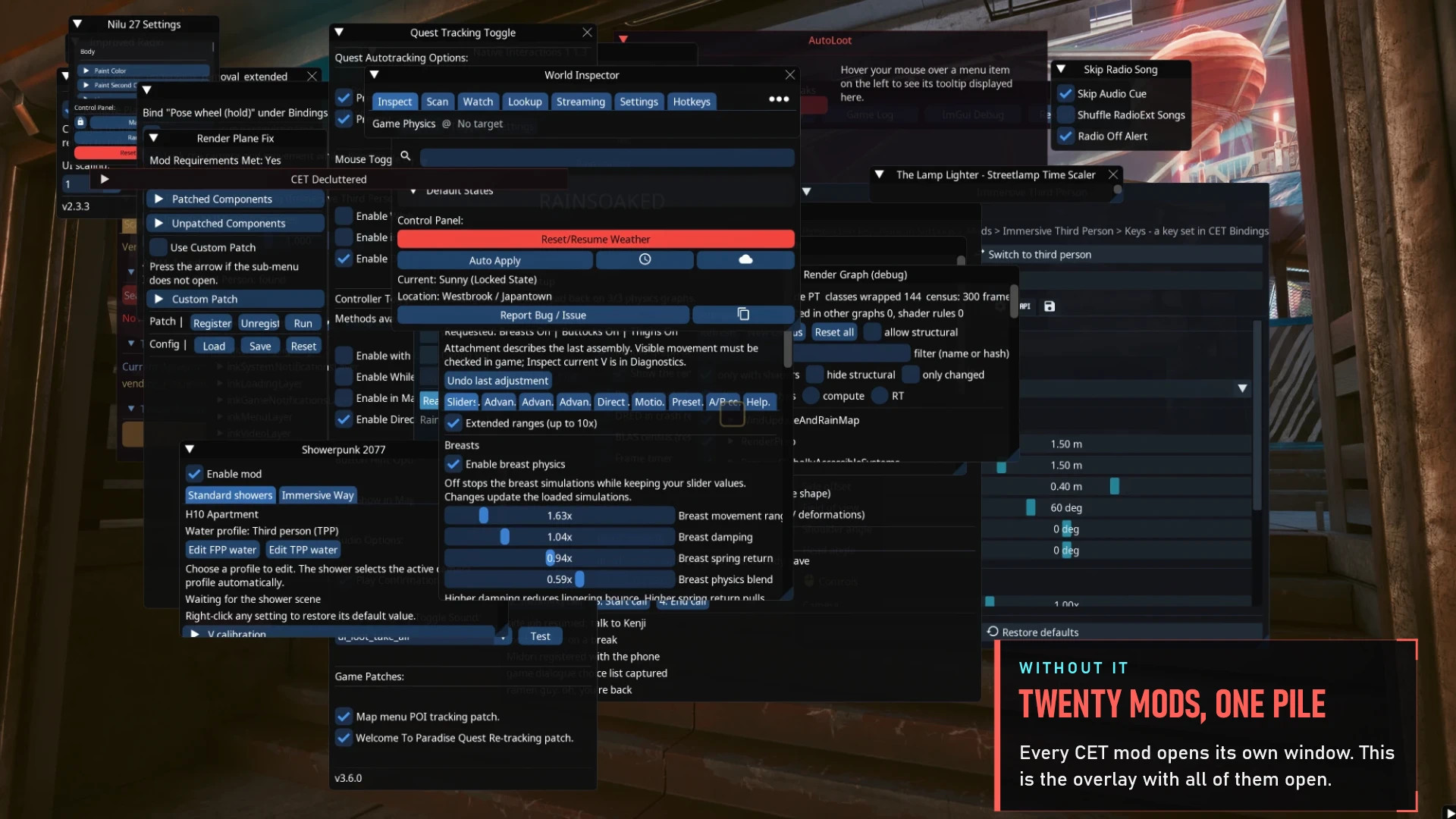
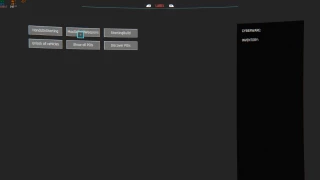
CET Decluttered is a utility mod for Cyberpunk 2077 that helps organize the Cyber Engine Tweaks overlay. Instead of dealing with numerous separate mod windows, you can manage their visibility from a single interface. The mod adds a dedicated window that displays all other windows registered in the CET overlay, allowing you to show or hide them whenever needed.
Features
- Centralized Window Management: View all CET overlay windows in one place.
- Show and Hide Windows: Choose which mod windows remain visible and hide those you don't currently need.
- Cleaner Overlay: Reduce clutter caused by multiple mod interfaces.
- Simple Interface: Manage CET windows through a dedicated menu similar to a mod settings page.
- Non-Destructive: Hiding windows does not modify the mods that created them.
- Easy Removal: Uninstalling CET Decluttered leaves your other installed mods and their windows unchanged.
How It Works
Once installed, CET Decluttered adds its own management window to the Cyber Engine Tweaks overlay. Open the CET overlay to access the new window. From there, you can view the available mod windows and control which ones are displayed. This makes it easier to keep the overlay organized, particularly when using several mods that add their own configuration interfaces.
Requirements
The following dependencies are required:
- Cyber Engine Tweaks (CET)
- RED4ext
Installation Instructions
Mod Manager:
Install CET Decluttered using Vortex or Mod Organizer 2.
Manual Installation:
- Download and extract the mod archive.
- Copy the extracted files into your main Cyberpunk 2077 installation directory.
- Make sure the following folders are present:
bin/x64/plugins/cyber_engine_tweaks/mods/CETDecluttered/
red4ext/plugins/CETDecluttered/
- Launch Cyberpunk 2077.
- Open the Cyber Engine Tweaks overlay to access CET Decluttered.
Uninstallation
To remove the mod manually, delete these two folders:
bin/x64/plugins/cyber_engine_tweaks/mods/CETDecluttered/ red4ext/plugins/CETDecluttered/
Removing CET Decluttered does not uninstall, modify, or remove the windows belonging to your other mods.
CET Decluttered is a utility mod for Cyberpunk 2077 that helps organize the Cyber Engine Tweaks overlay. Instead of dealing with numerous separate mod windows, you can manage their visibility from a single interface. The mod adds a dedicated window that displays all other windows registered in the CET overlay, allowing you to show or hide them whenever needed.
Features
- Centralized Window Management: View all CET overlay windows in one place.
- Show and Hide Windows: Choose which mod windows remain visible and hide those you don't currently need.
- Cleaner Overlay: Reduce clutter caused by multiple mod interfaces.
- Simple Interface: Manage CET windows through a dedicated menu similar to a mod settings page.
- Non-Destructive: Hiding windows does not modify the mods that created them.
- Easy Removal: Uninstalling CET Decluttered leaves your other installed mods and their windows unchanged.
How It Works
Once installed, CET Decluttered adds its own management window to the Cyber Engine Tweaks overlay. Open the CET overlay to access the new window. From there, you can view the available mod windows and control which ones are displayed. This makes it easier to keep the overlay organized, particularly when using several mods that add their own configuration interfaces.
Requirements
The following dependencies are required:
- Cyber Engine Tweaks (CET)
- RED4ext
Installation Instructions
Mod Manager:
Install CET Decluttered using Vortex or Mod Organizer 2.
Manual Installation:
- Download and extract the mod archive.
- Copy the extracted files into your main Cyberpunk 2077 installation directory.
- Make sure the following folders are present:
bin/x64/plugins/cyber_engine_tweaks/mods/CETDecluttered/
red4ext/plugins/CETDecluttered/
- Launch Cyberpunk 2077.
- Open the Cyber Engine Tweaks overlay to access CET Decluttered.
Uninstallation
To remove the mod manually, delete these two folders:
bin/x64/plugins/cyber_engine_tweaks/mods/CETDecluttered/ red4ext/plugins/CETDecluttered/
Removing CET Decluttered does not uninstall, modify, or remove the windows belonging to your other mods.
External Download Links:
Direct Download Links
About Mod
| Latest Version | v1.0 |
| Game | Cyberpunk 2077 |
| Category | User Interface |
| Game Version | 1.11 |
| Downloads | 6 |
| Created | 1 day ago |
You Might Also Like »



0 Comments
There are no comments. Be first to comment!