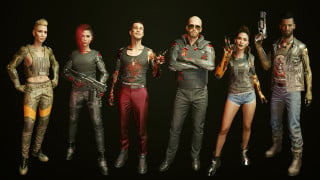
WEAVE - Equipment-EX Extension - Wardrobe Evaluation and Automated Visual Engine v1.0

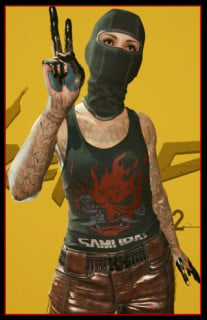
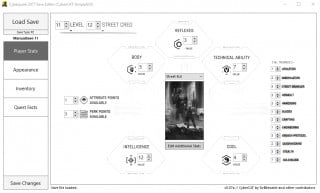

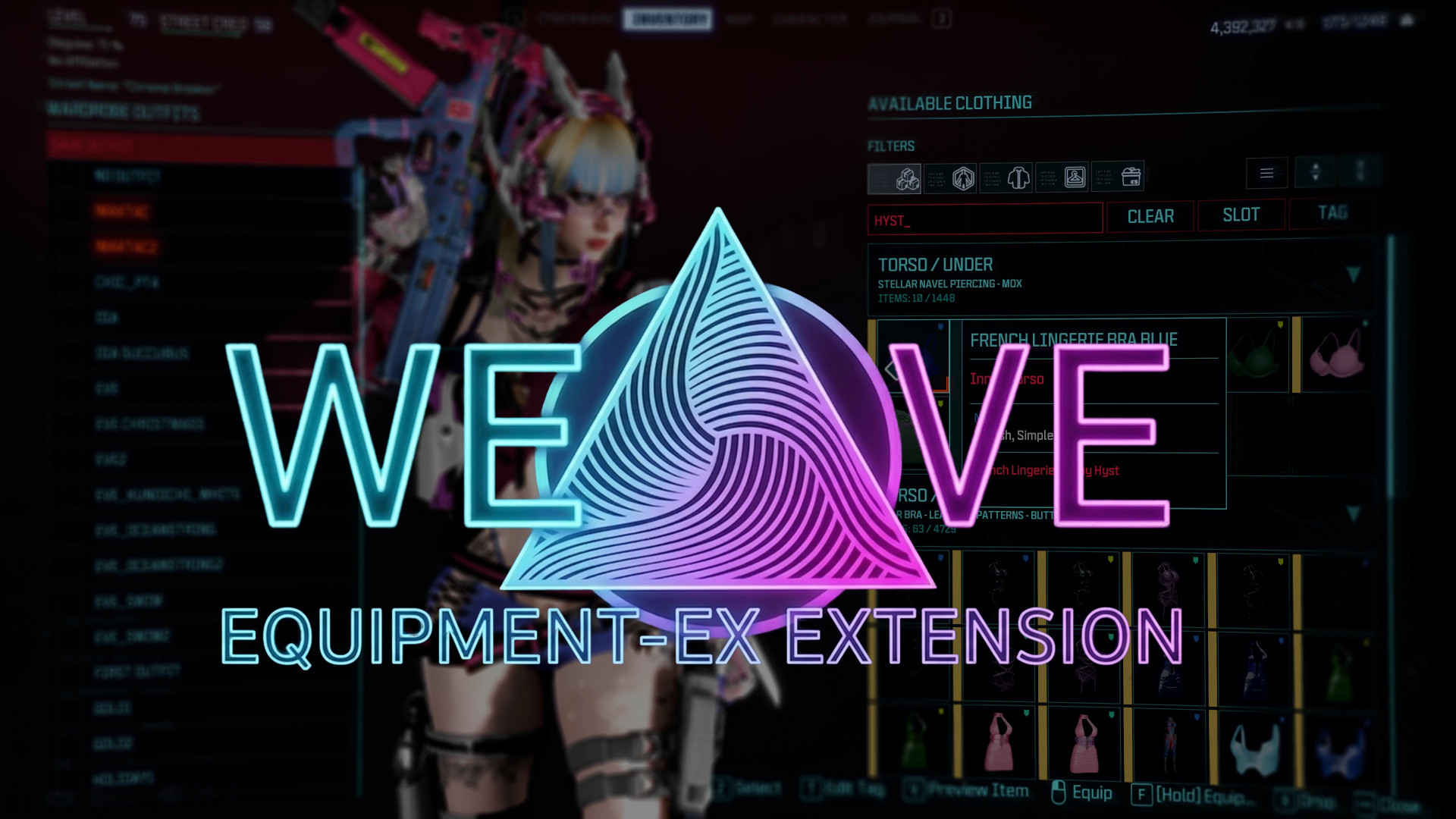
WEAVE – Equipment-EX Extension – Wardrobe Evaluation and Automated Visual Engine
What this mod does
W.E.A.V.E. is an advanced extension for Equipment-Ex that adds smart wardrobe management, automatic item classification, and quality-of-life improvements for outfit handling.
Why this mod exists
When your wardrobe grows to thousands of items, Equipment-Ex becomes hard to use. Endless scrolling, no proper filters, no real outfit organization.
W.E.A.V.E. fixes this by making large wardrobes manageable and fast to navigate.
It uses a Dual-Layer Architecture:
– Visual Layer shows what others see
– Tactical Layer contains your real gear and stats
Your armor keeps you alive. Your visual appearance defines how you look to others. W.E.A.V.E. manages the visual side through Kiroshi optical projection.
The system classifies clothing using the native game tag system and extends it with a custom behavioral layer.
It includes 40 tags across 4 categories:
– Styles
– Factions
– Wealth levels
– Reactions
It also supports fully custom user-defined tags. Other mods can read these tags to create faction disguise systems, NPC reactions, set bonuses, and more. Clothing choices in Night City gain functional meaning.
Features overview
◈ System overview
W.E.A.V.E. is an AI-powered wardrobe management firmware integrated with Kiroshi optics and Equipment-Ex. It turns your wardrobe into a structured visual management system with classification and projection features.
It uses a classification matrix that maps clothing into 40 core definitions with support for unlimited custom tags.
The system does not create clothing. It organizes and interprets it.
◈ Dual-Layer Architecture
– Tactical Layer
Your equipped armor. Protection and gameplay stats.
– Visual Layer
The appearance projected through Kiroshi optics. This is what other characters see.
W.E.A.V.E. operates only on the Visual Layer. Your look can differ from your actual gear without affecting stats.
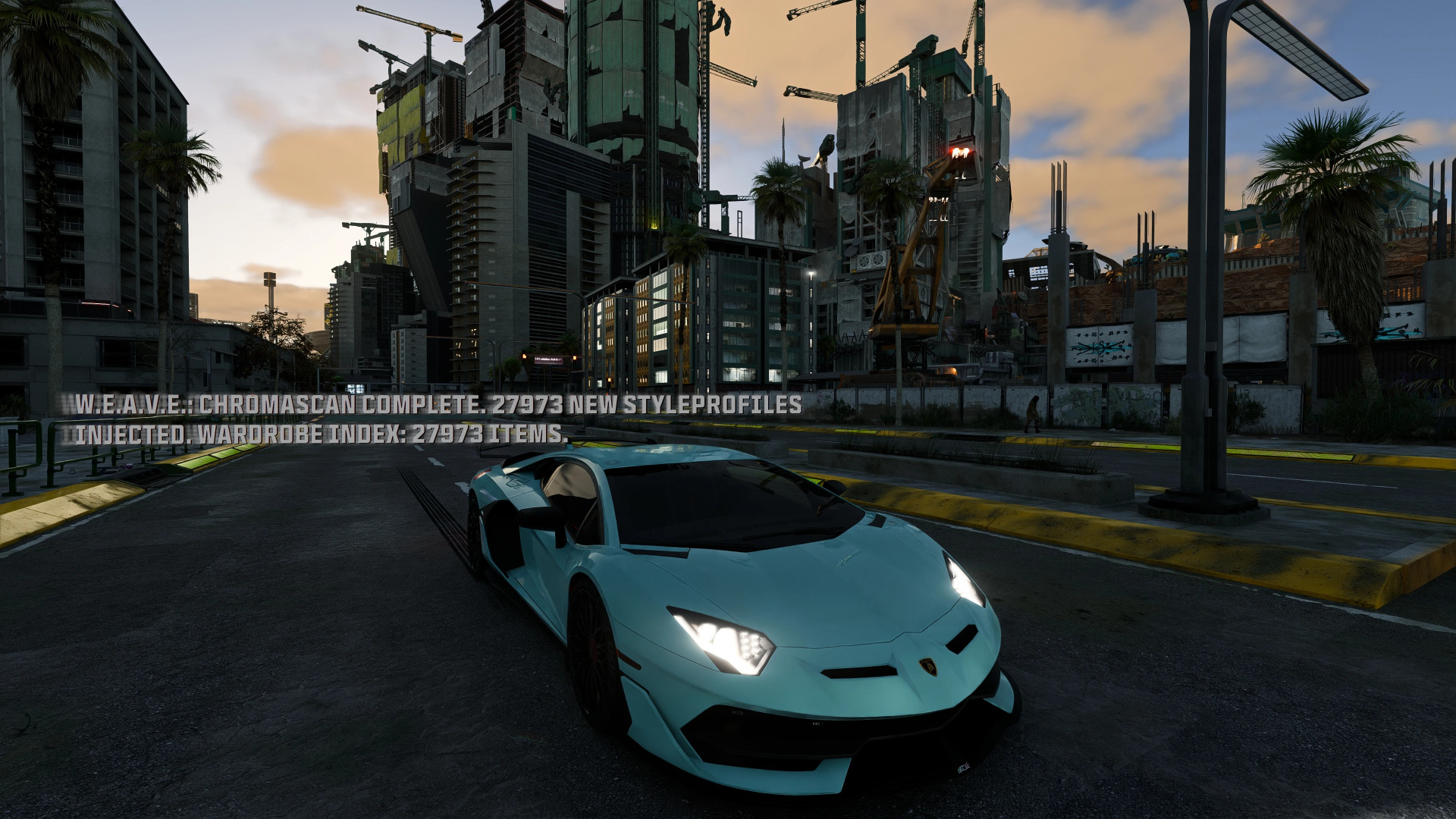
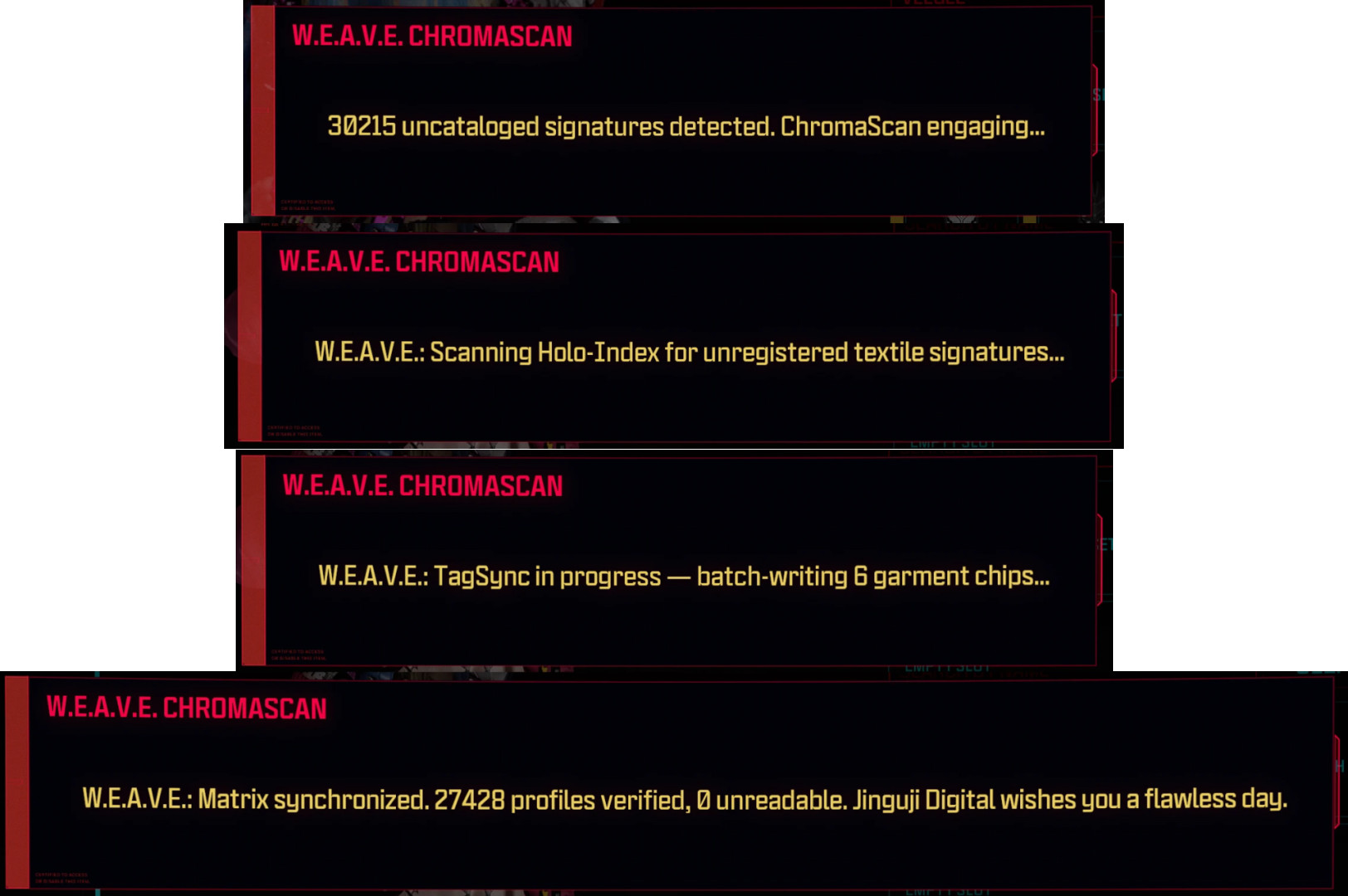
◈ ChromaScan™ classification engine
An automated system that analyzes wardrobe items and assigns tags.
How it works:
– scans item IDs and display names
– prioritizes user-defined tags
– skips items with existing native tags
Data storage:
– auto-generated tags: r6\storages\WEAVETags\auto_tags.json
– custom tags: r6\storages\WEAVETags\custom_tags.json
– external tag packs: custom_tags_*.json (read-only support)
Everything stays outside the save file.
◈ MirrorSense™ interface
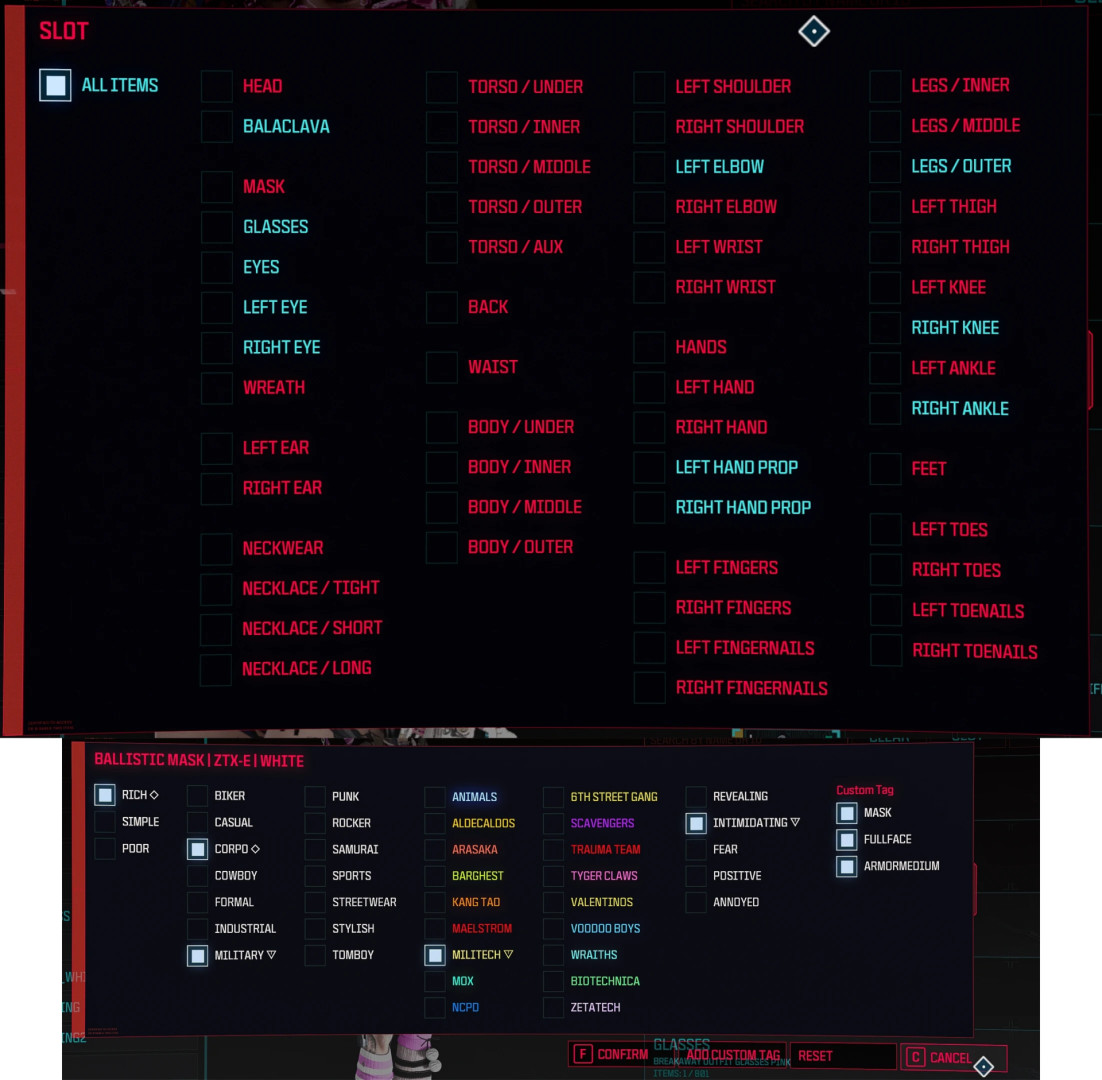
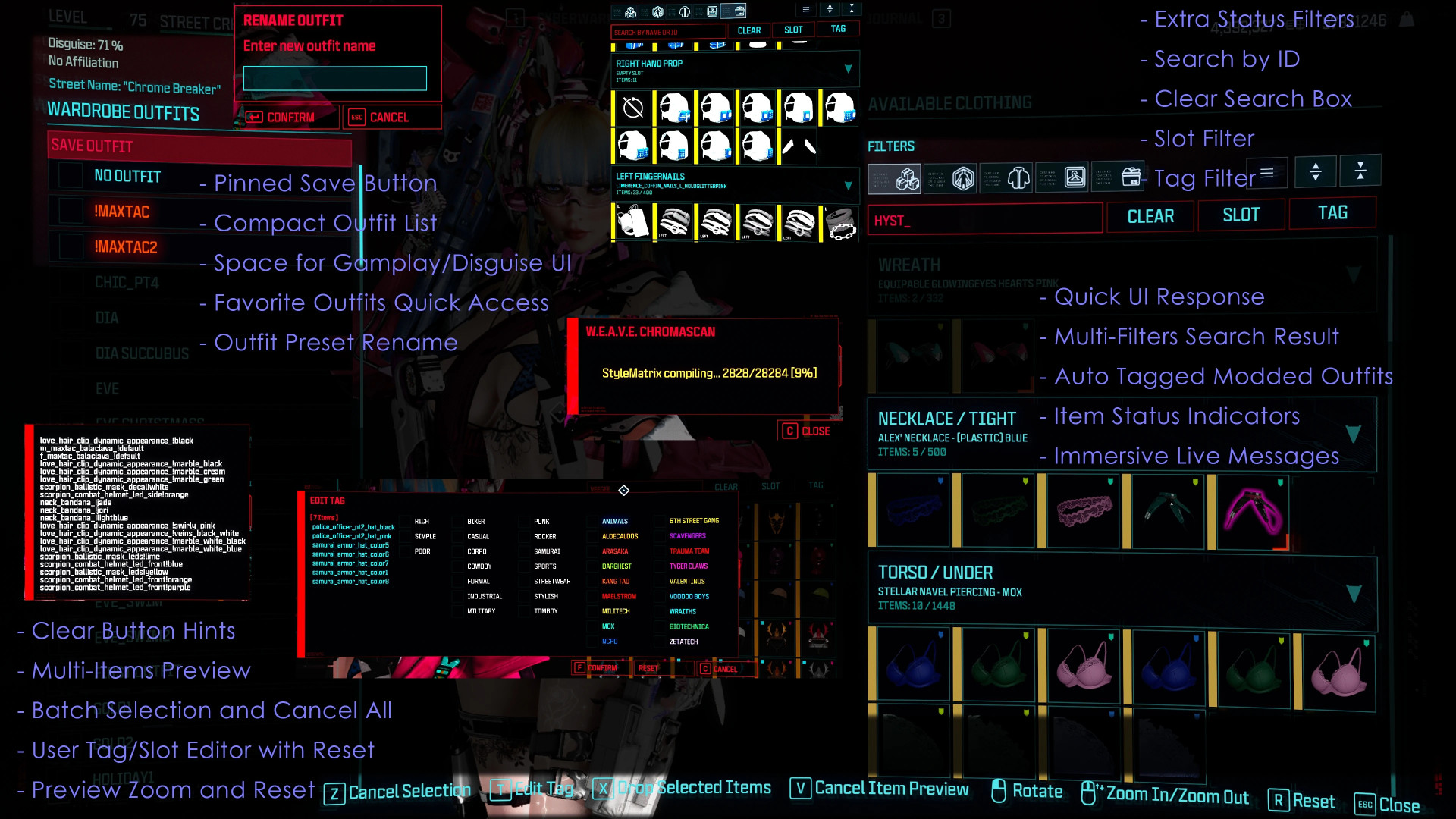
HoloFit preview
– hover item and press V
– shows holographic try-on directly on your character
– supports multiple previews
Batch selection
– press Z to mark items
– batch edit or remove tags
Smart filtering
– filter by slot, tag, status, or text
– search by TweakDB ID
– grouped sorting by mod source
Slot remapping
– long press F to change equip slot
– supports assign, equip, and reset actions
Tag indicators
– ◇ native tag
– ▽ auto-generated tag
– no symbol means manual tag
Outfit system
– saves and loads presets from JSON
– supports sharing between players
– supports favorites and quick access
◈ HoloView™ performance system
Optimized rendering system for large wardrobes.
Designed to handle tens of thousands of items without slowdown by restructuring how data is loaded and displayed.
◈ Open protocol
All tags are stored in TweakDB format and accessible to other mods.
Supports:
– gameplay integration
– faction systems
– custom mechanics based on clothing tags
◈ Modder support
ChromaScan optimization
– works best with consistent naming
– analyzes item metadata and names
Multi-map architecture
– mods can ship pre-tagged clothing
– gameplay mods can define custom logic tags
– tag data persists across sessions
◈ Localization
Supports 18 languages with in-game system messages.
Installation
Requirements:
– RED4ext
– redscript
– ArchiveXL
– TweakXL
– Codeware
– Equipment-Ex 1.2.9+
– RedData
– RedFileSystem
Optional:
– Inventory Adjustments Hub
Install steps:
– install dependencies
– add mod via mod manager
– load after Equipment-Ex
– launch game and open wardrobe
– run ChromaScan for first setup
Update steps:
– remove old version
– install new version
– run ChromaScan if database changed
External Download Links:
About Mod
| Latest Version | v1.0 |
| Game | Cyberpunk 2077 |
| Category | User Interface |
| Game Version | 1.11 |
| Downloads | 4 |
| Created | 4 months ago |