Custom Yaiba Kusanagi Cyber Rat Rod v3.0




5/5,
1
votes
Custom Cyber Rat Rod by Yaiba Kusanagi
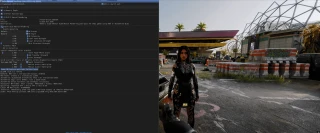
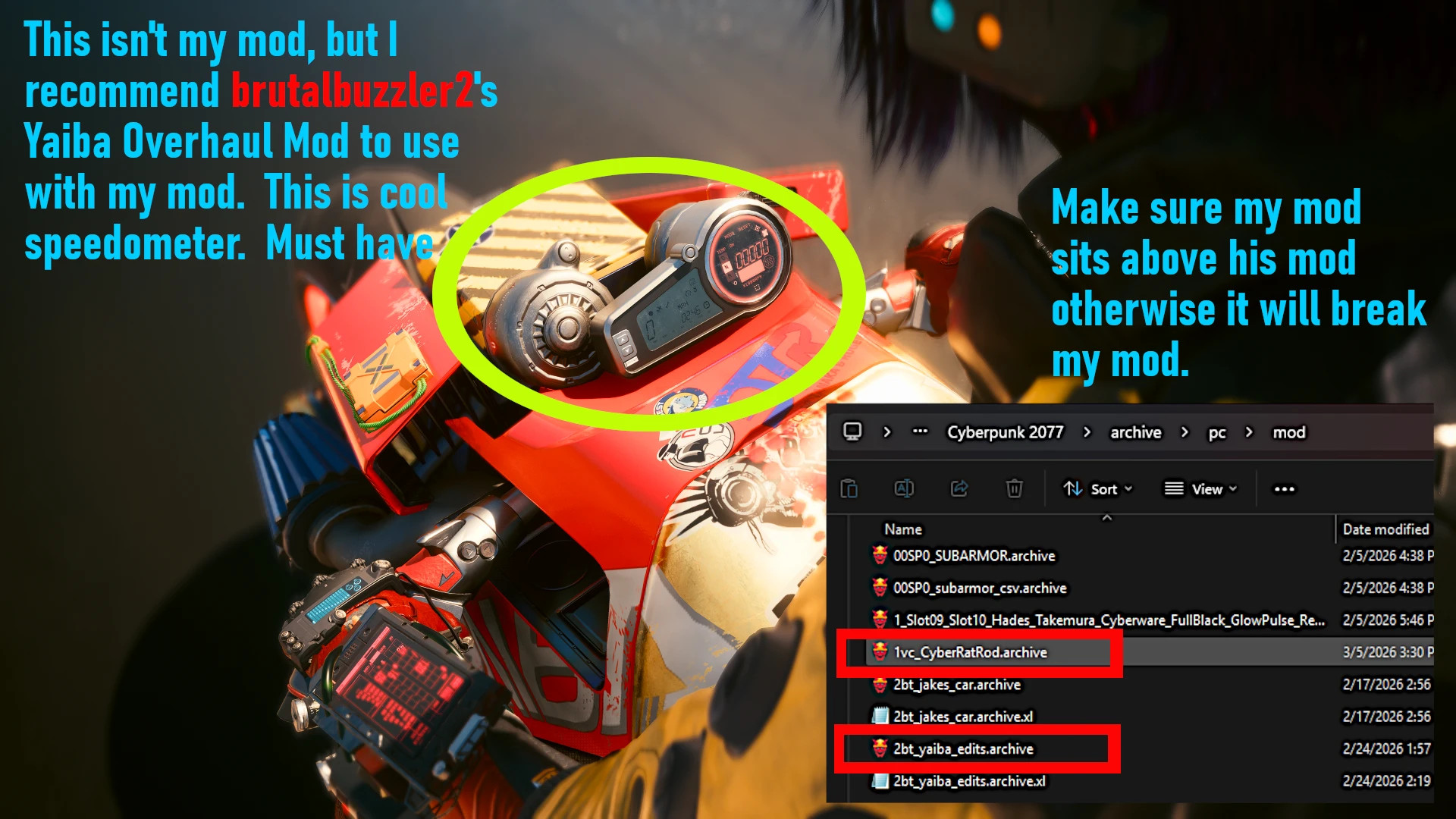
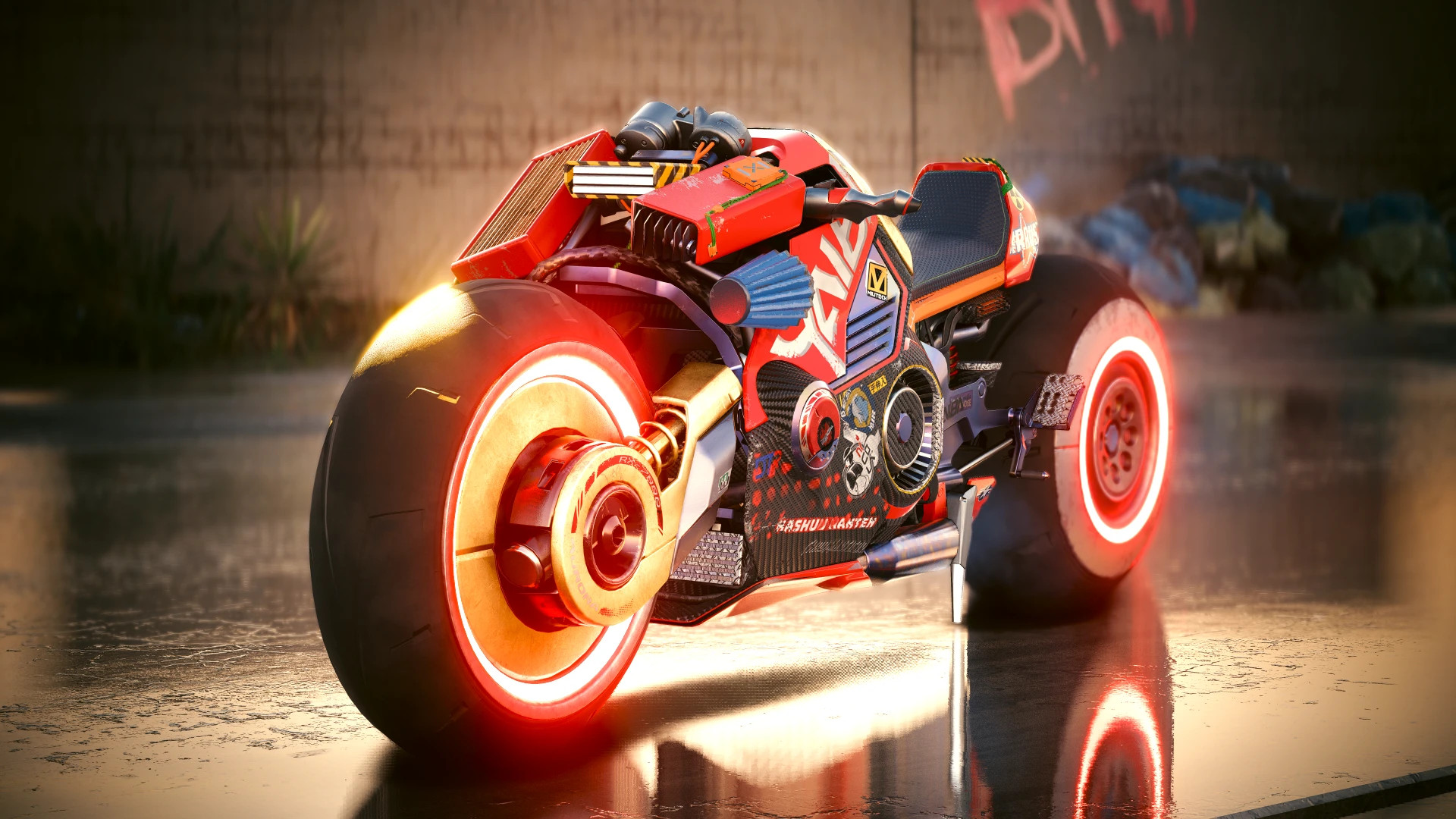
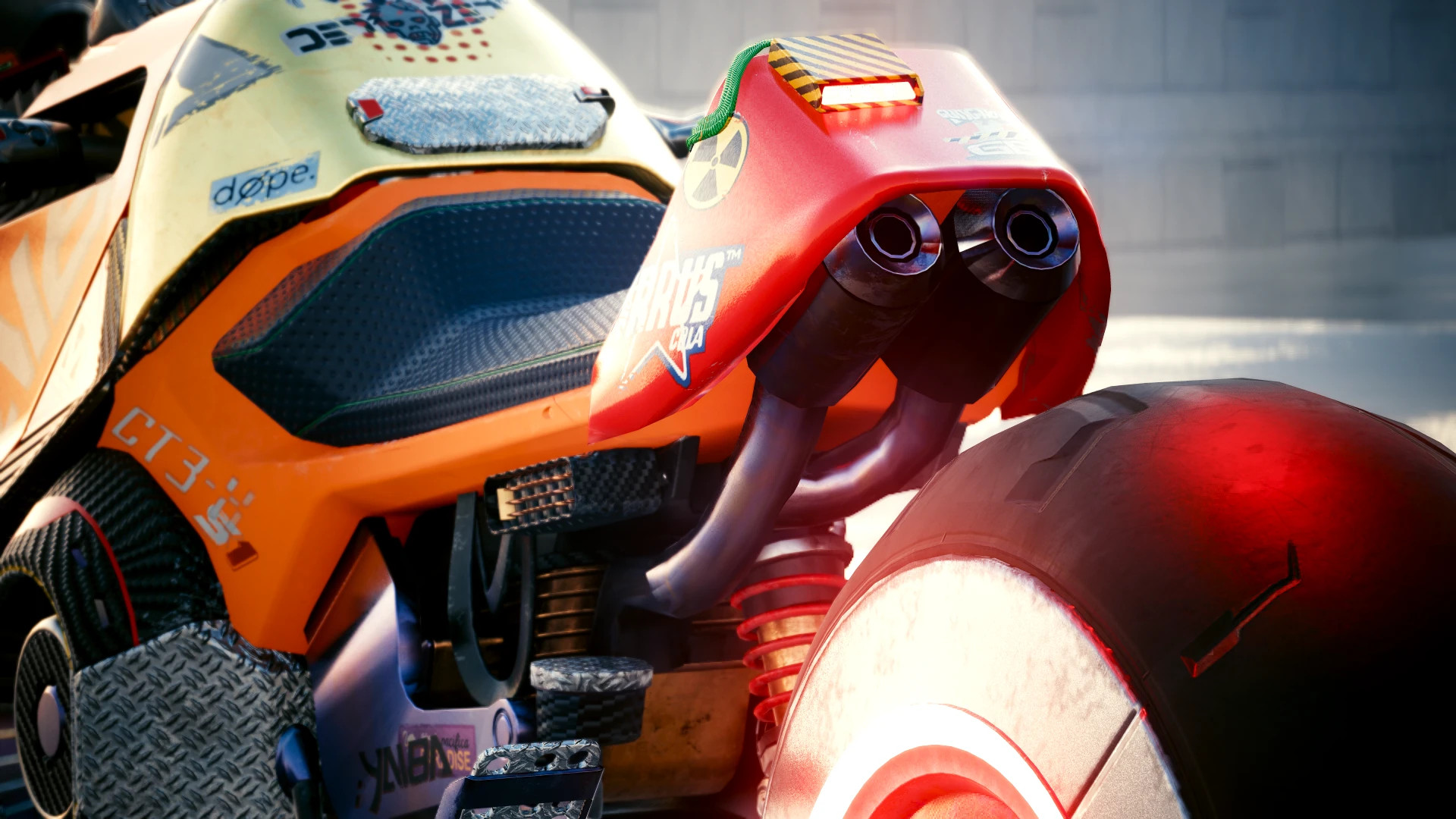
This mod adds a separate Yaiba Kusanagi Cyber Rat Rod without changing any of the other models.
Getting to:
– Buy through the Virtual Car Dealer mod.
– Or spawn with the CET console:
Game.GetVehicleSystem():EnablePlayerVehicle('Vehicle.1vc_cyber_ratrod',true,false)
Before You Install:
– Get rid of any old versions.
– If these files are there, delete them:
archive\pc\mod\1vc_CyberRatRod.archiver6\tweaks\1vc_Cyber_Ratrod_Tweaks\ VC_Yaiba_Wheels and Suspention Tweak.yaml
How to Install:
– Open the archive and move the r6 and archive folders to the folder where you have Cyberpunk 2077 installed.
How to uninstall:
– Remove: archive\pc\mod\1vc_cyber_ratrod.archive archive\pc\mod\1vc_cyber_ratrod.xl r6\tweak\1vc_cyber_ratrod\1vc_cyber_ratrod.yaml
This makes sure that the installation goes smoothly and that there are no problems with older versions.
This mod adds a separate Yaiba Kusanagi Cyber Rat Rod without changing any of the other models.
Getting to:
– Buy through the Virtual Car Dealer mod.
– Or spawn with the CET console:
Game.GetVehicleSystem():EnablePlayerVehicle('Vehicle.1vc_cyber_ratrod',true,false)
Before You Install:
– Get rid of any old versions.
– If these files are there, delete them:
archive\pc\mod\1vc_CyberRatRod.archiver6\tweaks\1vc_Cyber_Ratrod_Tweaks\ VC_Yaiba_Wheels and Suspention Tweak.yaml
How to Install:
– Open the archive and move the r6 and archive folders to the folder where you have Cyberpunk 2077 installed.
How to uninstall:
– Remove: archive\pc\mod\1vc_cyber_ratrod.archive archive\pc\mod\1vc_cyber_ratrod.xl r6\tweak\1vc_cyber_ratrod\1vc_cyber_ratrod.yaml
This makes sure that the installation goes smoothly and that there are no problems with older versions.
External Download Links:
Direct Download Links
About Mod
| Latest Version | v3.0 |
| Game | Cyberpunk 2077 |
| Category | Vehicles |
| Game Version | 1.11 |
| Downloads | 70 |
| Created | 5 months ago |
You Might Also Like »

0 Comments
There are no comments. Be first to comment!