MV Agusta F4-750 - ArchiveXL v1.0

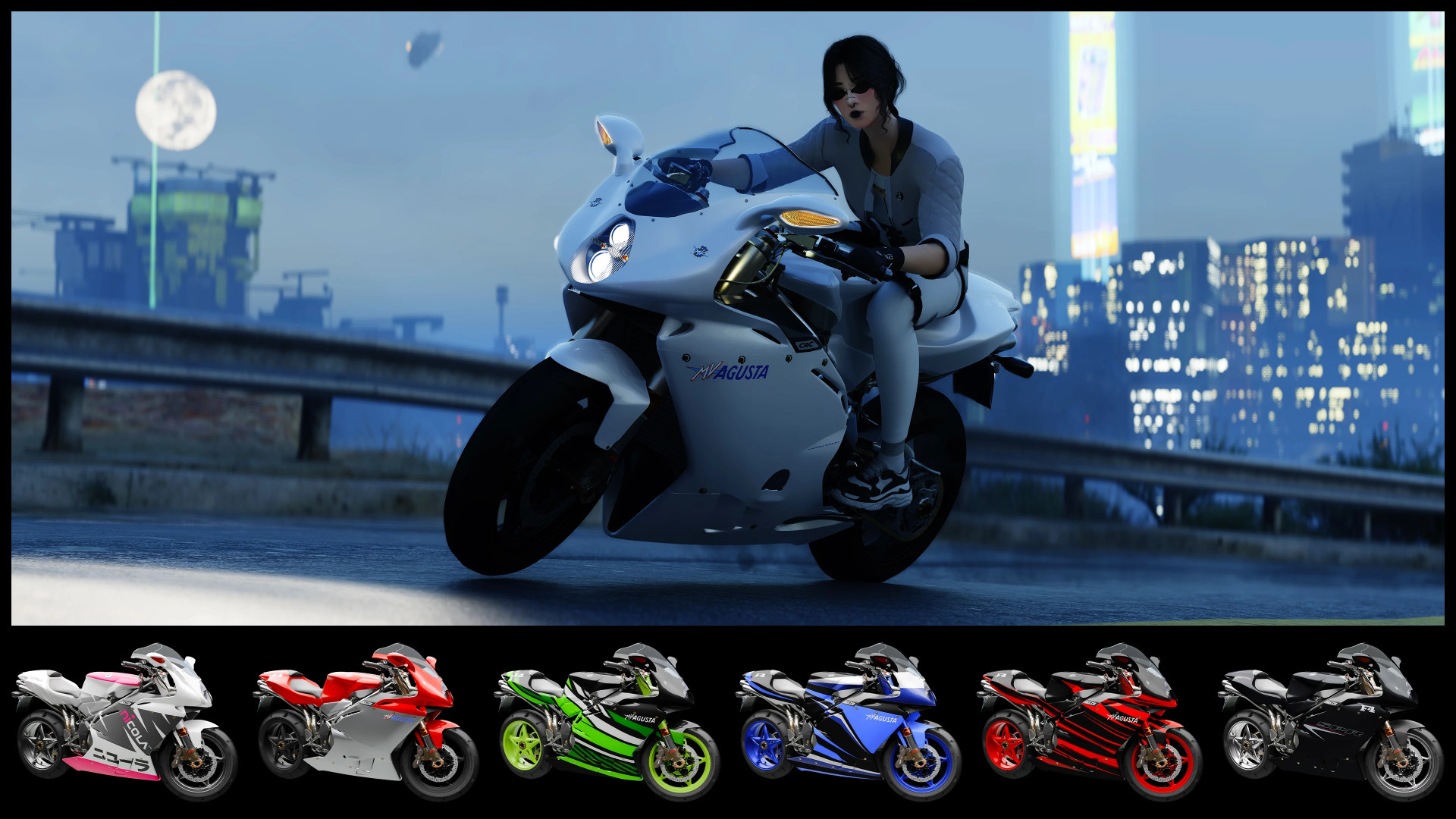
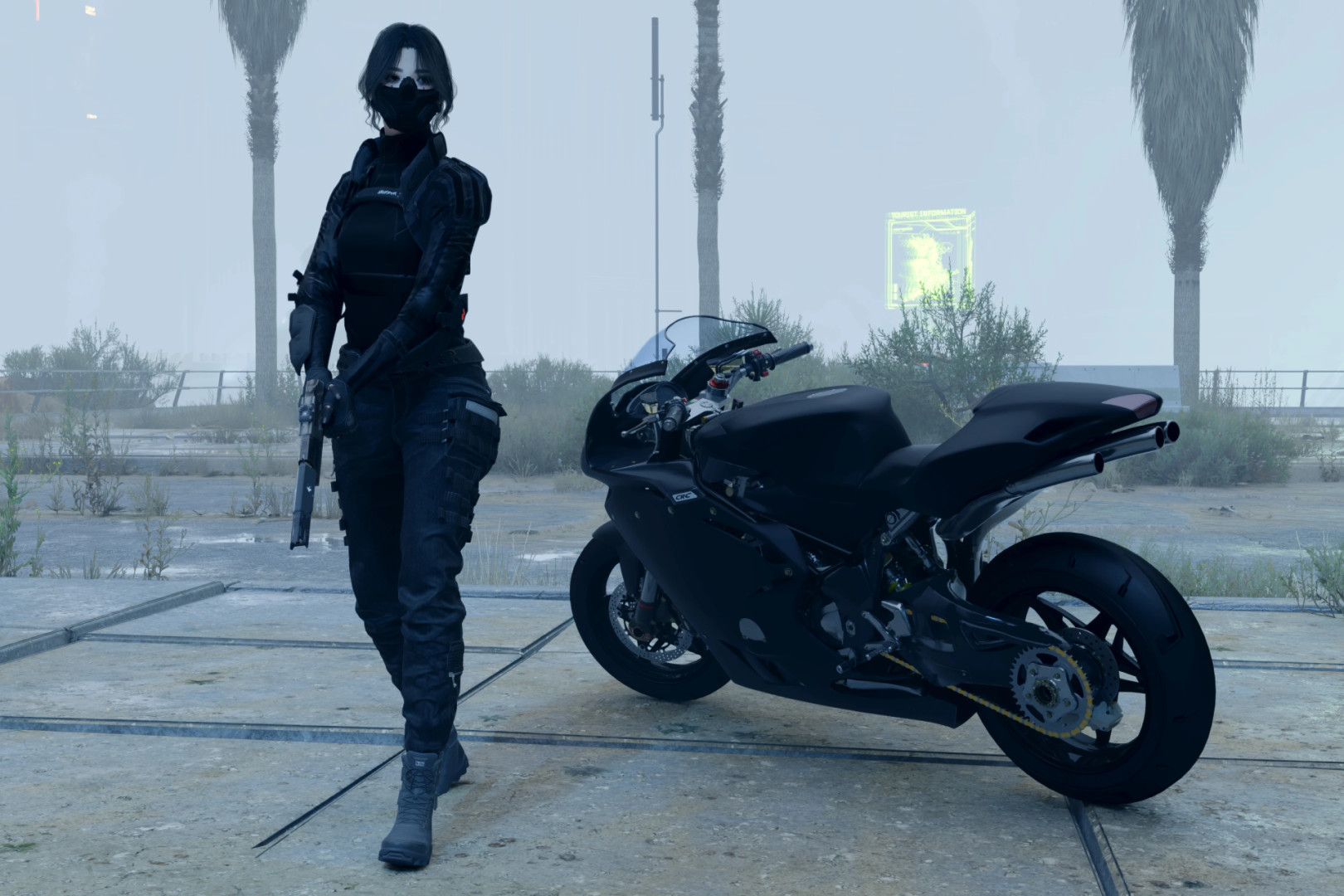
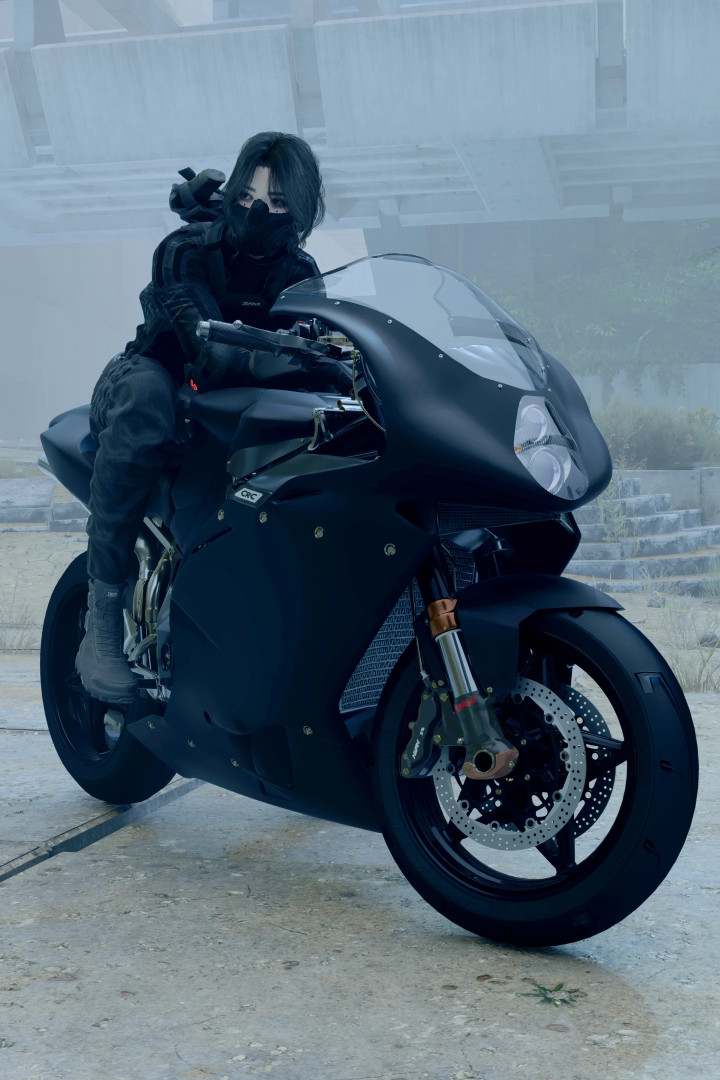
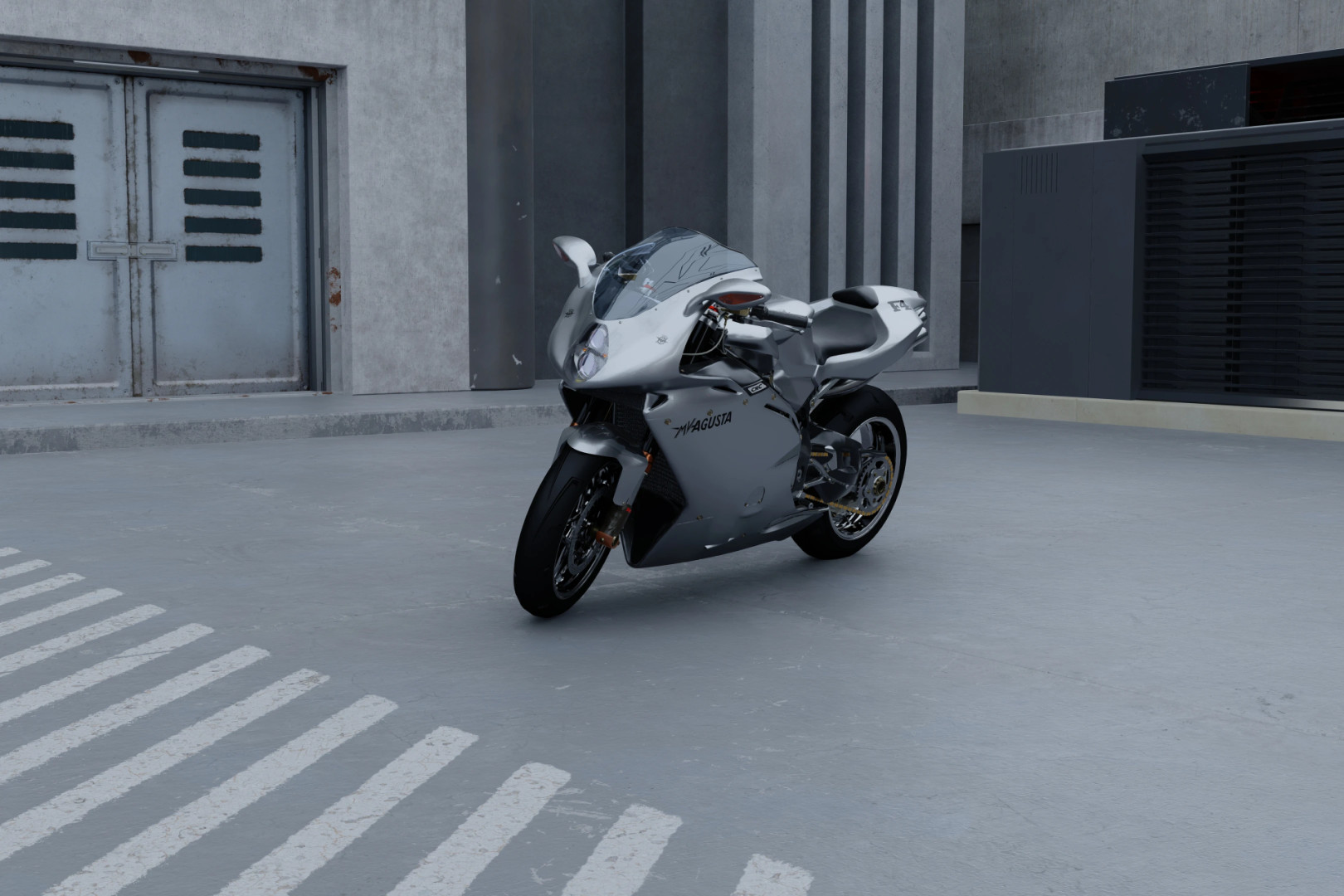
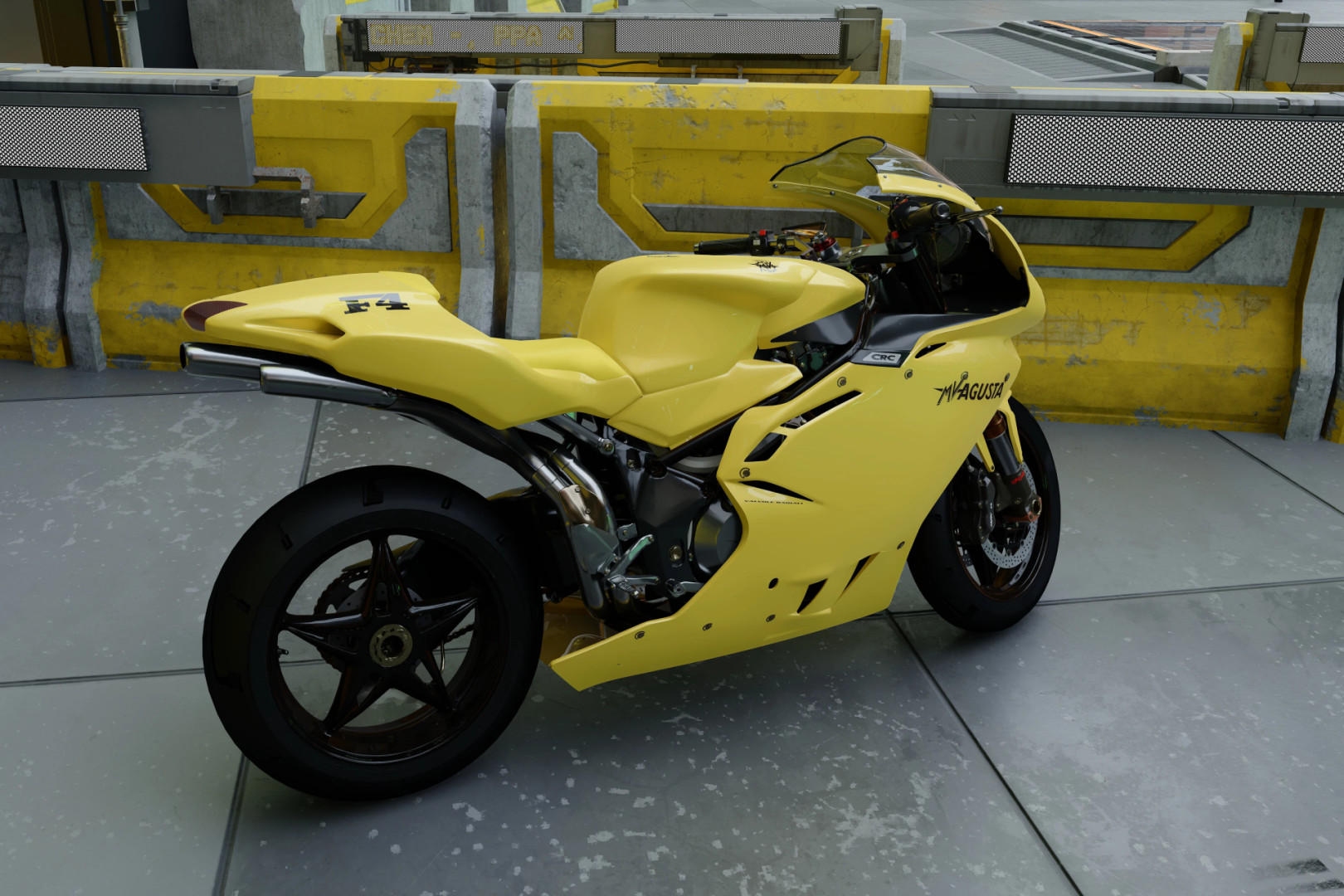
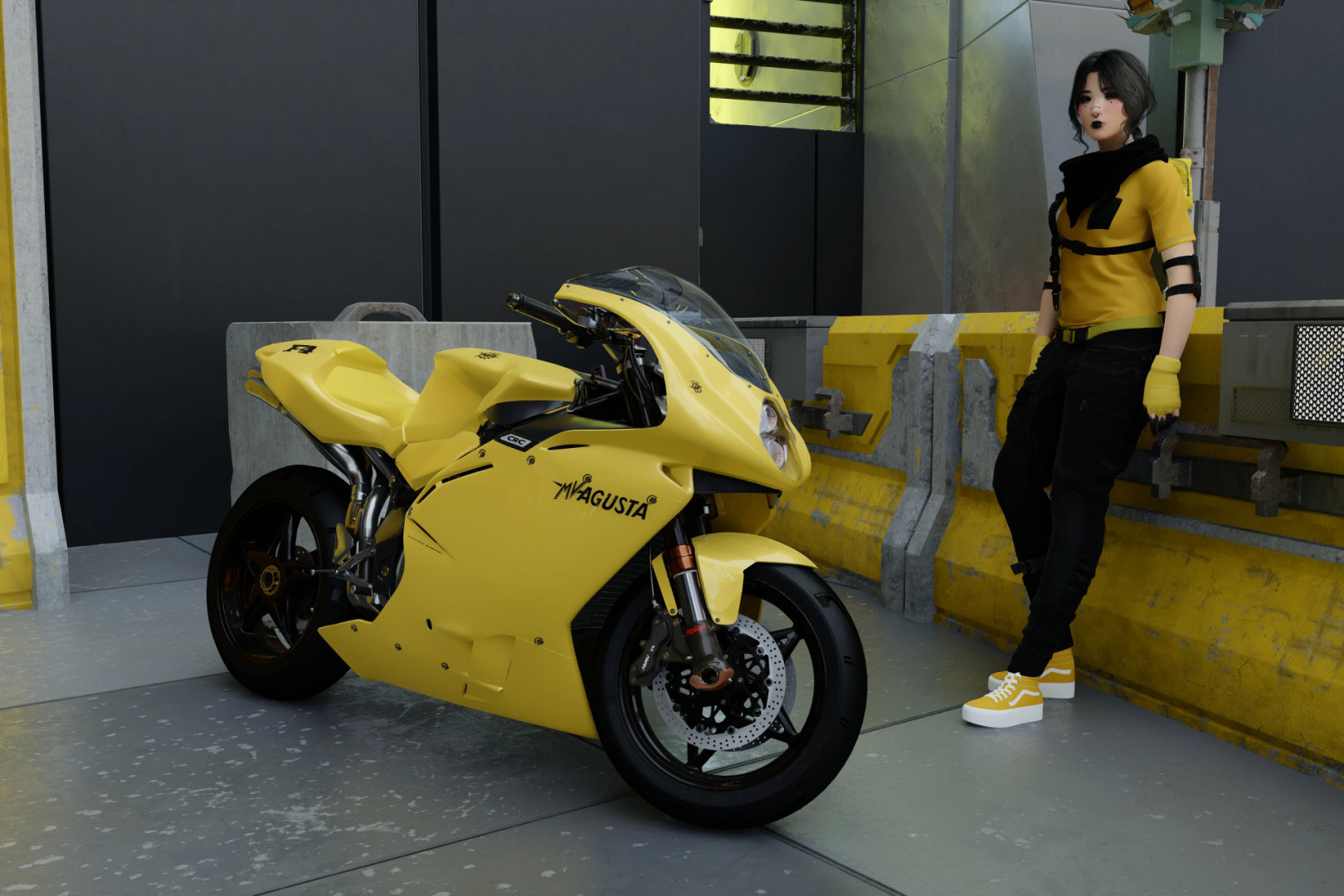
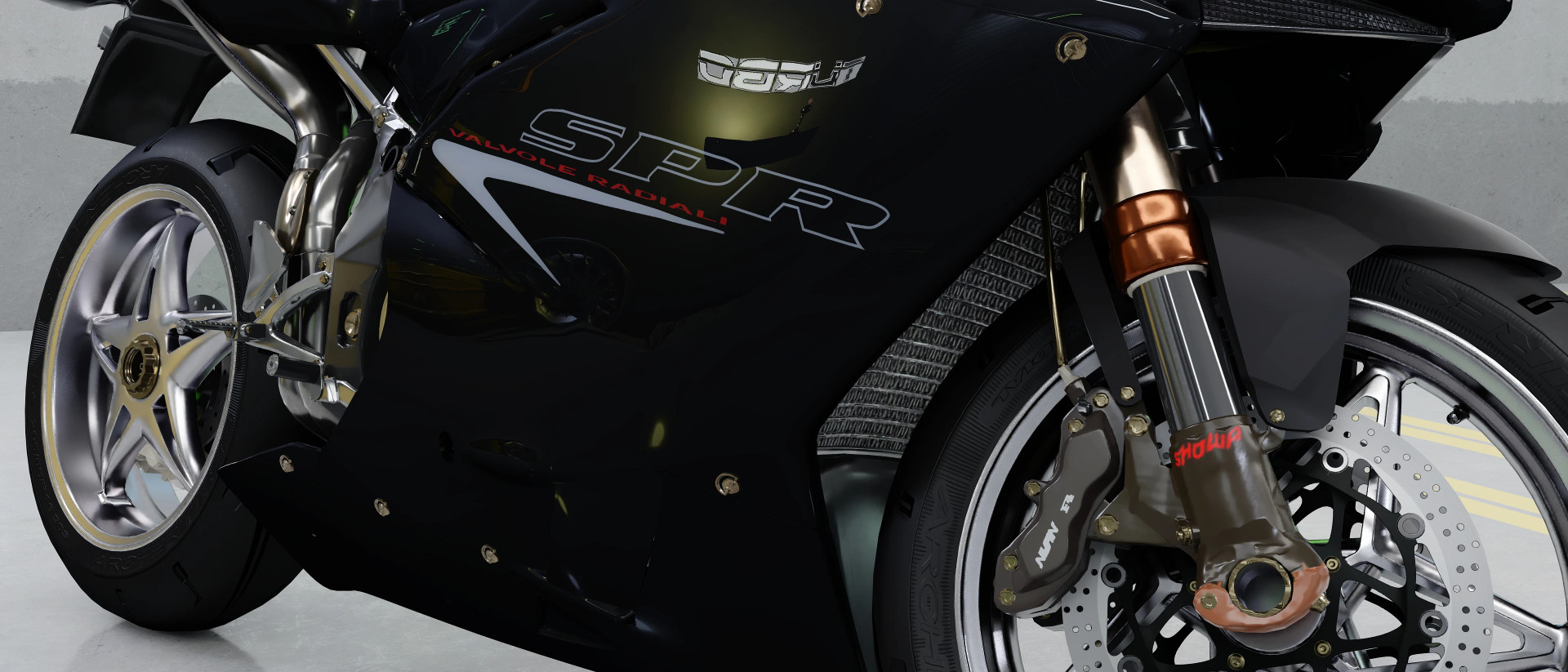
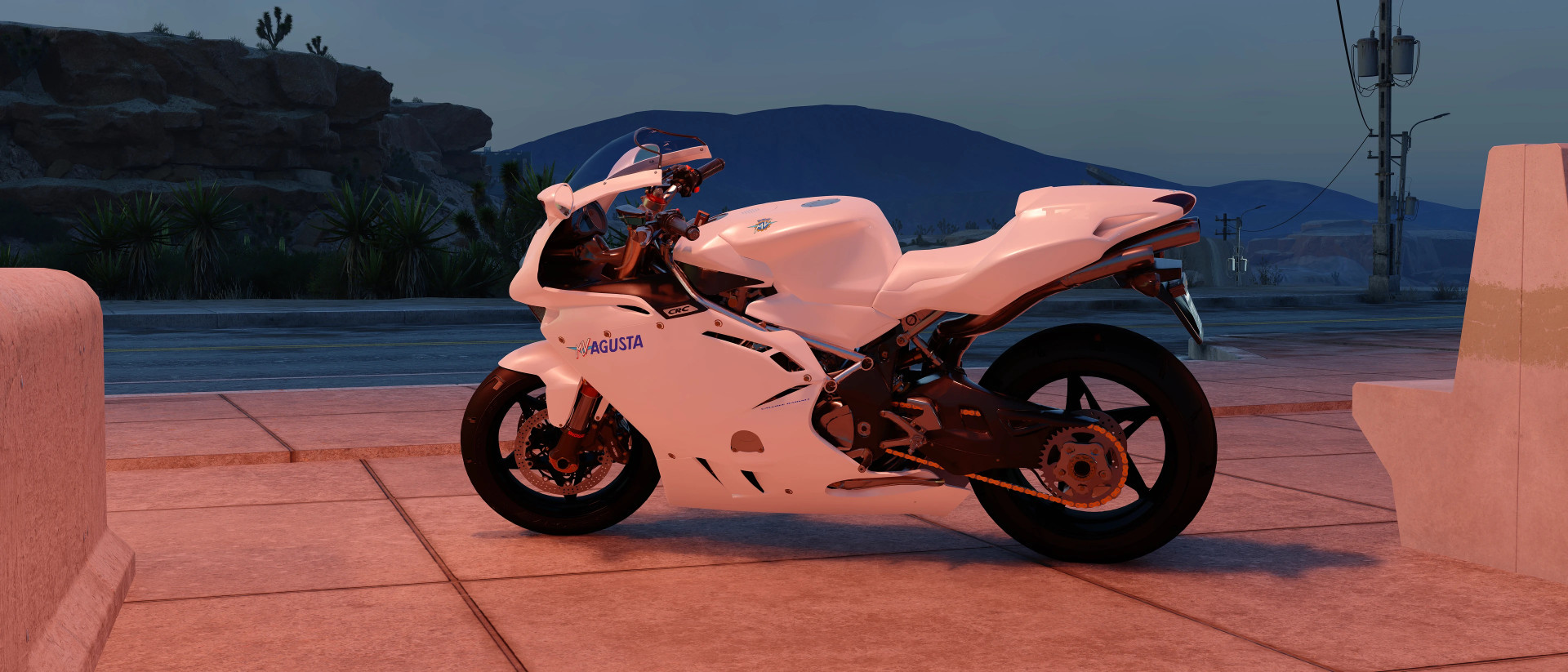
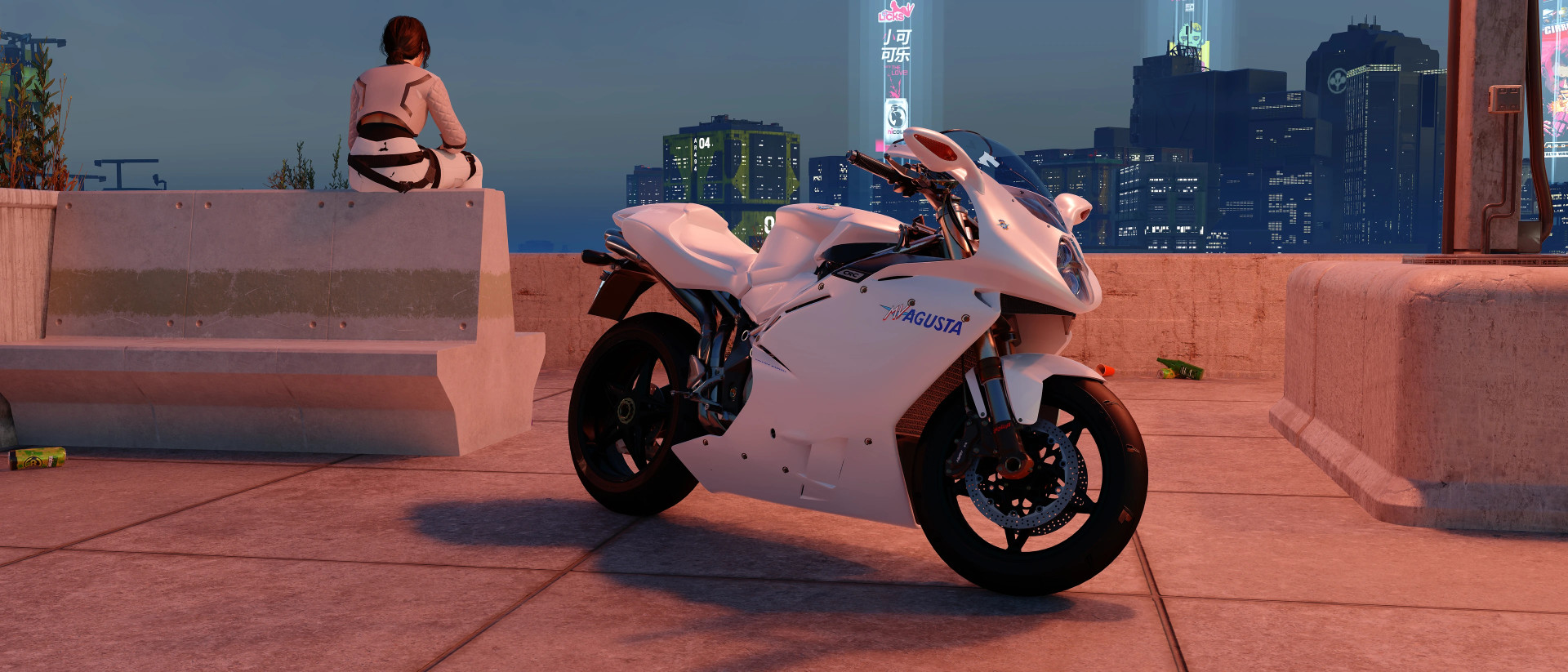
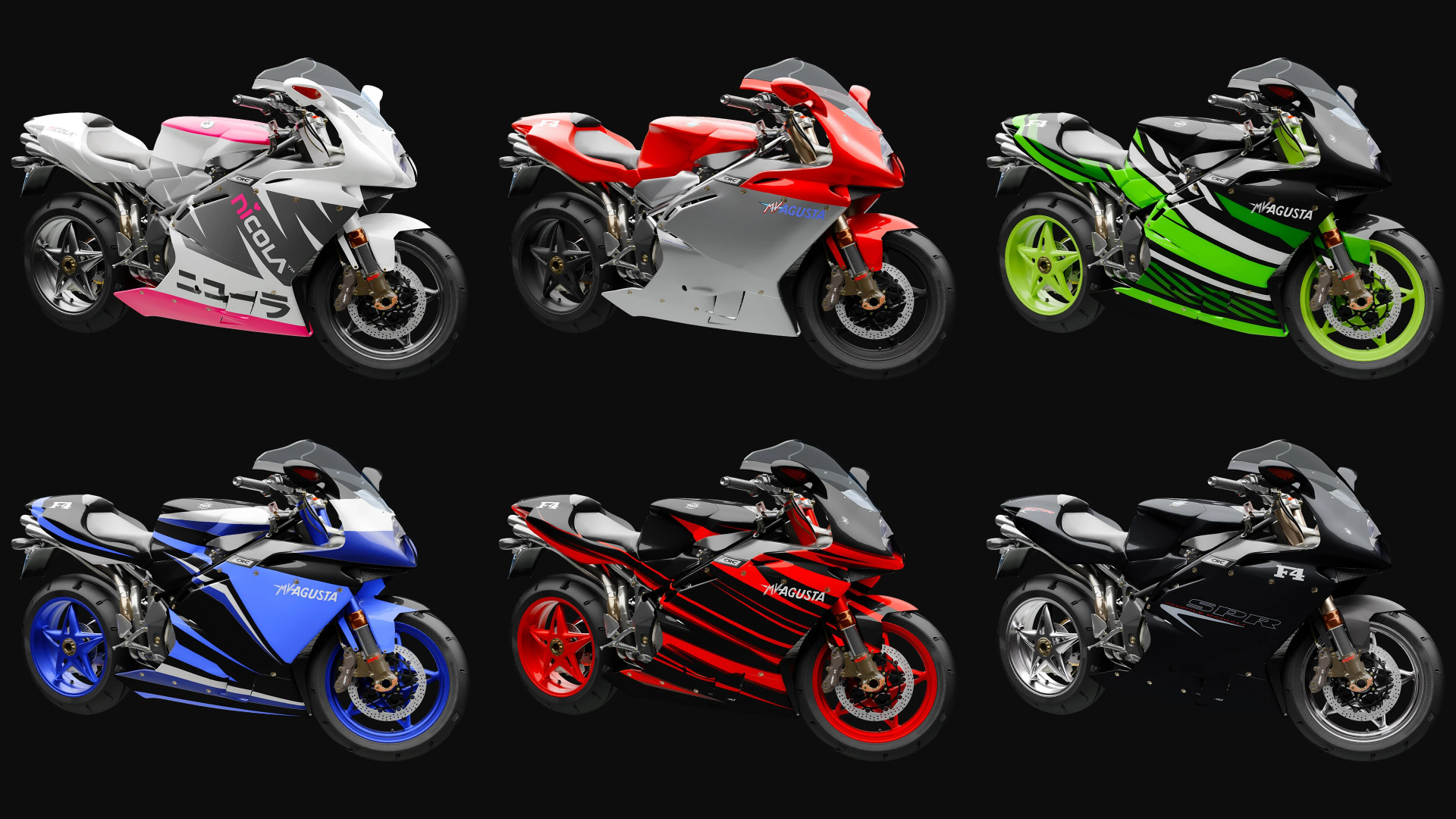
MV Agusta F4-750 ArchiveXL mod with color customization.
– Body color split into two parts: upper section (including front mudguard) and lower section
– Full customization available for frame, mirrors, front axle, front wheel, rear wheel, seat, and decals (MV Agusta, F4 logos, and body text)
– Body parts can be assigned to primary or secondary CrystalCoat™ colors for extended customization
– Color changes are done by editing an .xl file in any text editor such as Notepad
– The mod archive includes a PDF guide, preview images for each part and color, and preset color schemes
CrystalCoat™ on liveries:
– Blue, Green, and Red liveries support CrystalCoat™
– Graphic parts are split into primary and secondary CrystalCoat™ colors for in-game adjustment
– Decals remain customizable through the .xl file to keep readability across different color setups
– Detailed instructions are included in the PDF guide
Features:
– CrystalCoat™ support on customizable version. Primary color affects body, mirrors, and front axle, secondary color affects frame and wheels
– Two animated brake fluid containers on the handlebar
– Exhaust color changes based on RPM and temperature
– Custom dashboard elements with headlight indicator, fog light indicator, RPM warning light, and neutral gear indicator
– Custom handling with top speed matching the real bike at 174 mph
– Neon rims and neon underglow available as separate add-ons
– Removable mirrors and license plate
– Functional fog lights activated with the V key
– Whip Wizard plugin support with labeled light components in the mod menu
– Nova Traffic plugin support for NPC traffic usage of the bike in Night City
– Virtual Car Dealer preview images included, optional due to 10 MB archive size. Basic support included in the main file
Known issues:
– Handling may feel unstable due to adaptation from ARCH Nazaré platform and rear axle modifications
– Credits to Barfunkle999 for CrystalCoat implementation guide and boe6 for modding documentation used as reference
Installation:
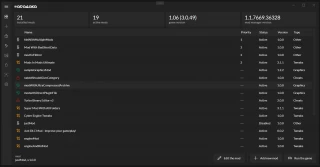
– Vortex installation uses a FOMOD installer with selectable color presets and add-ons
– Option to install default color scheme without tuning parts or neon effects
– Option to include tutorial PDF in the game directory
– Manual installation uses the FOMOD ZIP archive
– After extraction, open the FOMOD folder to access organized mod files and preview assets
– Read readme_manual_installation.txt for full manual setup instructions
– XML and JPG files are for FOMOD only and can be ignored
– Mod manager installation is recommended for easier setup of tuning parts and add-ons
CET codes:
Game.GetVehicleSystem():EnablePlayerVehicle('Vehicle.yv_f4_customisable', true, false)
Game.GetVehicleSystem():EnablePlayerVehicle('Vehicle.yv_f4_livery_blue', true, false)
Game.GetVehicleSystem():EnablePlayerVehicle('Vehicle.yv_f4_livery_custom', true, false)
Game.GetVehicleSystem():EnablePlayerVehicle('Vehicle.yv_f4_livery_green', true, false)
Game.GetVehicleSystem():EnablePlayerVehicle('Vehicle.yv_f4_livery_nicola', true, false)
Game.GetVehicleSystem():EnablePlayerVehicle('Vehicle.yv_f4_livery_red', true, false)
Game.GetVehicleSystem():EnablePlayerVehicle('Vehicle.yv_f4_livery_spr', true, false)
External Download Links:
Direct Download Links
About Mod
| Latest Version | v1.0 |
| Game | Cyberpunk 2077 |
| Category | Vehicles |
| Game Version | 1.11 |
| Downloads | 48 |
| Created | 4 months ago |

Who are those girls?
They look so s*xy.