Golden Coronation - Regicide v1.0





0/5,
0
votes
Description
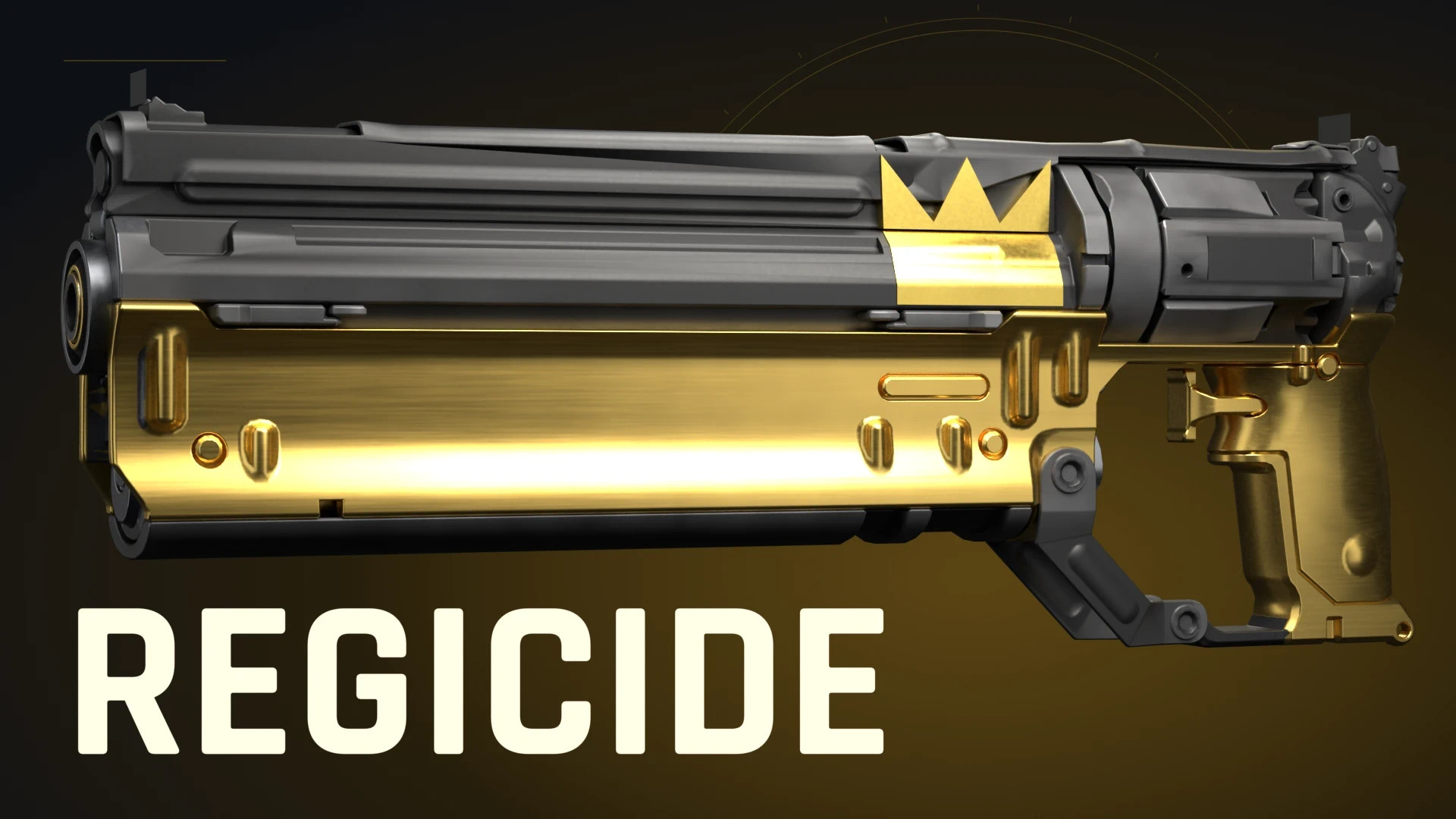
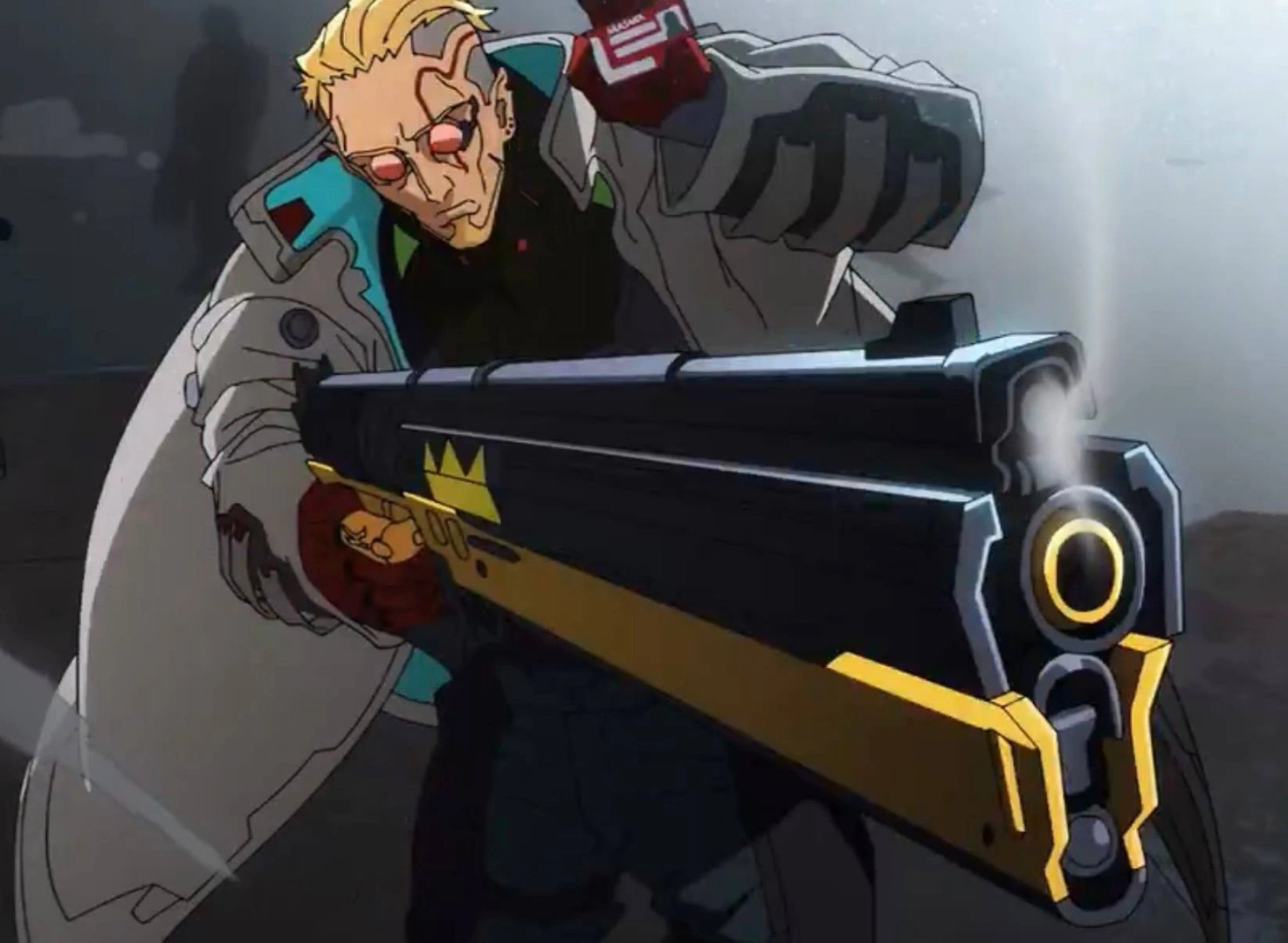
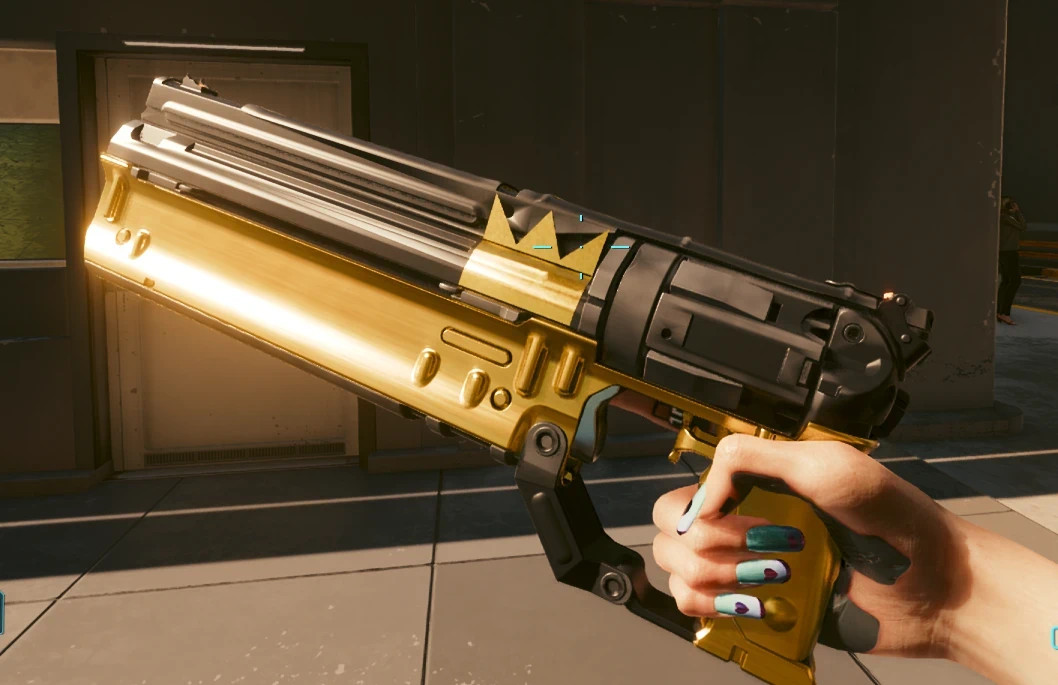
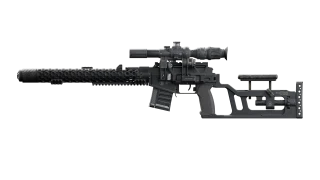
Golden Coronation: Regicide replaces the appearance of the existing Coronation weapon in Cyberpunk 2077 with King's Regicide from Cyberpunk: Edgerunners Season Two.
Based on Sybeeria's Regicide – King's Gun mod, this version applies the distinctive black-and-gold design directly to Coronation instead of introducing a separate weapon. All original weapon stats, damage values and gameplay functionality remain unchanged.
Features
- Replaces Coronation's appearance with King's Regicide
- Black-and-gold weapon design inspired by Cyberpunk: Edgerunners Season Two
- Custom high-resolution inventory icons
- Matching white-outline HUD icon
- Preserves Coronation's original stats and functionality
- Cosmetic replacement without adding a new weapon
Requirements
- RED4ext
- TweakXL
- ArchiveXL
How to Obtain Coronation
Coronation can be acquired during the Clampdown side quest introduced in Cyberpunk 2077 Update 2.5.
To unlock the quest:
- Complete The Heist.
- Finish two gigs for Wakako.
- Wait for Wakako to send the message that starts Clampdown.
Once you obtain Coronation, it will automatically use the Regicide appearance.
Compatibility and Notes
- Cosmetic changes only
- Does not modify weapon damage or statistics
- Does not introduce a separate inventory item
- Coronation retains its original gameplay behavior
- HUD icon sizing and alignment are still being refined
Installation Instructions
- Download and extract the mod archive.
- Copy the included files into your main Cyberpunk 2077 directory.
- Allow the files to merge with the appropriate game folders.
- Launch the game.
Credits
- Sybeeria – Original Regicide weapon model and design
- Inspired by King's Regicide from Cyberpunk: Edgerunners Season Two
Golden Coronation: Regicide replaces the appearance of the existing Coronation weapon in Cyberpunk 2077 with King's Regicide from Cyberpunk: Edgerunners Season Two.
Based on Sybeeria's Regicide – King's Gun mod, this version applies the distinctive black-and-gold design directly to Coronation instead of introducing a separate weapon. All original weapon stats, damage values and gameplay functionality remain unchanged.
Features
- Replaces Coronation's appearance with King's Regicide
- Black-and-gold weapon design inspired by Cyberpunk: Edgerunners Season Two
- Custom high-resolution inventory icons
- Matching white-outline HUD icon
- Preserves Coronation's original stats and functionality
- Cosmetic replacement without adding a new weapon
Requirements
- RED4ext
- TweakXL
- ArchiveXL
How to Obtain Coronation
Coronation can be acquired during the Clampdown side quest introduced in Cyberpunk 2077 Update 2.5.
To unlock the quest:
- Complete The Heist.
- Finish two gigs for Wakako.
- Wait for Wakako to send the message that starts Clampdown.
Once you obtain Coronation, it will automatically use the Regicide appearance.
Compatibility and Notes
- Cosmetic changes only
- Does not modify weapon damage or statistics
- Does not introduce a separate inventory item
- Coronation retains its original gameplay behavior
- HUD icon sizing and alignment are still being refined
Installation Instructions
- Download and extract the mod archive.
- Copy the included files into your main Cyberpunk 2077 directory.
- Allow the files to merge with the appropriate game folders.
- Launch the game.
Credits
- Sybeeria – Original Regicide weapon model and design
- Inspired by King's Regicide from Cyberpunk: Edgerunners Season Two
External Download Links:
Direct Download Links
About Mod
| Latest Version | v1.0 |
| Game | Cyberpunk 2077 |
| Category | Weapons |
| Game Version | 1.11 |
| Downloads | 18 |
| Created | 1 week ago |
You Might Also Like »





0 Comments
There are no comments. Be first to comment!