

0/5,
0
votes
Description
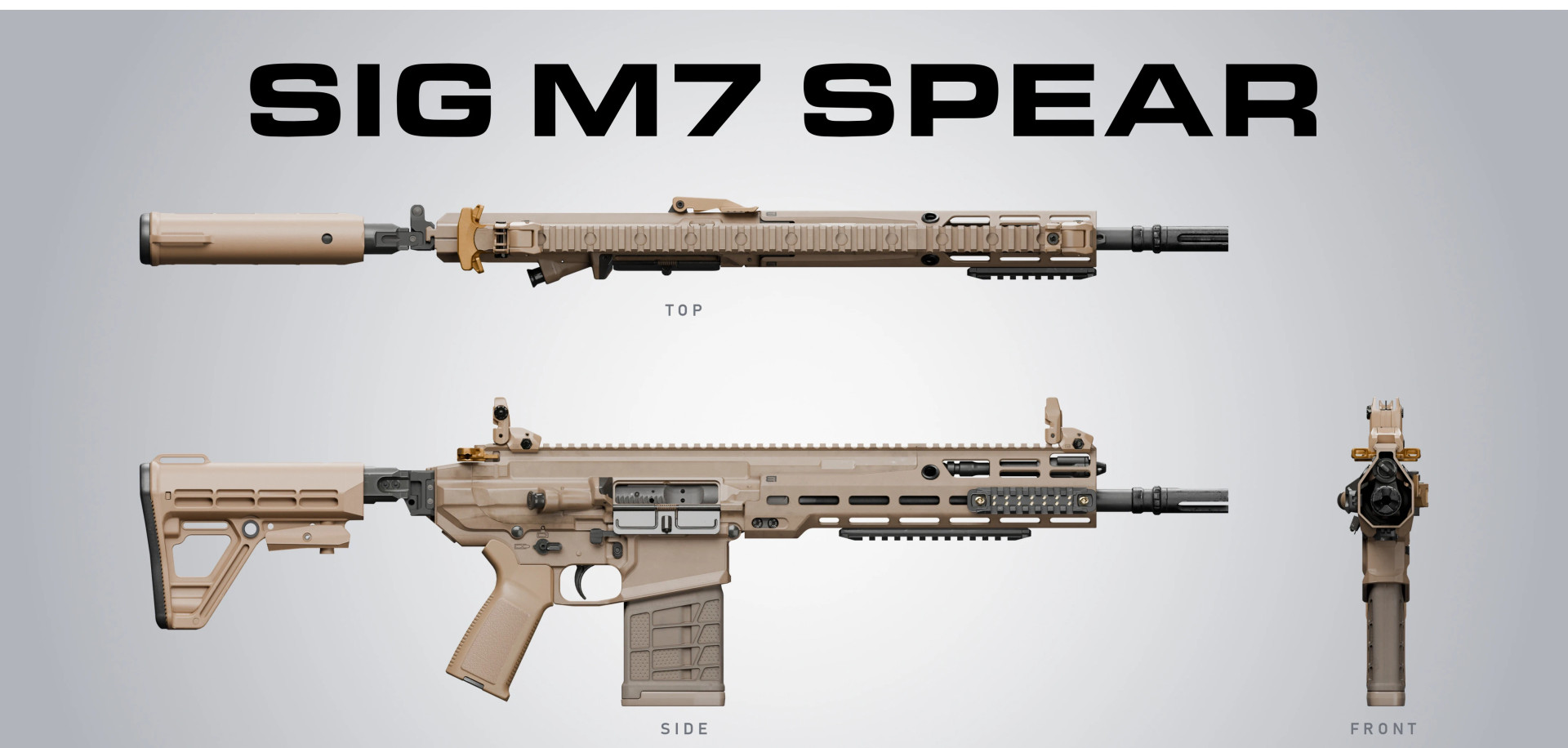
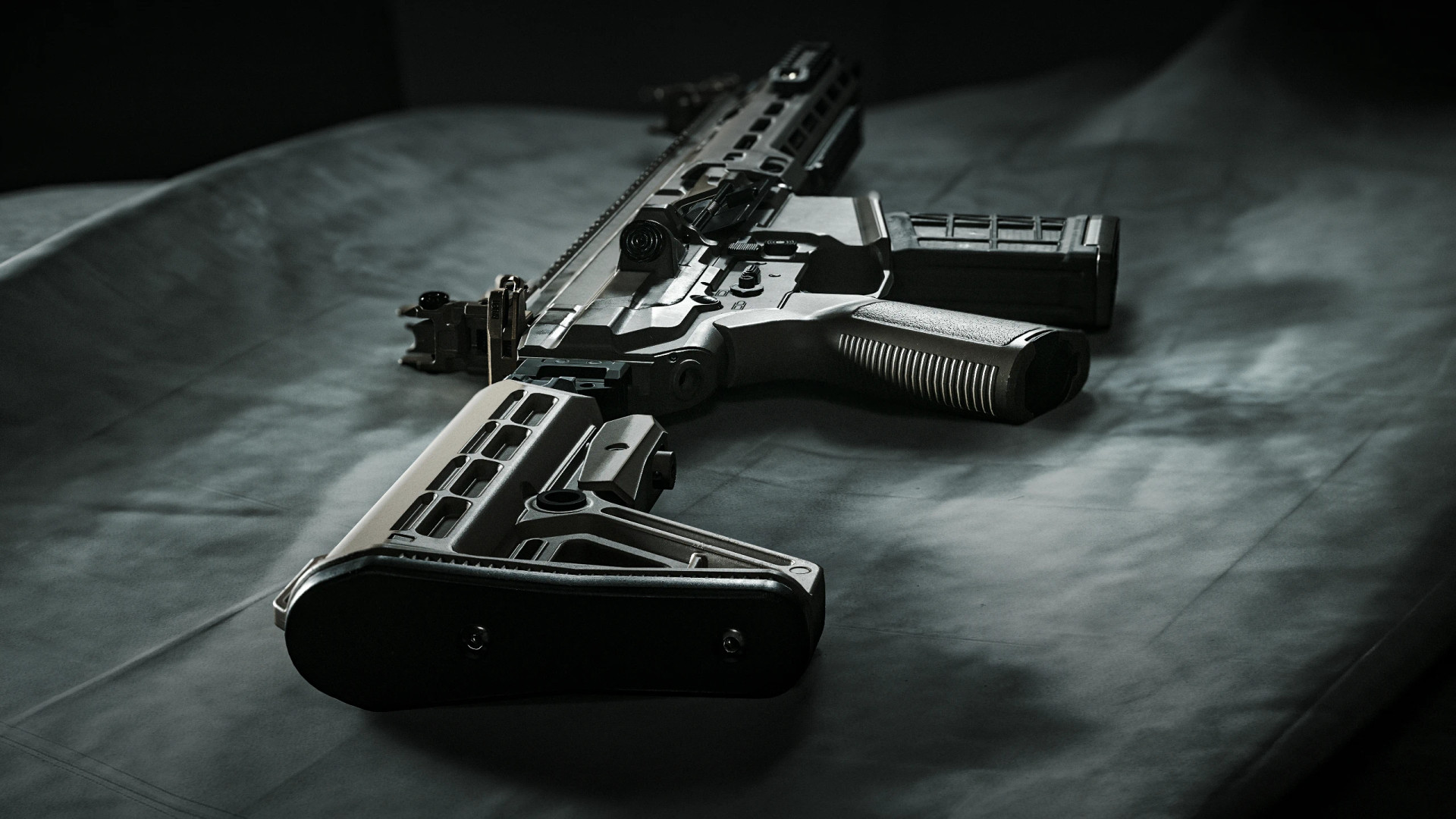
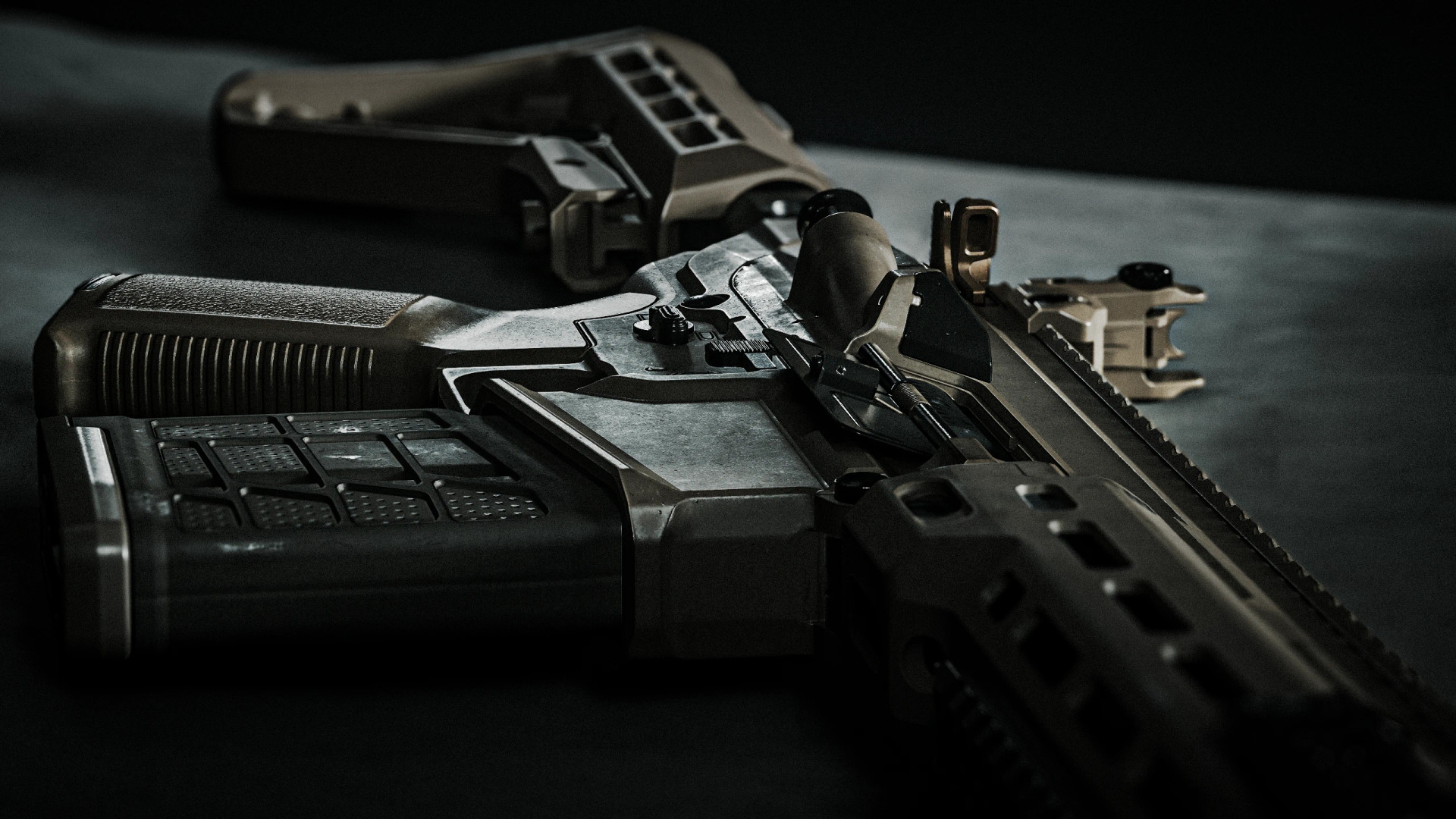
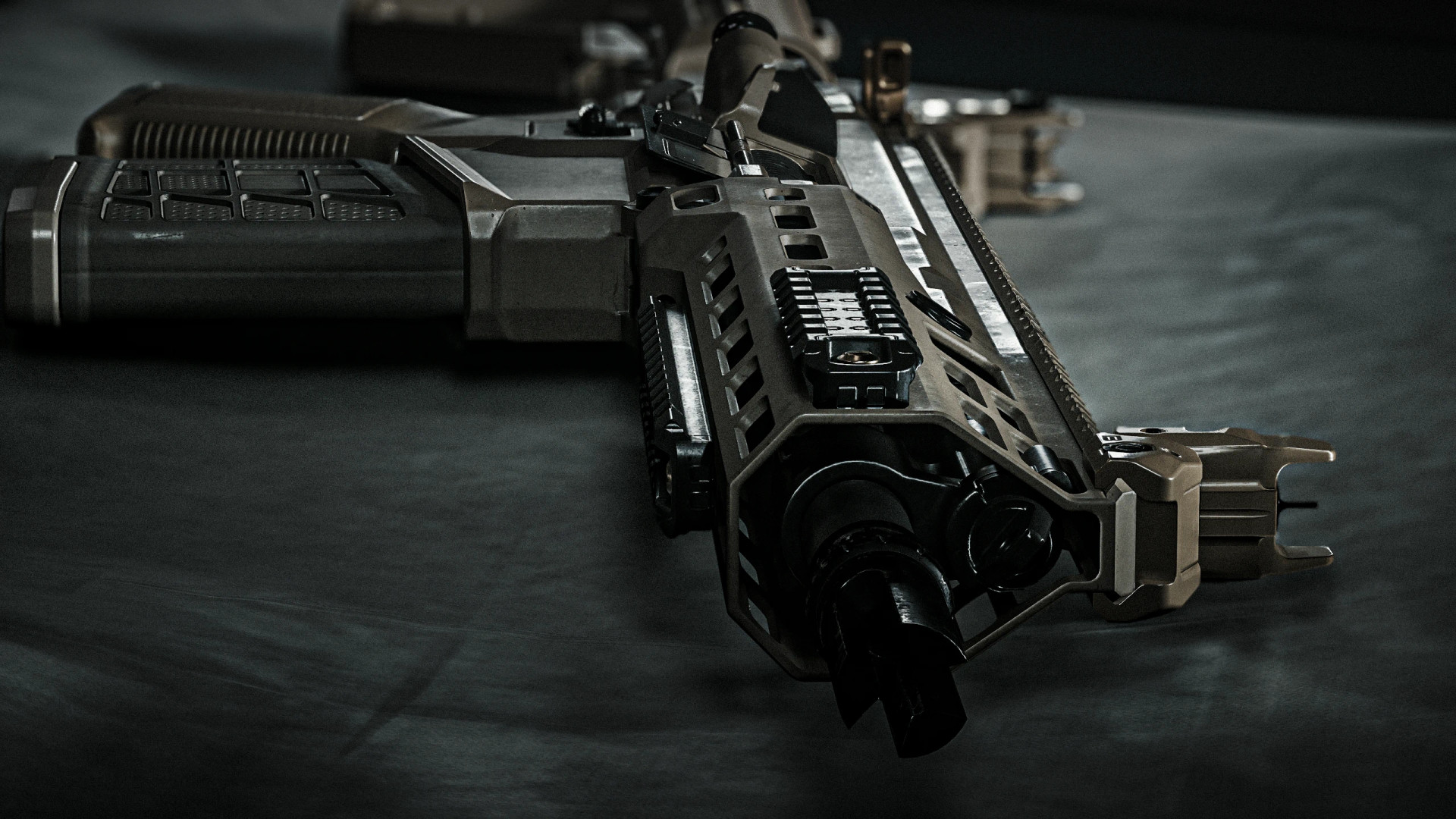
This mod adds the SIG M7 Spear to Cyberpunk 2077 as a fully customized battle rifle with its own model, sounds and first-person animations.
The weapon supports both semi-automatic and fully automatic fire, with switching handled through configurable keybinds. Your selected fire mode is remembered when swapping weapons.
Features
- Custom M7 Spear-inspired weapon model
- Custom firing, reload and handling sounds
- Unique first-person animations
- Weapon inspection animation
- Tactical reload animations
- Separate tactical reload while aiming down sights
- Empty reload animations
- Separate empty reload while aiming down sights
- Custom walking, jogging and running animations
- Semi-auto and full-auto firing modes
- Configurable fire-mode controls through Mod Settings
- Selected fire mode remains active after switching weapons
- Compatible with weapon attachments
Requirements
- ArchiveXL
- TweakXL
- RED4ext
- redscript
- Codeware
- AudioXL
- Cyber Engine Tweaks (CET)
- Mod Settings
- Weapon Core Mod
How to Obtain
The weapon can be purchased from Wilson at the 2nd Amendment store in Megabuilding H10.
It is also available through the WWCM Weapon Shop Virtual Atelier store.
Alternatively, use Cyber Engine Tweaks to add it directly:
Game.AddToInventory("Items.MCX_SPEAR_WWCM", 1)
Individual weapon tiers can also be obtained with:
Game.AddToInventory("Items.MCX_SPEAR_WWCM_Common", 1)
Game.AddToInventory("Items.MCX_SPEAR_WWCM_Uncommon", 1)
Game.AddToInventory("Items.MCX_SPEAR_WWCM_Rare", 1)
Game.AddToInventory("Items.MCX_SPEAR_WWCM_Epic", 1)
Game.AddToInventory("Items.MCX_SPEAR_WWCM_Legendary", 1)
Game.AddToInventory("Items.MCX_SPEAR_WWCM_LegendaryPlus", 1)
Game.AddToInventory("Items.MCX_SPEAR_WWCM_LegendaryPlusPlus", 1)
Recommended Mod
- Night City Optics Pack
- For additional troubleshooting and frequently asked questions, check the Weapon Core Mod FAQ.
Installation Instructions
Mod Organizer 2 is recommended for installation.
For manual installation, extract the downloaded archive into your Cyberpunk 2077 game directory. The mod files should be placed under:
Cyberpunk 2077/archive/pc/mod/
Vortex can also be used.
Credits
- SDH0 – Advice, general assistance and testing
- Rohnald – Examples
- glitchy_ti – Pictures
- sabbath7991 – Advice
- RuRu – Testing
This mod adds the SIG M7 Spear to Cyberpunk 2077 as a fully customized battle rifle with its own model, sounds and first-person animations.
The weapon supports both semi-automatic and fully automatic fire, with switching handled through configurable keybinds. Your selected fire mode is remembered when swapping weapons.
Features
- Custom M7 Spear-inspired weapon model
- Custom firing, reload and handling sounds
- Unique first-person animations
- Weapon inspection animation
- Tactical reload animations
- Separate tactical reload while aiming down sights
- Empty reload animations
- Separate empty reload while aiming down sights
- Custom walking, jogging and running animations
- Semi-auto and full-auto firing modes
- Configurable fire-mode controls through Mod Settings
- Selected fire mode remains active after switching weapons
- Compatible with weapon attachments
Requirements
- ArchiveXL
- TweakXL
- RED4ext
- redscript
- Codeware
- AudioXL
- Cyber Engine Tweaks (CET)
- Mod Settings
- Weapon Core Mod
How to Obtain
The weapon can be purchased from Wilson at the 2nd Amendment store in Megabuilding H10.
It is also available through the WWCM Weapon Shop Virtual Atelier store.
Alternatively, use Cyber Engine Tweaks to add it directly:
Game.AddToInventory("Items.MCX_SPEAR_WWCM", 1)
Individual weapon tiers can also be obtained with:
Game.AddToInventory("Items.MCX_SPEAR_WWCM_Common", 1)
Game.AddToInventory("Items.MCX_SPEAR_WWCM_Uncommon", 1)
Game.AddToInventory("Items.MCX_SPEAR_WWCM_Rare", 1)
Game.AddToInventory("Items.MCX_SPEAR_WWCM_Epic", 1)
Game.AddToInventory("Items.MCX_SPEAR_WWCM_Legendary", 1)
Game.AddToInventory("Items.MCX_SPEAR_WWCM_LegendaryPlus", 1)
Game.AddToInventory("Items.MCX_SPEAR_WWCM_LegendaryPlusPlus", 1)
Recommended Mod
- Night City Optics Pack
- For additional troubleshooting and frequently asked questions, check the Weapon Core Mod FAQ.
Installation Instructions
Mod Organizer 2 is recommended for installation.
For manual installation, extract the downloaded archive into your Cyberpunk 2077 game directory. The mod files should be placed under:
Cyberpunk 2077/archive/pc/mod/
Vortex can also be used.
Credits
- SDH0 – Advice, general assistance and testing
- Rohnald – Examples
- glitchy_ti – Pictures
- sabbath7991 – Advice
- RuRu – Testing
External Download Links:
Direct Download Links
About Mod
| Latest Version | v1.0 |
| Game | Cyberpunk 2077 |
| Category | Weapons |
| Game Version | 1.11 |
| Downloads | 2 |
| Created | 3 hours ago |
You Might Also Like »




0 Comments
There are no comments. Be first to comment!