How to install the Sodium mod in Minecraft
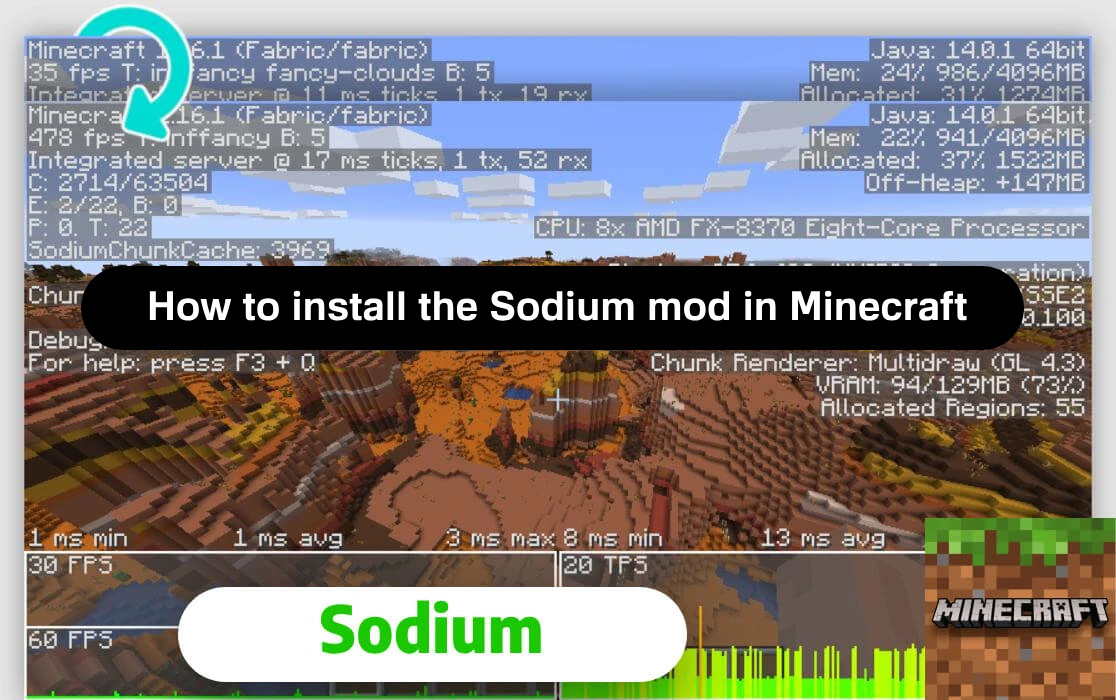
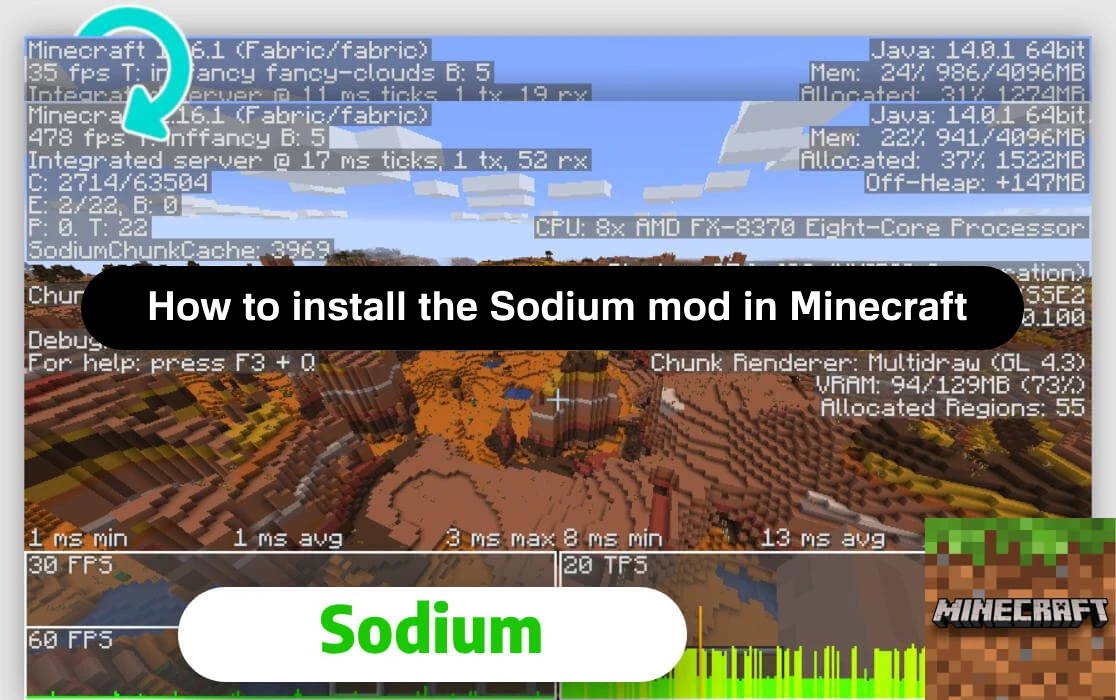
Sodium is a mod for optimizing graphics and increasing performance in Minecraft: Java Edition. It completely rewrites the game's rendering system, significantly increasing the frame rate (FPS), especially on weaker computers.
Unlike many other mods, Sodium does not add visual effects or affect gameplay. Its main purpose is to make the game smoother and more stable by working more efficiently with the video card and processor resources. Below, we will look at the process of installing this modification.
Installing the necessary files
First, you need to download Sodium itself. You can download it from ModLand or CourseForge.
Before downloading, make sure that the version is compatible with your installed version of Minecraft (for example, 1.20.1). Compatibility information is located to the right of the download button.
You also need to install Fabric. You can download it on ModLand or on the official website fabricmc.net.
You need to download the installer for Windows.
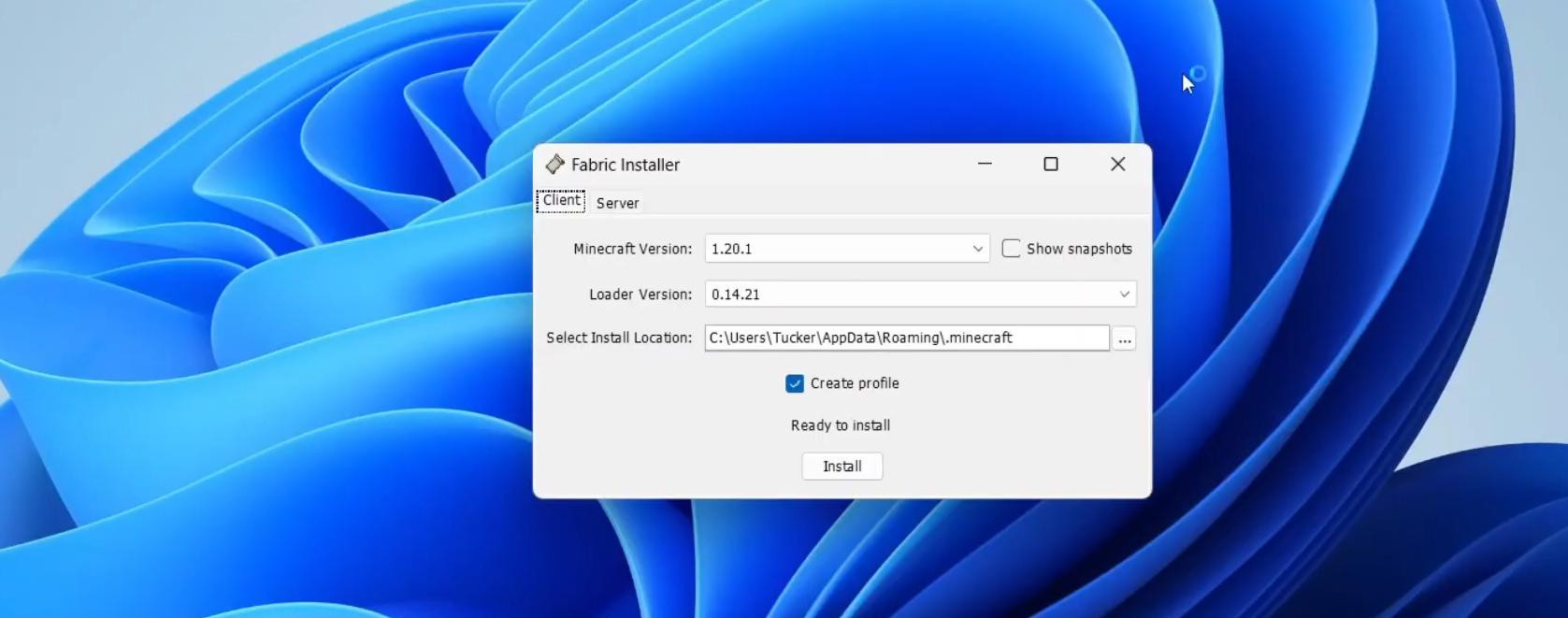
Next, open the installer and select the desired version of Minecraft from the drop-down list in the window, confirm and specify the path for the installer (you can leave the default if the game is installed in the standard path). Also, make sure that the “Create profile” checkbox is selected. You can click the install button.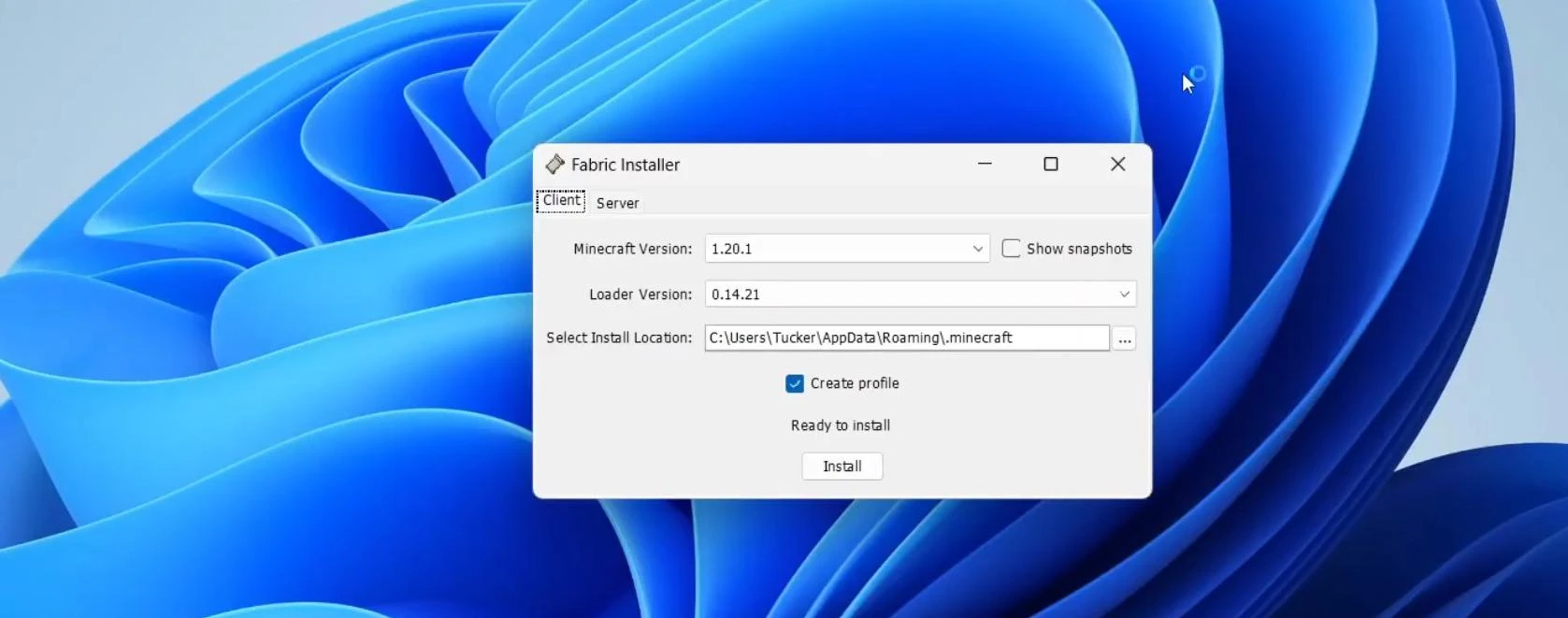
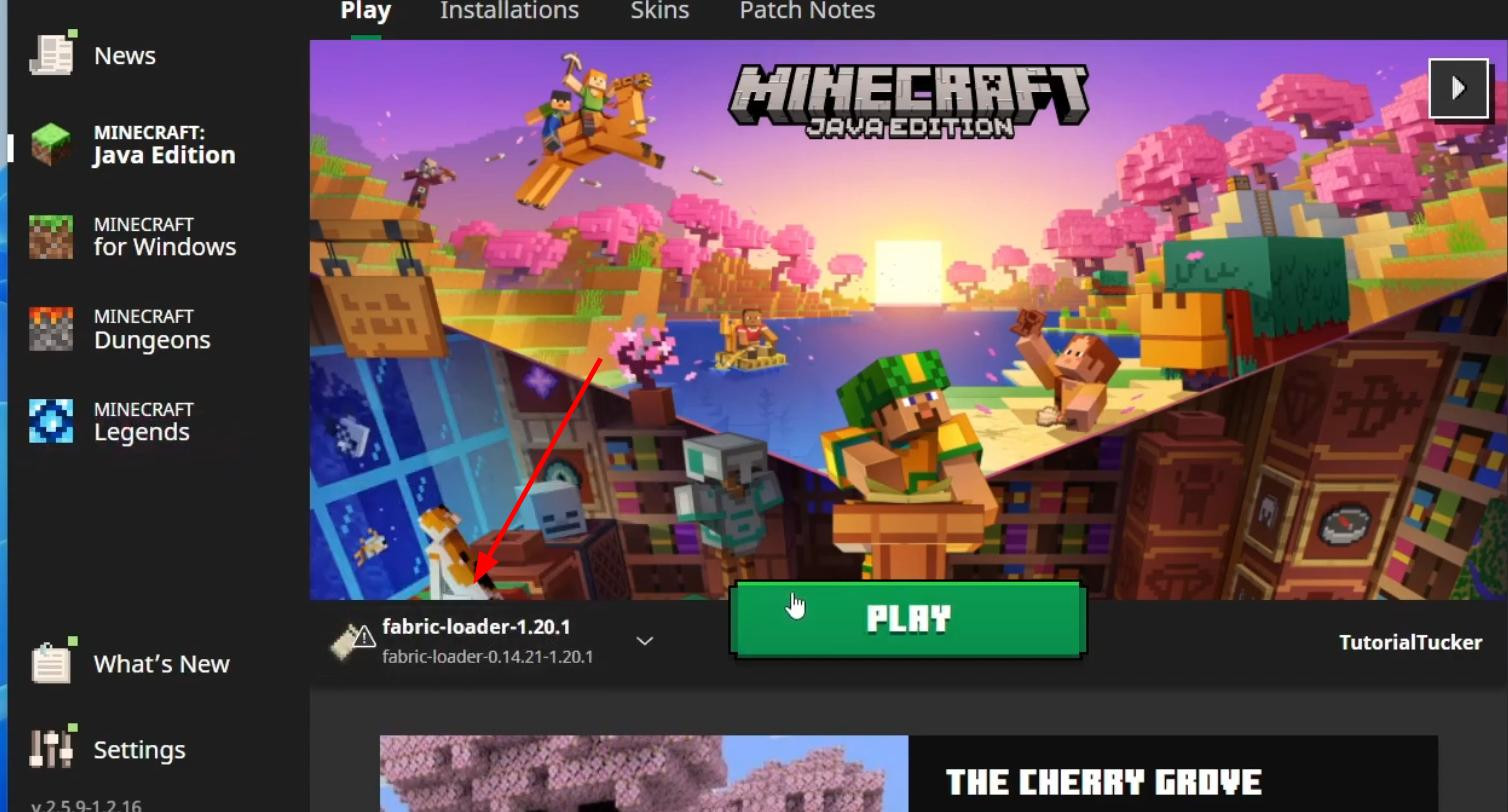
After the process is complete, Fabric will appear in the list of versions in the Minecraft launcher.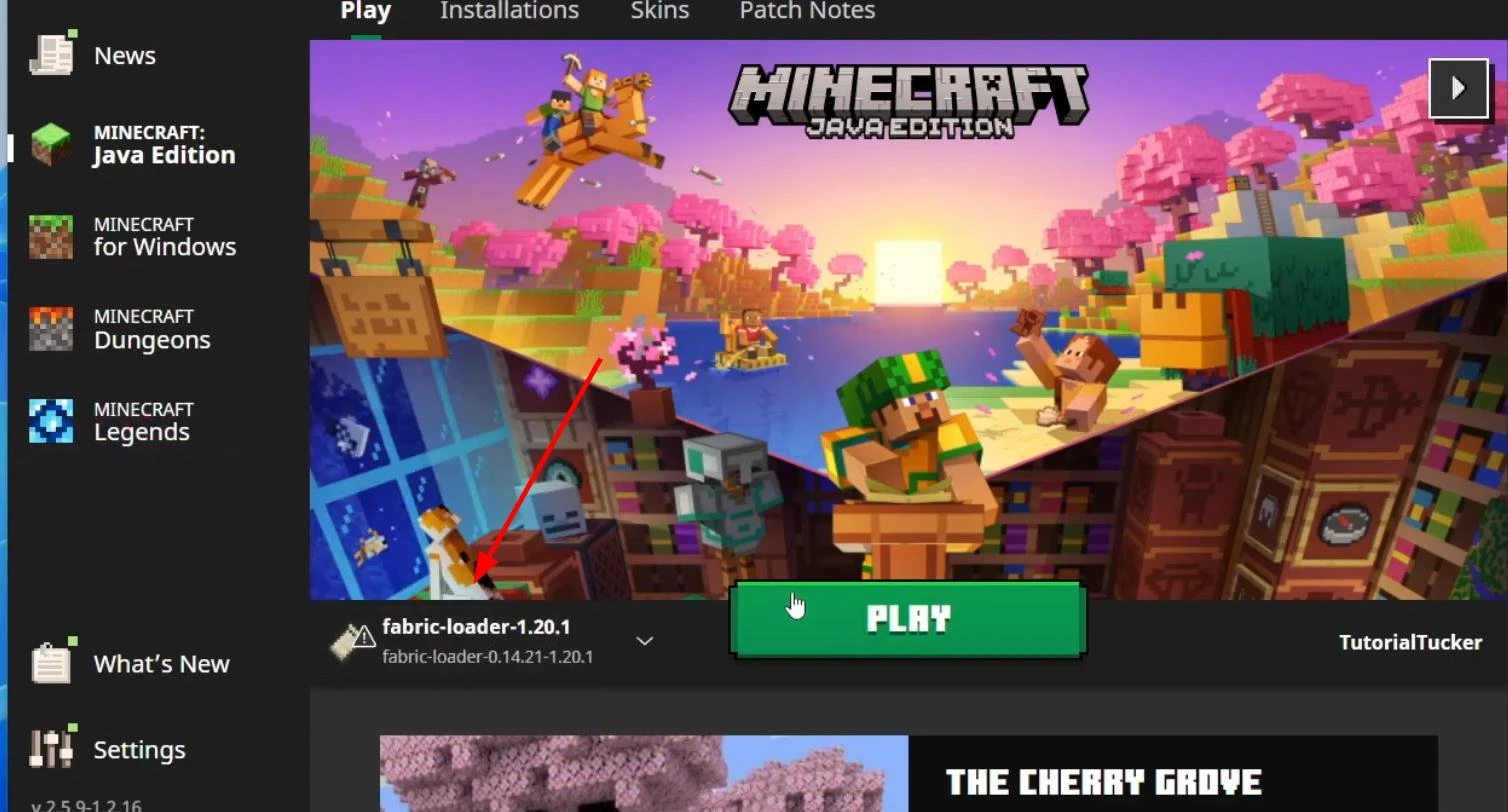
Next, you need to download the Fabric API. There is a link to it on the Fabric download page. Or you can download it here — Fabric API.
Preparing the file system
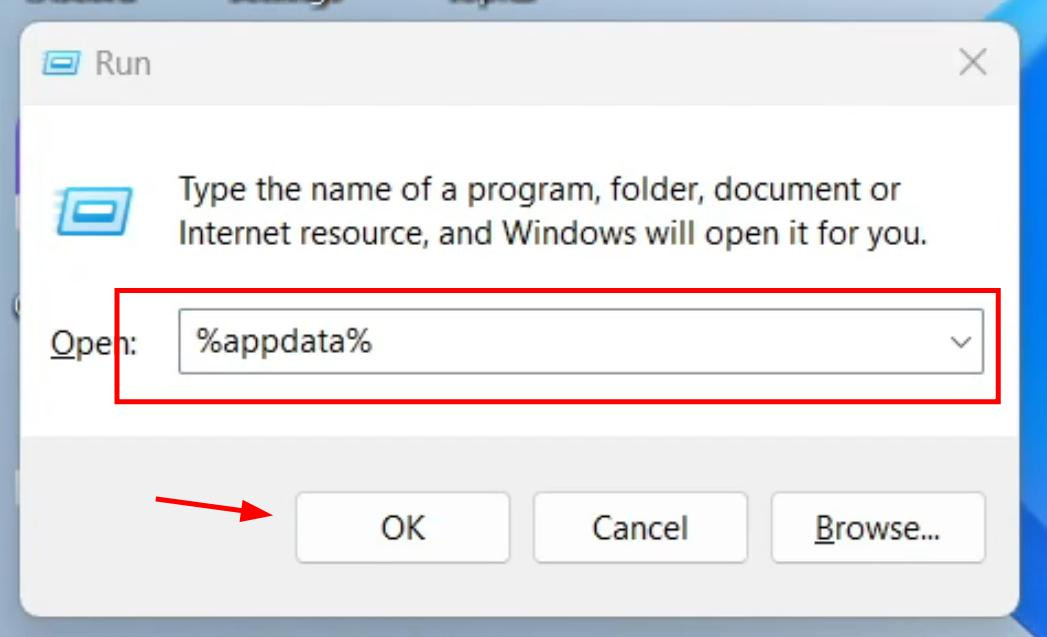
After downloading, open the downloads folder and find two files: sodium-x.x.x.jar and fabric-api-x.x.x.jar. Move them to a convenient location, such as your desktop. Next, press the Win + R key combination, enter %appdata% in the window that appears, and confirm the entry.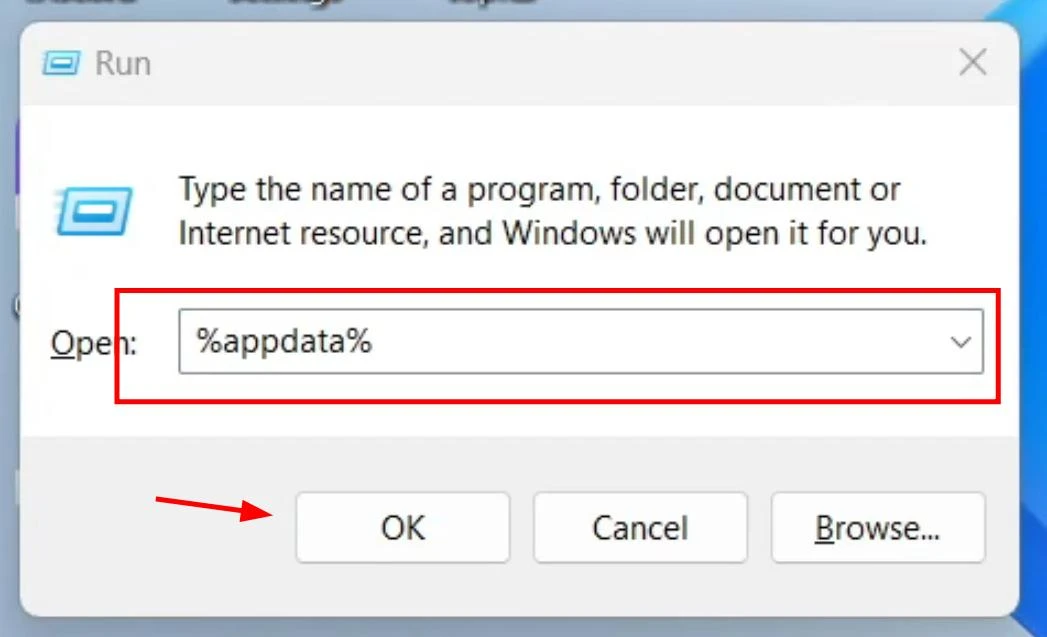
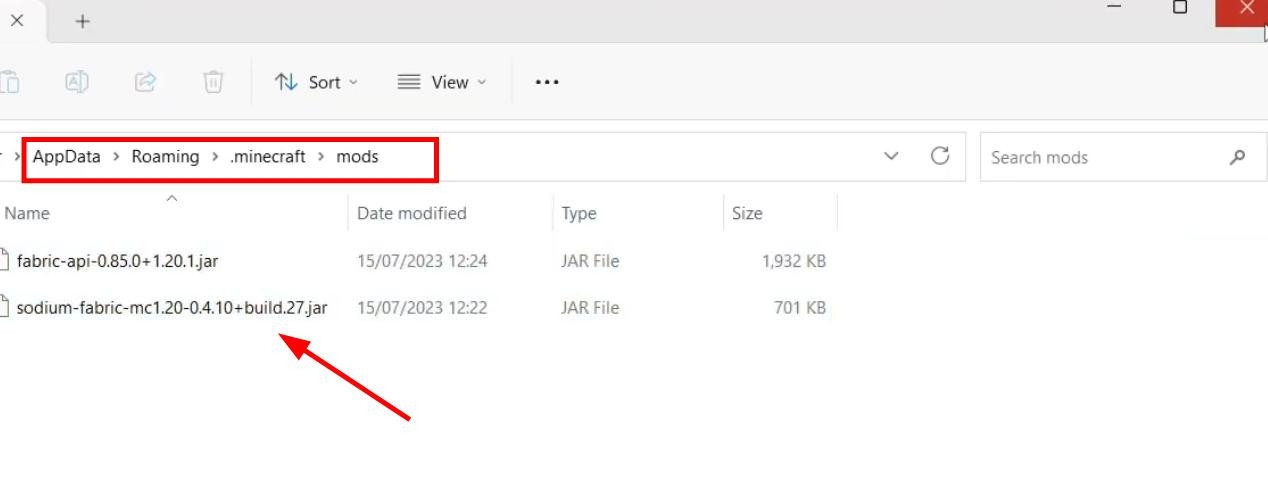
A file explorer will open, in which you need to go to the .minecraft folder.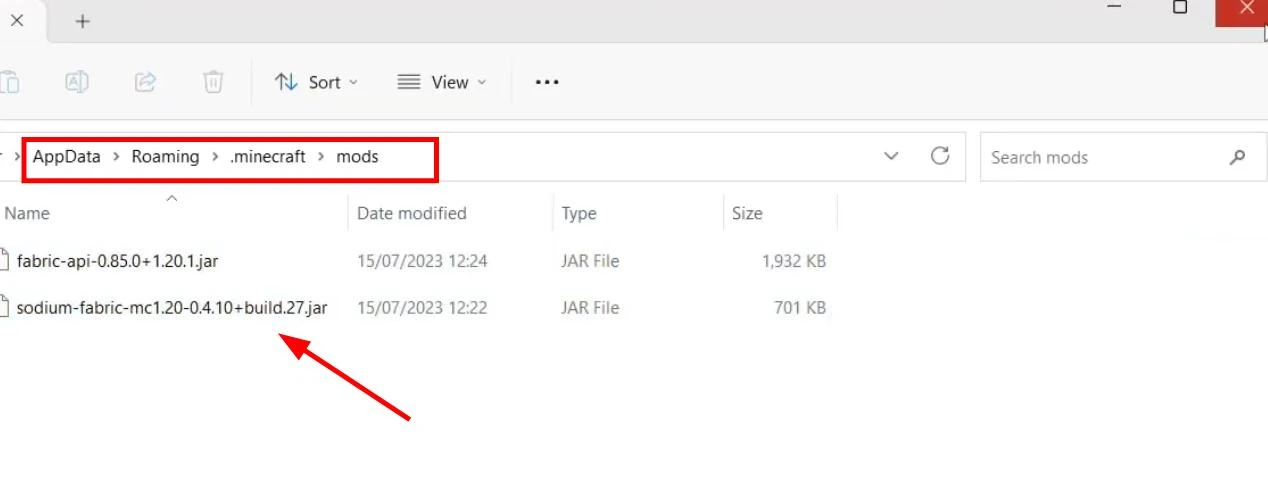
Inside the .minecraft directory, find the mods folder. If it is missing, create it manually: right-click on an empty space → “Create” → “Folder”, and name it mods. Open the folder and copy both previously downloaded .jar files into it.
Checking the installation
Open Minecraft Launcher. Select fabric-loader from the list of versions and start the game. After loading, go to settings.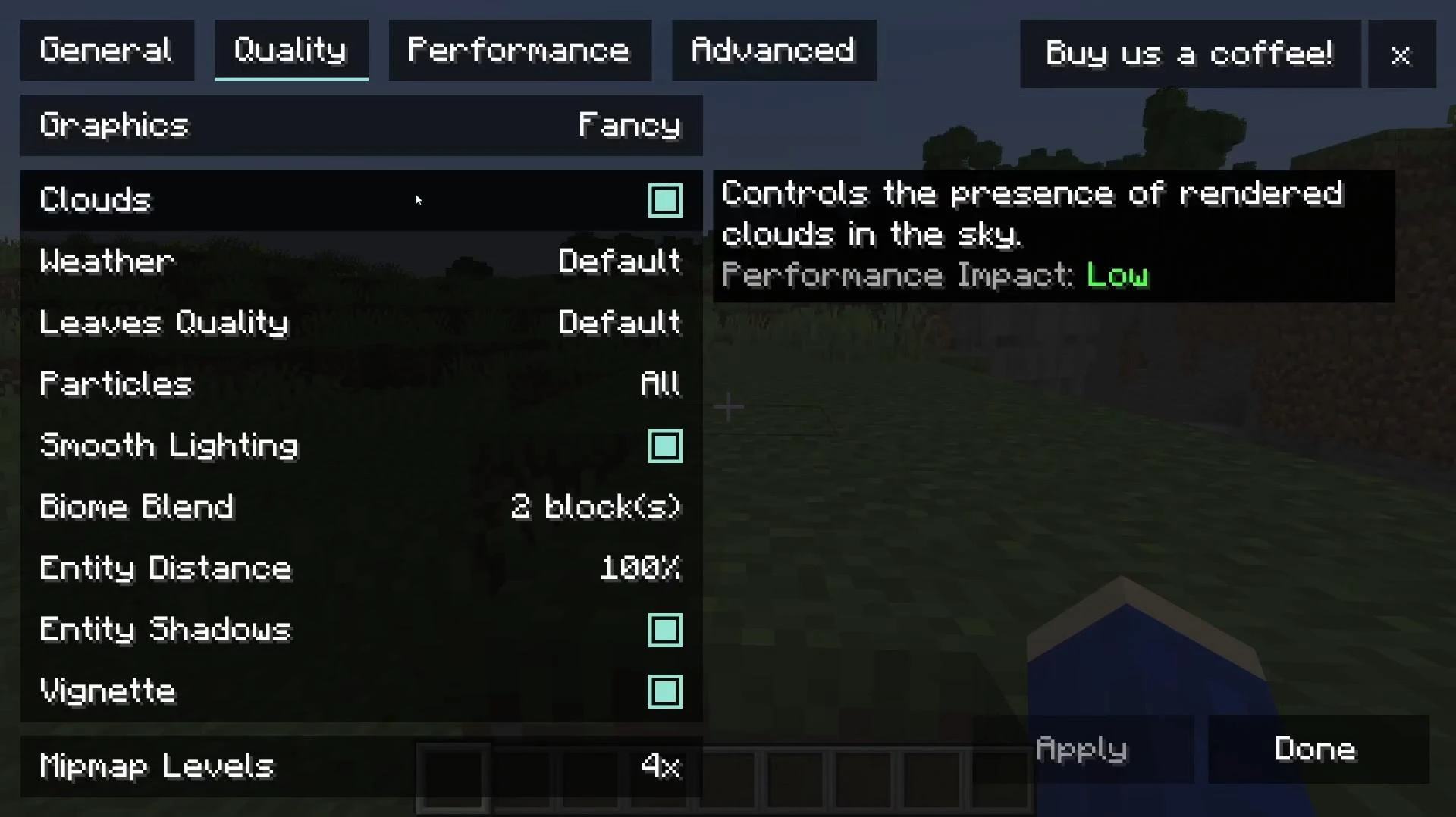
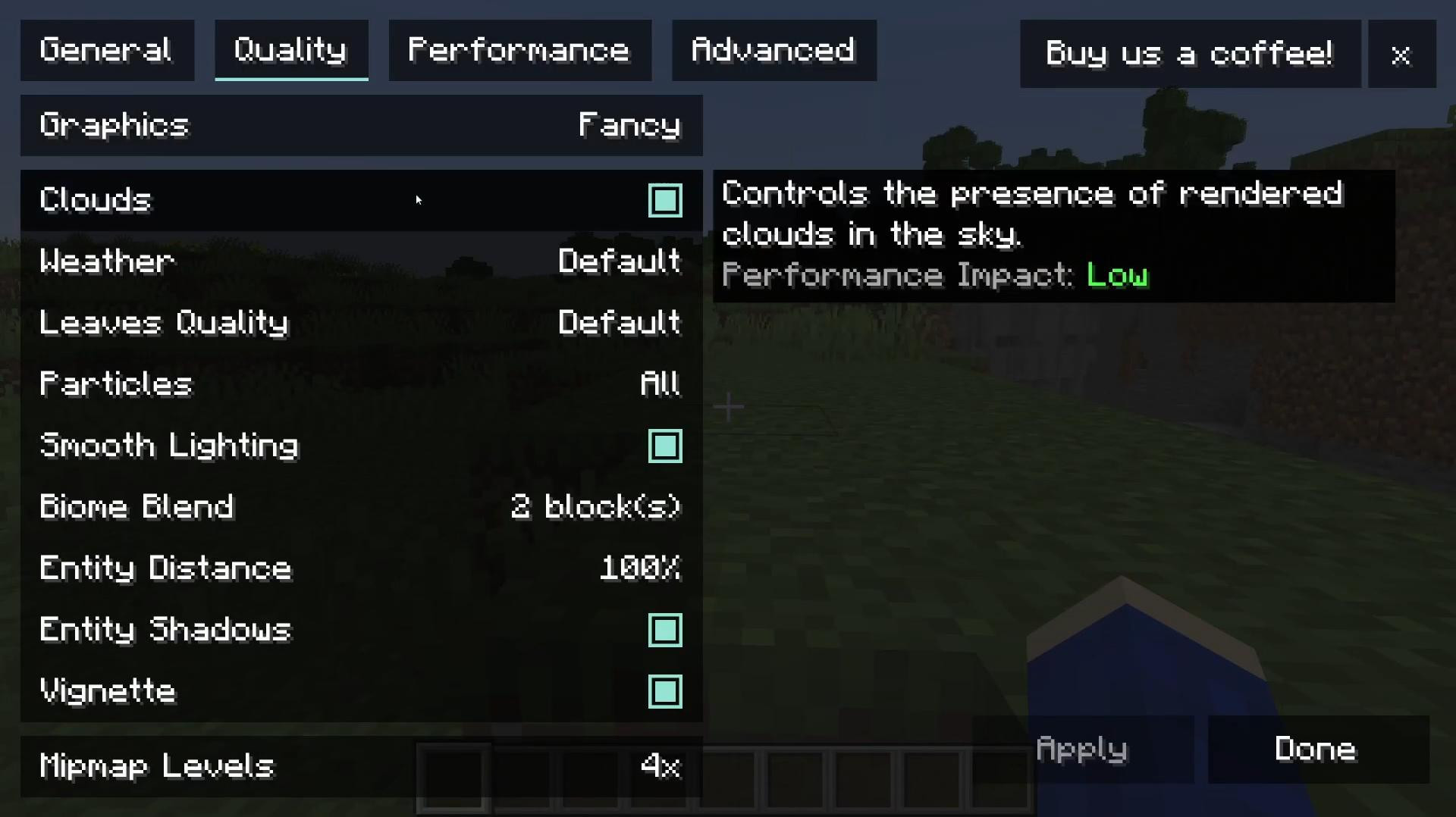
If the installation was successful, the settings interface will change and advanced options related to Sodium will appear. This means that the mod is installed and active.
Videos

Added by



![Armor Durability HUD [Minecraft 1.21.4, 1.21.3, 1.21.2, 1.21.1, 1.21]](https://i2.modland.net/i/674bc2c2c404b/190618141923060623_modland.webp)

![NeoForge Installer [Minecraft 1.21.1, 1.20.6 - 1.20.1]](https://i2.modland.net/i/66c5cbeb7e5ee/neoforge_modland.webp)
_modland.webp)
![[1.5] THE DROPPER](https://li1.modland.net/minecraft/maps/thumbnail/th_ModLandNet_1.jpg)

_modland.webp)