Changing the Car Driving Mode in Assetto Corsa Evo
-lg_modland.jpg)
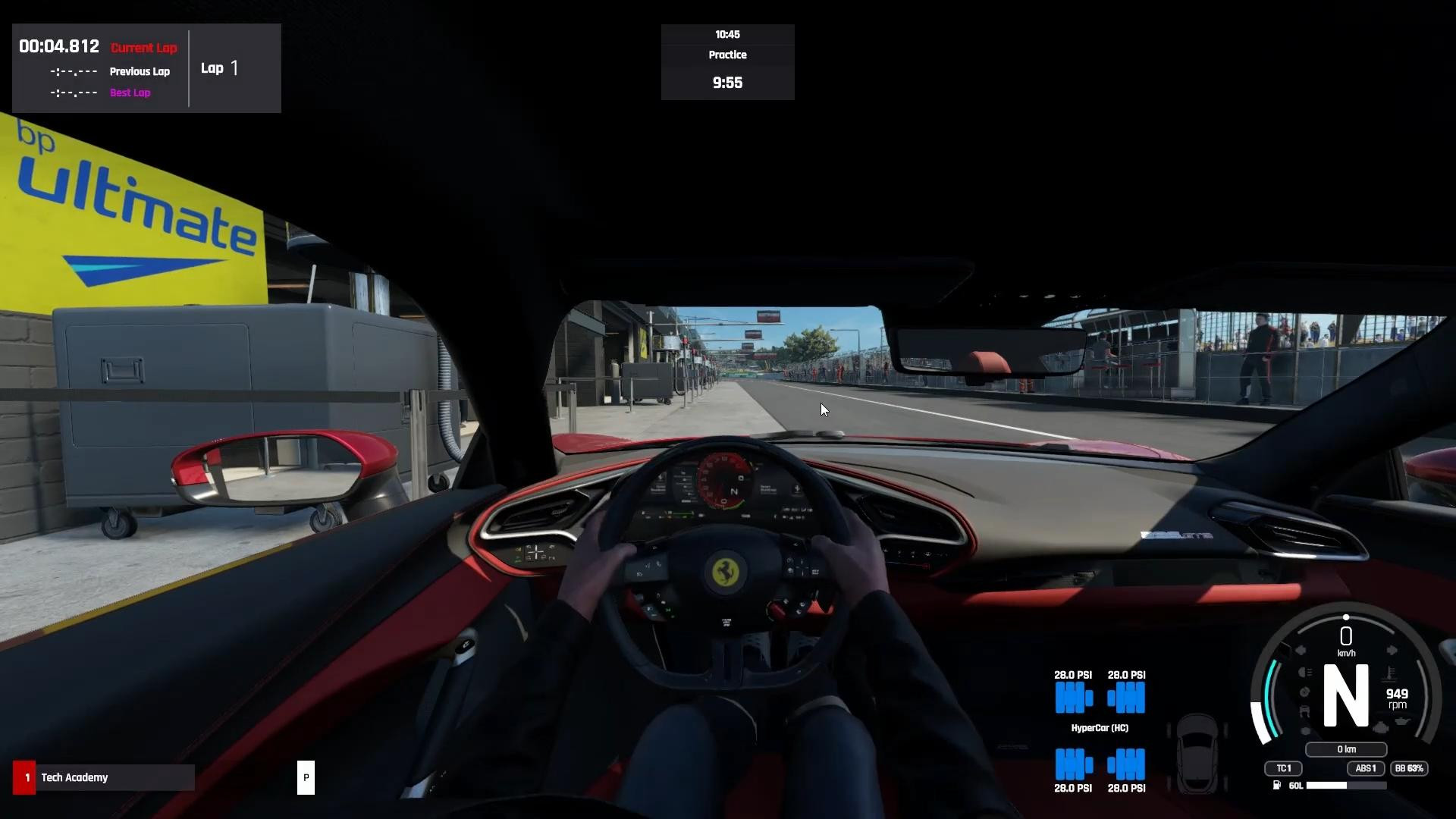
A large number of cars in AC Evo are equipped with multiple driving modes. This gives you the opportunity to customize the characteristics of the car. From the selected mode will depend on the engine power, the level of traction control and other parameters affecting the controllability.
Therefore, let's try to understand the driving mode settings in Assetto Corsa Evo in a little more detail!
Step 1: Set up the controls to change driving modes
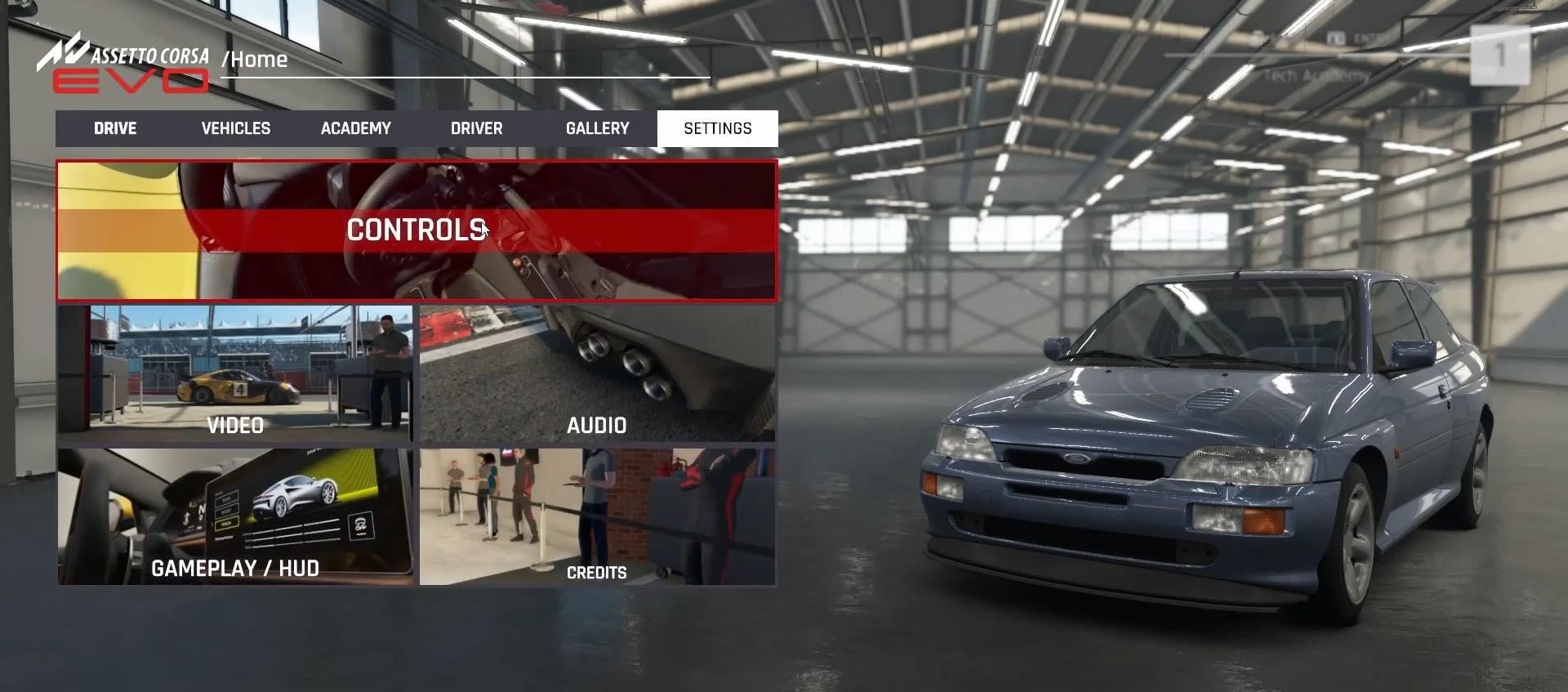
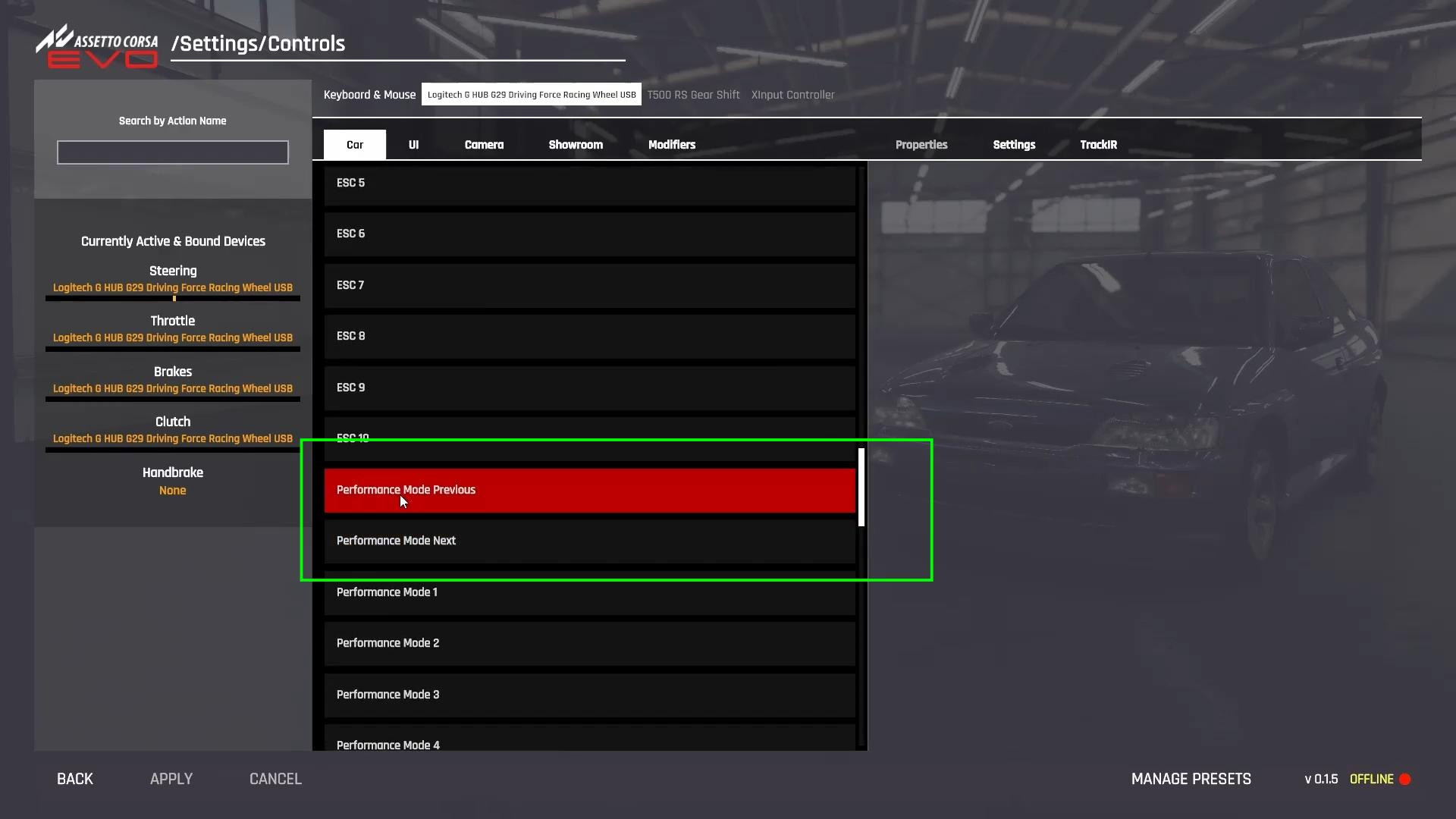
Before switching driving modes, you should assign the appropriate keys. Go to the game settings and go to the “Controls” section. Here you can customize different input devices - steering wheel, gamepad or keyboard.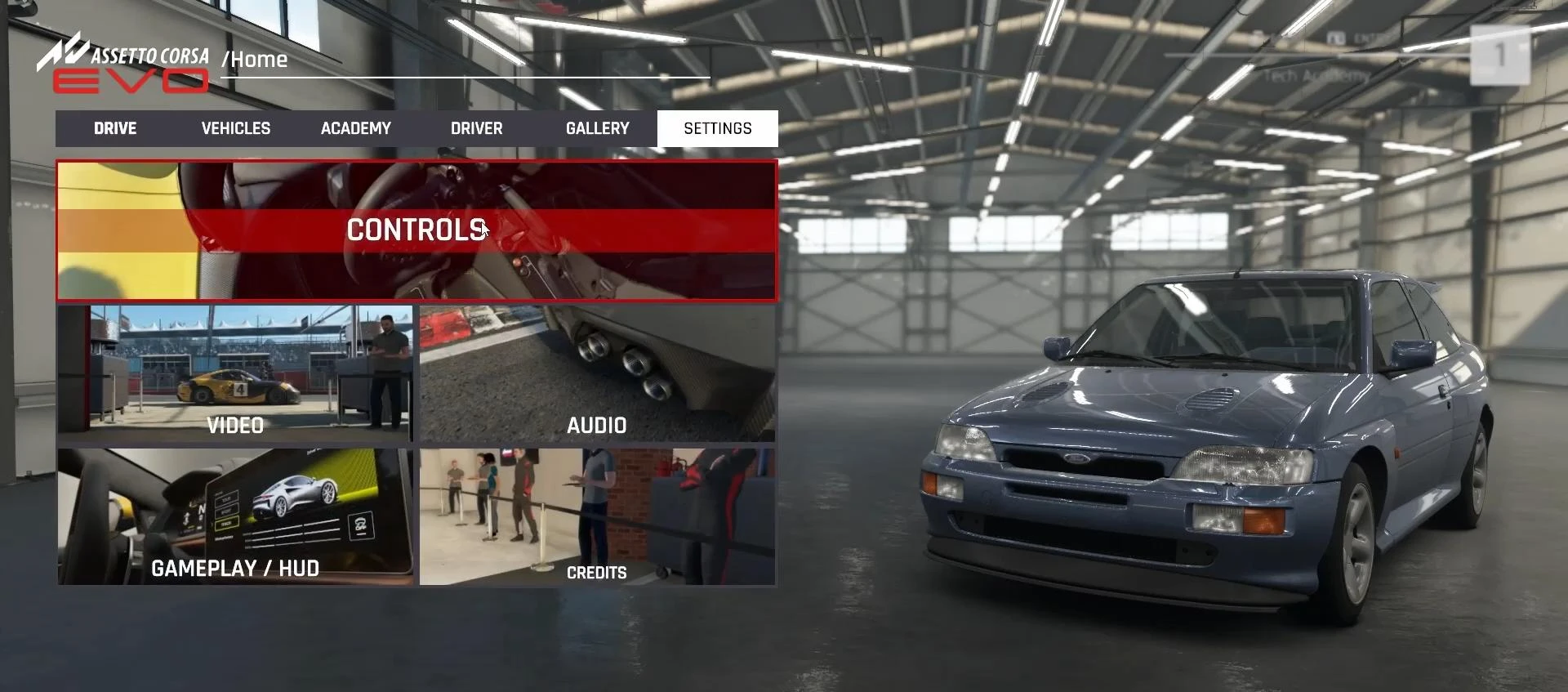
If you have a steering wheel, make sure that it is properly recognized by the game, and then scroll down the list of settings until we find the “Performance Mode” option.
This setting is responsible for switching between different driving modes of the car. We select the convenience keys for “Next Mode” and “Previous Mode”.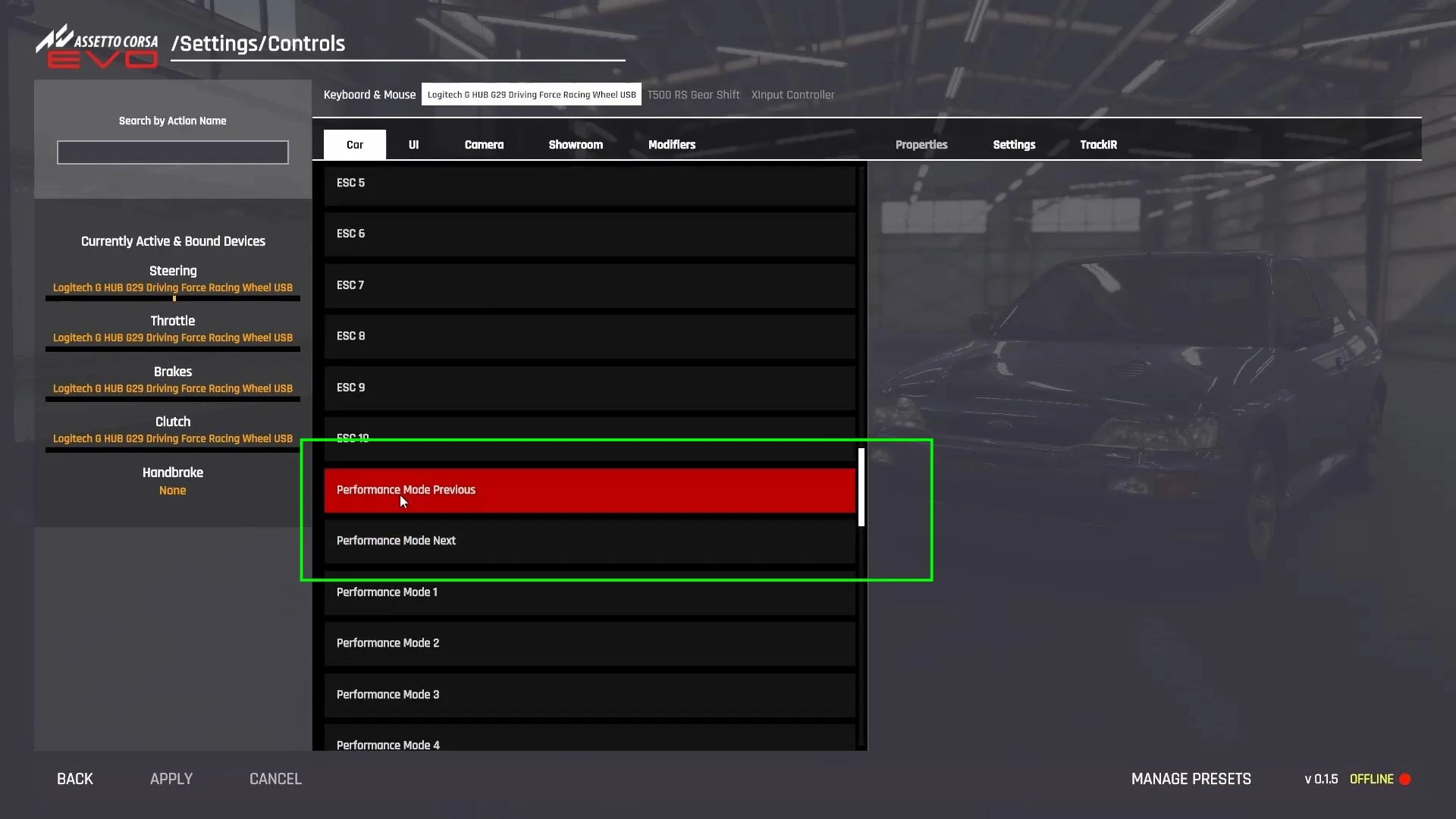
If you have a gamepad, you can bind the control to the cross-pad (D-pad), and if you have a steering wheel - to the buttons that are easy to press while driving. After selecting the keys, don't forget to click “Apply”, otherwise the settings won't be saved.
Step 2: Selecting a car with support for changing driving modes
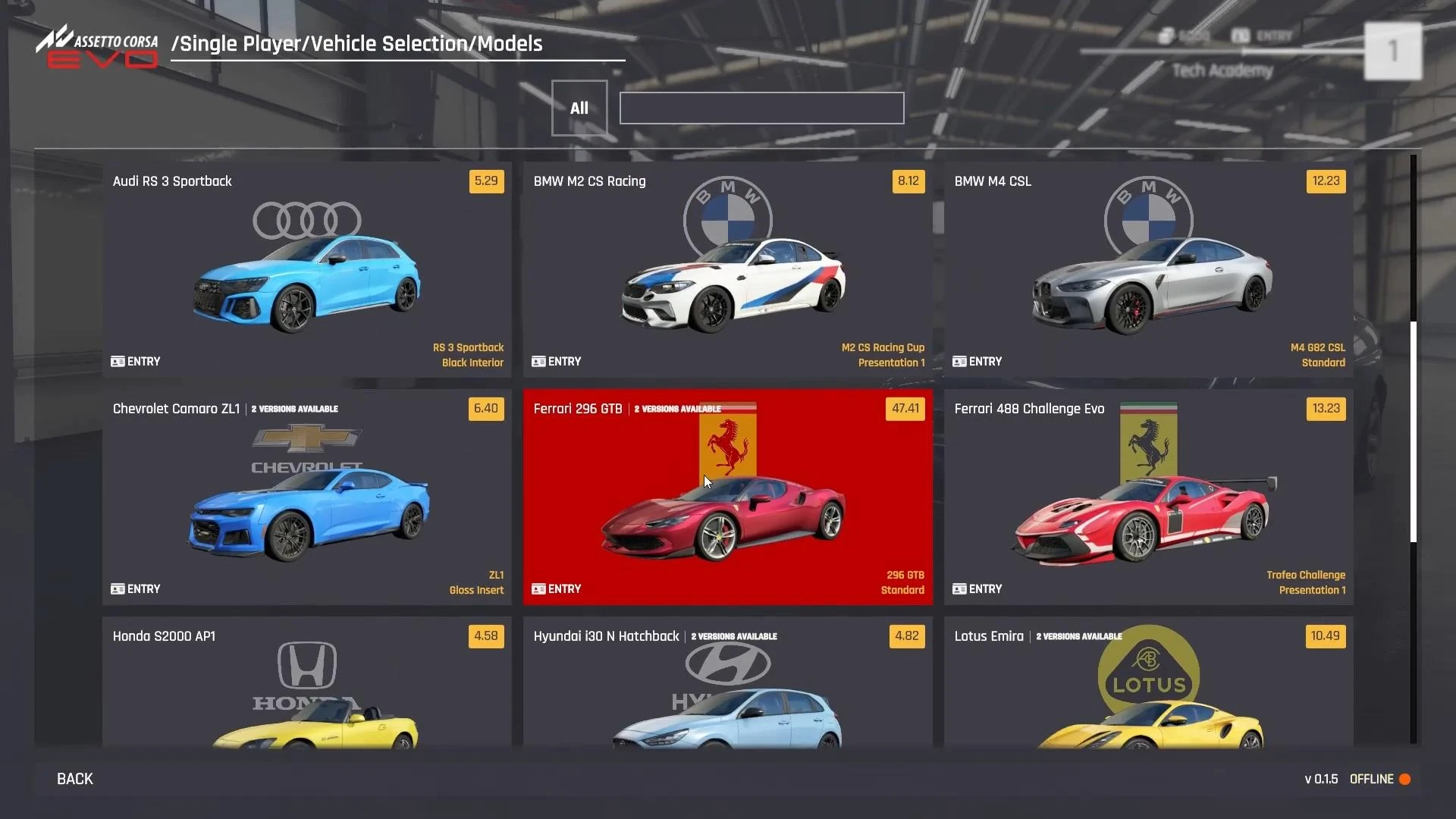
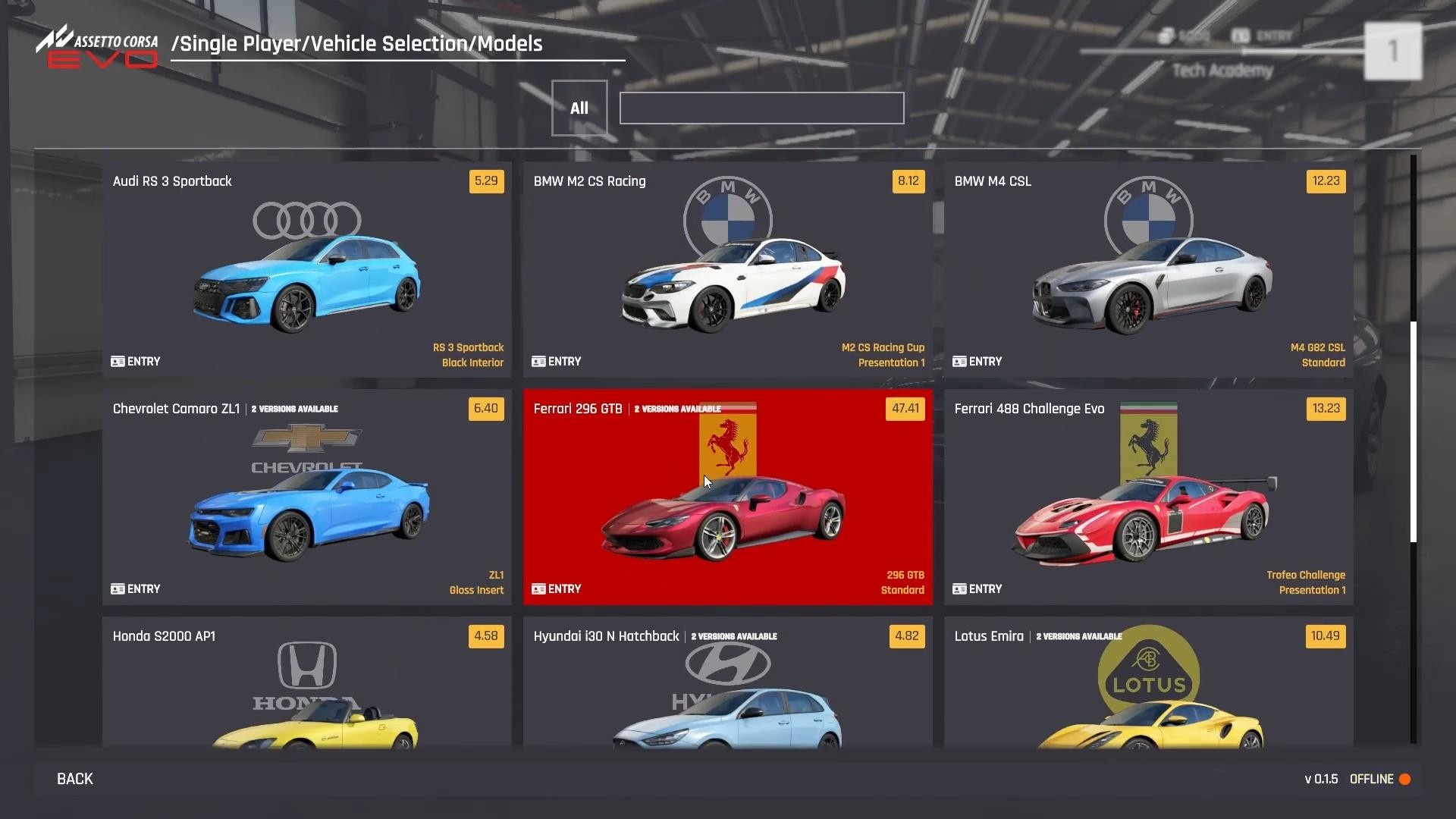
After customizing the controls, you can switch to any game mode, such as “Practice”. Not all cars support the ability to change driving modes. Among the cars in which you will definitely be able to change settings are Ferrari 296 GTB, Toyota GTI, Lotus, Hyundai and some other models.
If the car has this feature, it will be displayed on the dashboard or in the game's interface.
Select one of the supported cars, load the track and check if the assigned control works.
Step 3: Switch driving modes
When the car is already on the track, use the keys that we bound in the first step. If everything is set up correctly, a mode change indicator will appear on the car display or in the game interface. Different vehicle models can be equipped with different modes:
-
Sport mode - increases engine power, makes the accelerator pedal more sensitive and reduces the level of assistance from stabilization systems.
-
Track mode - maximum aggressive settings, minimum assistance systems, maximum output from the car.
-
Comfort mode - reduces power, makes the suspension softer and increases traction control for a comfortable ride in normal conditions.
Each mode changes the car's handling, grip and response to the accelerator pedal. Choose the mode depending on race conditions - for dry track conditions, Sport or Track mode is best, but for rainy weather or challenging track conditions, you can leave the standard settings on.
Step 4: Test and adjust to your riding style
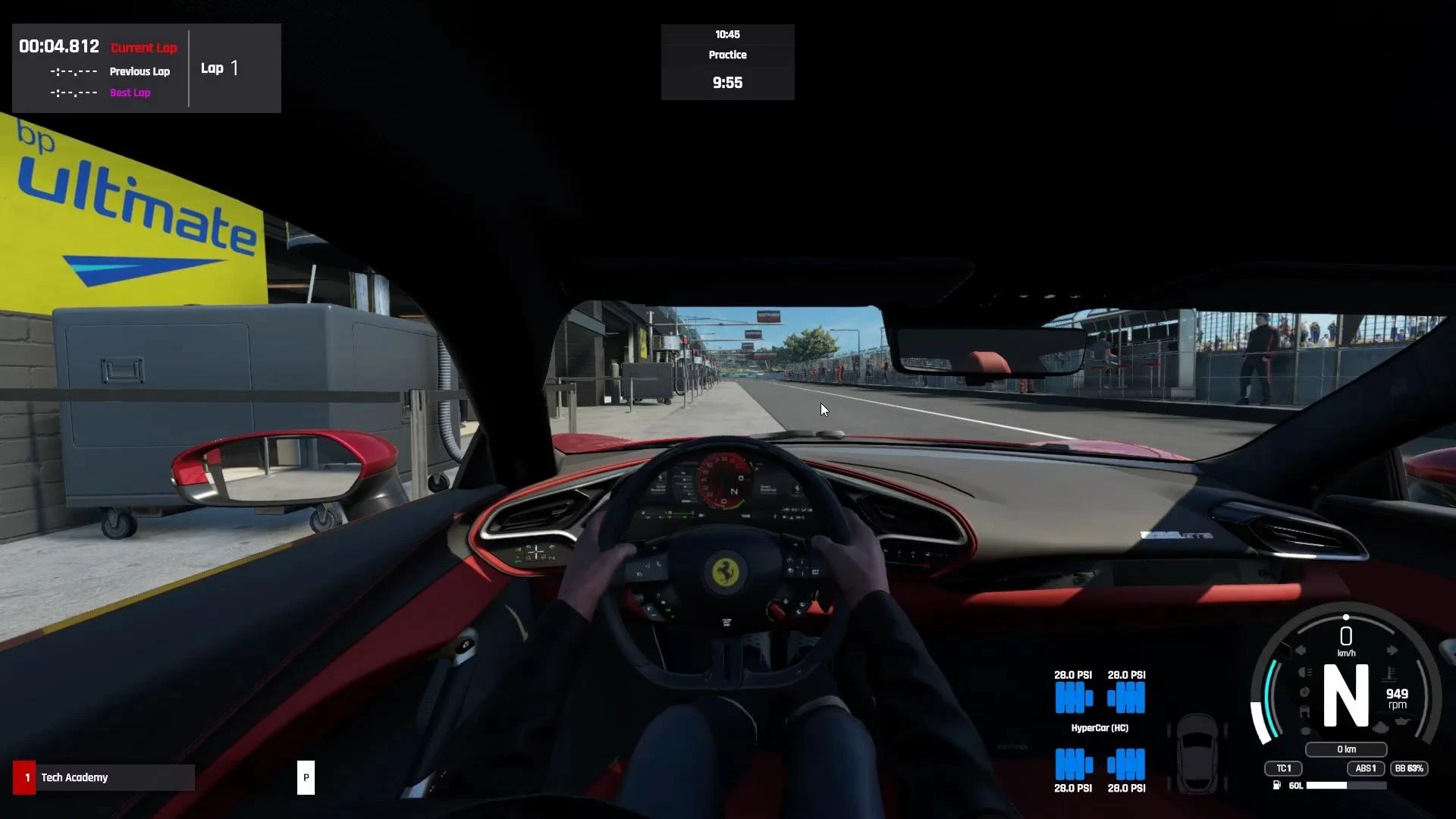
After changing modes, pay attention to changes in vehicle behavior. If the vehicle becomes too difficult to drive, experiment with another mode and its settings.
On some vehicles, you can switch driving modes. That is, you can manually change the gas pedal sensitivity, ABS level, axle power distribution, and other settings. These settings can be found in the Vehicle Settings menu and adapted to specific track conditions.
Now you know how to change driving modes in Assetto Corsa Evo.
If something doesn't work, check if the control keys are saved, if your car supports changing modes and if changing settings is displayed in the game interface.
Videos

Added by